Accounting
Books that fill in from the rest of Magpie.
Accounting keeps double-entry books for a team or Personal. Invoices, payments, expenses, Store orders and Stripe payouts are added as they happen, so you review what is left instead of entering it.
Get started free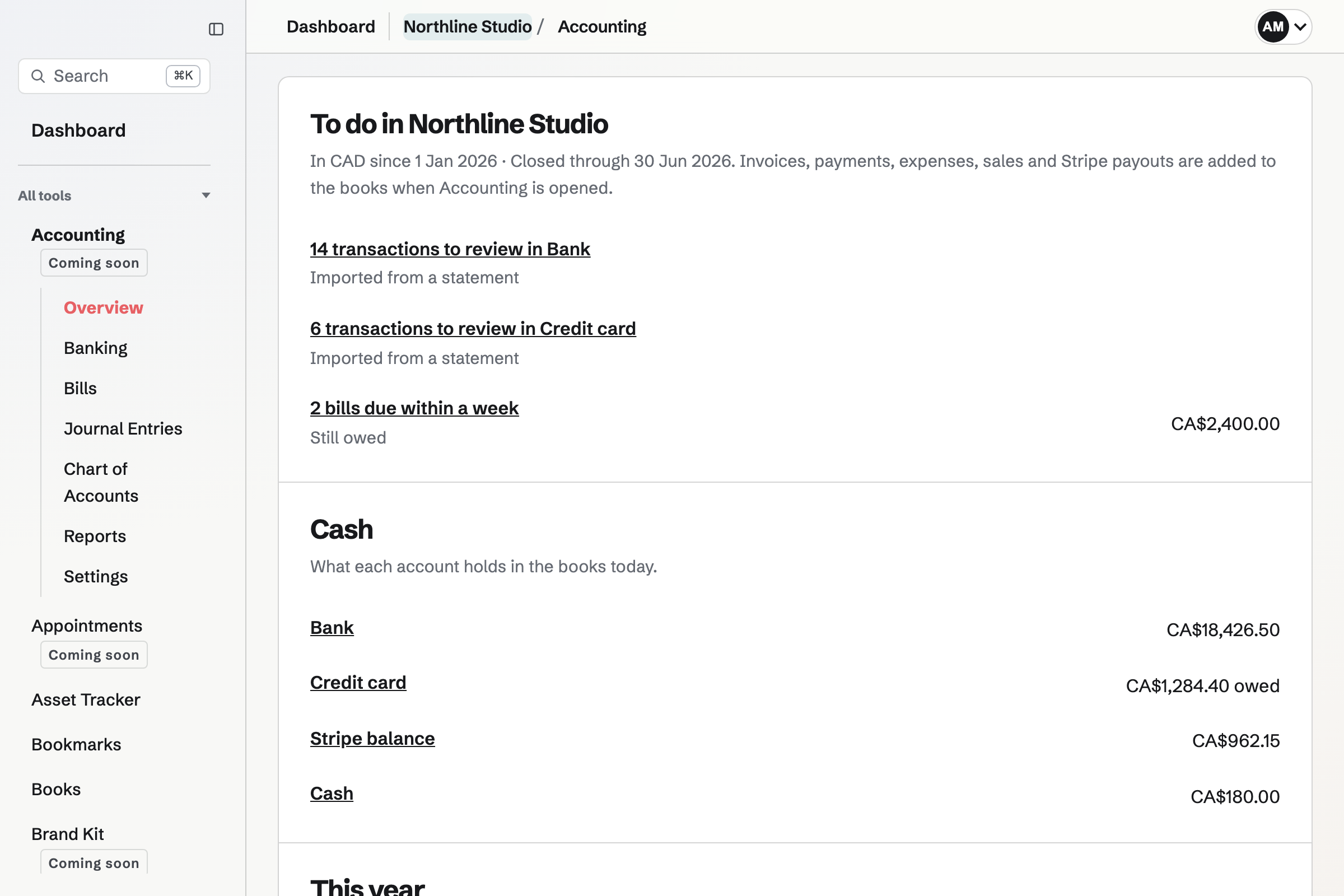
What Magpie adds to the books
- Invoices and payments
- An issued invoice is owed to you in Accounts receivable, with its tax in Sales tax payable. A payment moves it to Bank, Cash or Stripe balance on the date received.
- Expenses
- Each expense posts to the account for its category and comes from the account its payment method pays from. Reimbursable expenses are owed until marked reimbursed.
- Store, Forms and Supporters
- Paid Store orders split into sales, shipping and tax, and move the cost of stocked items to Cost of goods sold. Form and Supporter payments and their refunds are added too.
- Stripe fees and payouts
- Fees come off Stripe balance into Payment processing fees, and a paid payout moves money from Stripe balance to Bank.
Changes follow the record
When an invoice, payment or expense changes, Magpie reverses its entry and posts the new amounts. A void invoice has its entry reversed. Each entry links to the record it came from, and a record dated in a closed period is added on the first day after it.
From statement to reconciled
Import a statement
Download a CSV from your bank or card and choose Import statement. Magpie guesses the date, description and amount columns, and skips transactions already imported.
Review each transaction
Choose an account, a transfer between accounts, or an entry already in the books, such as a Stripe payout, so it is not counted twice. Add all suggested adds every transaction with a suggestion.
Let rules choose
A rule picks an account for descriptions containing some text, such as GITHUB for Software. With Add automatically on, matching transactions are added as they are imported.
Reconcile
Enter the statement's last date and ending balance, then tick each entry it shows. Finish when the difference is zero.
Bills and journal entries
Enter a supplier's bill across one or more accounts, then record payments from a bank, card or cash account. Post any other transaction as a journal entry with equal debits and credits. To correct an entry, reverse it and post a new one; closing a period stops entries dated in it.
Reports
- Profit and Loss
- Income, cost of goods sold, expenses and net income between two dates, on the accrual or cash basis.
- Balance Sheet and Trial balance
- Assets, liabilities and equity at a date, and every account's balance with total debits and credits.
- Receivable and payable
- Money owed to you and money you owe on a date, grouped by how long past due.
- Sales tax and more
- Tax charged and recoverable tax paid for a period, income by customer and spending by supplier. Every report exports to CSV.
Work with your accountant
Add an accountant by the email address of their Magpie account. They can open everything in Accounting and nothing else of the team, and choose your books from the top of any Accounting page. Accountant access is on paid plans.
Setting up
What do I enter when I start?
Choose the date the books start and the currency. Setup adds a standard chart of accounts. Then enter opening balances: what the business had and owed on that date.
How many bank and card accounts can I add?
The free plan includes 2 bank and card accounts. Paid plans have no limit.
Start your books.
Create a Magpie account, open Accounting and choose the date your books start.