Notes
Markdown Notes with search and linked To-dos.
Write in Markdown or the formatted editor, search note titles and text, and turn a checklist line into a To-do. Keep notes in Personal or share them within a team.
Get started free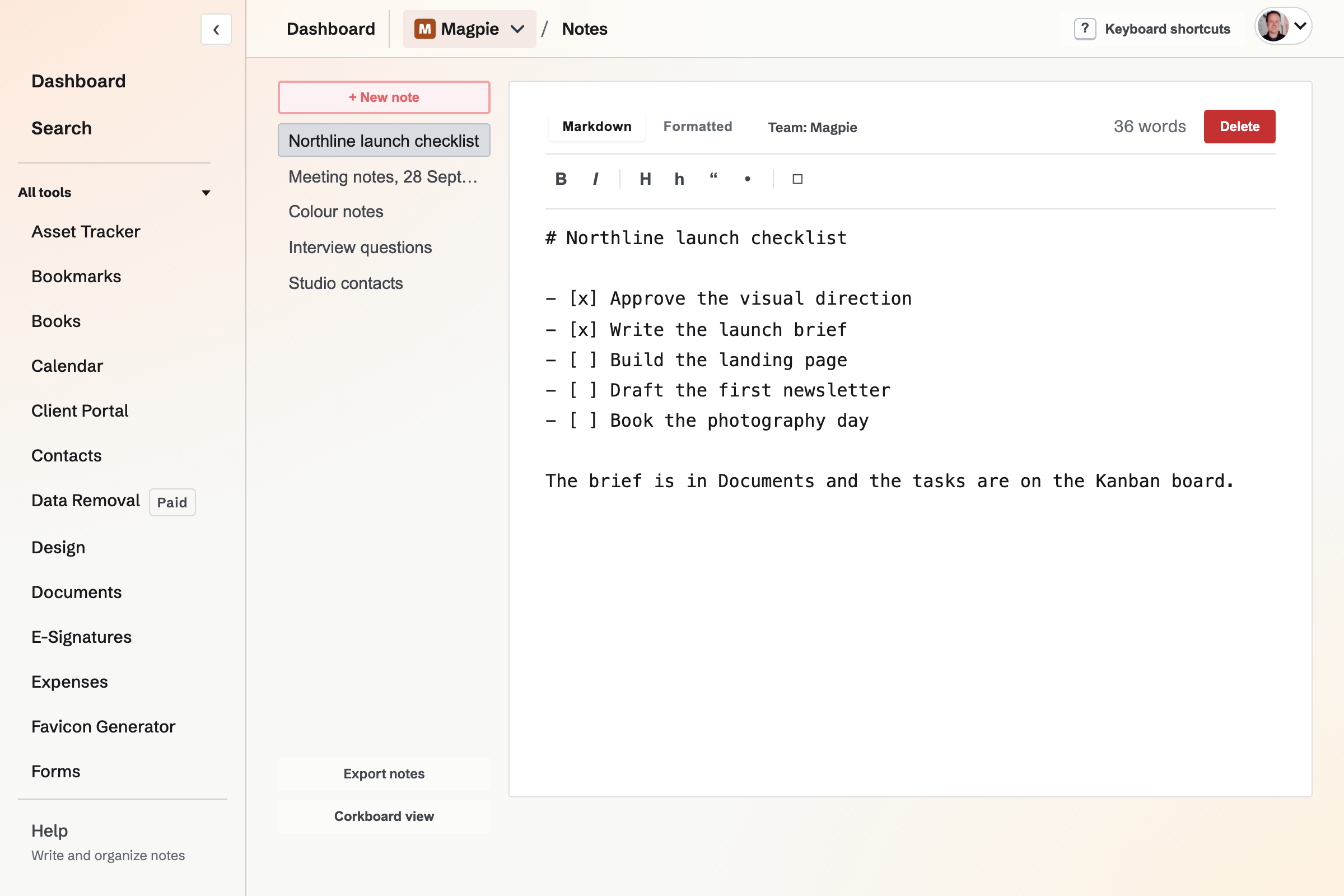
Markdown and formatted editing
Write in Markdown or switch to the formatted editor. The note can contain headings, lists, links and images. Search checks titles and Markdown bodies when you need to find older work.
Where notes are kept
Can I write a private note?
Yes. Create it in Personal. A note in a team follows that team’s access rules.
Can a note move between contexts?
A note can be moved to another team when you can edit in both contexts.
Can I export my notes?
Yes. Export the notes in the selected Personal or team context as a ZIP containing Markdown files.
How many notes can I keep?
Free allows 200 notes per context; Pro allows 1,000.
Start a note.
Create an account and write the first one.