Coaching
Magpie keeps each client’s coaching in one place, between sessions as much as in them. Your clients take part from their own portal.
Coaching is for coaches who work with clients between sessions. You agree goals with each client and run sessions with prep and recaps. In between, you follow their actions, habits and check-ins. A client takes part from their own Client Portal, with no password to remember, and pays through your invoices.
Create account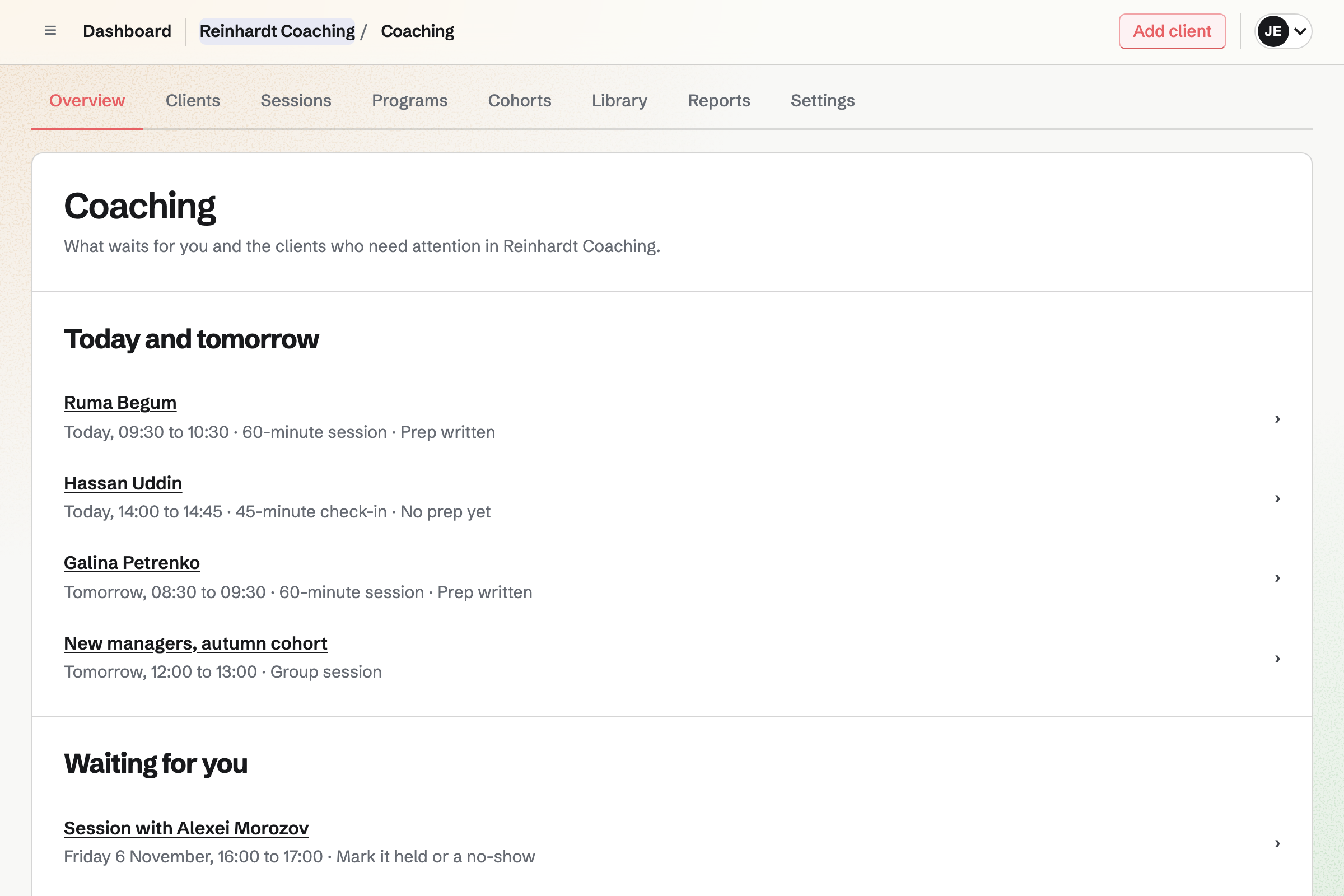
A client’s coaching starts with their name and email, and runs from their own portal.
Add the client
You type their name and email, and choose a program if they follow one. The coaching opens as a draft with a weekly check-in ready. Nothing is sent to them yet.
Start coaching
You choose a start date. Magpie emails your client an invitation from you, with a welcome message if you write one. Their Client Portal gets a Coaching page of its own.
They sign in with a link
Your client has a Magpie account at their email address, or uses the one they have. They sign in with an emailed link. The account does not join your team. Only you and your team’s admins can open their coaching.
You see who needs you
Needs attention lists today’s sessions, recaps to send and messages to answer. It names the clients who are falling behind, and why. A check-in unanswered, an action overdue, a goal behind or a low rating. Your client never sees this list.
The work between sessions is agreed with the client and followed day by day.
- Goals
- A goal is proposed until you both agree it. Progress is a number against a target, a rating out of ten, or done or not. A chart shows each value against the target and its milestones.
- Actions
- An action has a due date and an owner, you or your client. They finish it as done, partly done or not done, and say what they learned.
- Habits
- A habit is tied to a routine the client already has, with a target of days a week. It shows consistency, such as five of the last seven days. Magpie never counts days in a row, so one missed day undoes nothing.
- Check-ins
- Questions your client answers every week or every day, at a time in their own zone. A rating question can record a goal’s progress. A yes-or-no question can log a habit. Each one charts its answers over time.
- Wins
- Finished actions, reached milestones and weeks a habit hit its target are added by themselves. You can add a win of your own and celebrate it.
- One daily email
- Your client gets one email a day, at a time they choose, with what is due. Its Done and rating links work without signing in. Nothing is sent during their quiet hours.
Sessions are booked from your free times, prepared by the client and recapped by you.
A client books a session from your free times in Meetings. You set the notice and the number of bookings you allow. It happens in Video Chat, on Zoom or Google Meet, by phone, in person or at any link. Both of you get a calendar invitation.
Prep opens for the client 72 hours before. The session page shows what they wrote, what they finished since last time and their check-ins. Your private notes are never seen by the client. The recap is, and the actions you agree go straight onto their list.
Afterwards your client rates the session on four questions. A no-show or a late cancellation counts against the sessions in their coaching. You can waive it.
A program is built once, and each client follows it from their start date.
A program holds the goals you propose, stages with actions, habits and check-ins. It schedules exercises, resources and messages. Each item is released on a day, when a stage starts, around a session, or when you say.
A client’s coaching can be saved as a program. A program can also be imported from a document an assistant writes for you. A change to a program never reaches the clients already on it until you apply it to each.
A program can have a public page. People apply there with a form of your choosing, or join and pay. Someone who joins signs your agreement and pays the first invoice before their coaching starts.
Cohorts coach a group through one program together, and a sponsor can follow from outside.
A cohort is a group of clients who start one program on the same date. Each keeps their own goals, journal and messages, and you see everyone’s progress side by side. Group sessions in Video Chat hold up to 6 people with you.
A sponsor is an organization in Contacts, such as the client’s employer, with a portal of its own. It sees the client’s name, coach and dates, and only the goals and reviews the client chooses to share. Notes, the journal and messages are never shown to it. The sponsor can be the one who pays.
Clients pay through your invoices, and sign your agreement before they start.
A program or a client’s coaching has a price in your Invoicing currency. It is paid in full, in monthly instalments, or monthly until the coaching ends. Magpie issues each invoice through Invoicing with a Pay link. Your client can save a card for the next ones.
The agreement is one of your E-Signatures starters, signed by the client and by you. Coaching can wait to start until it is signed. Coaching invoices do not count toward your plan’s monthly invoices.
Your client’s journal is theirs, and your private notes are yours.
A client’s journal is private until they share an entry with you. Your private notes are never shown to them. The emails both of you get say who wrote, never what. A progress review keeps each side’s text unread until both are done.
Export record gives you a client’s whole coaching as a ZIP. Your client has the same for their own. The coaching log downloads as a CSV with the columns an ICF credential application asks for.
Plans
Coaching is on every plan. The Free plan coaches 3 clients whose coaching has not ended. Pro and the Team plan have no limit. Sessions in Video Chat need Pro or the Team plan. On Free, sessions happen on Zoom, Google Meet, the phone or in person.
Questions
Do my clients need an account, or a password?
A client needs a Magpie account, and Magpie makes it for them when you start their coaching. If they have one at that email address, it is used. They sign in with a link emailed to them, with no password to remember. The account does not join your team. Only you and your team’s admins can open their coaching.
Can clients book their own sessions?
Yes. Book a session in their portal shows your free times from Meetings, in their own time zone. Times you are busy are not offered. You set how much notice they give and how far ahead they book. You set how many sessions they can hold at once. A client can move or cancel a session until your late-cancellation window.
Where do sessions happen?
In Video Chat, where your client joins without an account. Or on Zoom or Google Meet, with a link made from your own connection. Or by phone, in person or at any link you give. A session type sets the length, the place and the coach, and you can have several.
How do I keep a client going between sessions?
With goals, actions with due dates, habits with a weekly target, and check-ins at set times. Exercises are a wheel or one of your Forms. Your client gets one email a day with what is due, and finishes things from its links. Needs attention tells you when someone stops answering or falls behind. You can reply to a check-in or an action in Messages.
Can I sell a program?
Yes. A program has a price, a payment plan and an agreement. Its public page is where people apply, or join and pay. A join sends your agreement to sign and the first invoice, and the coaching starts once it is paid. You can also build a program by pasting a document an assistant writes from your own material.
Can I run group coaching?
Yes. A cohort is a group of clients who go through one program together from the same date. You schedule group sessions, which do not count against anyone’s own sessions. The cohort has a conversation you can open to everyone. Each member still has their own goals, journal and messages with you.
What does a client’s employer see when they pay for the coaching?
You add the employer as a sponsor, with a portal of its own. It sees the client’s name, coach and dates. It sees whether sessions were held if you allow it, and only the goals and reviews the client approves. It never sees notes, the journal, check-ins, exercises or messages. The sponsor can be the one invoiced.
Can another coach in my team see my clients?
Only when you add them to that client’s coaching. A coach works with you; an observer reads and changes nothing. Your client sees who can read their coaching. A team admin reads messages and notes only after naming themselves an observer.
Can I take my records with me?
Yes. Export record makes a ZIP of a client’s coaching. It holds a readable page, the same as data, spreadsheets of goals, habits and check-ins, and the files. A team admin can export every client, every program and the library at once. Your client can export their own record too, even after their coaching ends.
Add your first client.
Create a Magpie account, open Coaching and add a client by name and email.