
Cleaning companies
A cleaning company schedules cleaners at each client's site and bills every month.
Pest control companies
Your call-outs, contract sites, reports and stock are in your own Magpie account. A second technician can join you in a team, with their own van.
Créer un compte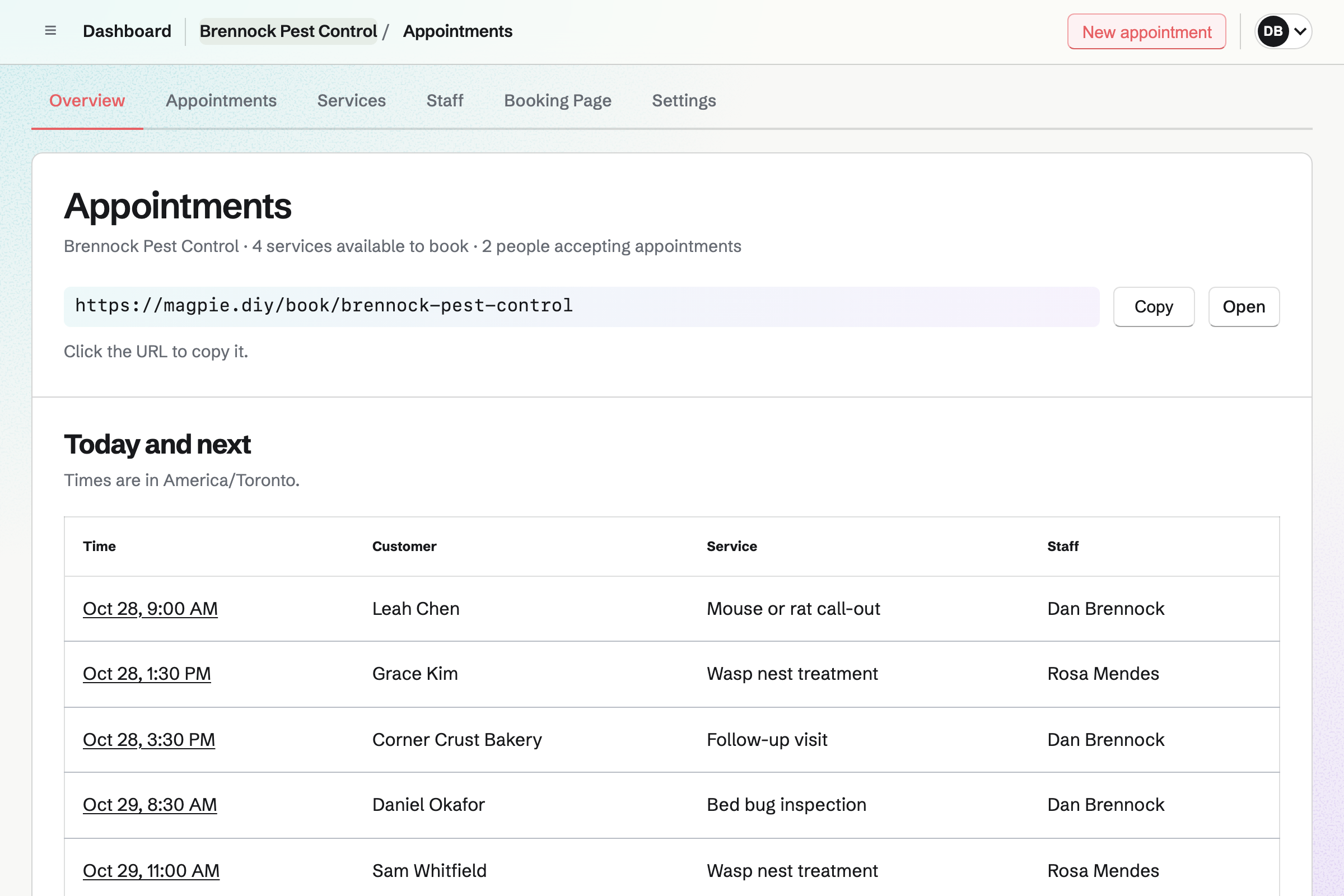
Appointments gives you a booking page with your call-outs. A wasp nest treatment and a mouse call-out each have a length and a price. Customers book without signing up first, and get a confirmation email.
When someone rings, you add the call-out yourself with New appointment. The follow-up visit two weeks on is booked the same way, before you leave. Each booking goes on the technician's calendar and adds the customer as a contact.
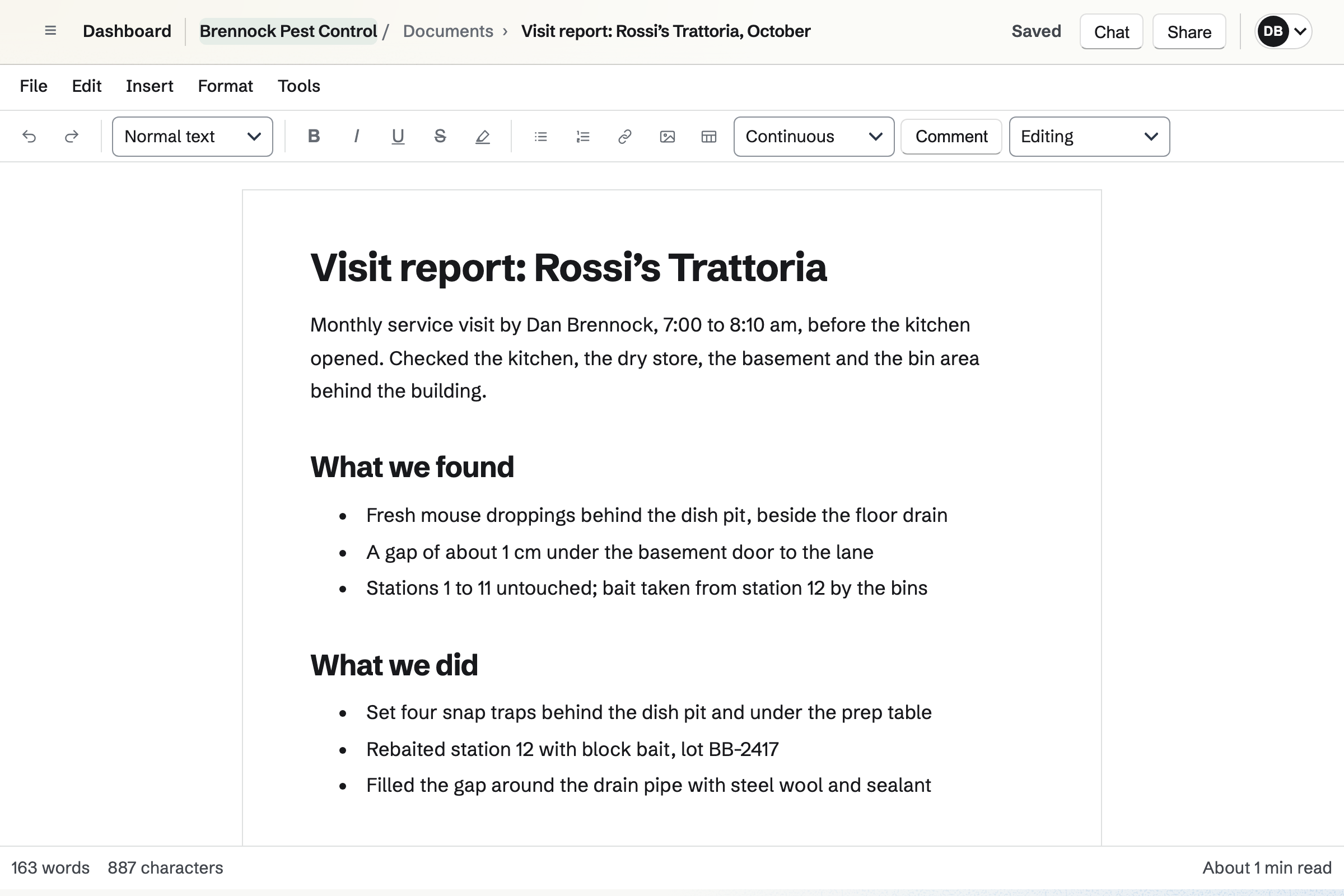
Documents is Magpie's editor for formatted documents, such as your visit report. The report lists what you found and what you did, with the product and its lot. Your photos of droppings or a nest go beside the finding they show.
You can start each report as a copy of your last one. Download PDF makes a PDF to email to the kitchen manager or the landlord. It keeps the photos and the page numbers.
Contacts keeps each customer with the site's name and address. A pinned note holds the alarm code, where the keys are and where the stations are. Their page lists every call-out, quote and invoice.
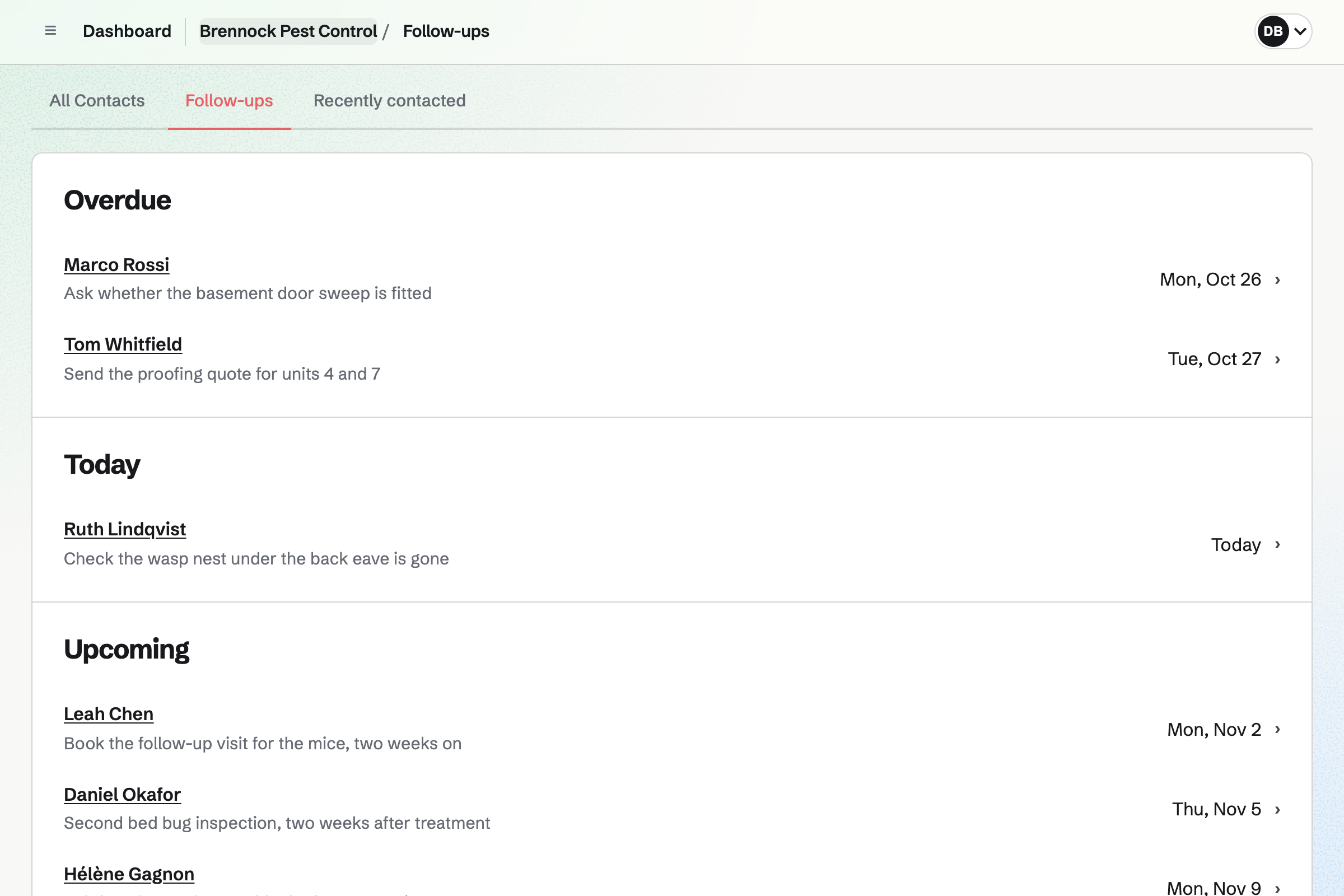
A follow-up is a To-do with a date and a reason. One reason is checking that a wasp nest is gone. Follow-ups lists every open one as Overdue, Today or Upcoming.
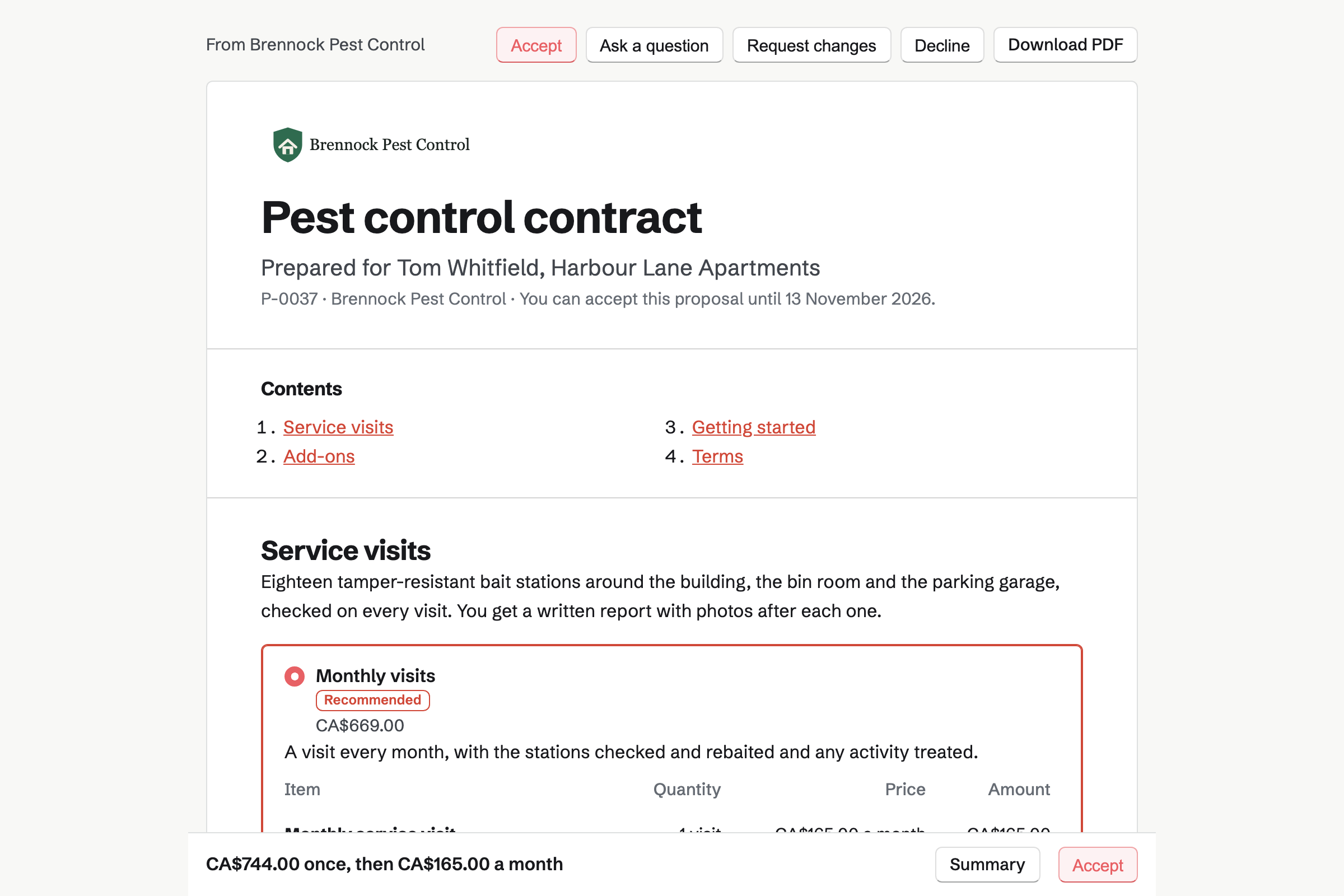
Proposals turns your prices into a contract the customer signs on its page. Monthly and quarterly visits can be two packages to choose from. Installing the stations is a one-time line, and a cockroach treatment an optional extra.
With monthly lines, the customer chooses to have each invoice charged to their card. You see when the proposal is opened, and which sections are read.
Invoicing bills a signed contract with a recurring invoice, from its monthly lines. Each invoice is issued and emailed on its date. It is charged to the card when the customer chose that. You can pause the schedule, change its lines or end it.
A one-off call-out is an ordinary invoice with a Pay online button. Its payment link can go to the customer by text, to pay on their phone. Card payments go to your own Stripe account, with no Magpie fee.
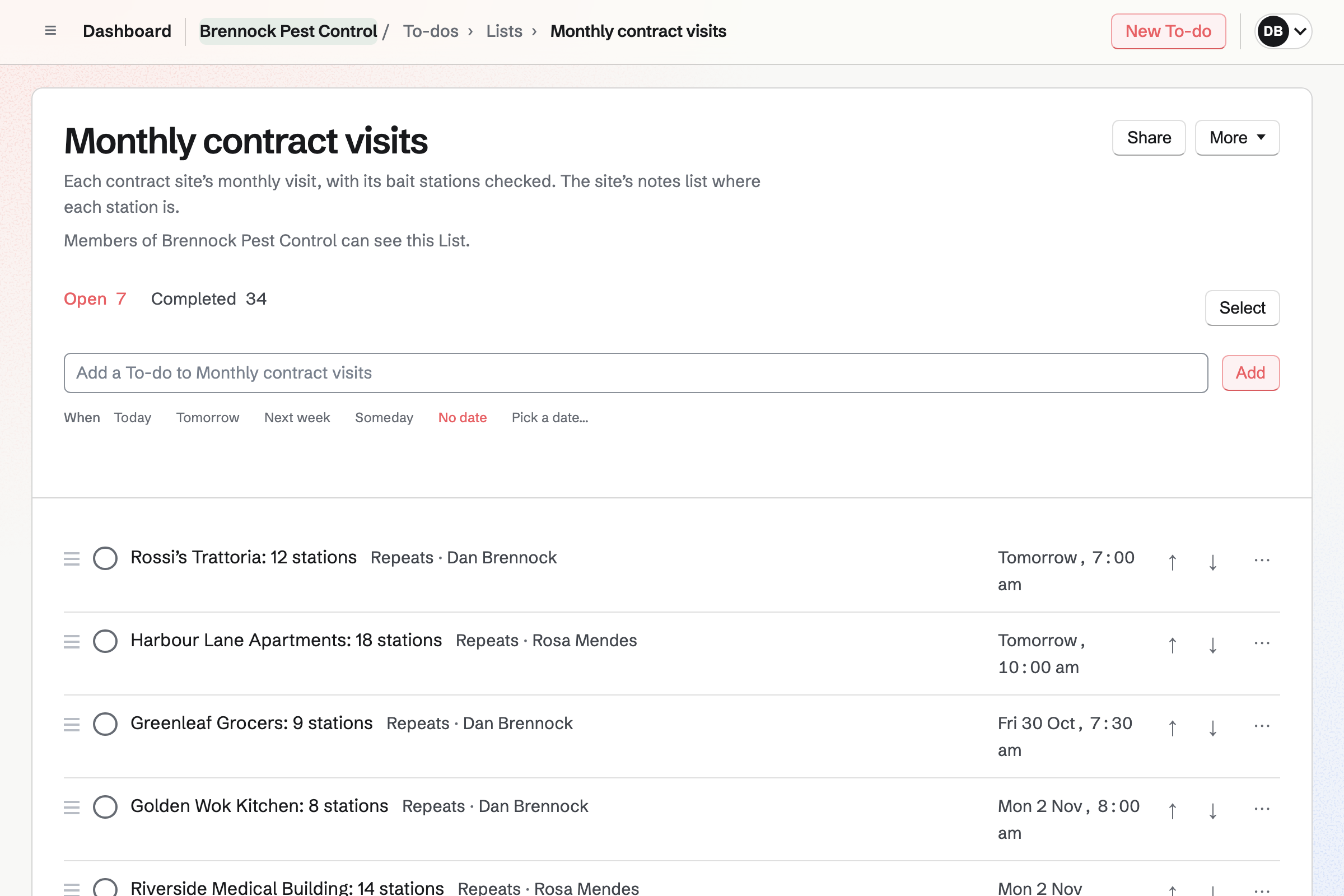
To-dos keeps your route. Each contract site is a To-do that repeats every month, in a List of contract visits. Its notes say where each bait station is. Ticking it off schedules next month's visit.
Each site can be given to the technician who goes, and its reminders go to them. Today lists the sites due, in the order you drag them into.
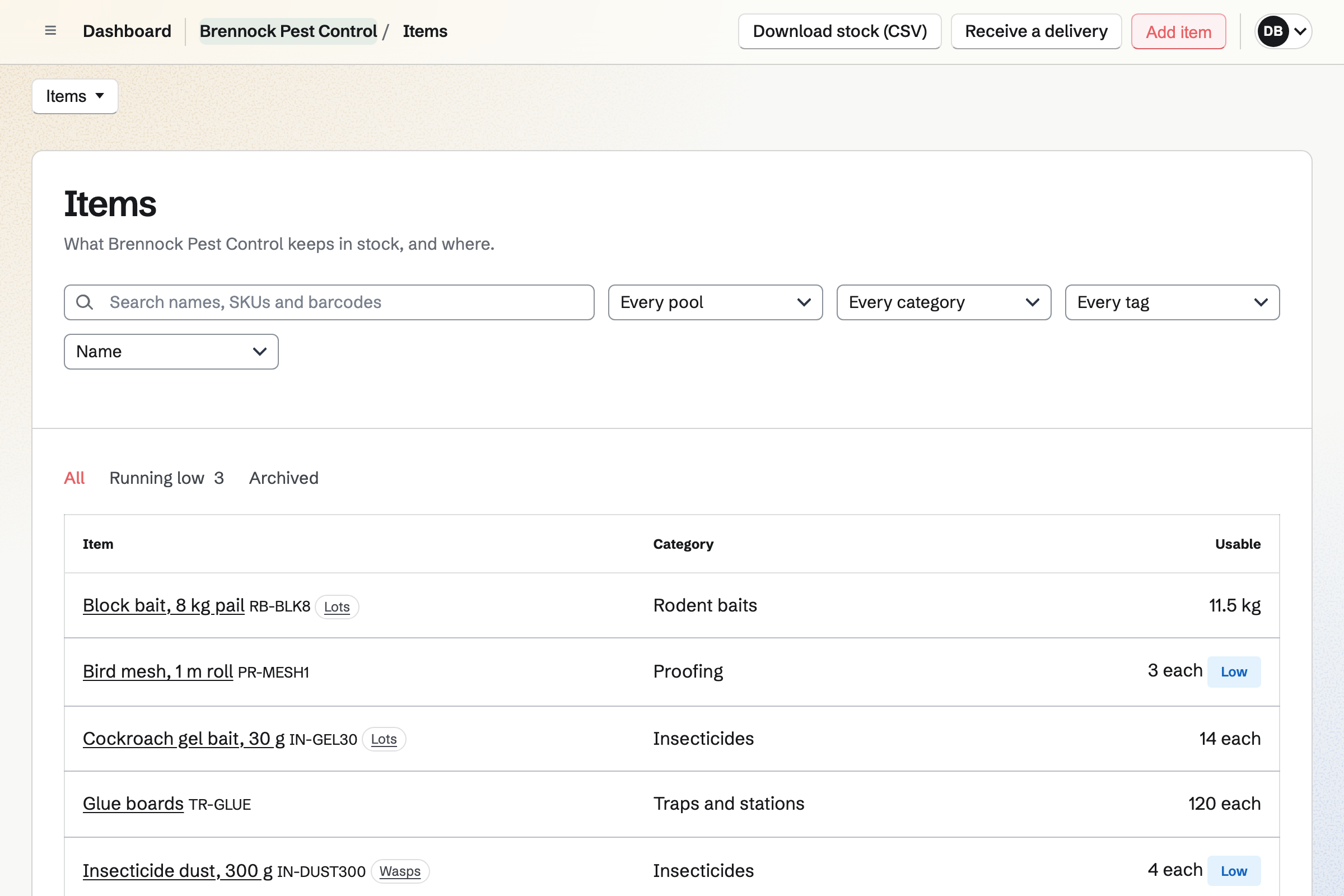
Inventory keeps your stock in pools, such as the store, Van 1 and Van 2. Loading a van is recorded as a move from the store. Stock used on a job is taken off with a note, such as the site's name.
Lots or batches records the lot code of each delivery, with its expiry date. Running low lists what to order, and starts the order to your supplier.
Each step uses what the step before it made.
The kitchen manager rings about droppings, and you book the call-out. The booking adds them as a contact.
You write the visit report with your photos, and send it as a PDF.
You book the follow-up visit two weeks on, before you leave.
They sign your quote for monthly visits, and choose to pay by card.
The monthly invoices start, each charged to their card.
You add the restaurant to your monthly visits, repeating on its day.
You choose Home services, and add your call-outs with their lengths and prices. Help: Set up Appointments.
You add each site's manager with the address and a note for access. Help: Keep a contact list.
You add your visits, installations and treatments to quote from. Help: Proposal starters, saved sections and the price list.
You add the store and each van as a pool, then your baits and traps. Help: Keep track of stock.
You connect your Stripe account, so customers can pay by card. Help: Connect Stripe to receive money.
A pest controller working alone fits Pro, for your own work in Personal. The free plan includes 5 invoices a month, 5 proposals and 100 contacts, and Pro has no limit.
With a second technician, the Team plan has one price for up to 25 members. Magpie adds no fee to invoices. Stripe's processing fee is taken from each card payment. Prices are on the Pricing page.
A cleaning company schedules cleaners at each client's site and bills every month.
A plumber or electrician quotes each job, then bills it on site with a payment link.
A window cleaner keeps a round of houses, each due again every four or eight weeks.
A landscaper sends crews on maintenance rounds and keeps track of mowers and trucks.
A home inspector books inspections and writes each house's report, exported as a PDF.
A landlord or property manager bills rent monthly and takes tenants' repair requests.
A restaurant takes table bookings, plans the rota and runs the kitchen's daily checks.
Yes. Your booking page lists your call-outs with their length and price. A customer picks a day and a time your hours leave free. They enter a name and an email address, and book without signing up first. A confirmation email lets them move or cancel it.
Yes. New appointment books a call-out for the customer, with the technician, the day and the time. You enter their name and email address, and their phone number if you have it. Magpie emails them the confirmation and adds them as a contact.
Yes. You book it as a new appointment, such as a 30-minute follow-up visit. It goes on your calendar, and the customer gets a confirmation. A follow-up on their contact can remind you to book it instead.
Yes. Each call-out is a service with its own length and price. A wasp nest treatment, a mouse call-out and a bed bug inspection are three services. A service can be switched off for the winter without losing its bookings.
Yes. A buffer before or after each call-out keeps that time free. A minimum notice stops bookings too close to their start. A maximum range sets how far ahead customers can book.
Yes. Each technician who takes appointments has their own weekly hours. A customer can choose who comes, or Anyone available. Each booking goes on that technician's calendar.
Yes, when they are on your calendar. A time is offered only when your calendar is free. A Calendar event, such as a morning of contract visits, takes that time off the page.
Yes. A call-out request Form can take a photo or a PDF of up to 10 MB. It can also ask where the nest is and how high. Each request is emailed to you. Only the people who can see the Form's responses can open the photo.
Yes. The report is a Document: what you found, what you did and the site's next steps. You upload your photos into it and choose each one's width. A photo can have text beside it, so each finding has its picture.
Yes. Download PDF makes a PDF of the report, with its photos, headings and page numbers. You can email it to the kitchen manager or the landlord. You can also share the report with them by email address. The invitation gives them a free Magpie account to read it in.
Yes. Duplicate copies your last report, with its headings and your wording, and opens the copy. You change the site, the date and what you found. Page setup keeps your paper size, margins and page numbers.
Yes. A pinned note on the site's contact stays near the top of its page. It can hold the alarm code, where the keys are and where each station is. Everything in a contact stays private to Personal or your team.
Yes. A contact's page lists every call-out booked for them, and every quote and invoice. Notes and calls you record are listed with them, newest first. Last contacted shows when you last spoke to them.
Yes. A proposal can offer monthly and quarterly visits as packages. Installing the stations is a one-time line, and extra treatments are optional lines. The customer chooses a package, adds any extras and signs on the page.
Yes. The contract's monthly lines become a recurring invoice when the work starts. Each invoice is issued and emailed on its date. When the customer chose automatic payment, each one is charged to their saved card. You can pause the schedule, change its lines or end it.
Yes. You record a bank transfer, a cheque or cash against the invoice by hand. Payment reminders can go out until the invoice is paid.
Yes. Each invoice has a payment link. The invoice's page shows it, so you can send it by text. The customer pays by card on their own phone. The payment is recorded on the invoice.
Magpie adds no fee. Stripe's processing fee is taken from each payment. The rest goes to your own Stripe account, and Stripe pays it out to your bank.
Yes. Invoicing has named tax rates, such as HST or VAT, each with a percentage. Each line uses one of them or no tax.
Yes. Each contract site is a To-do that repeats every month, in a List of contract visits. Its notes can say where each bait station is. Ticking it off schedules next month's visit. Today shows the sites due, in the order you drag them into.
Yes. A To-do can be assigned to the technician who goes. They get an email saying so, and its reminders go to them. Their To-dos page lists the sites assigned to them.
Yes. Staff Scheduling plans their shifts, and each site can be a location with its address. Shifts stay drafts until you publish the week. They then see their own shifts, with the address and your instructions.
Yes. Inventory keeps stock in pools, such as the store, Van 1 and Van 2. Loading a van is recorded as a move from the store. Stock used on a job comes off with a note. Every change is listed with who made it.
Yes. With Lots or batches on, each delivery of an item records its lot code. Expiry dates records when each delivery expires. The item's page lists each lot in each pool. Hold back keeps suspect stock from counting as usable.
Yes. Each item can have a minimum in each pool. Running low lists what is below it. Draft orders starts an order to each item's usual supplier. Receiving the delivery adds the stock to the pool.
Yes. Company Records files your company's documents by kind, such as an insurance certificate or a licence. A document with an expiry date is listed under Coming up. You are emailed 30 et 7 days before it expires.
Yes. Asset Tracker keeps each van and sprayer with its tag, serial number and condition. You can assign one to a technician, or check it out until a due date. Start maintenance records one in for repair.
Yes. You photograph each receipt on your phone, up to 10 MB each. Categories such as Fuel and Supplies total what each month cost.
Create a Magpie account and publish your booking page.