Password Vault
Choose a new vault password with your recovery key, and put back a record changed by mistake.
Setup gives you a recovery key: the only other way into your vault if you forget the vault password, because Magpie keeps no copy of either. Each record also keeps its earlier versions and replaced passwords, encrypted with it, and the whole vault can be downloaded as an encrypted backup.
Get started free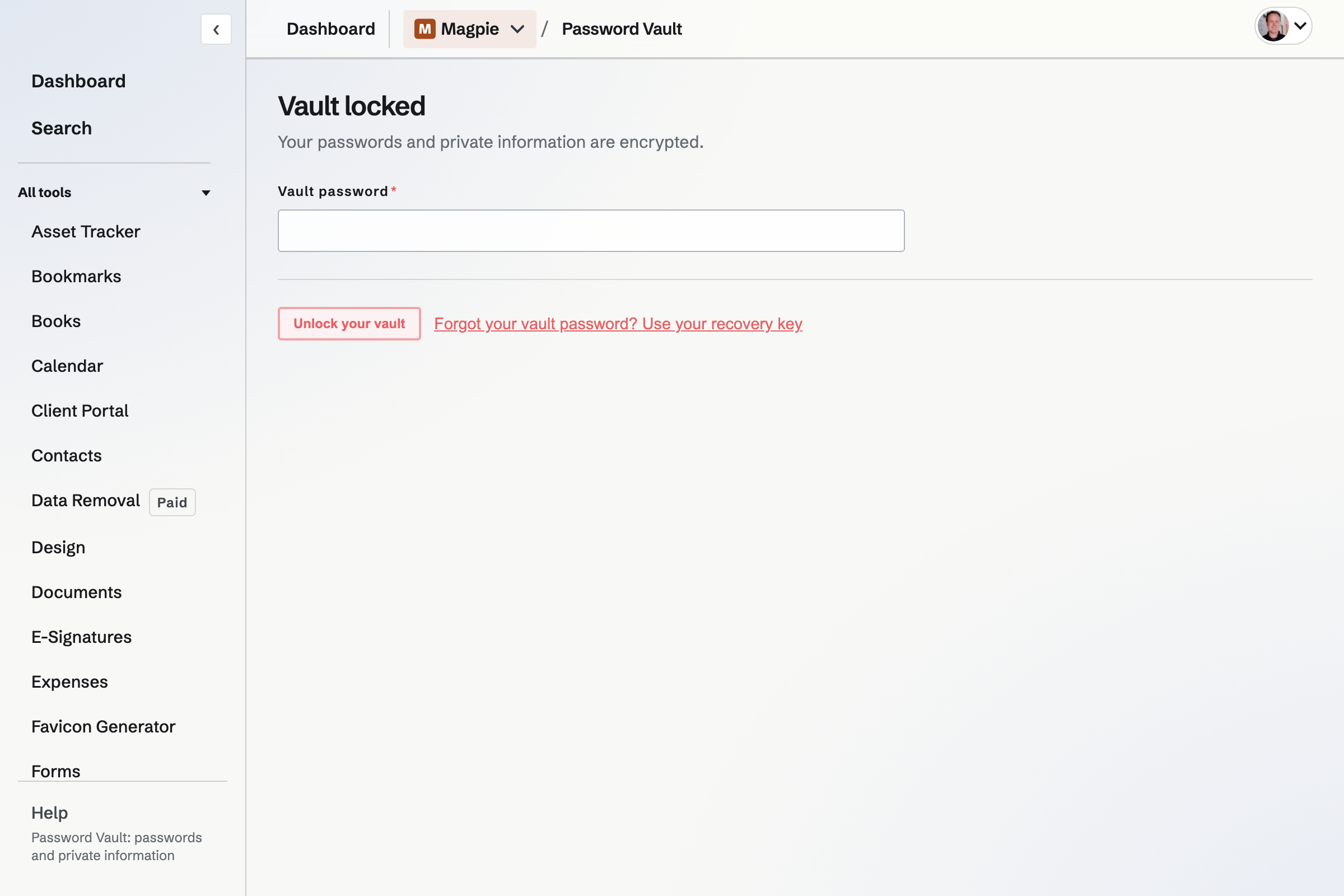
The recovery key
After you choose a vault password, setup shows a recovery key that starts with MAGPIE. Copy it or download it as a text file, and tick I have saved my recovery key; the vault is created only after that.
- Magpie keeps no copy
- Your vault's key is stored twice, encrypted once with your vault password and once with your recovery key. Magpie stores those encrypted copies but not the password or the recovery key.
- Typing mistakes
- The key ends in a checksum group, so a mistyped key is reported before it is tried.
- What it opens
- With access to your Magpie account, the recovery key opens your vault, as the vault password does.
If you forget your vault password
Use your recovery key
On the locked screen, choose Forgot your vault password? Use your recovery key, and enter the key.
Choose a new vault password
Your browser will decrypt the vault's key with the recovery key and encrypt it again with the new password. The records will not be encrypted again, and nothing in them will change.
The vault opens
The vault will unlock in that tab. The old vault password will no longer open it, and the same recovery key will keep working.
Your Magpie account and your vault
The two passwords are separate. Resetting your Magpie password will give you back your account, but it will not open the vault, change the vault password or replace the vault's keys: unlock the vault with the vault password or the recovery key as before. Being signed in to Magpie is never enough to open the vault.
Password Vault belongs to your Magpie account, and the same vault opens whichever team you have selected.
If both the vault password and the recovery key are lost, Magpie cannot open the vault or recover what is in it.
Undo a change to a record
Every save keeps a copy of the version it replaces. The copies are encrypted like the record, so Magpie can read them no more than the record itself.
- Version history
- Under each record, newest first, with what changed after each version, such as the password and website. View shows an earlier version, and Restore puts the record back to it; the version it replaces is kept too. Each version is kept for at least 30 days; after that, only the 10 most recent are kept.
- Password history
- A replaced or removed password, API secret, private key or set of recovery codes stays in the record with the date it was replaced, to copy or reveal. Each is kept for at least 30 days; after that, only the 10 most recent of each field are kept. Clear history removes them.
- Trash
- Move to Trash keeps a record until you choose Restore or Delete forever. Delete forever also deletes its history and earlier versions.
- A record that cannot be decrypted
- If a record's saved data cannot be opened with your vault's key, the list says so and links to it, and an earlier version can be restored from its page.
Encrypted backup
Export encrypted backup, under More at the top of the list, downloads a .magpievault file. It holds the same encrypted records Magpie stores, except those in Trash, with the encrypted copies of the vault's key that your vault password or recovery key decrypts. The file contains no readable passwords.
Set up Password Vault and save your recovery key.
Create a Magpie account, open Password Vault, choose a vault password, and copy or download the recovery key.