Video Chat
Two-person Video Chat calls with a temporary joining code.
Start a short call in a browser or the native app, and share its four-letter code with another Magpie user. Both people sign in; camera and microphone controls are available during the call.
Get started free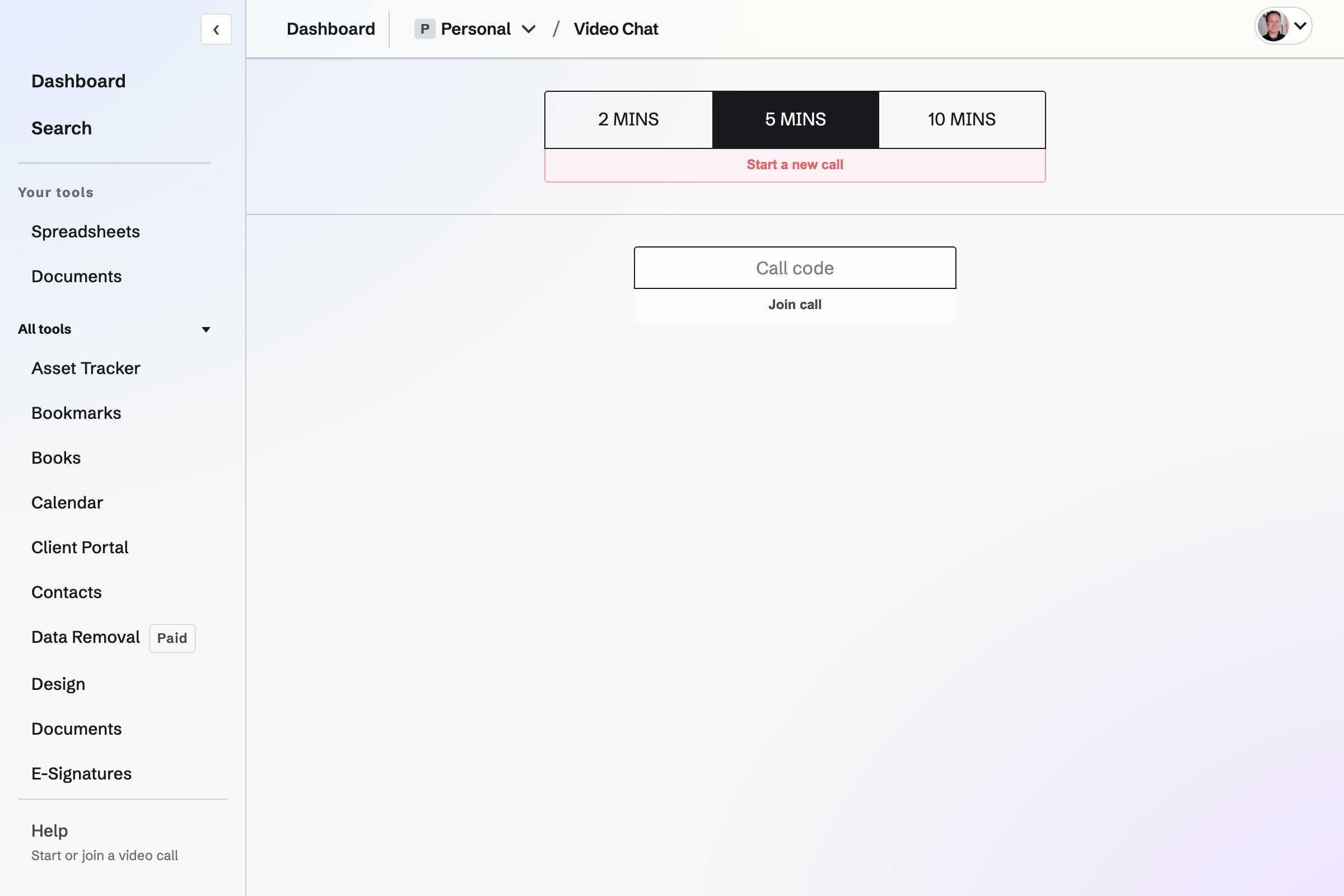
A call code for one other participant
The code admits one other person. The countdown starts when they join, and the room is temporary rather than a permanent meeting address.
During the call
- Camera
- Show your video or turn the camera off during the call.
- Microphone
- Mute or unmute your audio during the call.
What the call includes
Is this a booked meeting?
No. Video Chat is a temporary call, not a recorded booking.
How long can a call last?
Choose 2 or 5 minutes on Free, or 2, 5 or 10 minutes on Pro. The countdown starts when the second person joins. The call ends at its time limit or when a participant hangs up.
Can I call from a phone?
Yes. The Magpie app starts and joins the same two-person calls, with the call code in the call menu.
Start a Video Chat call.
Create an account and share a call code.