Design System
Write down how a product is designed and built.
A Design System holds a brand, tokens, components, page patterns and writing rules in one browsable site. Generate it from an existing codebase with your coding assistant, review what it found, then share it or export it for the next person or assistant that builds a page.
Get started free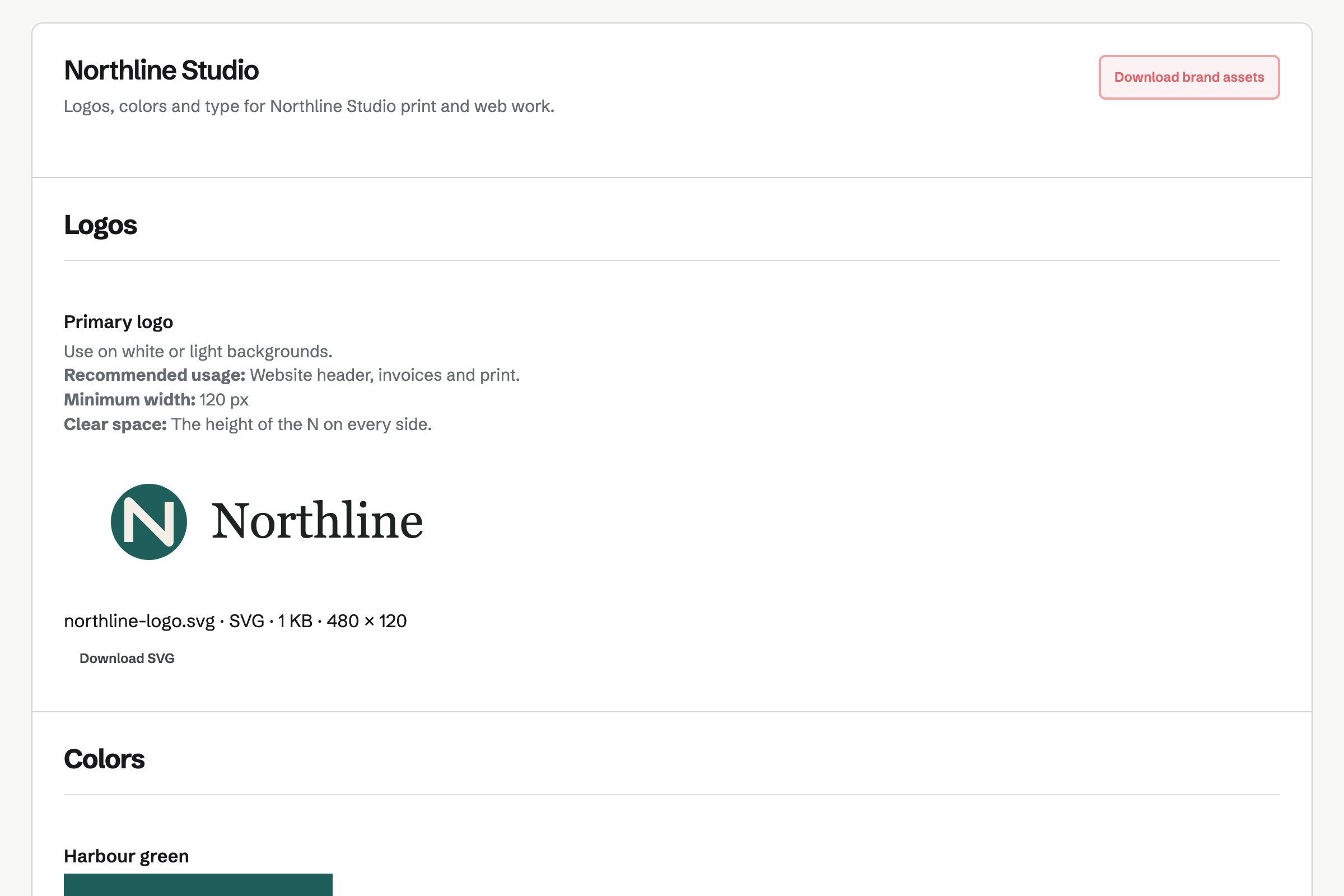
What a Design System holds
- Brand
- Logos, colors, typography, voice and downloadable files, kept as a Brand Kit inside the system.
- Foundations
- Color, type, spacing, sizing, radius, border, shadow, layout, breakpoint, motion and icon tokens, each drawn from its value and copyable as a value, token name or CSS variable.
- Components
- Variants, states, properties, accessibility notes, do and don't lists, the source file to reuse and an instruction for coding assistants. A component is Draft, Stable or Deprecated and a deprecated one names its replacement.
- Patterns and page archetypes
- When to use a pattern, when not to, what to use instead, how it works on mobile and which pages already follow it.
- Rules
- Content and terminology rules, accessibility rules and assistant rules with Normal, Important or Critical priority.
Start from the codebase you already have
Copy the prompt, run it with your coding assistant in the repository, and upload or paste what it writes. Magpie shows what the file contains before creating anything. Items the assistant observed in code are approved; items it inferred from repeated code wait in a review queue.
Where the code disagrees with itself, such as buttons of 40, 36 and 32 pixels, the import lists each value with its count and you choose the canonical one.
Export what an assistant needs
DESIGN_SYSTEM.md lists critical rules first, then patterns, components with their source files, and tokens, at Compact, Standard or Complete detail, for the whole system or for the components and patterns you select. design-system.json, tokens.json (W3C Design Tokens format) and tokens.css are also available, and the system can be imported again.
A shared system shows only approved items in sections marked Shared. Source paths and assistant rules stay out unless you share them.
Brand Kit and sharing
What happened to Brand Kit?
Brand Kit is the Brand section of a Design System. Existing Brand Kits became the Brand section of a private Design System with the same name, and their share links keep working.
Who can see a Design System?
A system is private, unlisted or public. Private systems are visible to members of the owning team; unlisted systems are not indexed by search engines.
Who can edit a Design System?
Members of the team that owns it can view it, and edit it when the team's resource permissions allow it.
Make your first Design System.
Create a Magpie account, open Design System and enter a name, or generate one from a codebase.