DNS
Magpie hosts your domain's DNS, with its existing records imported first.
Magpie imports a domain's existing records for you to review before you change its nameservers. DNS hosting is included, and Mail's records are added and kept up to date when you enable Mail on the domain.
Create account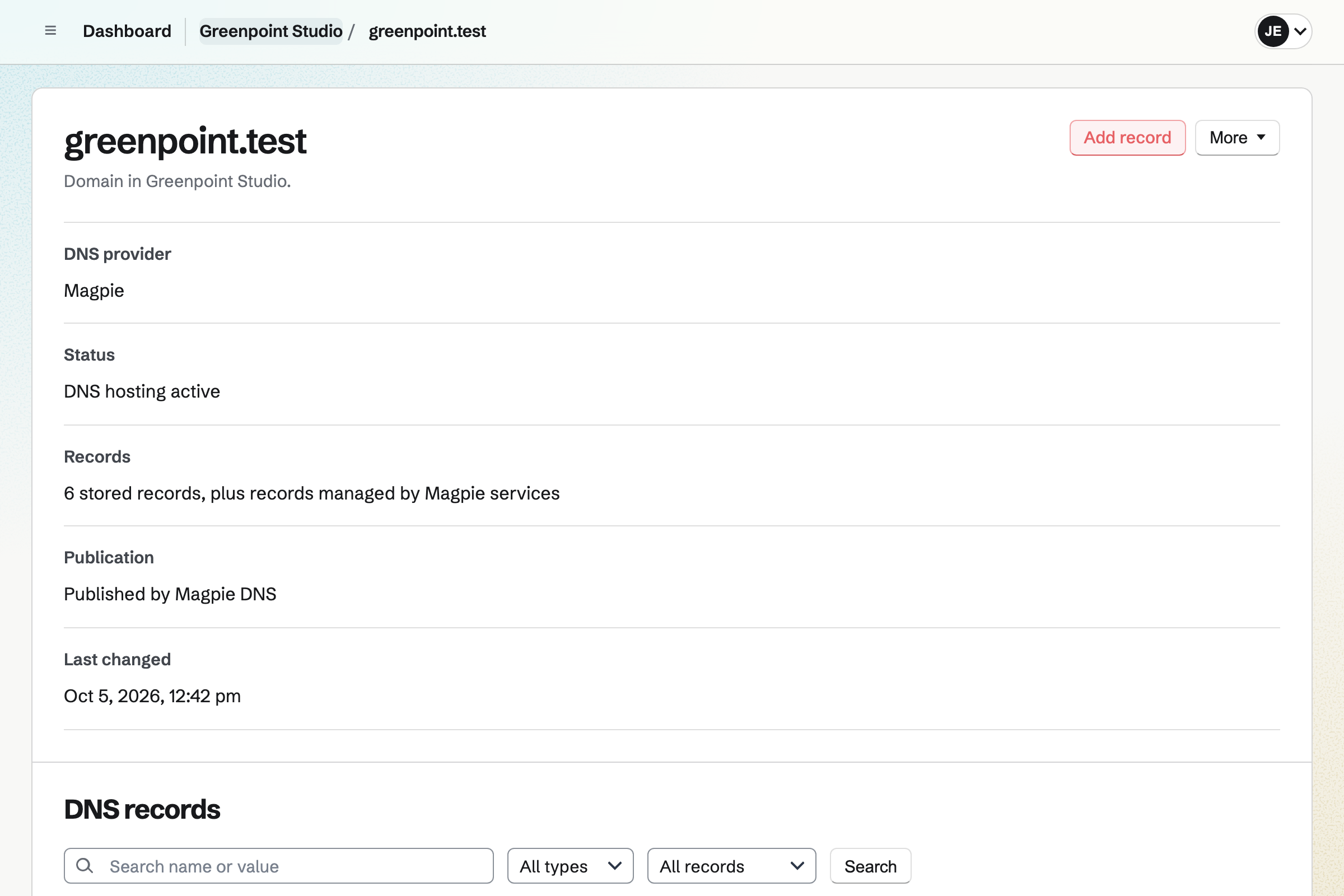
Moving a domain's DNS to Magpie
Import current records brings in the domain's records, by zone transfer when the current provider allows it. Otherwise Magpie looks up common names, names in certificate logs and names other records point to. You add or change records, then set the two nameservers shown at your registrar.
DNS hosting is included in every plan. To move away, Download zone file exports the records, and Stop hosting DNS ends hosting once the nameservers have moved.
Records, Mail and connected pages
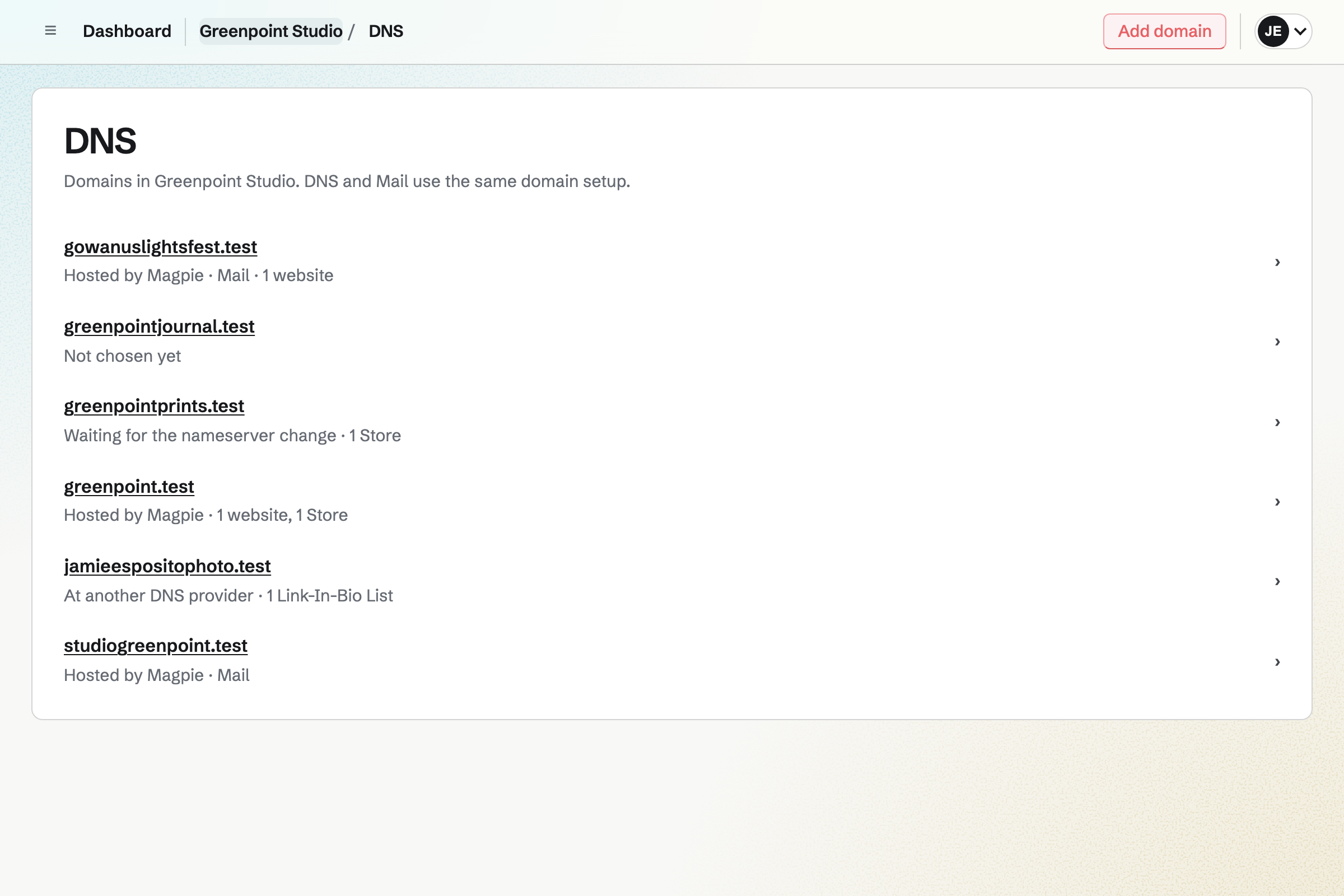
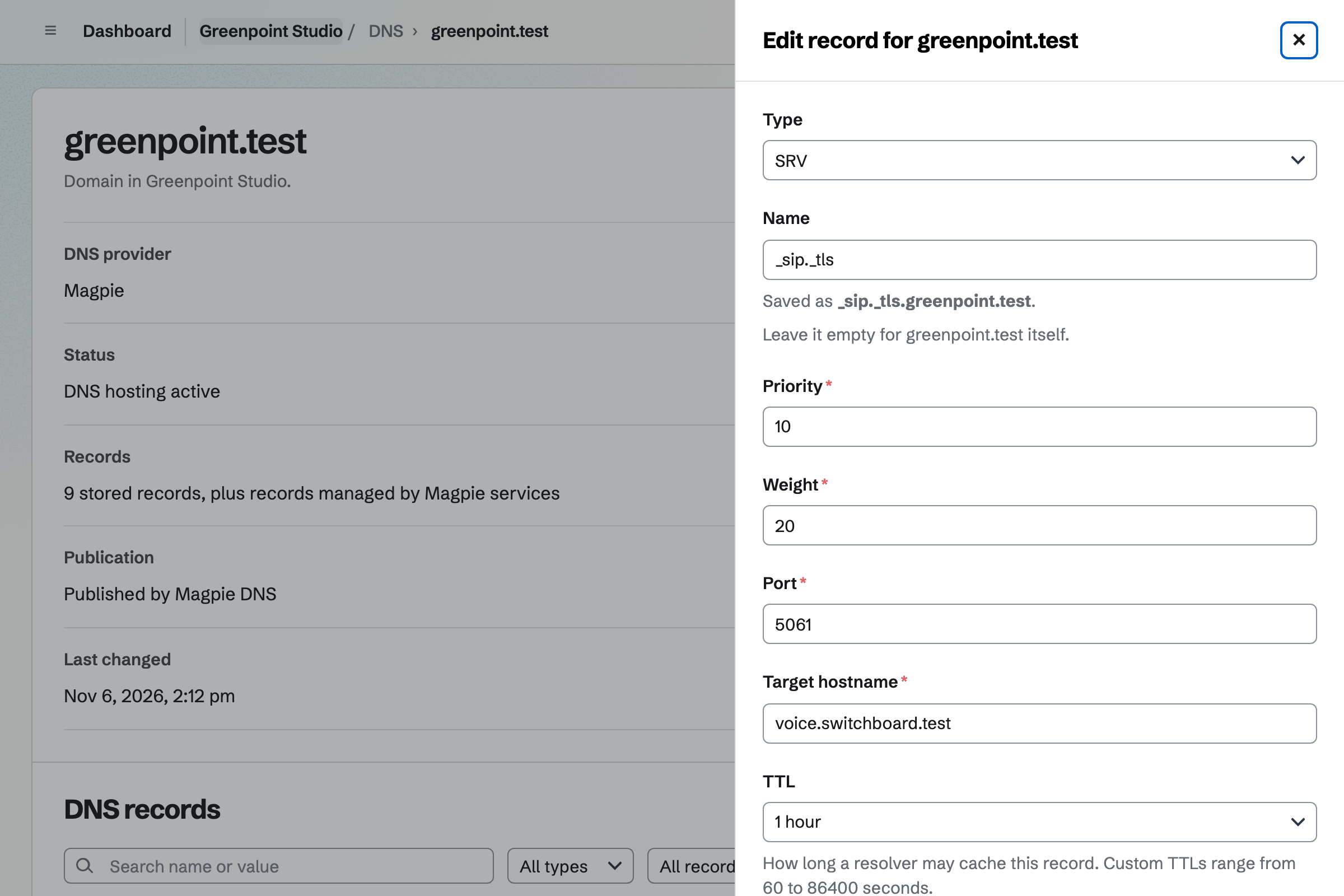
You can add A, AAAA, CNAME, MX, TXT, CAA, SRV and NS records, and edit a name, value or TTL in place. A whole record line pasted into Name fills in every field. Mail, Stores, websites and Link-In-Bio Lists add the records they need, marked with the service's name.
Publication shows whether the latest zone is live, and History shows who changed what.
Add your domain.
Create a Magpie account, then add your domain.