Appointments
A booking page for your services and staff.
Customers choose a service and an available time, then enter their name and email. Magpie checks each staff member's hours and Calendar before it shows a time.
Create account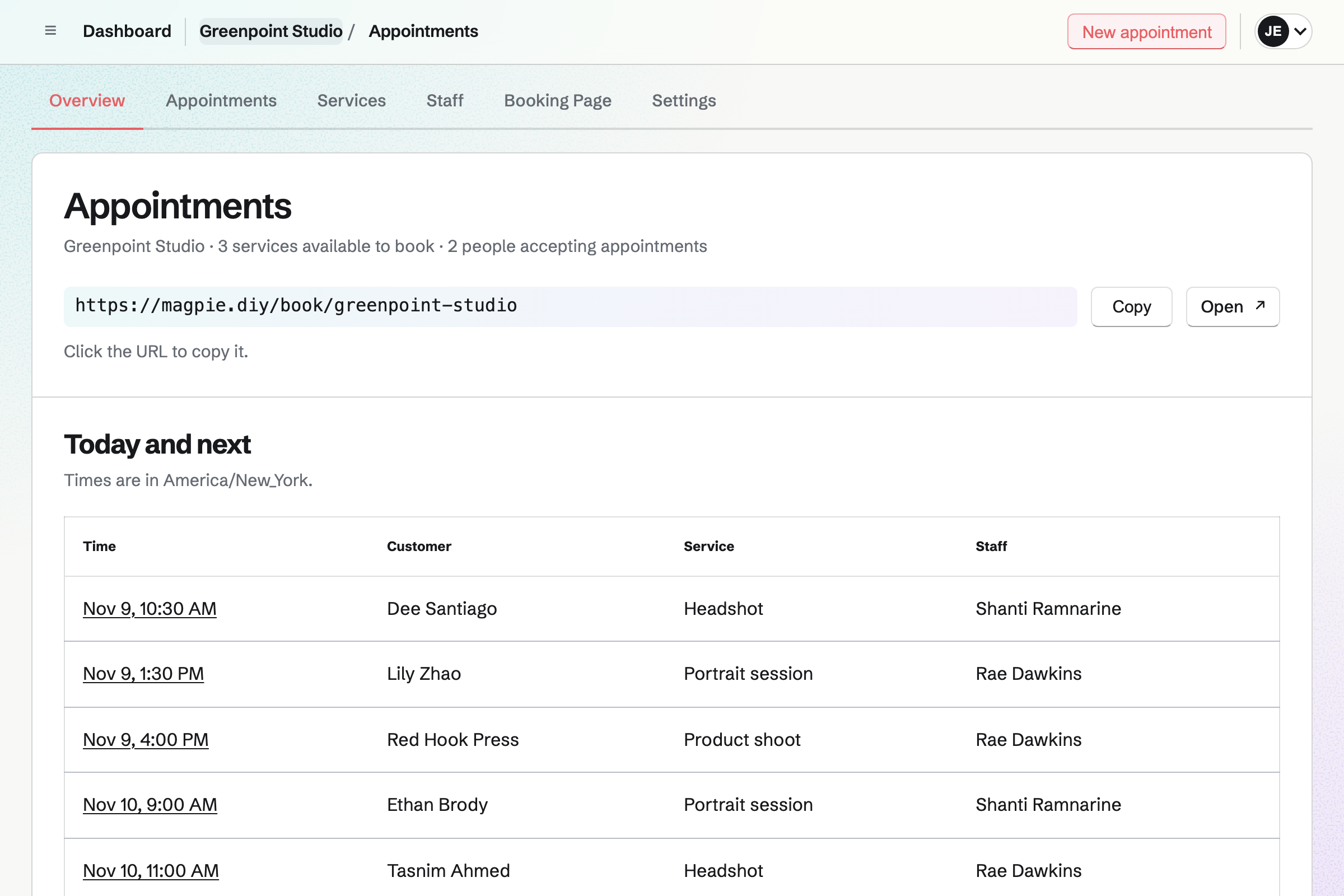
The booking page customers use
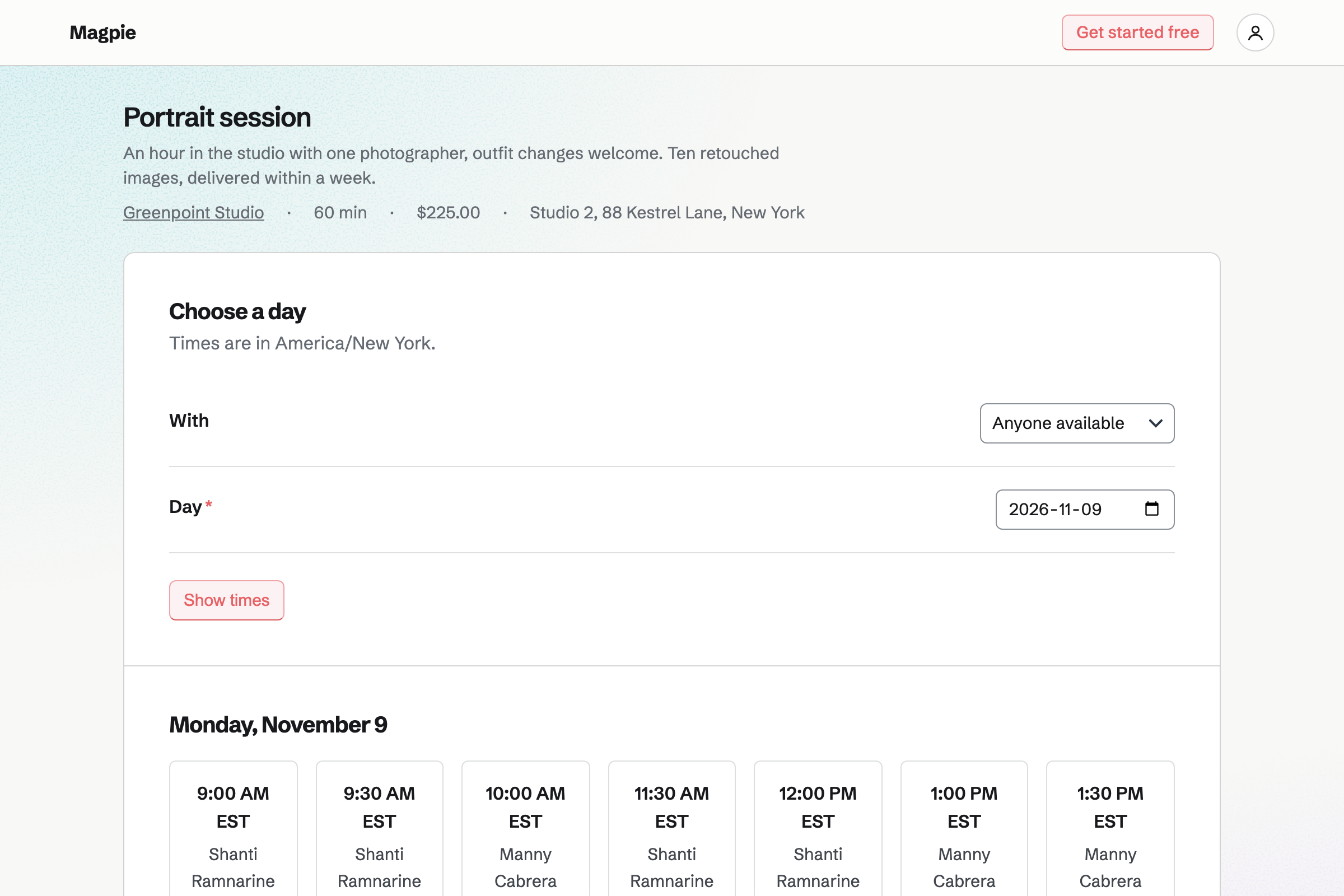
Customers choose a service, then a staff member or Anyone available. They pick a day and a free time, then enter their name and email address. They need no Magpie account.
Their confirmation email links to a page where they can reschedule or cancel. You set how late they can still do that. You also set the minimum notice and how far ahead people can book.
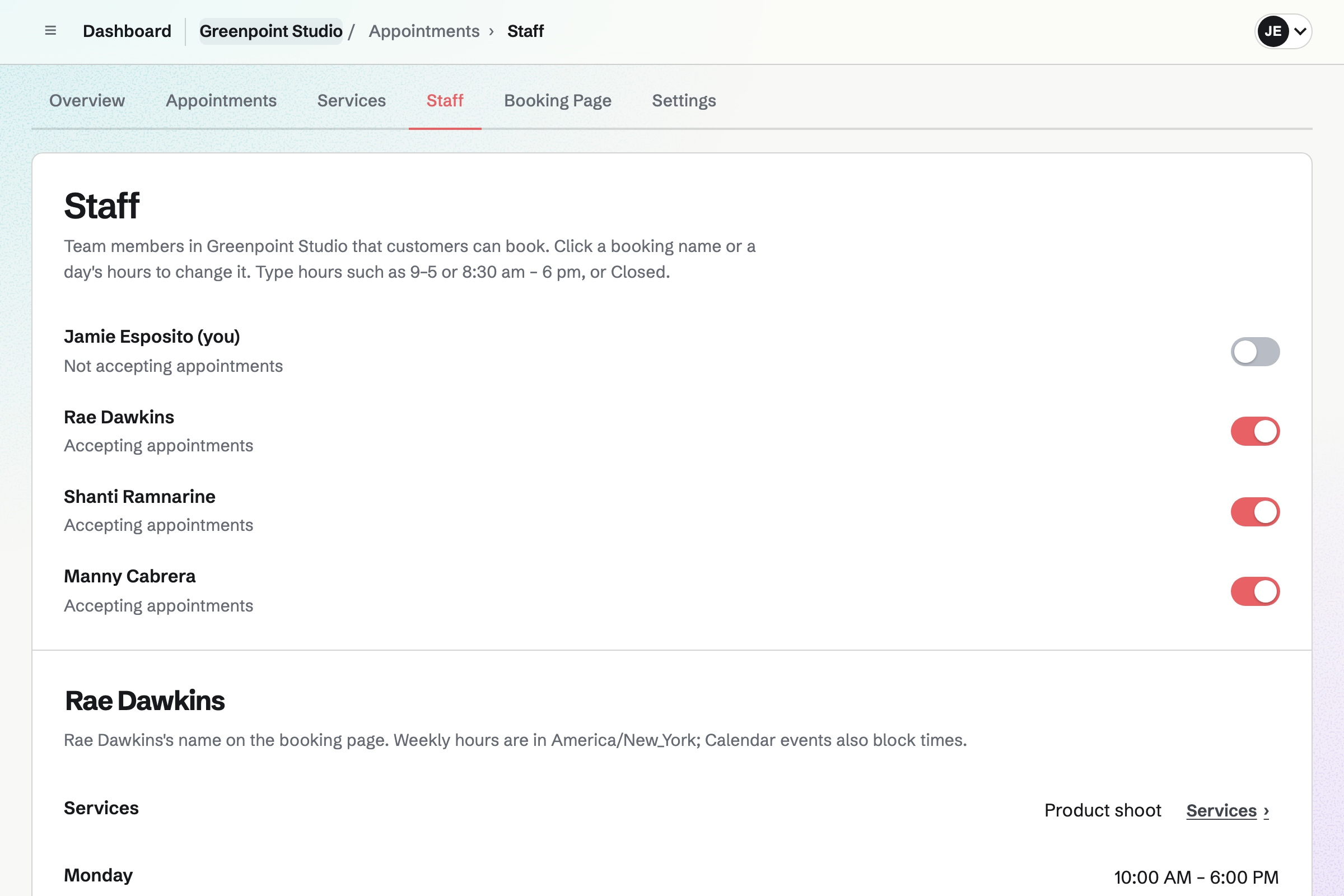
Services, staff and their hours
Each service has its length, price, location, buffers and the staff who provide it. Prices are shown on the booking page. Appointments does not take online payment or create an invoice.
Each staff member has weekly hours. Magpie offers a time only inside their hours and when their Calendar and other appointments leave it free. A room or item the service needs from Resource Booking has to be free too.
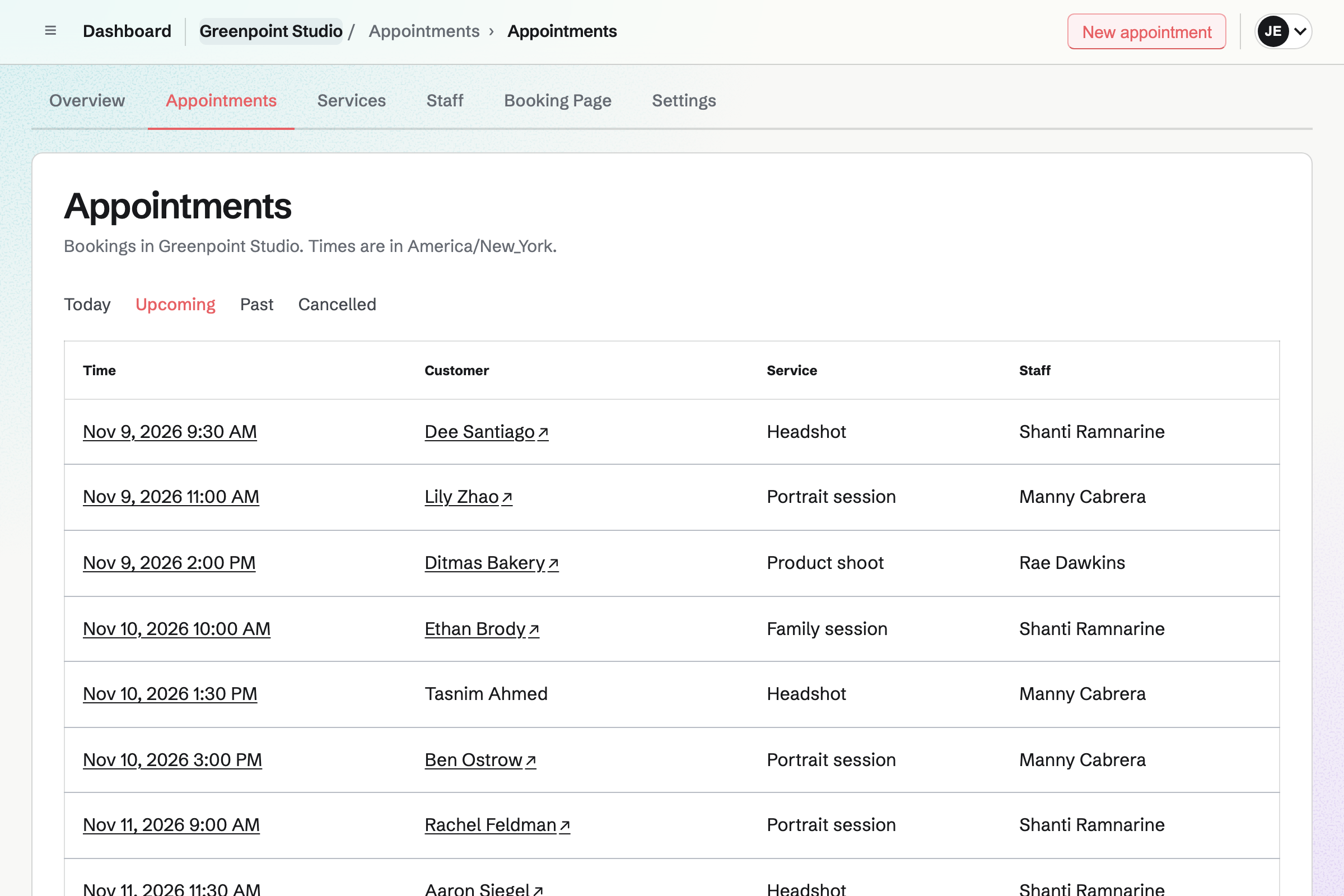
Appointments, walk-ins and no-shows
The Appointments list shows Today, Upcoming, Past and Cancelled. New appointment adds a phone or walk-in booking, checked like one from the booking page.
Each booking adds an event to the staff member's Calendar and links the customer to a contact. It also reserves any required resource. You can reschedule or cancel a booking, and mark a past one Completed or No-show.
Publish your booking page.
Create a Magpie account and add the services customers can book.