Favicon Generator
Generate favicons and device icons from one image.
Upload, paste or choose an image from Magpie, then download a ZIP of favicon, Apple, Android and setup files. A saved project lets you generate the package again later.
Get started free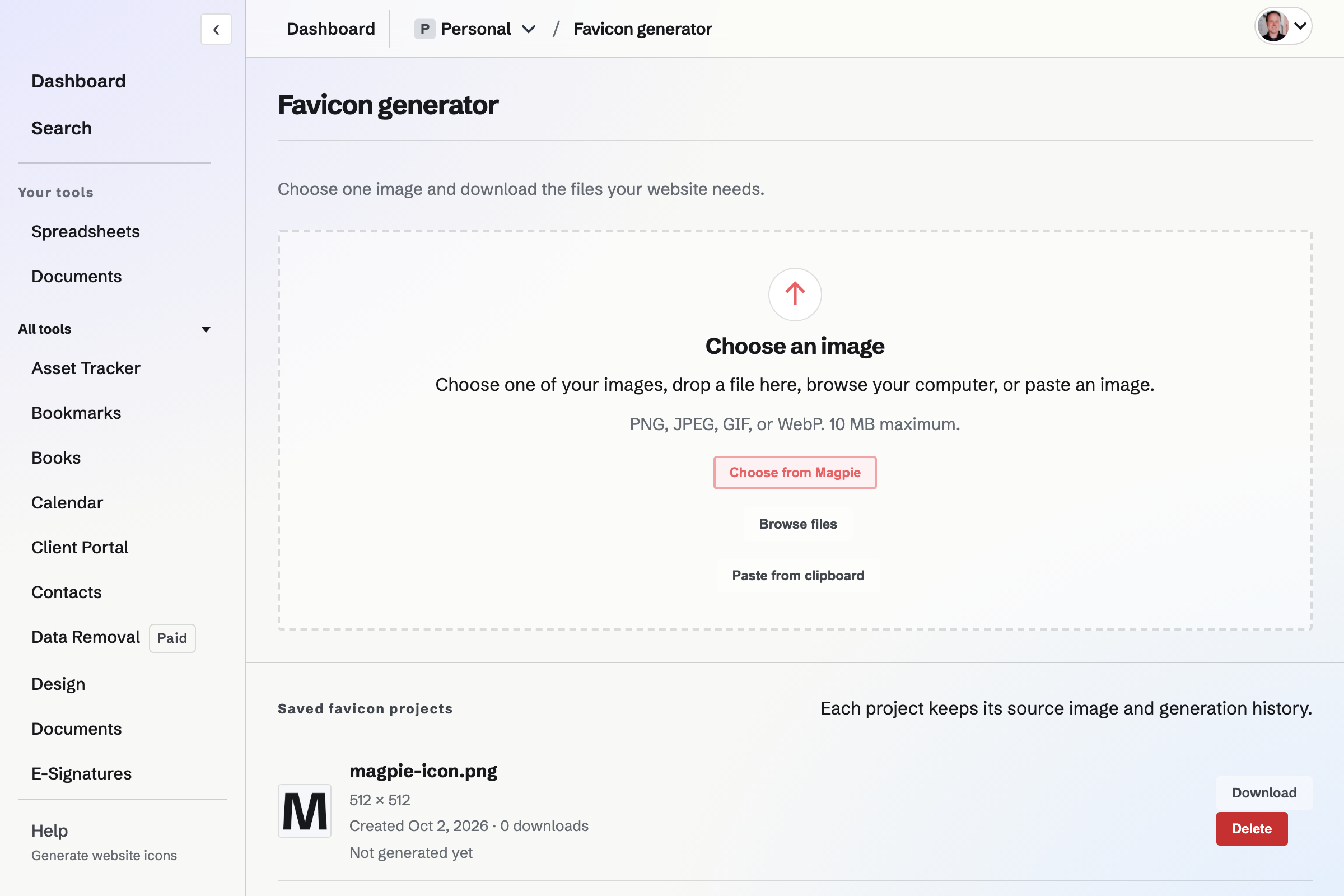
Image formats and padding
Upload a PNG, JPEG, GIF or WebP, paste an image, or choose one from your Magpie image library. The generator pads a non-square source using the colour of its top-left pixel; it does not stretch the image.
What the ZIP contains
- Browser files
- PNG favicon sizes, favicon.ico and favicon.svg for browser tabs and bookmarks.
- Home-screen icons
- Apple and Android sizes, including maskable Android icons with extra padding.
- Setup files
- An HTML snippet, web manifest and browser configuration file.
Source image and storage
How large can the source image be?
Uploads must be 10 MB or smaller. Use PNG, JPEG, GIF or WebP.
Does the generator replace my image?
No. Uploaded images are saved in your Personal image library. Deleting a favicon project does not delete its source image.
Does it require Pro?
No. The generator is available with an account. Uploaded source images use the account's shared file-storage allowance.
Generate website icons.
Create an account and choose an image.