Idea Boards
Magpie gives you a canvas for notes, images, to-dos and the lines between them.
Idea Boards is Magpie's freeform canvas for research, reference images and working notes. You can group items in columns and connect related material, privately in Personal or with your team.
Create account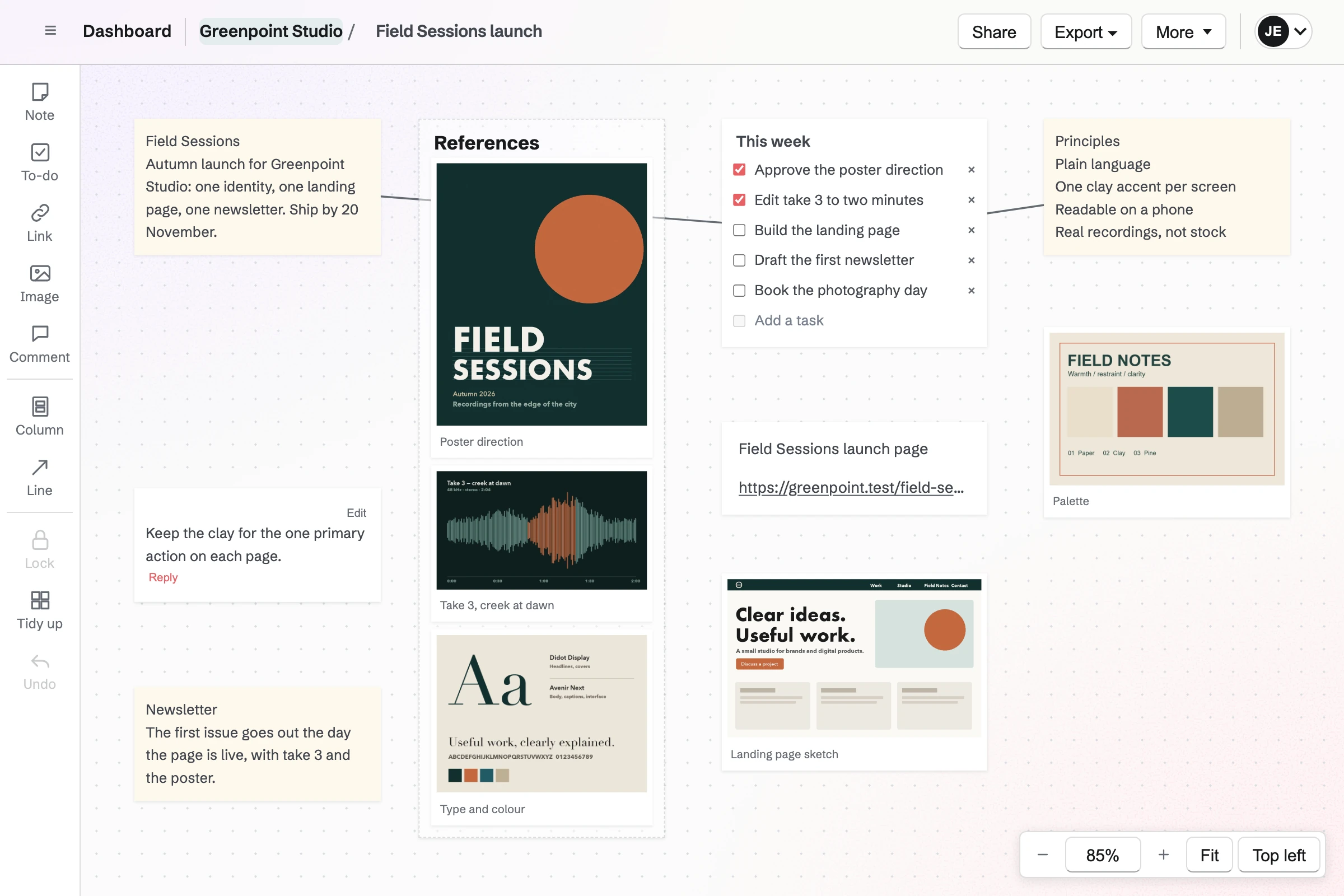
Notes, to-dos, columns and lines on a canvas
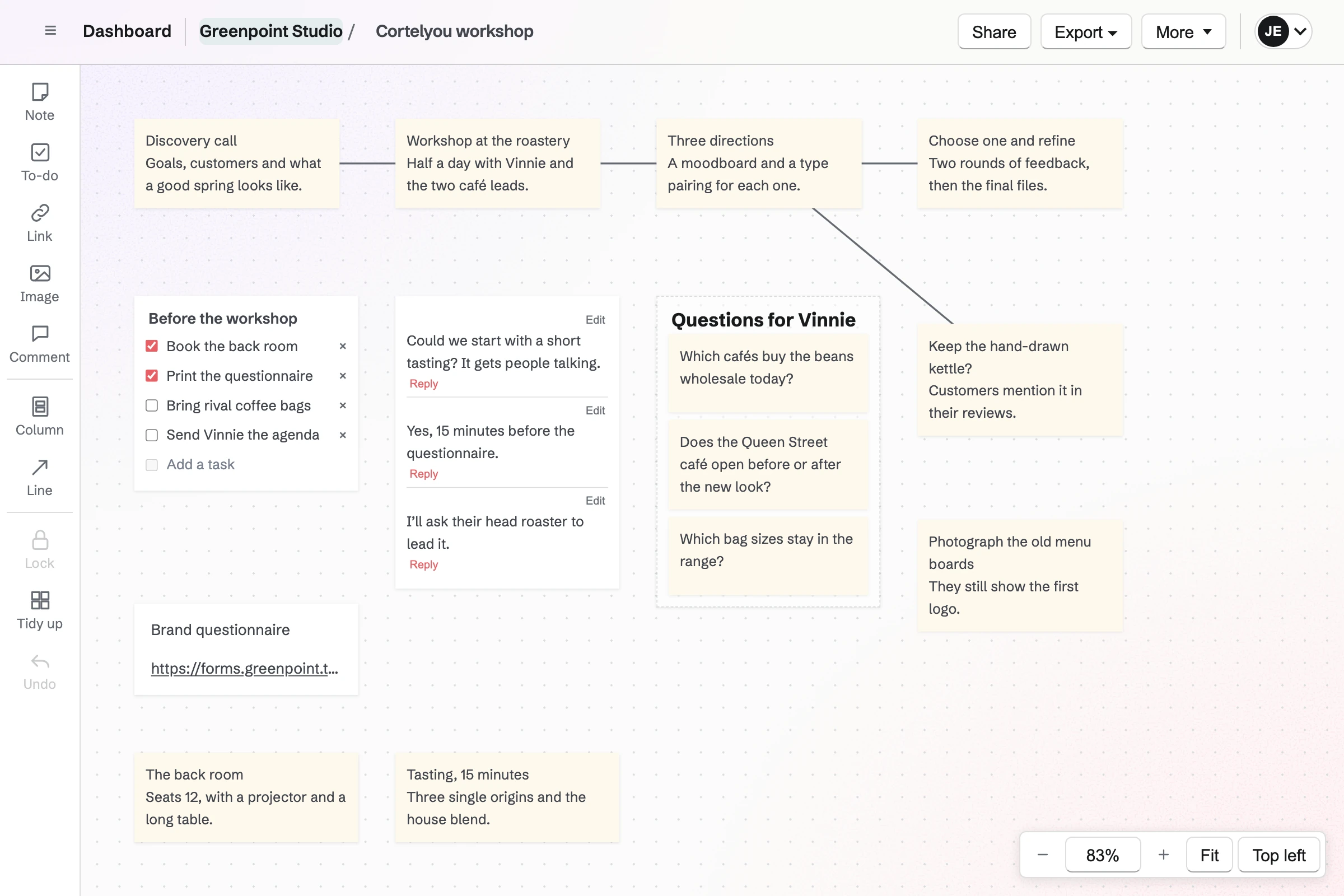
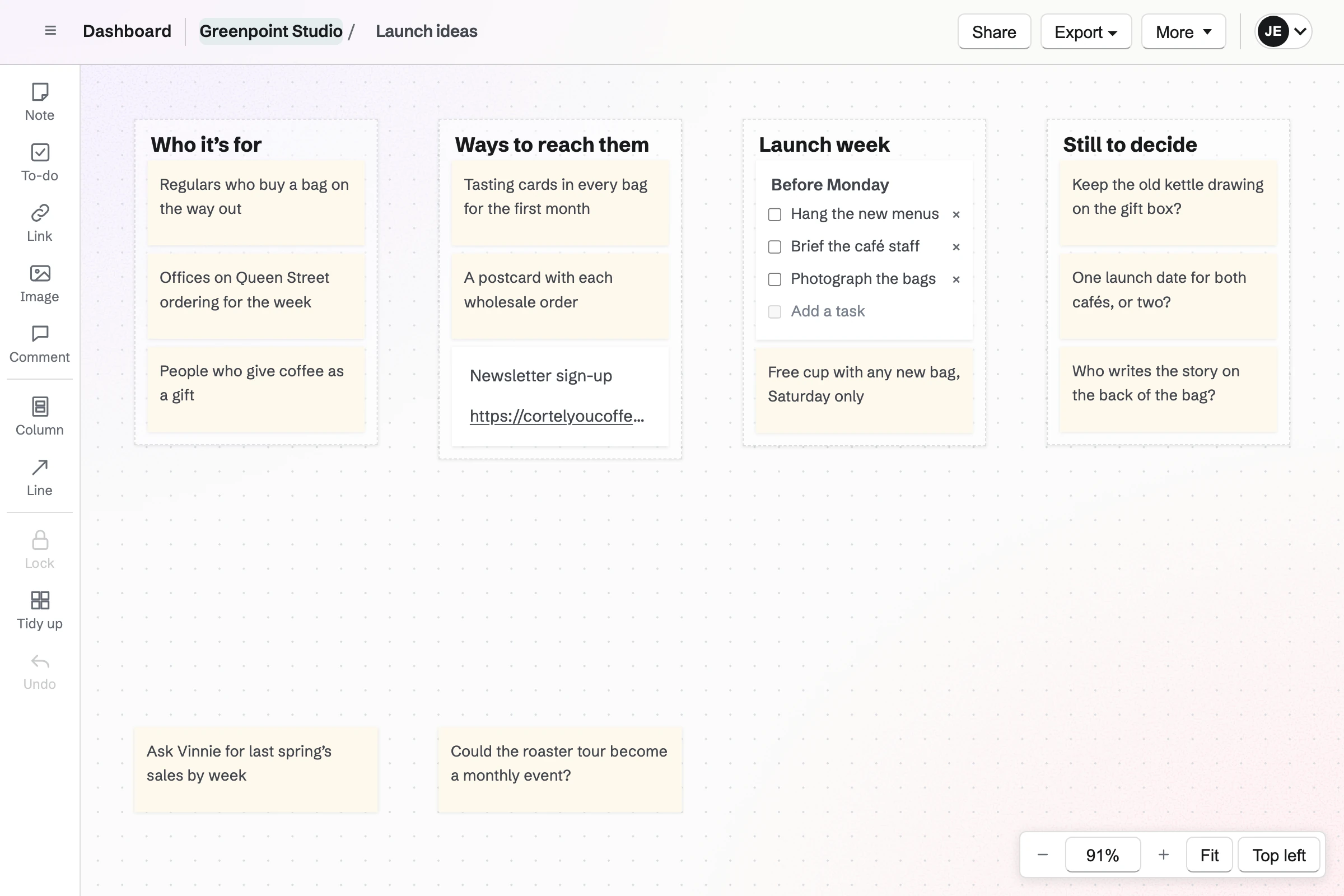
You can add notes, to-dos, comments and columns anywhere on a canvas with no edges, and draw lines from one item to another. Items dragged onto a column stack in order and move with it.
Items snap into line as they are dragged, Tidy up lines them up, and Lock keeps one in place. Zoom steps between 10% and 200%, and Fit shows every item.
Images, links, sharing and export
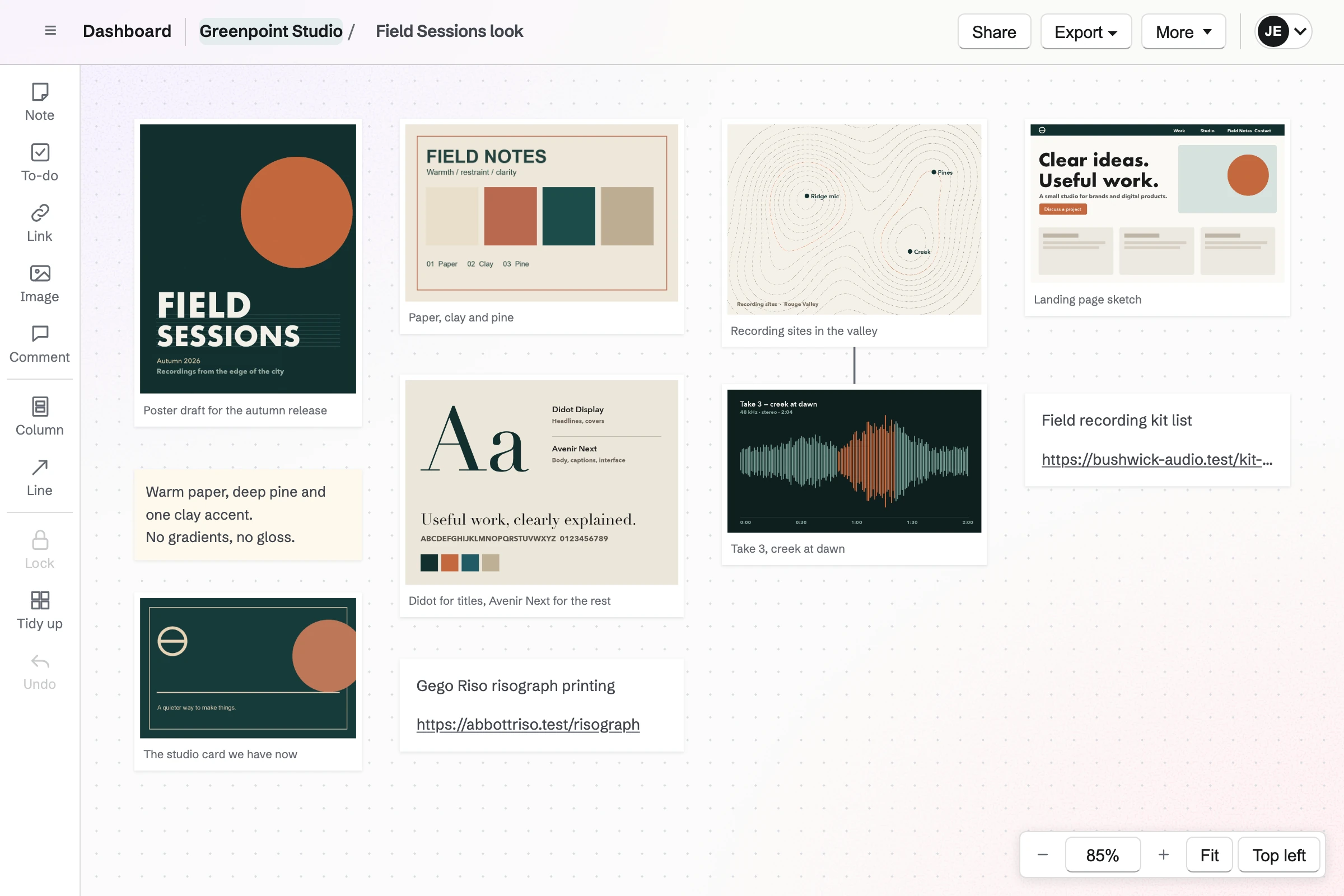
Pictures come from Your images or an upload, and a pasted screenshot is uploaded onto the board. A pasted web address becomes a link item, and other text becomes a note.
A board in a team opens for its members, who can edit it or only view it as the team's Member access setting says. Everyone who can open a board can export it as a PNG, a PDF or a zip of its images.
Boards from a JSON list, and the assistant
You can paste a JSON document of columns with their notes, to-dos and links, and Magpie will lay it out as a new board. It can also add them in a row under everything on an existing board. Nothing is saved unless the whole document fits the format.
The assistant on Dashboard finds boards, searches and counts their items, and adds to them.
Create an Idea Board.
Create an account, then start a board in Personal or your team.