Presentations
Create Presentations with shared published versions and PDF export.
Build slides with text, images, shapes and speaker notes. Collaborate on a deck in Personal or a team, and publish a fixed version that viewers can open without an account.
Get started free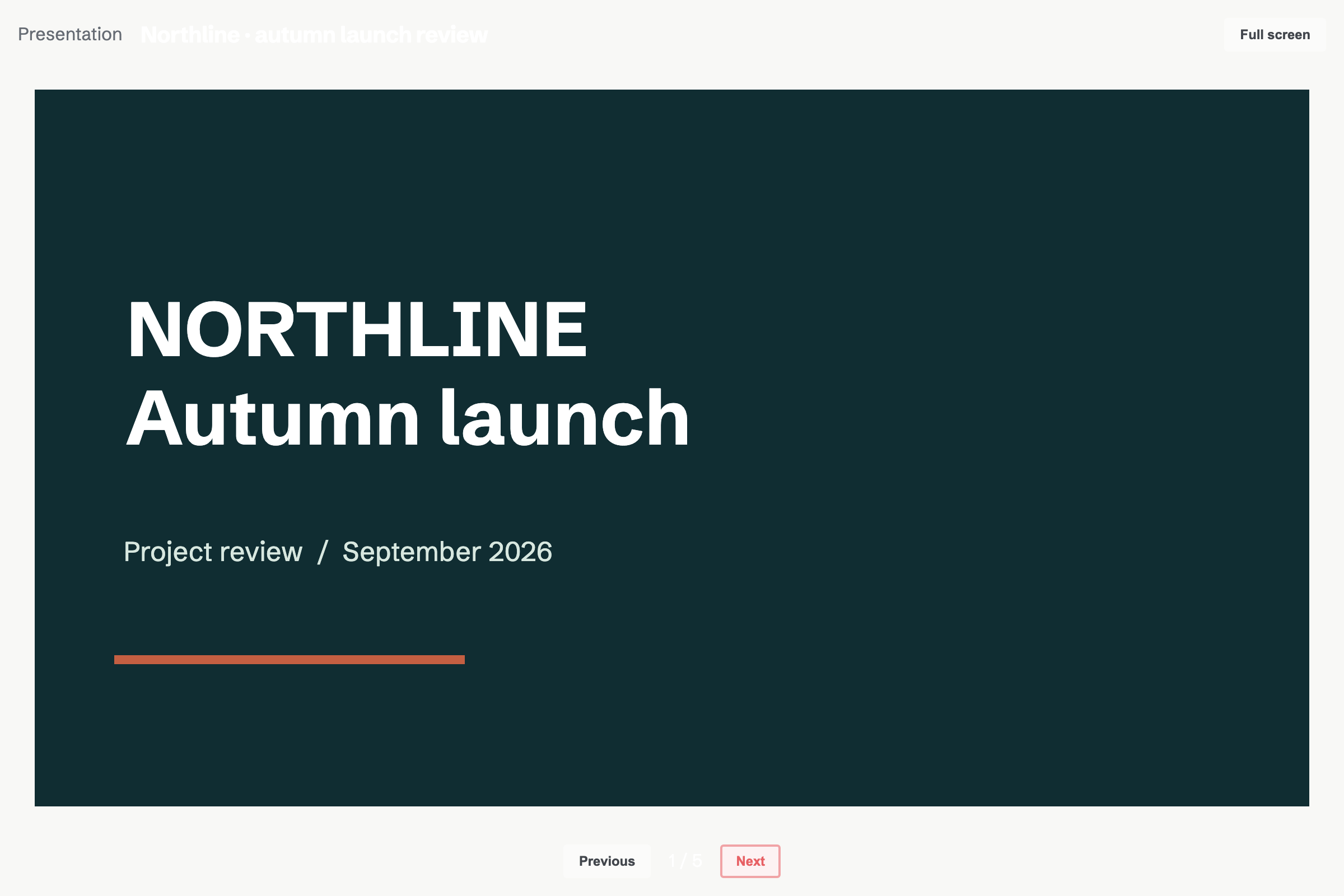
Published decks stay separate from drafts
Publish a snapshot, then enable sharing by link. Later edits stay in the draft until you publish again. Turn sharing off to disable the public link.
Slide layouts, ordering and hidden slides
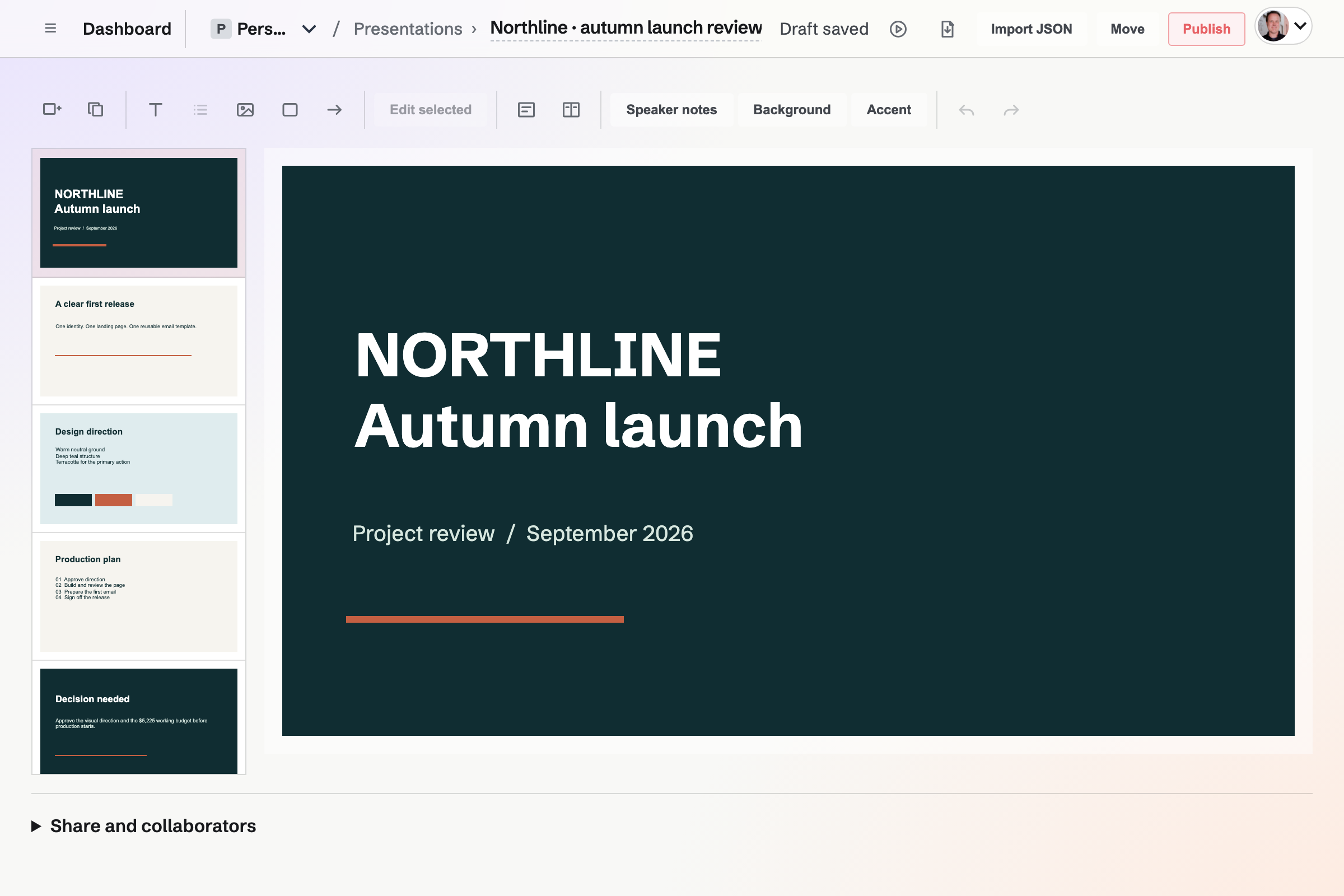
Start with a blank deck, project update or pitch template. Reorder and duplicate slides, or hide a slide from presenting and PDF export while retaining it in the draft.
What goes on a slide
- Text and lists
- Set text size, alignment and colour, or make selected text a list.
- Images
- Choose images from the image picker and position them on the slide.
- Shapes and arrows
- Add shapes and connecting arrows, then adjust their placement and order.
- Your own notes
- Write speaker notes for preparation. They are excluded from the shared deck, presentation mode and PDF.
Drafts, viewers and exports
Can someone help edit one presentation?
Yes. Add a direct collaborator with view or edit access, without adding them to the whole team.
Does PDF export use the draft or the published version?
The editor’s PDF export uses the current draft, leaving out hidden slides and speaker notes.
What can I edit in the native app?
Edit existing slide text and speaker notes, change slide order and visibility, and duplicate or delete slides. The app also publishes, manages collaborators and sharing, and exports PDF. Layout, images, shapes, new text boxes and themes use the website editor.
Make a deck for the next review.
Create an account and start with a blank presentation or an existing starting point.