RSS Reader
Magpie collects your RSS feeds, websites and Bluesky accounts in one timeline.
You can follow RSS and Atom feeds, a website by its address, or a Bluesky account. A Bookmarks collection someone shared can be followed too. Their posts arrive in one timeline, with unread filters and saved reading preferences.
Create account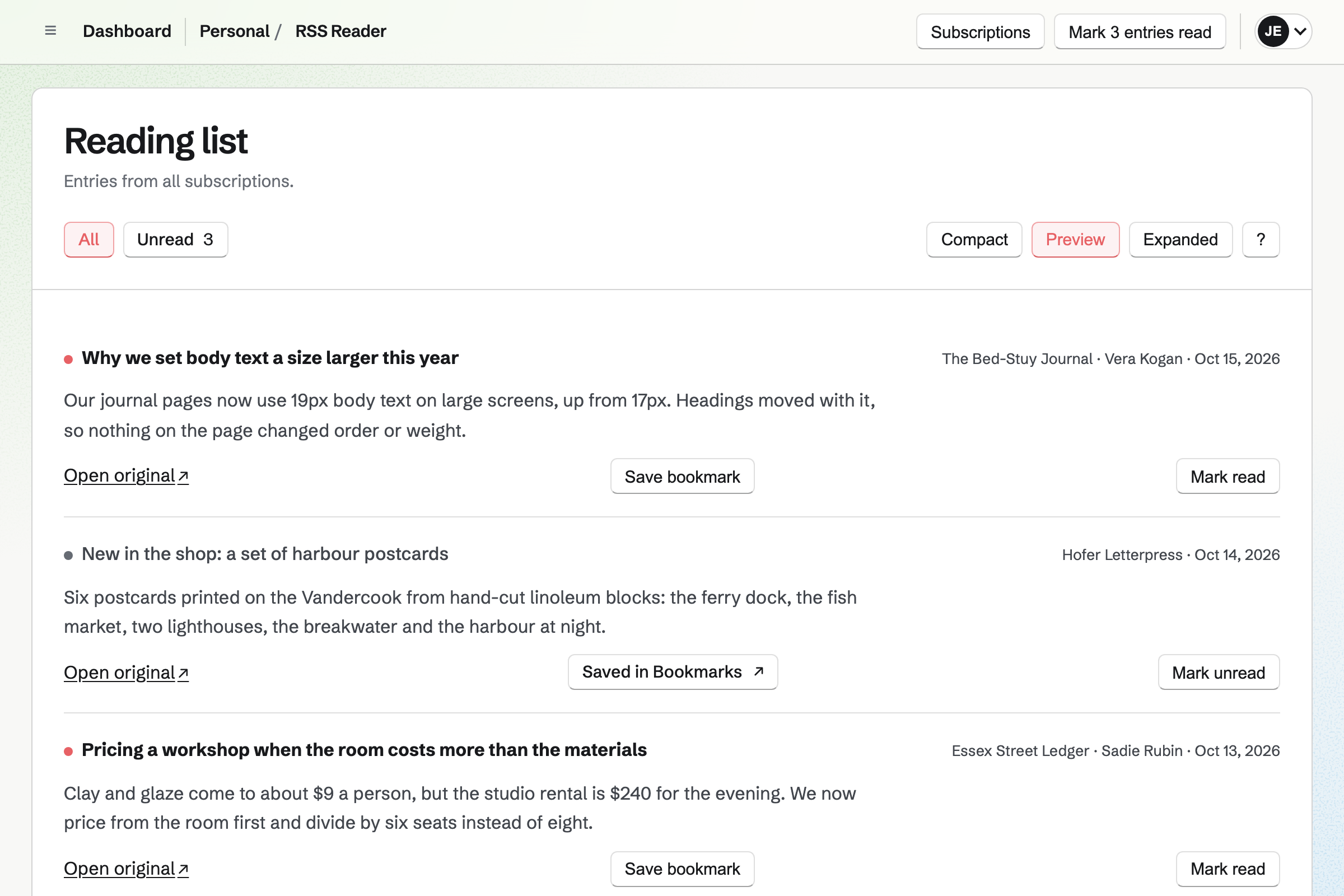
Unread filters and reading layouts
You can show one subscription or only unread entries, in a preview, compact or expanded layout. You mark single entries read, or everything in the view at once. Your filter and layout are the same in every browser.
Background checks and source errors
RSS Reader checks subscriptions in the background. If a source fails, its stored entries remain and you can try that source again. Removing a subscription removes its entries from RSS Reader.
Reader accounts and limits
Who sees my subscriptions?
Subscriptions and reading state belong to your account, whichever team is selected.
How many sources can I follow?
Up to 10 subscriptions on the free plan, and 100 with Pro.
What if an entry contains a publisher-hosted image?
Images from the publisher stay blocked until you choose to load them, so opening RSS Reader does not contact the publisher. RSS Reader removes scripts and unsupported embedded content. The original page opens in a new tab when you need it.
Start a reading list.
Create a Magpie account and add a publication you read.