Notes
Convert a Note checkbox into a To-do linked back to that Note.
To-dos
Capture an action with just a title, or include a date such as “Friday” or a repeat such as “every Thursday.” Organize tasks into Lists, assign them to people with access, and see your work across teams.
Get started free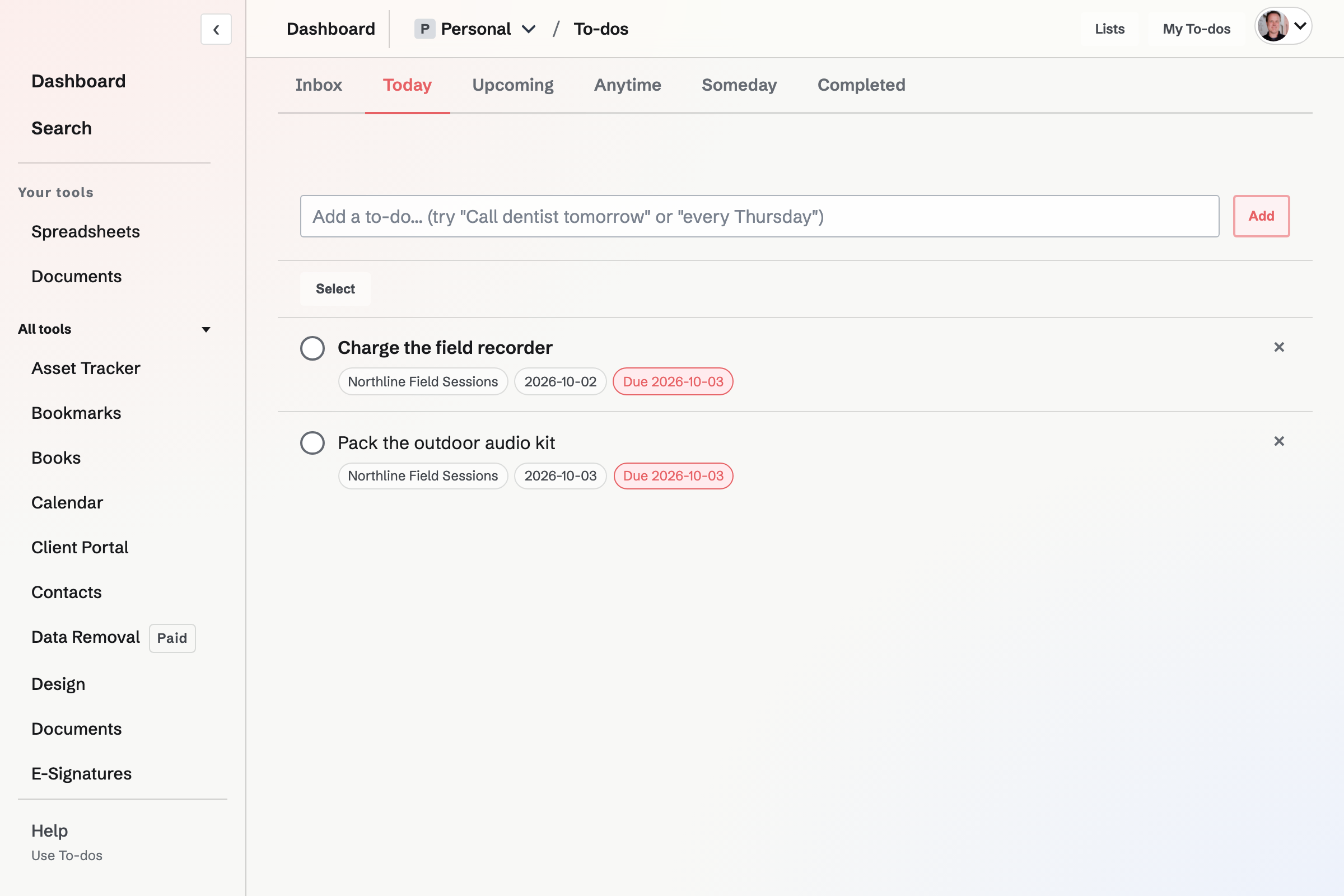
When is the day you plan to work on a To-do; Deadline is its latest due date. Set reminders at a time, before When or before Deadline. Snoozing a reminder leaves the Deadline unchanged.
Completing a recurring To-do schedules the next occurrence and keeps the completed history. Today includes scheduled and overdue tasks; Inbox, Upcoming, Anytime and Someday separate unscheduled and future work.
Share a List directly with a Magpie user so they can work on its tasks without joining the team or seeing its other records. Assign a To-do only to someone who already has access.
My To-dos combines Personal tasks, tasks assigned to you across teams, and Lists shared with you. Each item names the team it belongs to.
Convert a Note checkbox into a To-do linked back to that Note.
Create an account and capture the first action.