Store
A Store product can be linked to an item and a pool. Store sales and stock changes are recorded in the pool, and a delivery, count or move in Inventory sets the product's stock. A six-pack can use six single cans.
Inventory
Inventory lists everything a team keeps in stock, in each pool: a location, a store room or the online store. You record deliveries, moves, waste and counts, and draft supplier orders from what is below its minimum.
Create account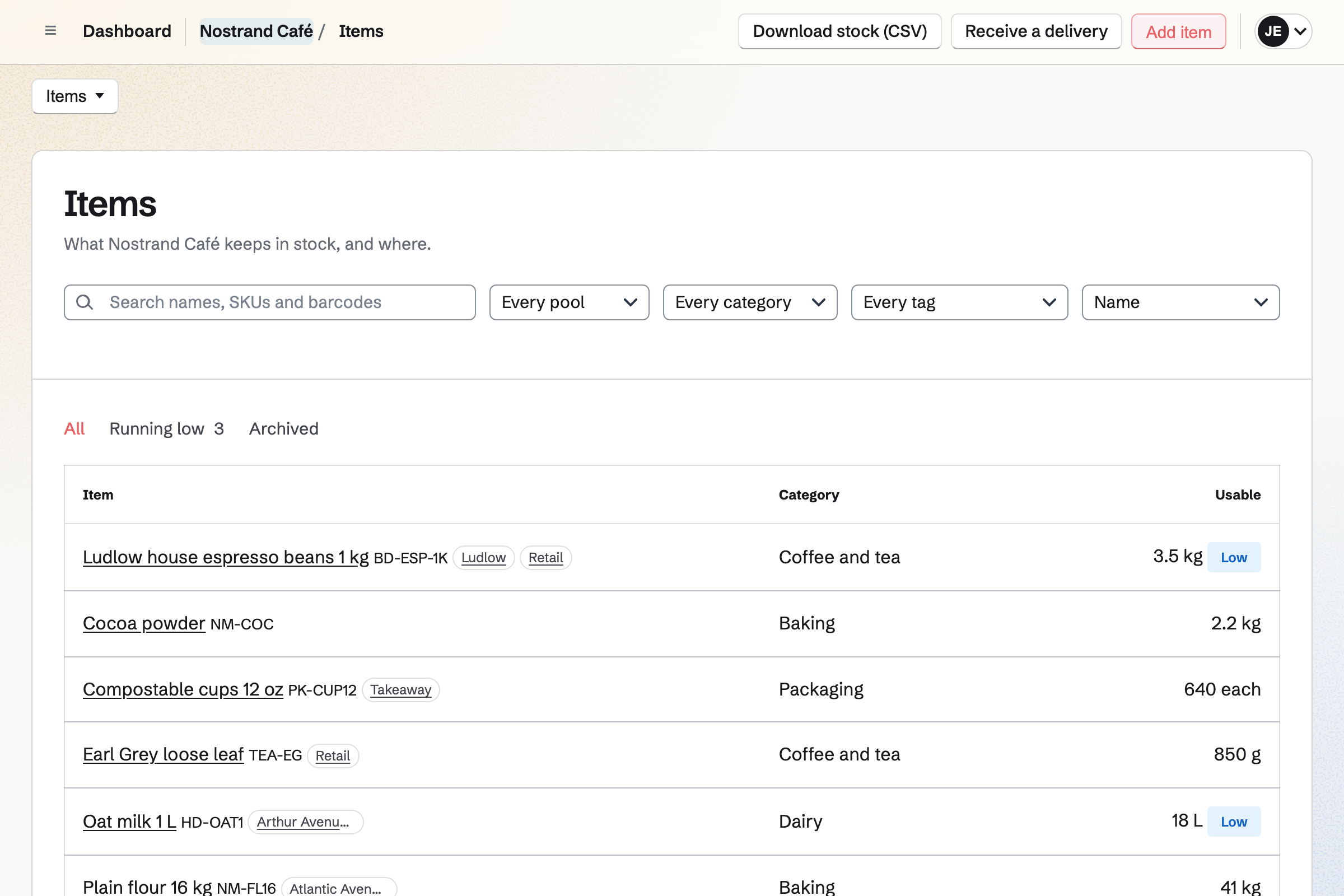
Each item is counted, weighed or measured by volume, with pack sizes, lots and expiry dates when you need them. Its stock is kept in pools, such as the café or the online store, and changed by opening stock, waste, moves and holds.
A count corrects a pool to what is there, and you can review large differences first. History lists every change, and costs are shown only to people who can change Inventory.
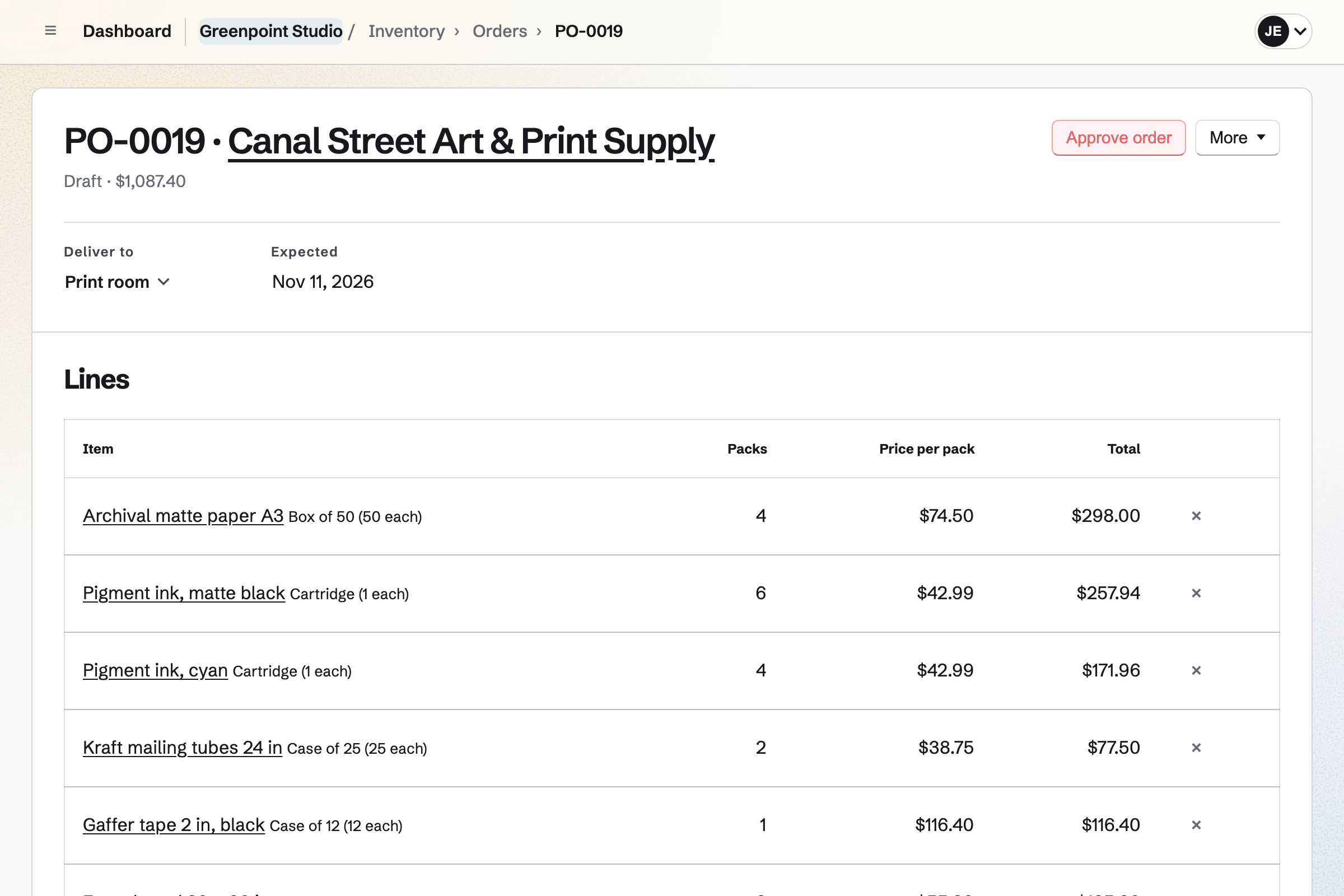
Each supplier lists the items it sells, in its packs and at its prices. Draft orders turns what is running low into an order for each supplier, which you email or mark sent another way. You can require approval for orders at or above a total.
Receiving a delivery adds it to stock with its price, lot and expiry date. Short, refused and re-priced lines are kept under Differences until settled.
A Store product can be linked to an item and a pool. Store sales and stock changes are recorded in the pool, and a delivery, count or move in Inventory sets the product's stock. A six-pack can use six single cans.
Each location keeps its stock in a pool. Recipes are made from Inventory items: recording a batch takes the ingredients out of stock, and waste logged in Daily Operations is recorded as Inventory waste.
Create a Magpie account and add the first item you keep in stock.