Store
Magpie gives you an online store for physical and digital products. Buyers pay into your own Stripe account.
Store sells physical products, downloads, gift cards, bundles and courses from one catalog. Buyers pay on Stripe’s checkout page, and you ship, refund and restock from the order. Stock, suppliers, reports and an API are part of the same area. Paid orders are posted to Accounting.
Create account
Each size and colour of a product has its own price and stock.
Options such as size and colour make variants, each with its own price, SKU and stock. A product can be pay what you want, or ask for personalisation such as an engraving. A bundle sells products you already stock as one.
Collections group products by hand or by rules. You can change many products at once, and import or export them as CSV. A course made in Courses sells as a Store product, with an optional monthly payment plan.
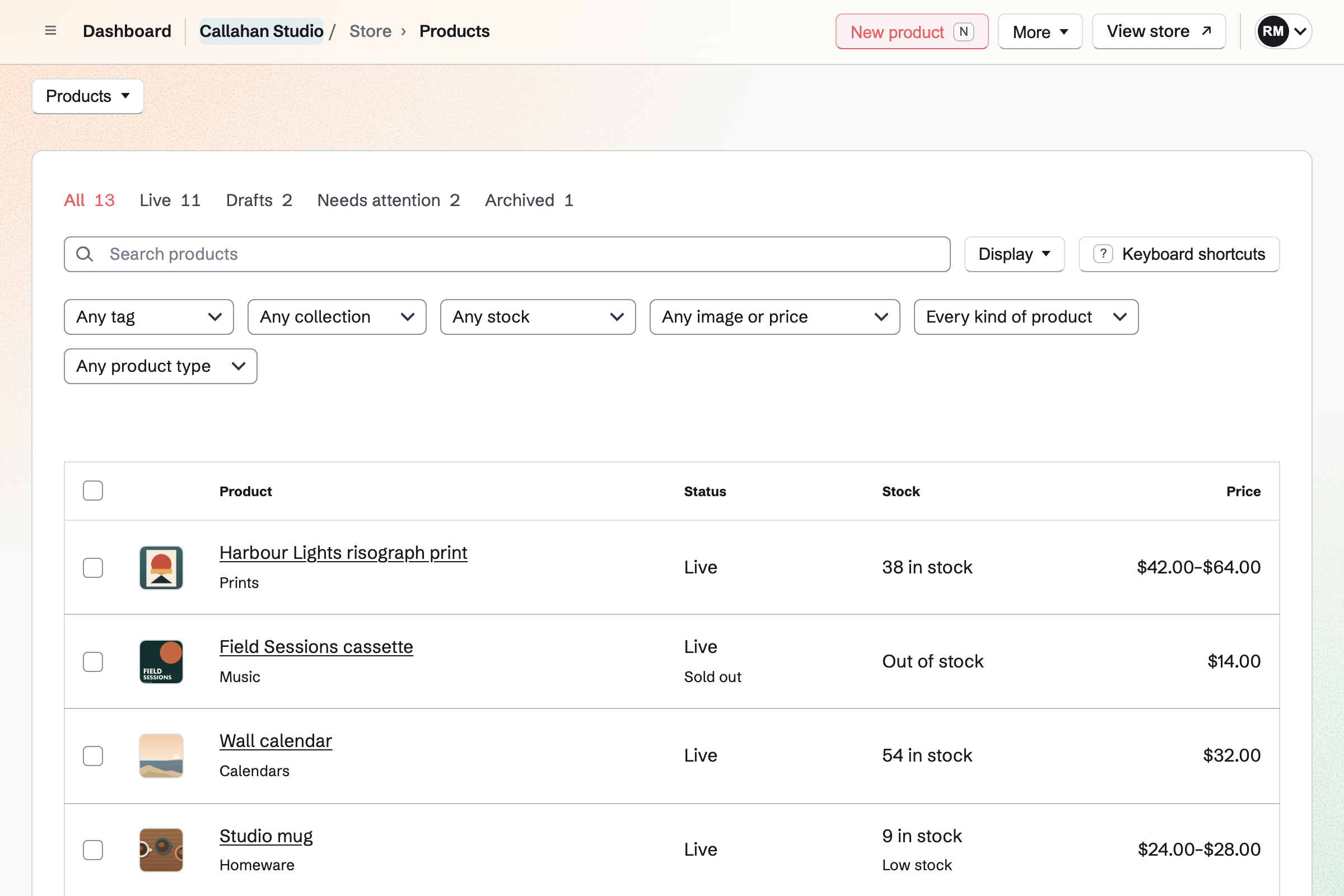
Buyers pay on Stripe’s checkout page, and the money goes to your own Stripe account.
Buyers check out without signing up first. Your team’s Stripe account is the seller. You can also let buyers pay at pickup, on delivery or by bank transfer.
You can offer discount codes, gift cards and store credit, and charge tax through Stripe Tax. Checkout can ask buyers to accept your terms and to join your Newsletter. Buy links, QR codes and a buy button open checkout from other websites.
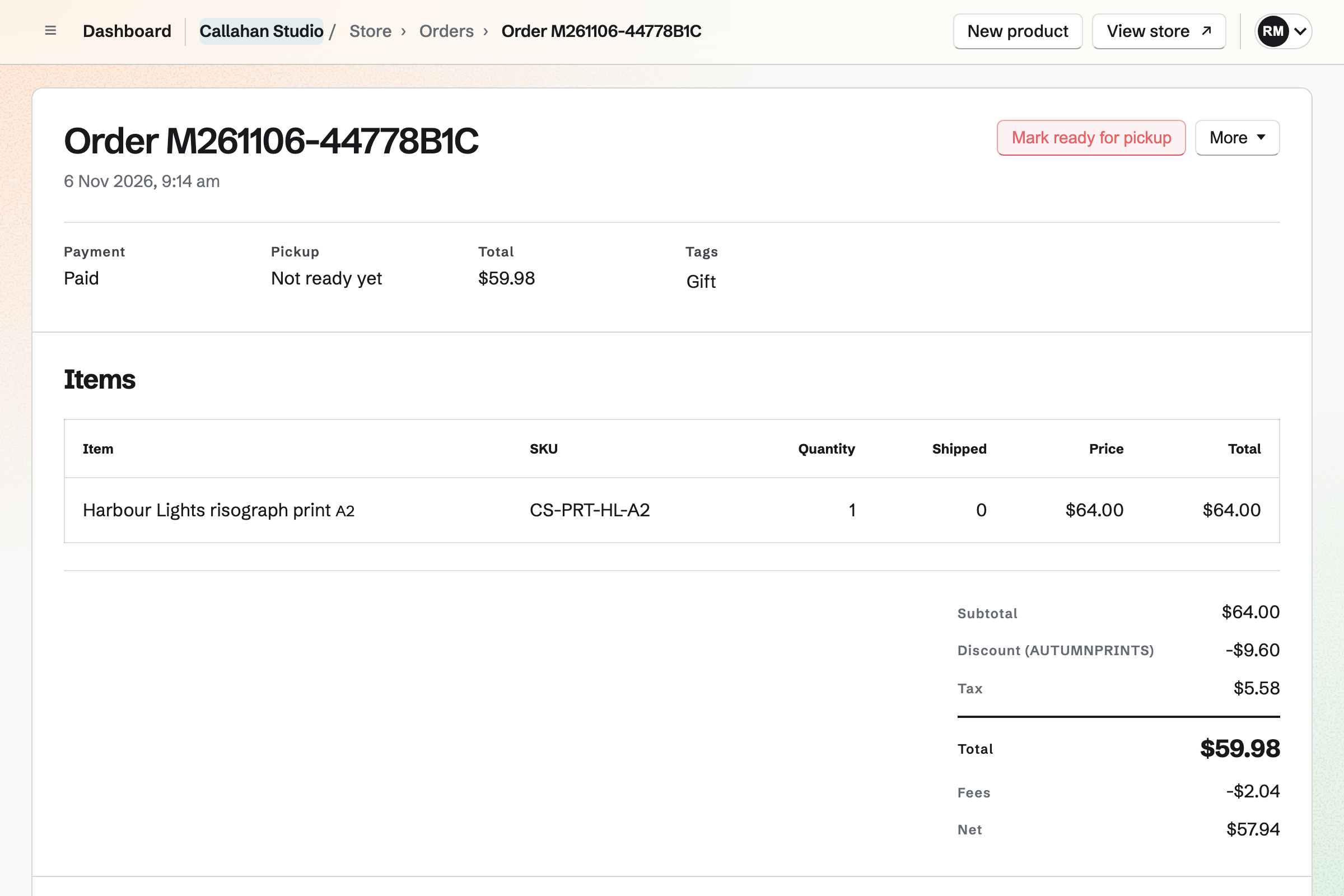
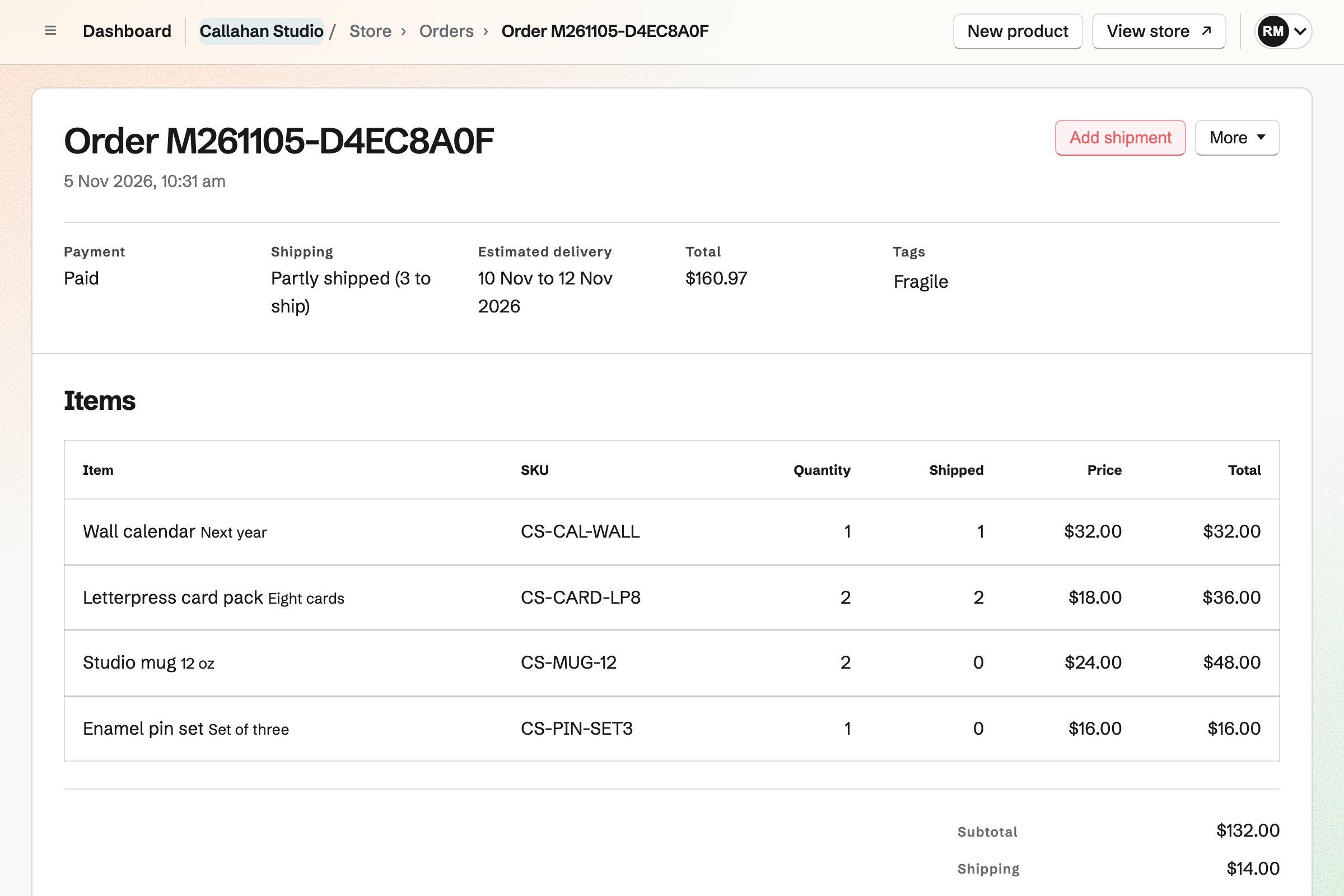
You ship each order from its page, and refund it there too.
An order ships in one or more parcels, each with its carrier and tracking. Magpie emails the buyer what is in each parcel. A pickup order is marked ready instead. Packing slips print from the order.
Shipping rates can depend on country, state or postal code. You can add delivery estimates, local pickup and local delivery by postal code.
You can refund all or part of an order, to the card or as store credit. You choose how many items go back into stock. Buyers ask for returns from their order page.
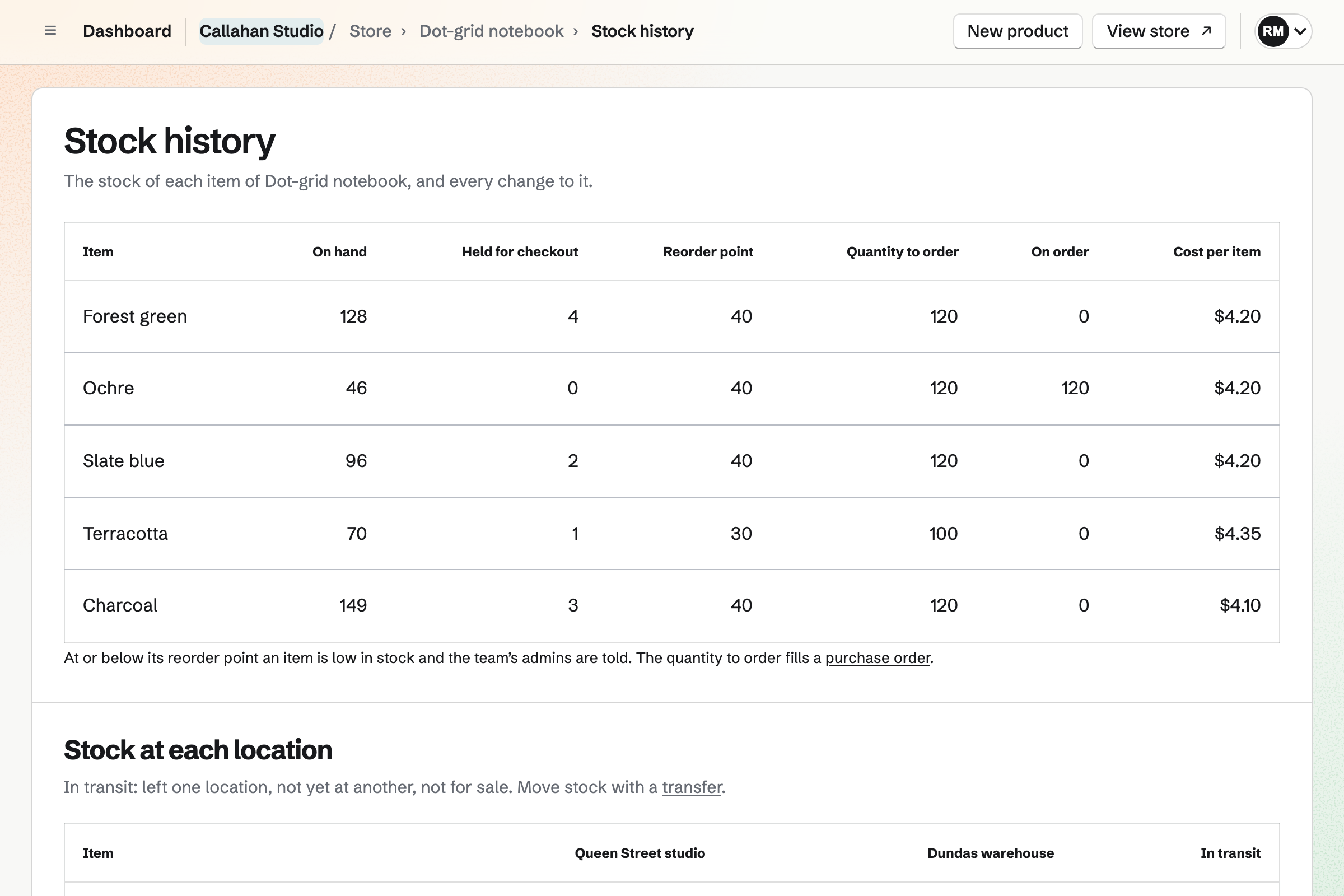
The Stock page shows what you have, what is on order and what it is worth.
Each tracked item shows its stock on hand, available and on order. The page also shows the stock’s value at average cost. An item at its reorder point is listed as low, and Magpie can email you.
You can send suppliers purchase orders as PDFs and receive deliveries at cost. Transfers move stock between locations.
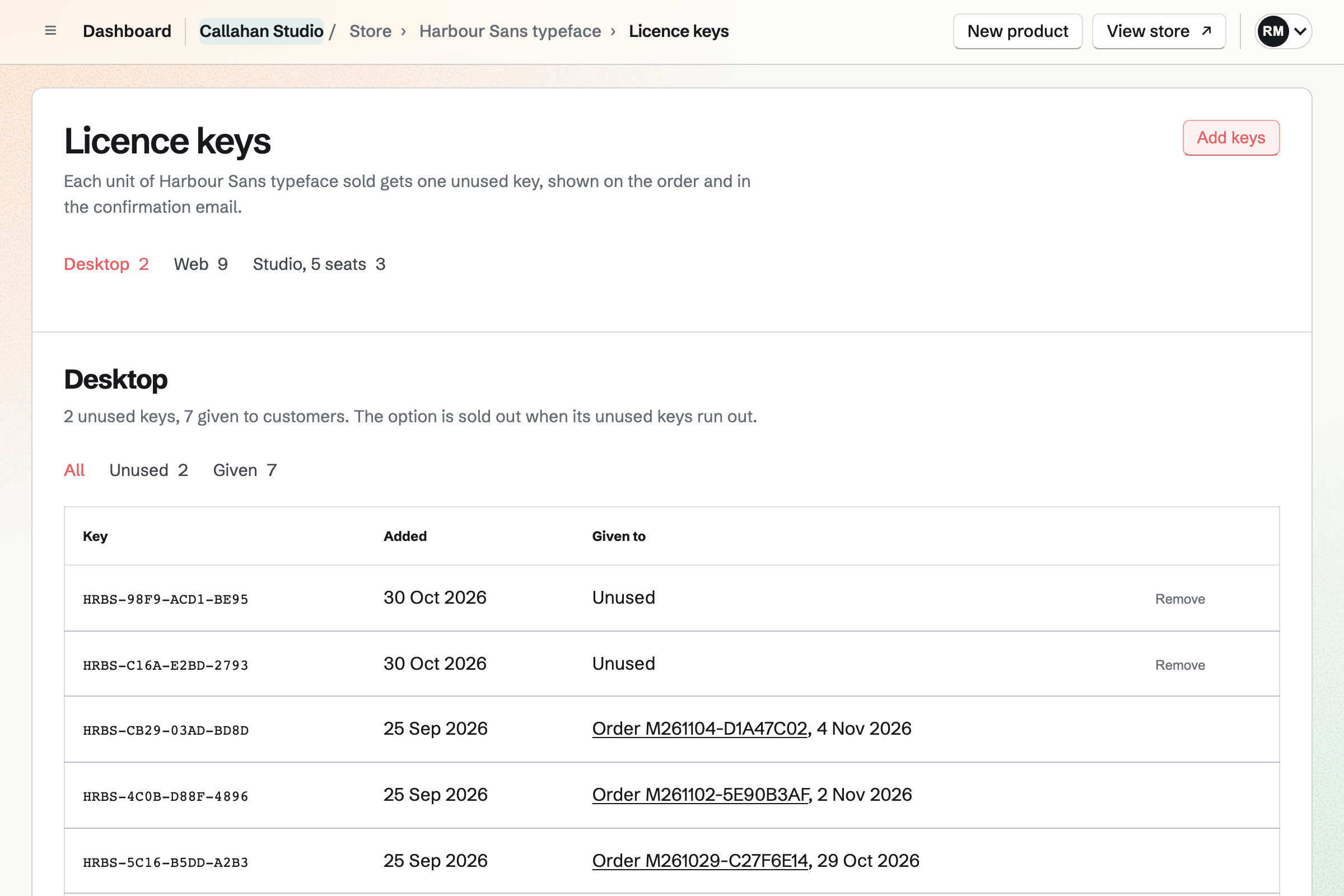
A digital product delivers its files and licence keys to the buyer’s Magpie account.
A digital product holds up to 50 files of up to 500 MB each. Each edition, such as PDF or EPUB, can have its own file. You choose how many days buyers can download, and how many times.
Replacing a file gives buyers the new version, and Magpie can email them. Each unit sold gets its own licence key. Buyers find every file and key under Your downloads.
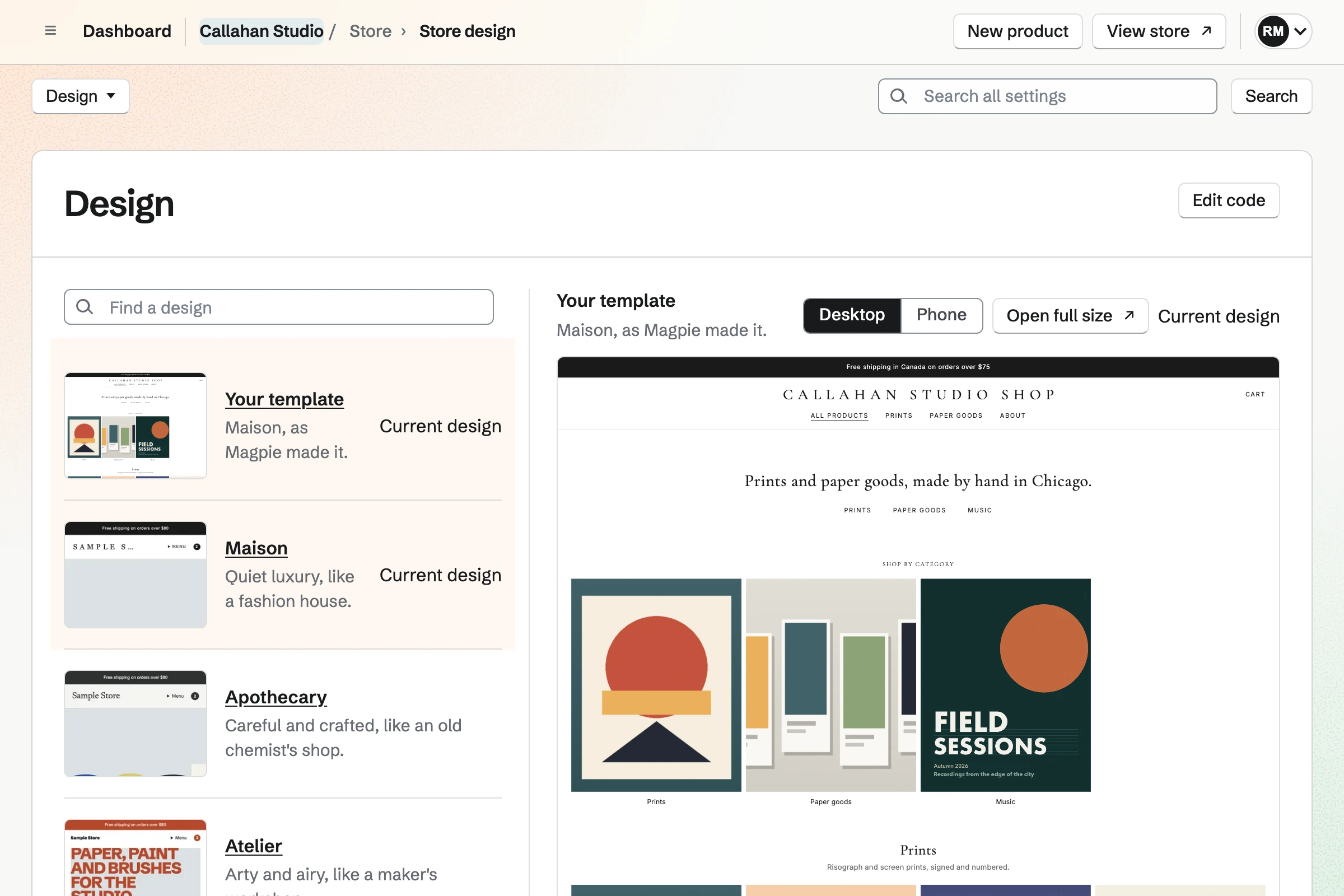
You choose a design for your Store and can show it at your own domain.
You see your own home page in each design before you choose one. You add a logo, a cover image, an announcement line and a menu. Colours and fonts come in sets made for each design.
Pages you write, such as About, are linked at the foot of every Store page. The Contact page’s form sends buyers’ messages to Helpdesk. Buyers can review what they bought and keep a wishlist.
Your Store can also be the shop on a website you build in Magpie. Its Shop page lists your products in the website’s design.
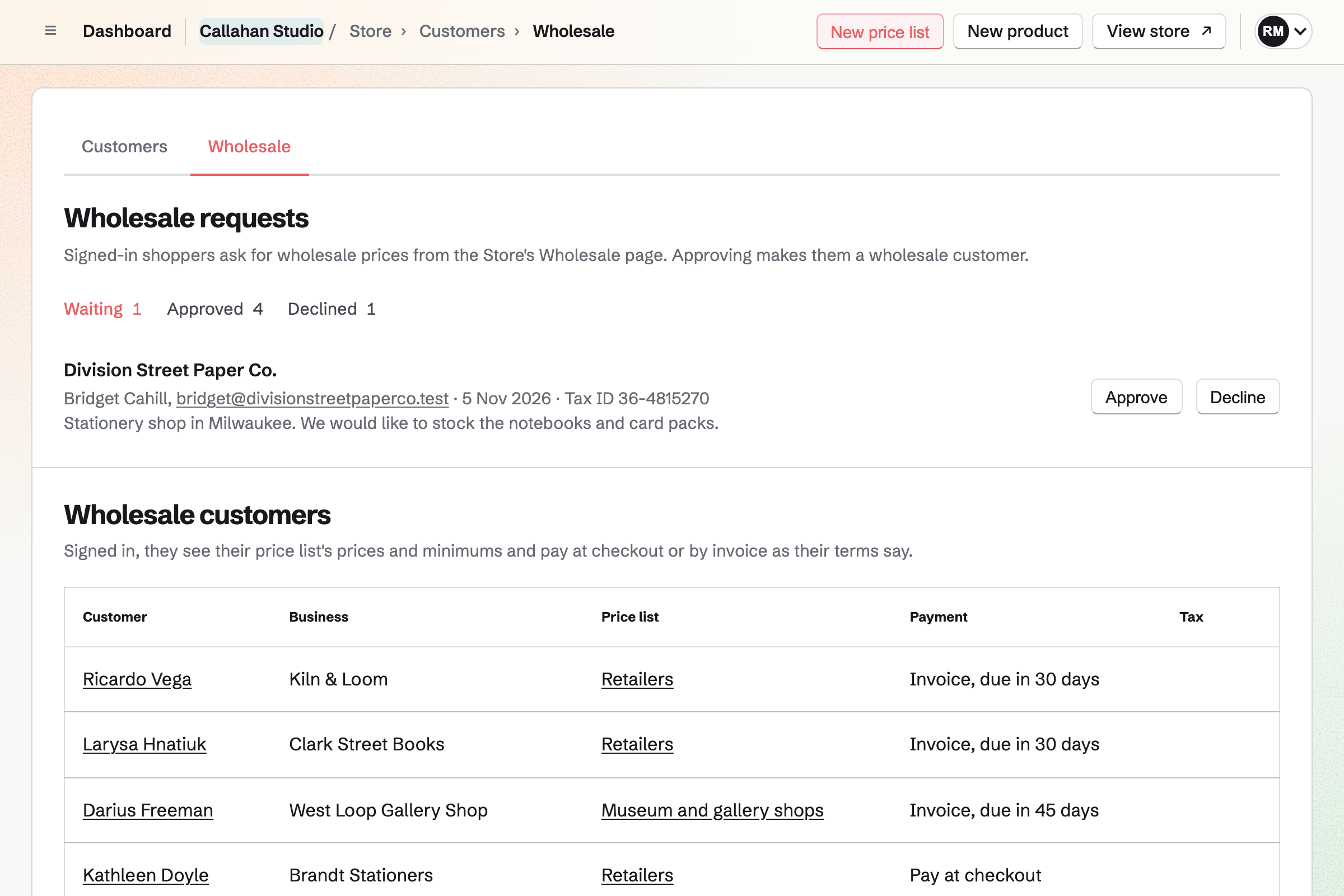
Approved business customers see their own prices, and can pay by invoice.
Wholesale customers sign in to Magpie to shop. Each sees the prices and minimum quantities of their price list. Everyone else sees your Store prices.
A wholesale customer pays at checkout or by invoice. Magpie makes the invoice, due on receipt or 7, 14, 30, 45, 60 or 90 days after it is sent. The order is marked paid when the invoice is paid in full.
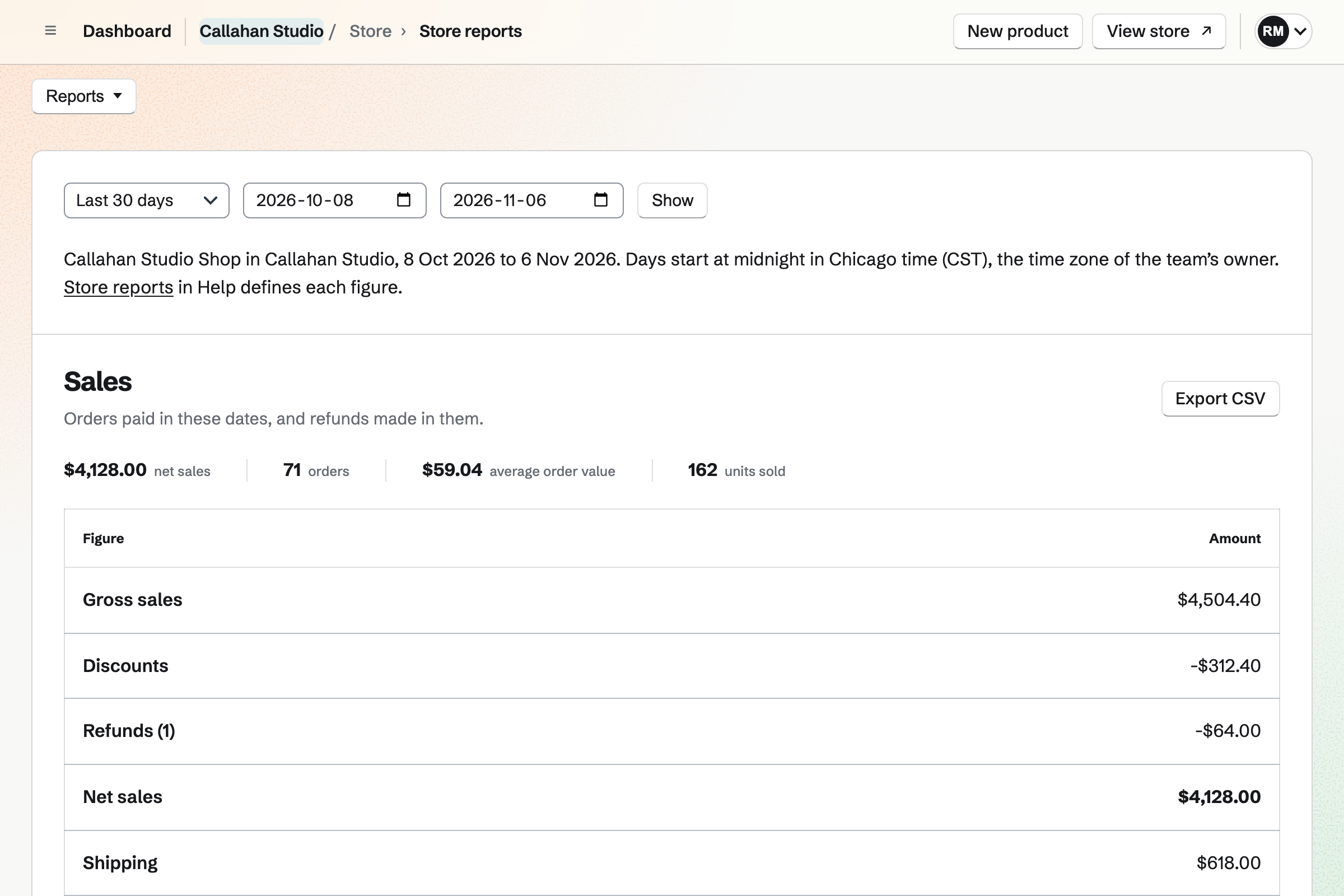
Reports show what sold, what it earned and where your buyers came from.
Reports cover sales, Stripe fees, margins, stock, buyers and visits for any dates. Each table downloads as a CSV file. Magpie counts visits without cookies, and can email you a weekly summary.
The customer list shows each buyer’s orders and spending. You can save filters as segments and add a buyer to Contacts. You can also export or erase a buyer’s data. Product feeds list your products in Google Merchant Center and Meta catalogs.
The API and webhooks connect your Store to your warehouse or accounting system.
With an API key, your own system can read orders and add shipments and refunds. It can change prices and stock. It can also read returns and customers and create discounts. API keys need Pro.
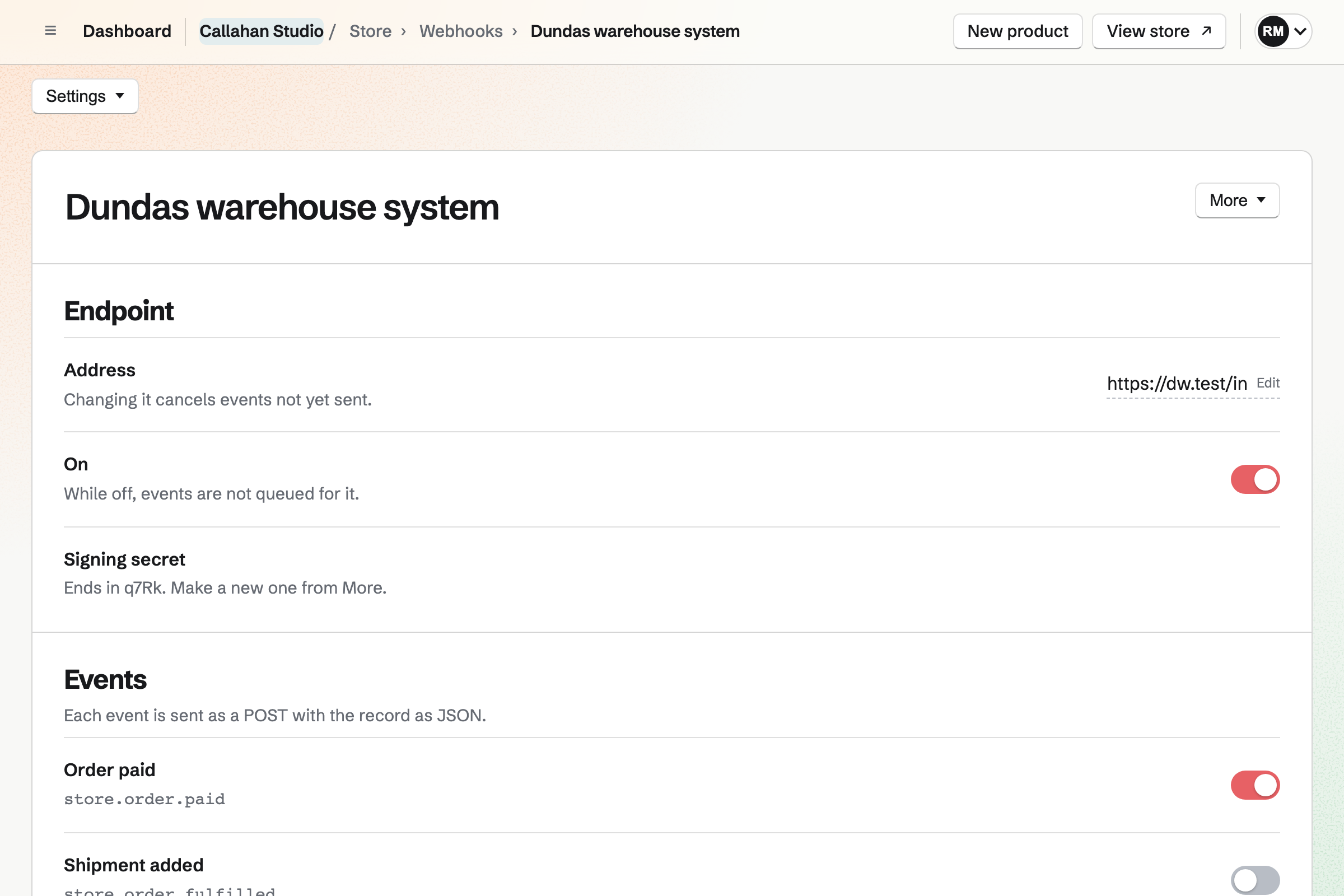
Signed webhooks send a POST to your system when something changes. They cover paid, shipped, refunded and canceled orders, product changes, low stock and return requests.
Plans and fees
Store is on every plan. Magpie takes 4% of each payment at your Store’s checkout. Stripe takes its processing fee, and your Stripe account receives the rest. An order paid later, by invoice, at pickup or on delivery, carries no Magpie fee.
Your team’s Stripe account is the seller. Your team handles refunds, disputes, tax and customer service. You can give each member of the team their own Store permissions.
Questions
Can I sell physical products and downloads in one Store?
Yes. One catalog holds physical products, digital products, gift cards, bundles and courses. Physical items ship or are collected, and digital items are downloaded from the order.
Does a buyer need a Magpie account?
A buyer checks out with an email address and does not sign up first. After payment, Magpie keeps the order in a free Magpie account for that address. It makes the account if the address has none. The order, its downloads and its returns open there.
What do I need before I can take payments?
Your team connects a Stripe account on the Payments page, through Stripe’s own pages. You can publish the Store before that, and buyers can browse it. Checkout opens once Stripe says the account can take payments.
What happens when a buyer disputes a payment?
The order page shows that the payment is disputed. You answer the dispute in your Stripe Dashboard, because your Stripe account is the seller.
Can my staff work in the Store without seeing everything?
Team admins can do everything in Store. Other members get only the permissions you give, such as shipping orders or seeing reports. The payment account and payouts stay with admins.
Can I bring my products from another shop?
Yes. A CSV file adds products or changes prices, stock and details. A JSON file, or a ZIP of it with photos, adds many products at once. Magpie can also check a Poshmark closet and bring over new listings as drafts.
Can I export my orders and products?
Yes. The Orders list downloads the orders you filtered as CSV. Every product and variant exports as CSV too. Each report table and the Stock list download as CSV too.
Can people preview the Store before it is published?
Yes. Members of your team who can open Store see it with a preview notice. Anyone else can see it with the preview password you set, without a Magpie account. People previewing can browse but cannot buy.
Set up a Store.
Create a Magpie account and give your Store a name. You connect Stripe when you are ready to take orders.