Supporters
Supporters: monthly paid tiers and posts with audience controls.
Publish a public support page with monthly Stripe subscriptions. Write Markdown posts for everyone, all paying supporters or selected tiers; subscriptions grant content access without joining your team.
Get started free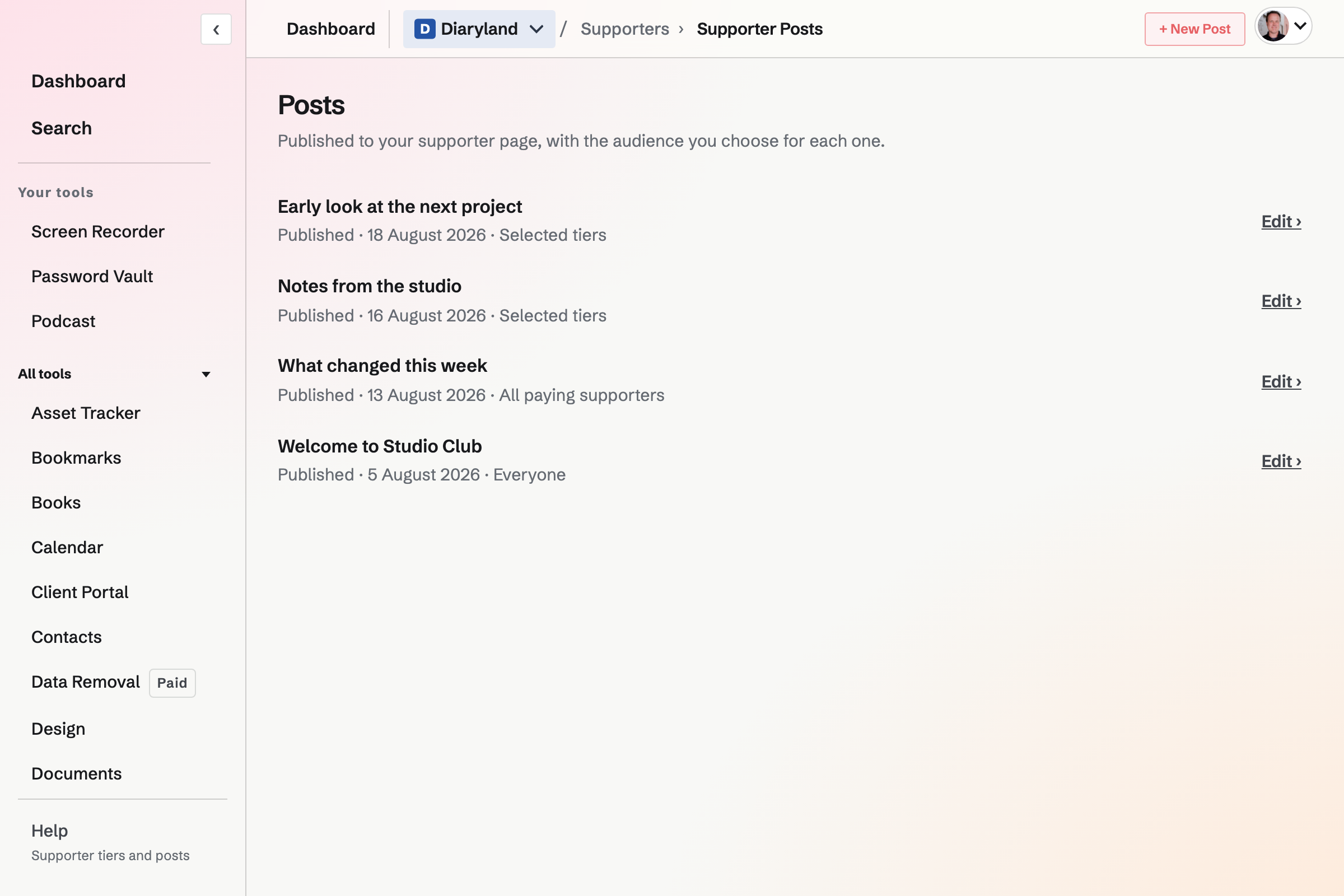
Monthly tiers and existing subscriptions
Name the tier, set its monthly price and describe what it includes. Turn off new subscriptions to a tier without canceling current subscribers. The amount and currency cannot be edited like ordinary copy; use a replacement tier when the price changes.
Public posts, paying supporters or selected tiers
Write a Markdown post for everyone, all paying supporters or selected tiers. Save it as a draft first if needed. When a visitor lacks access, the excerpt can appear but the protected body is withheld. A subscriber’s paid access is separate from team membership.
Before opening subscriptions
What is required to take payments?
A team admin connects the team’s Stripe account and publishes at least one active tier. Magpie’s default Supporters fee is 3% on recurring payments, in addition to Stripe processing fees. The connected seller handles taxes, refunds and disputes.
Can a subscriber change or cancel payment?
A subscriber can use Stripe's customer portal to update a payment method, see invoices or cancel at the end of a billing period. The portal does not switch tiers.
Does the plan limit tiers or posts?
Free allows three tiers and 200 posts per program. Pro does not cap their counts. A team has one Supporters program on either plan.
Can I take the page offline with active subscribers?
Publication controls can block taking it offline while subscribers still have paid access. Handle those subscriptions before removing their content route. Turning off new subscriptions to a tier does not cancel existing subscribers.
Create a Supporters page.
Create an account and set up a program.