Contacts
Start a timer from a Contact to record work for that person.
Time Tracking
Start a timer or enter a duration manually, with an optional project, tag and Contact. Team members manage their own entries; admins control projects, rates and what reports members can see.
Get started free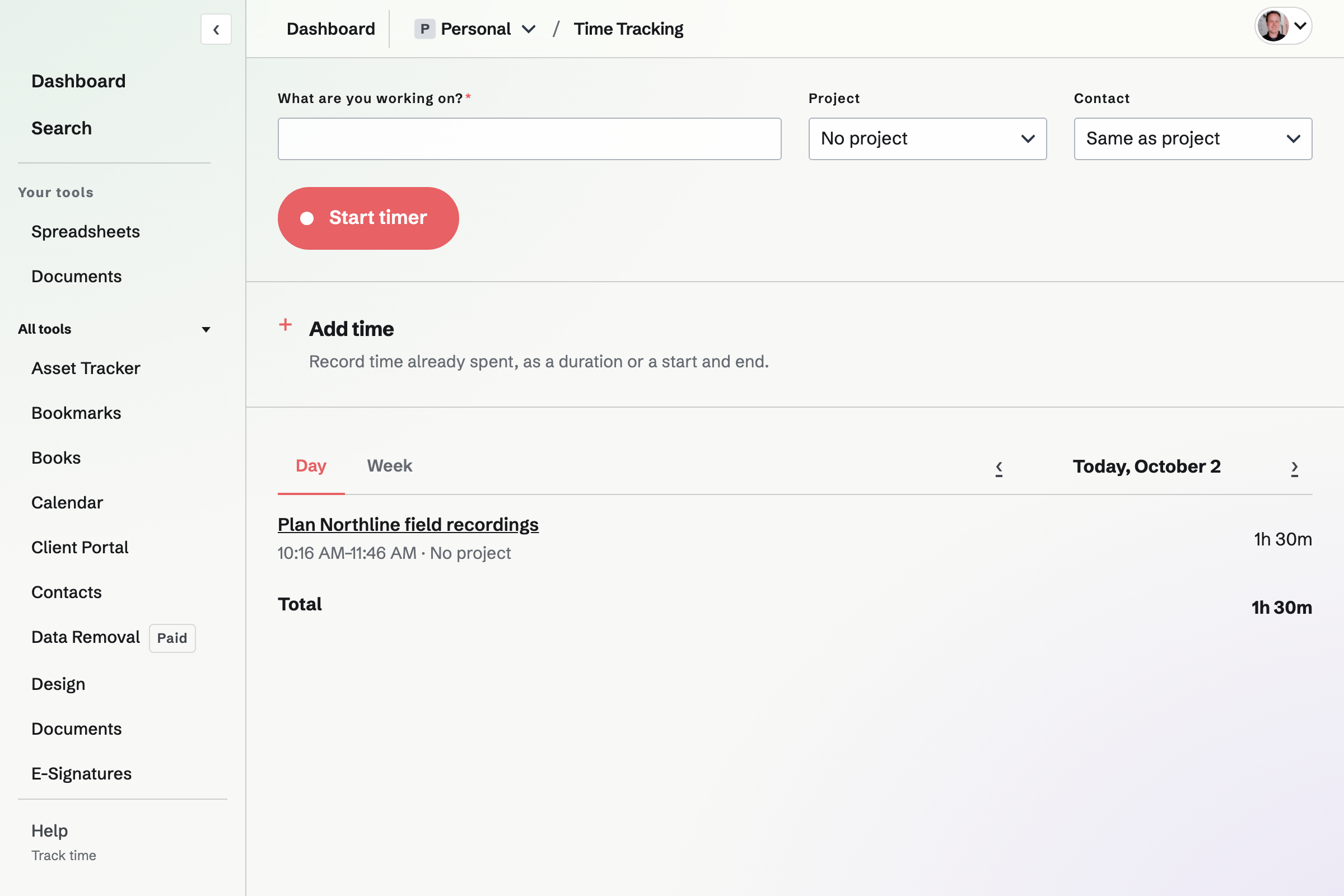
A timer is saved on Magpie and keeps running when you leave the page or close the browser or app. You can have one running timer across all contexts. Add time manually by duration or start and end time, and split completed entries when needed.
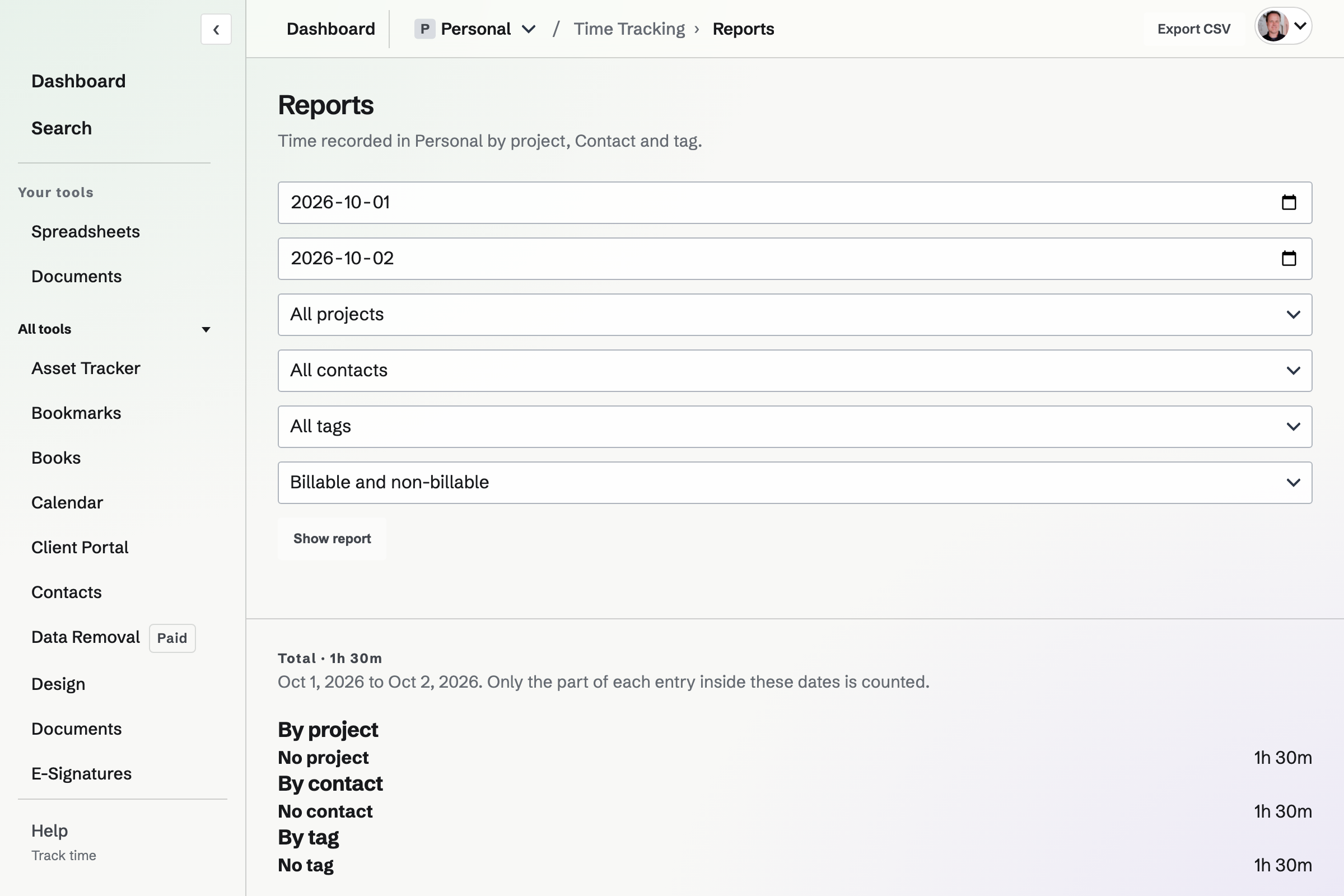
Filter a date range by project, Contact, tag and billing status, then export matching entries as CSV. Admins see team-member totals and can filter by person. Shared member reports can show only their own time, project totals without names, or everyone’s entries. Rate visibility is controlled separately and is off for members by default.
New entries take a project rate first, then the linked Contact’s default, then the context default. Rates and currencies are copied to the entry; changing a default does not rewrite saved time.
Projects can bill exact time or round to the nearest 5, 6, 10 or 15 minutes. Billing rounding leaves the original recorded seconds unchanged.
Create an account and record the first entry.