Meetings
Events you create or answer Going to block that time on your meeting page. Visitors book through Meeting Types.
Calendar
Use Agenda, Day or Month to review your schedule. Create private or public events with response limits, and show connected Google Calendar events in your Personal calendar.
Get started free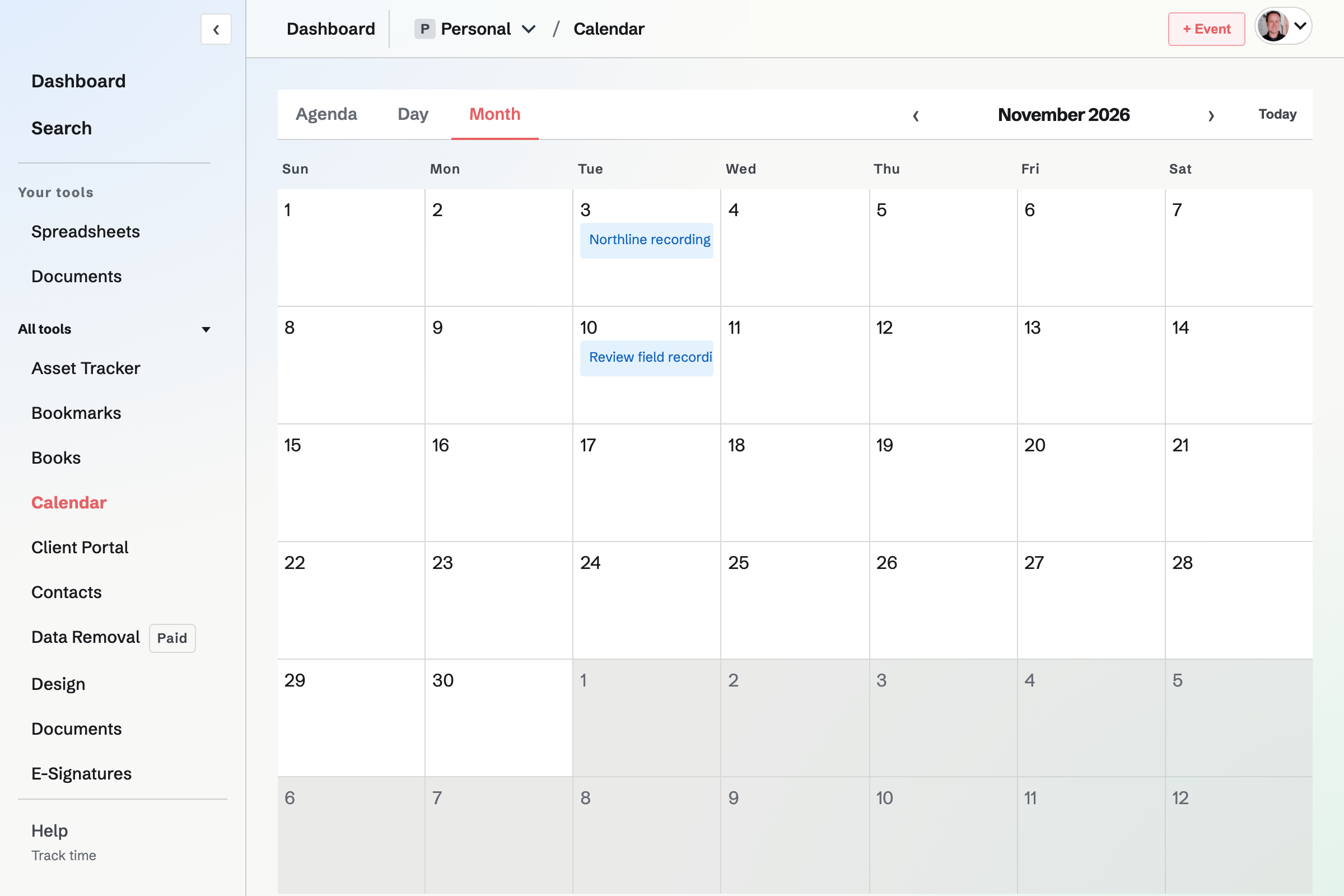
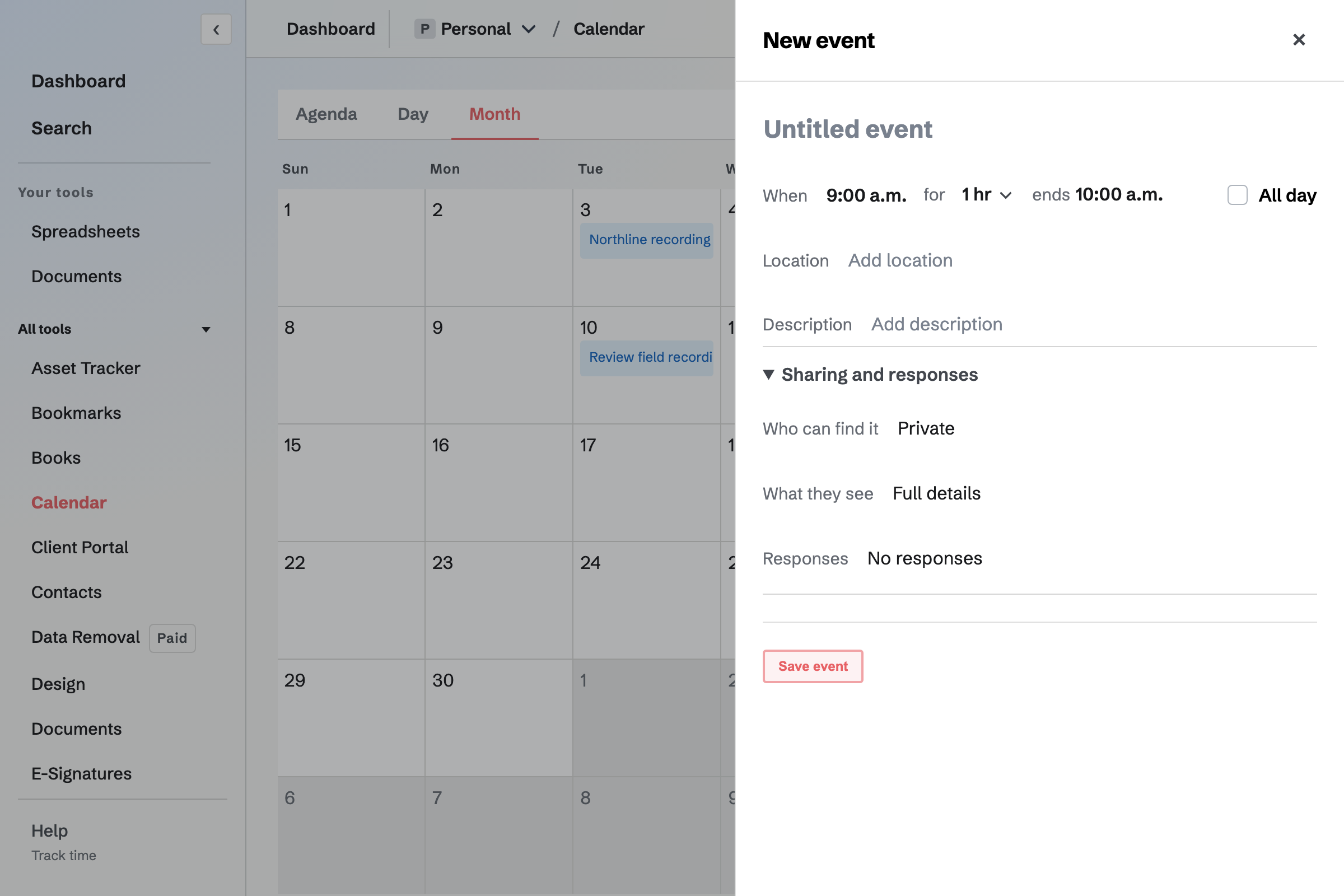
Who can find it keeps an event in your private calendar or puts it on your public calendar. What they see sets how much detail a visitor gets, so an event can show its time without its title or notes.
Turn on responses to let signed-in visitors answer Going or Not going, with an optional capacity. Each person decides whether other visitors can see their name. For an event that is not private, send an invitation to one email address or create a reusable link with a use limit and expiry.
Your Personal Calendar has your meetings, Personal events and Personal To-dos. A team Calendar has that team's events and To-dos, and does not show a member's Personal meetings.
With Google Calendar connected, your Google events appear on your Personal Calendar and open in Google Calendar; they are read-only in Magpie. Events from Personal and the team Calendars you choose can be added to Google Calendar.
Events you create or answer Going to block that time on your meeting page. Visitors book through Meeting Types.
Scheduled To-dos and To-do deadlines appear on their dates.
Start a timer from a Magpie Calendar event to record actual time separately from the event’s schedule.
Download an ICS file to import into a calendar application. It is a snapshot: later changes in Magpie do not change a file you already downloaded.
Create an account and add an event.