Invoicing
Start a new invoice with the Contact selected and use its saved billing details.
Contacts
Keep several contact methods, dated activity and customer billing details on each Contact. Follow-ups create linked To-dos, and the record shows related invoices and your meetings with that person.
Get started free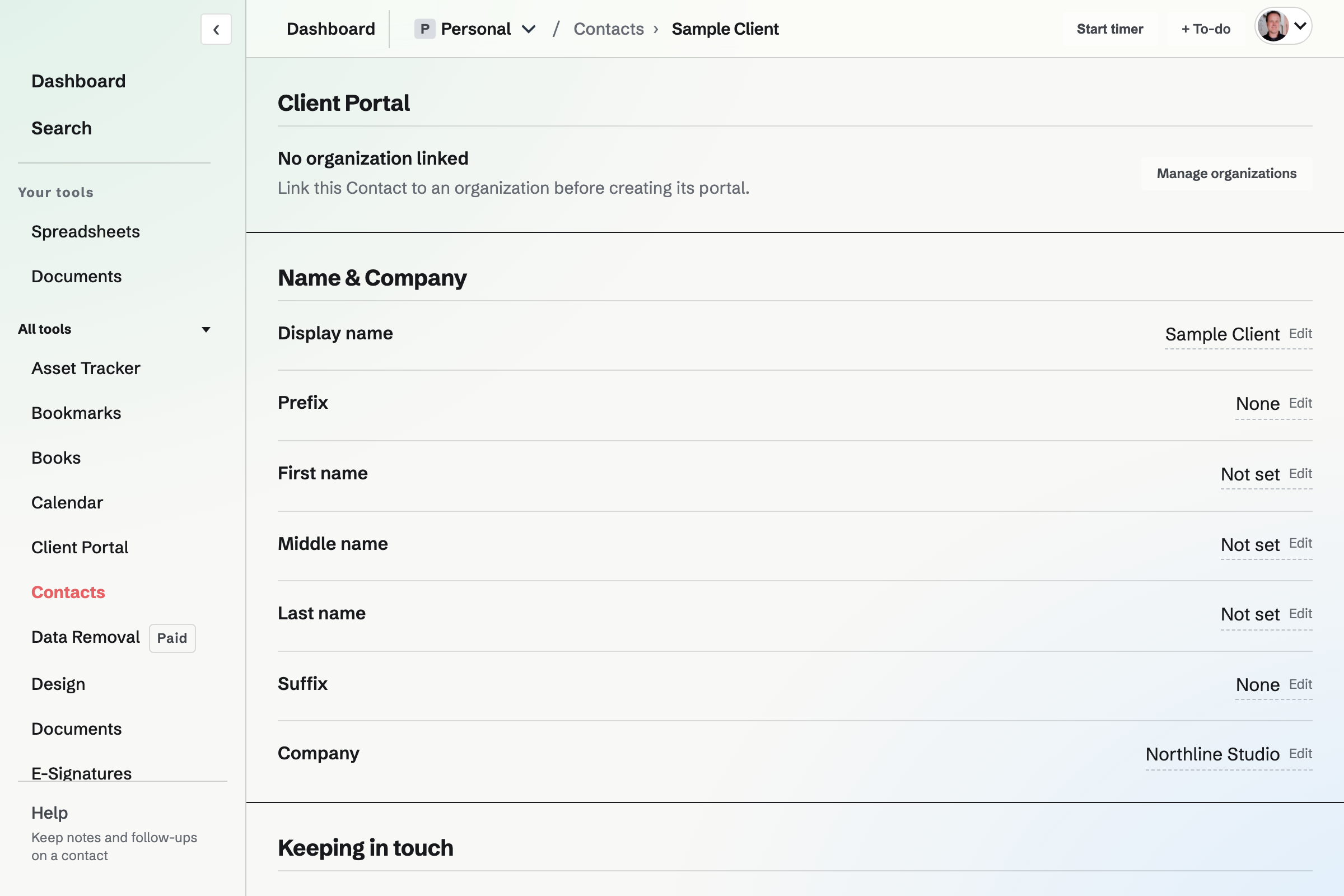
Search names, companies, About text, tags and activity notes. Recently contacted orders Contacts by Last contacted; Follow-ups lists open follow-ups by date. Pin an activity note to keep details such as a preferred contact method near the top of the record.
Start a new invoice with the Contact selected and use its saved billing details.
A Contact can supply a default hourly rate for new time entries. Start a timer from the Contact to keep the work linked to that person; team admins manage rates.
Yes. A Contact belongs to the selected Personal or team context.
No. Contacts with invoices stay so the invoice history keeps its customer relationship.
No. Call, Email, Meeting and Message entries set Last contacted. A plain Note does not.
Yes. Paste a JSON document to create up to 200 Contacts at once with their email addresses, phone numbers, addresses and tags.
Free allows 100 Contacts in a context. Pro does not cap the number.
Create a Contact with a name, then add its details and activity.