Time Tracking
Admins can add their completed, unbilled Time Tracking entries to an invoice draft. Each selected entry becomes a line item using its rate and billing rounding.
Invoicing
Bill saved Contacts with line items, tax and discounts. Add completed time or reimbursable expenses, issue a fixed PDF, and track due, overdue and paid invoices in Personal or a team.
Get started free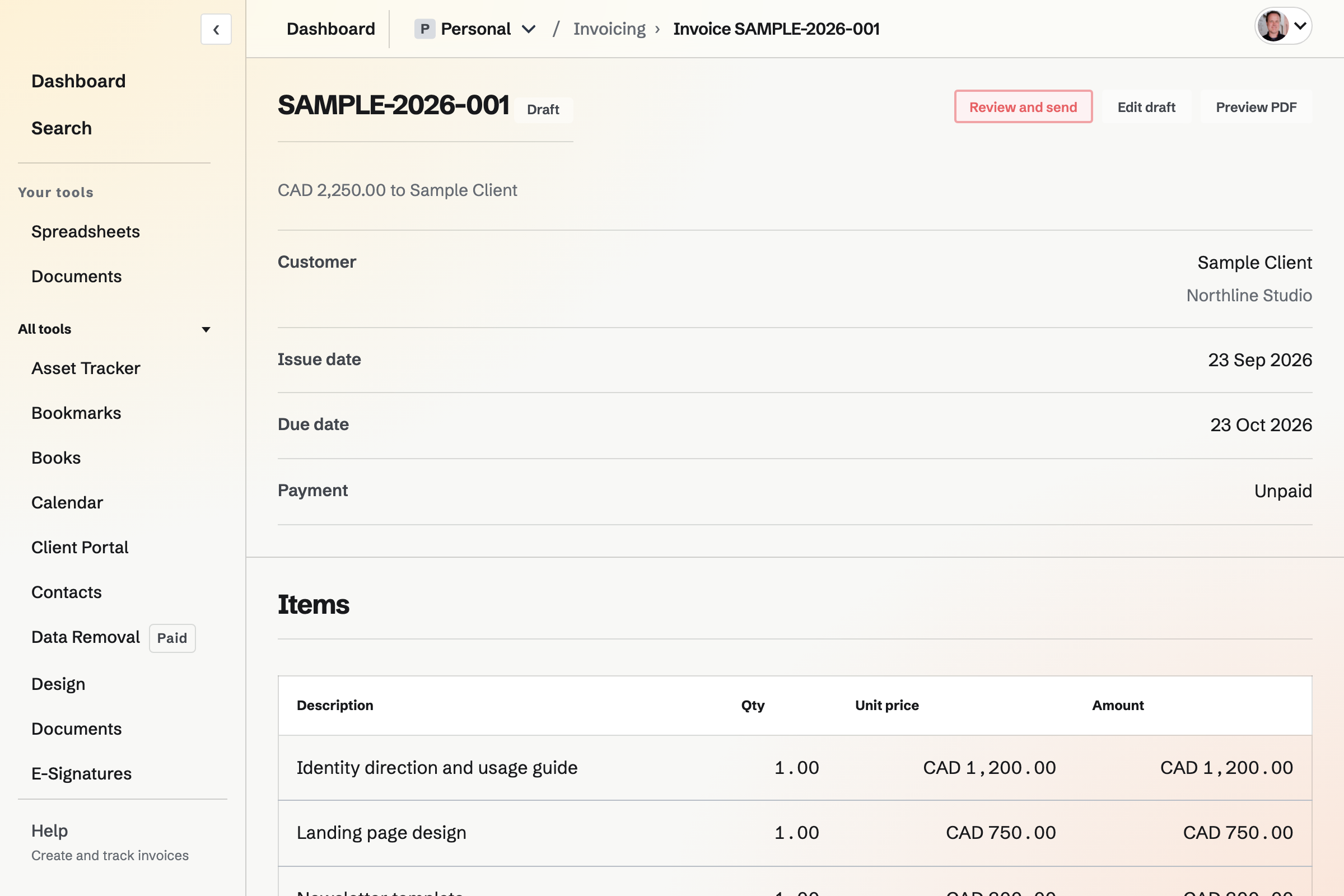
Draft, Due, Overdue, Paid and Void are separate views. The outstanding and overdue totals follow your search and Contact filter, so the amount above the list describes the invoices you are looking at.
Preview the PDF, adjust the items and terms, then review the recipients. An issued invoice stays final; duplicate it when you want a new draft for similar work.
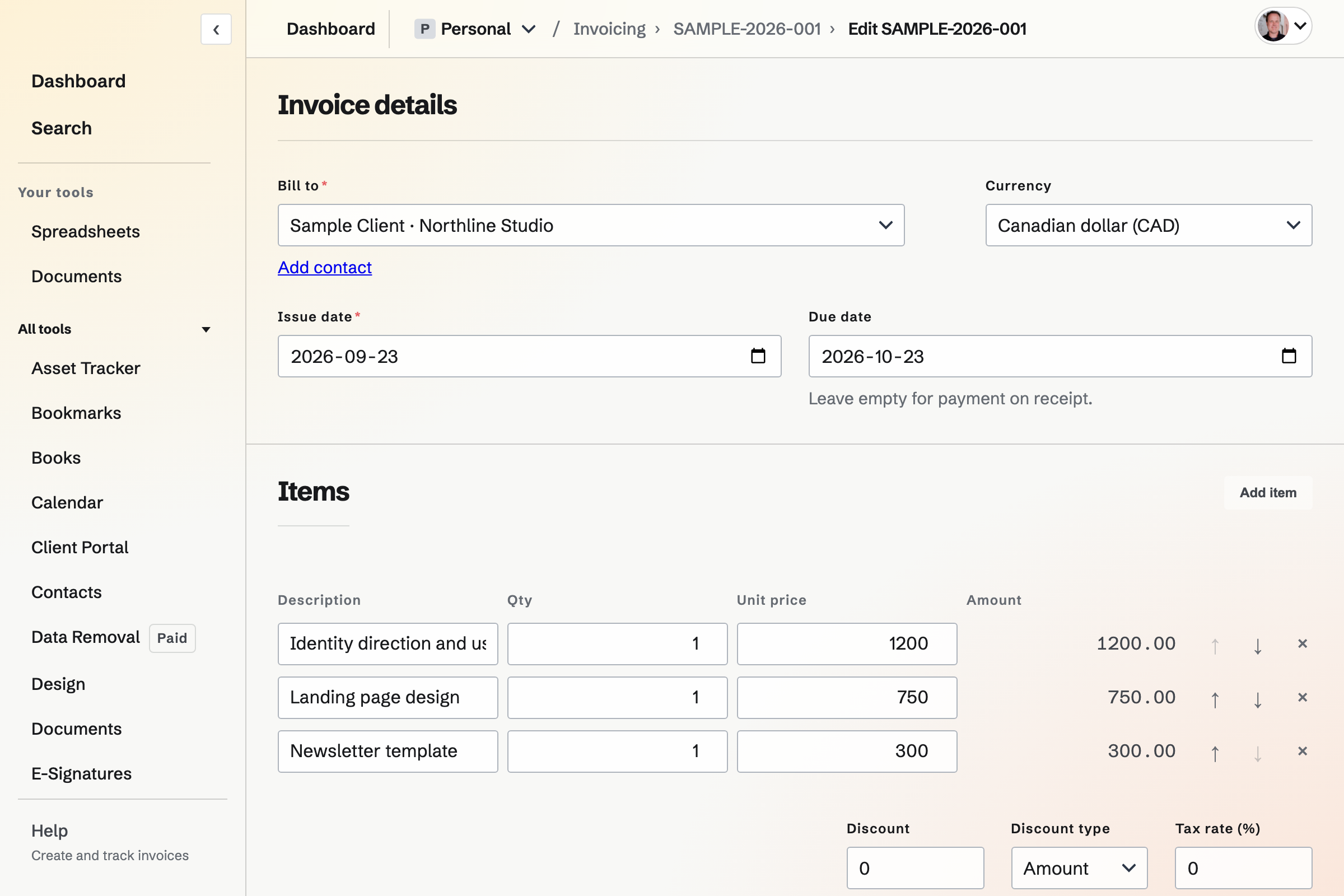
Admins can add their completed, unbilled Time Tracking entries to an invoice draft. Each selected entry becomes a line item using its rate and billing rounding.
Start with the Contact you are billing. Customer details, payment terms and invoice history belong to that customer relationship.
No. It records that payment arrived. Magpie Invoicing does not charge a card when you mark an invoice paid.
Yes. Each invoice belongs to the selected Personal or team context and bills a Contact in that context.
Free allows five new invoices per month; Pro does not cap them. Editing or resending an existing invoice does not use another invoice allowance.
Create an account, add a Contact, and start a draft.