Hiring
Magpie posts your jobs and keeps every applicant in one list your team reviews.
Each job has a public page and its own application form. Applicants apply without an account, and your team moves them through the job's stages.
Create account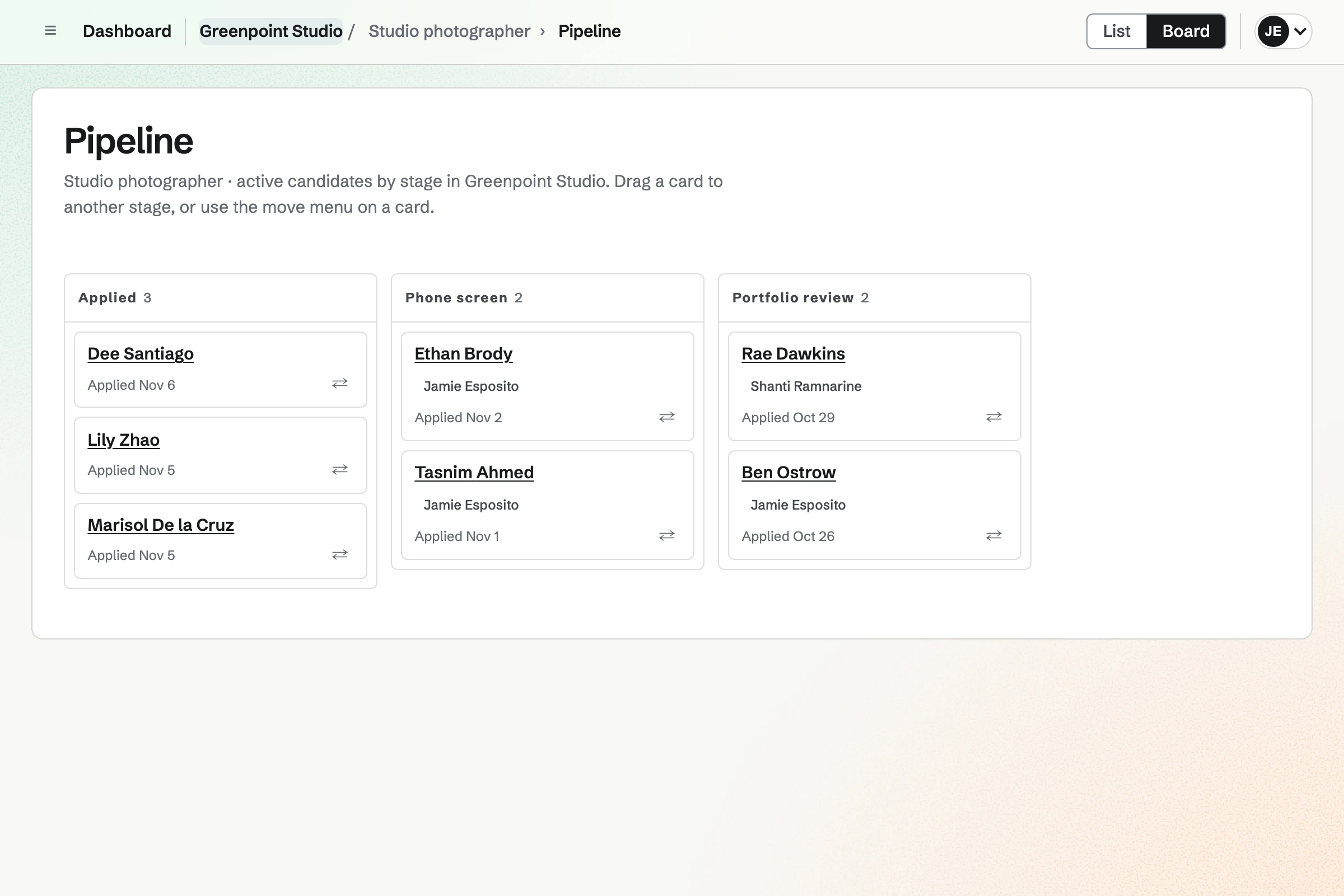
Jobs, the job board and application forms
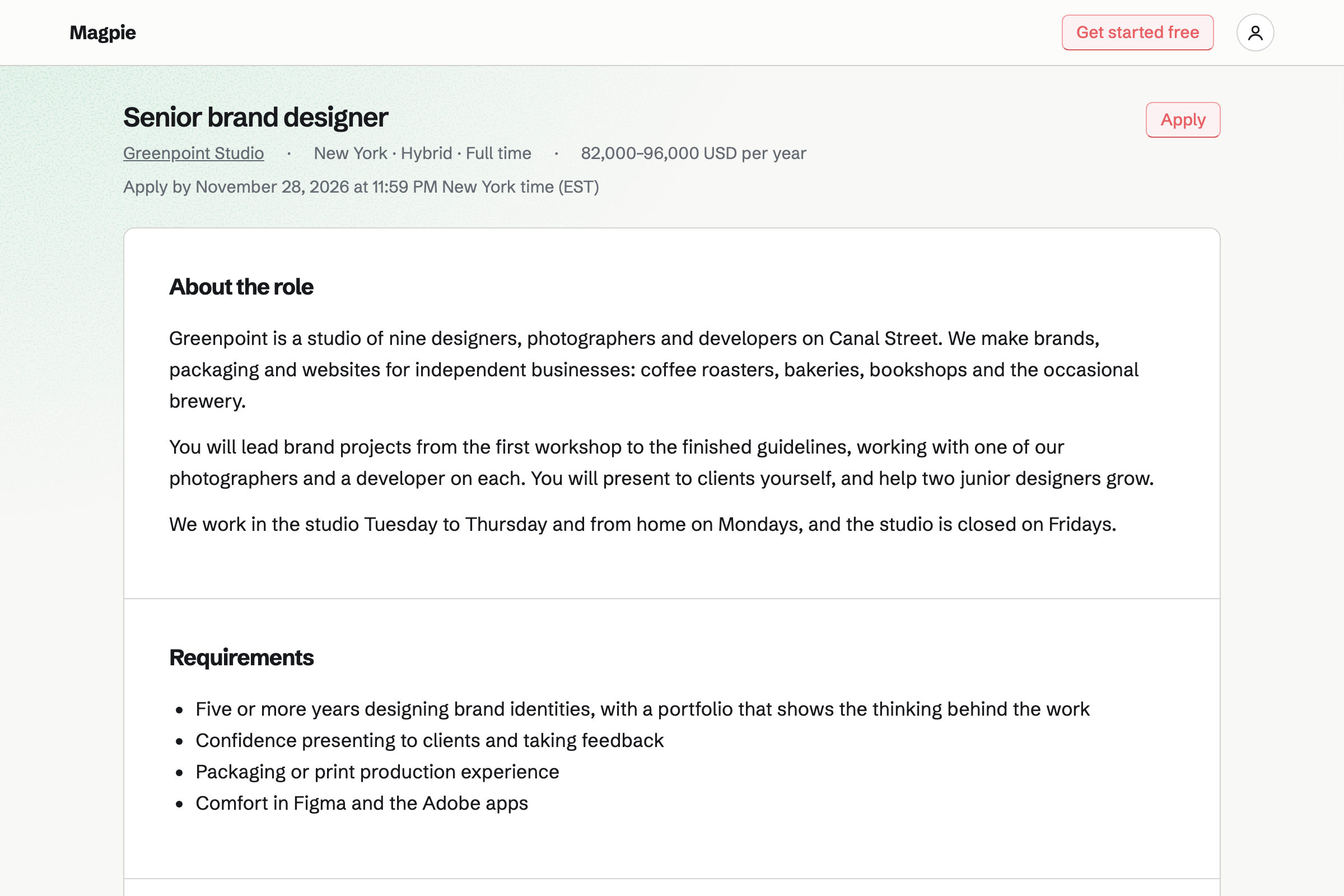
Each job starts as a draft with its description, salary, location and closing date. Publishing it lists the job on your team's public job board. Each job has its own page with an application form, and applicants do not need an account.
You choose which built-in questions to ask and add your own. Resumes and other files are stored privately for the team.
Candidates, stages and scorecards
Each job has its own stages, and applications move between them on the job's Pipeline board. Each application can have a reviewer, notes and tags. You can email a candidate from a starter or in your own words.
Interviewers rate candidates on scorecards before they see each other's. A rejection records a reason the candidate does not see, and they are emailed only if you choose.
Interviews in Calendar and Video Chat
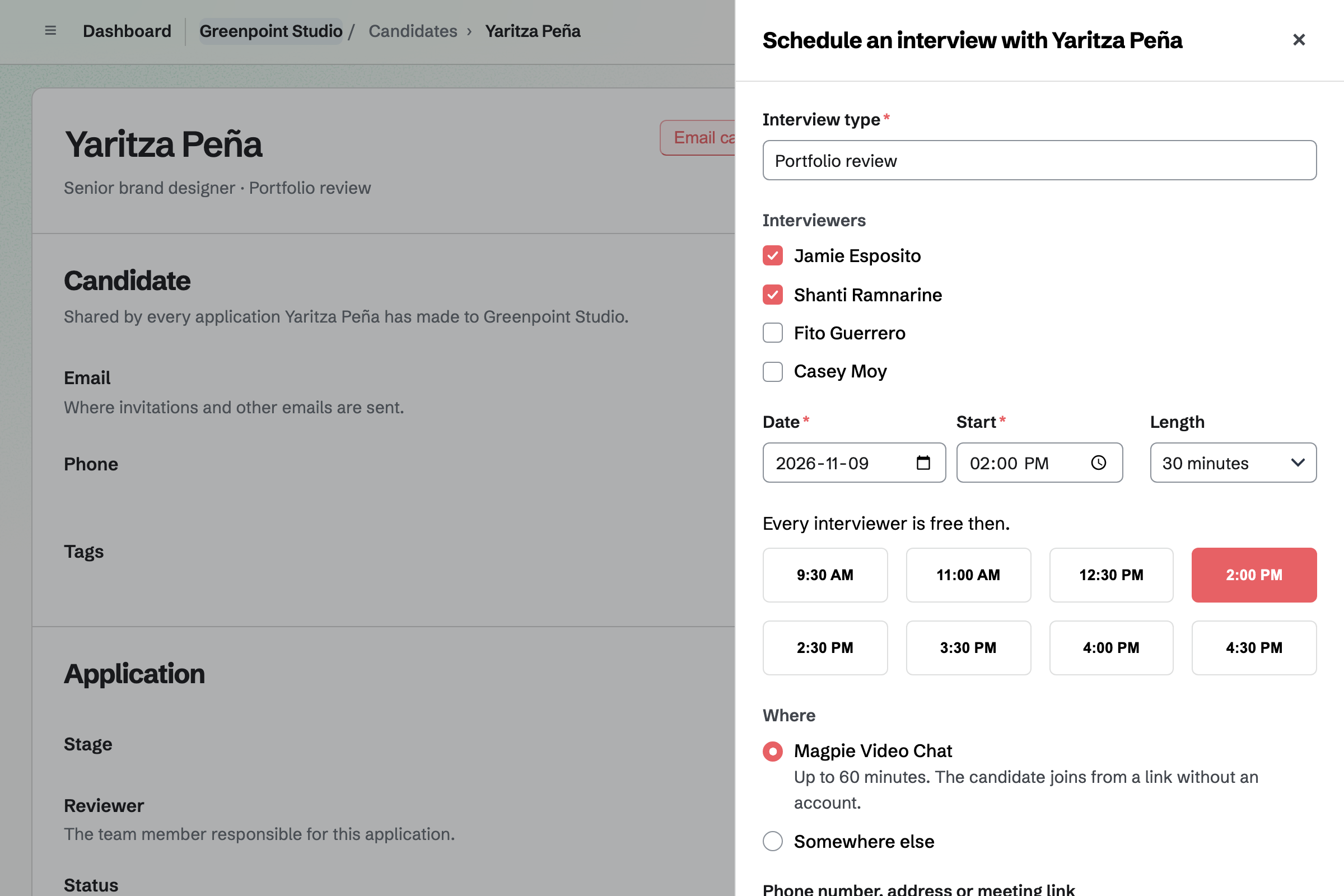
Schedule interview lists the start times when every interviewer is free. It reads their working hours, Magpie Calendar, Meetings bookings and Google Calendar. The interview goes on the team's Calendar.
The candidate is emailed an invitation with a calendar file. It has a Magpie Video Chat link, on Pro and Team plans, or the phone number, address or meeting link you enter.
Post your first job.
Create a Magpie account, open Hiring and enter a job title.