Independent software developers and indie hackers
An indie developer builds, sells and supports an app alone.
Open-source maintainers
The maintainers work together in one Magpie team. Users read the code, the docs and the roadmap at their public addresses.
Get started free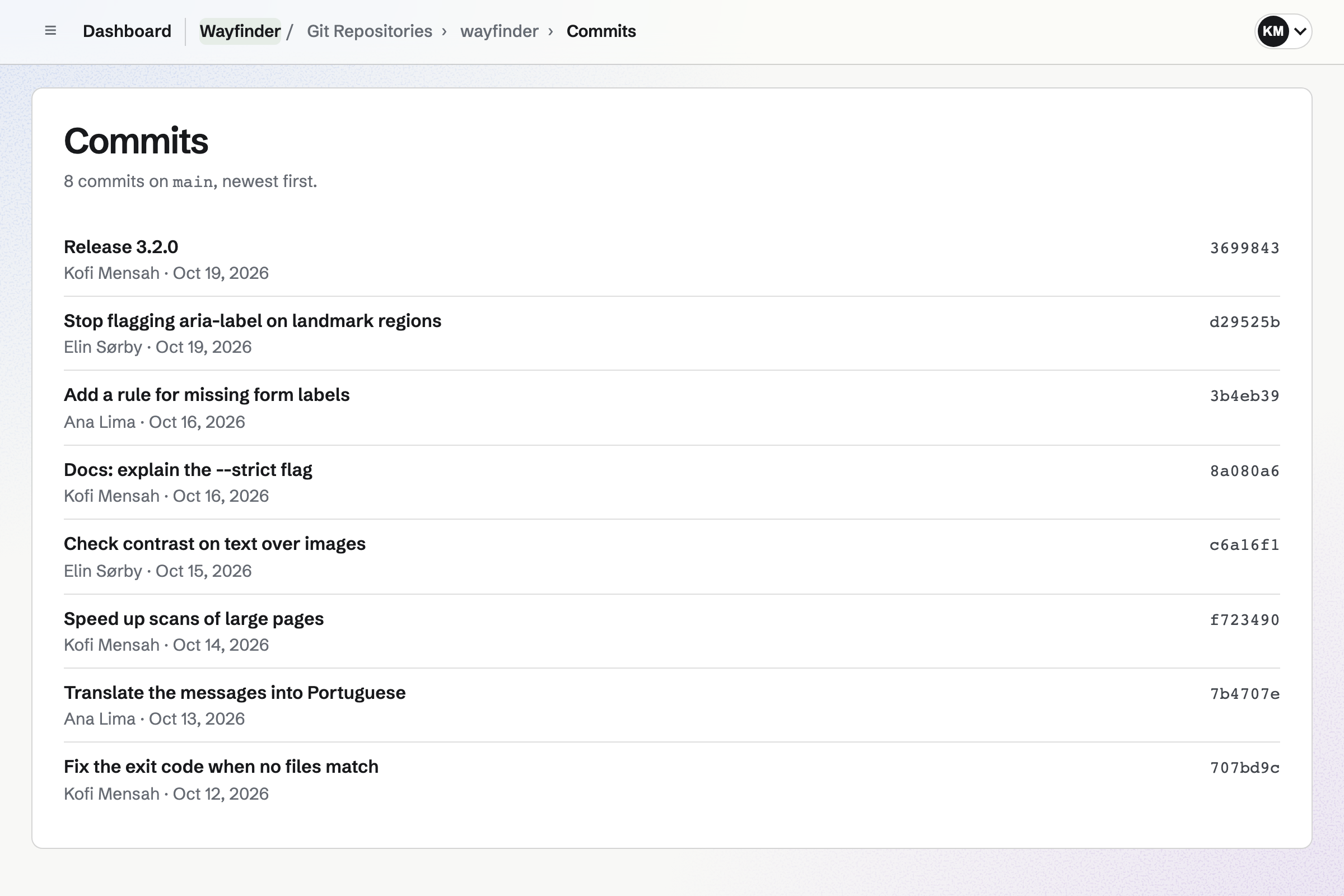
Git Repositories hosts the project's code. A public repository has its own page with the files, the README and the commits. Anyone can clone it.
Maintainers push over HTTPS with an access token, for reading or writing. A push can also rebuild the docs site.
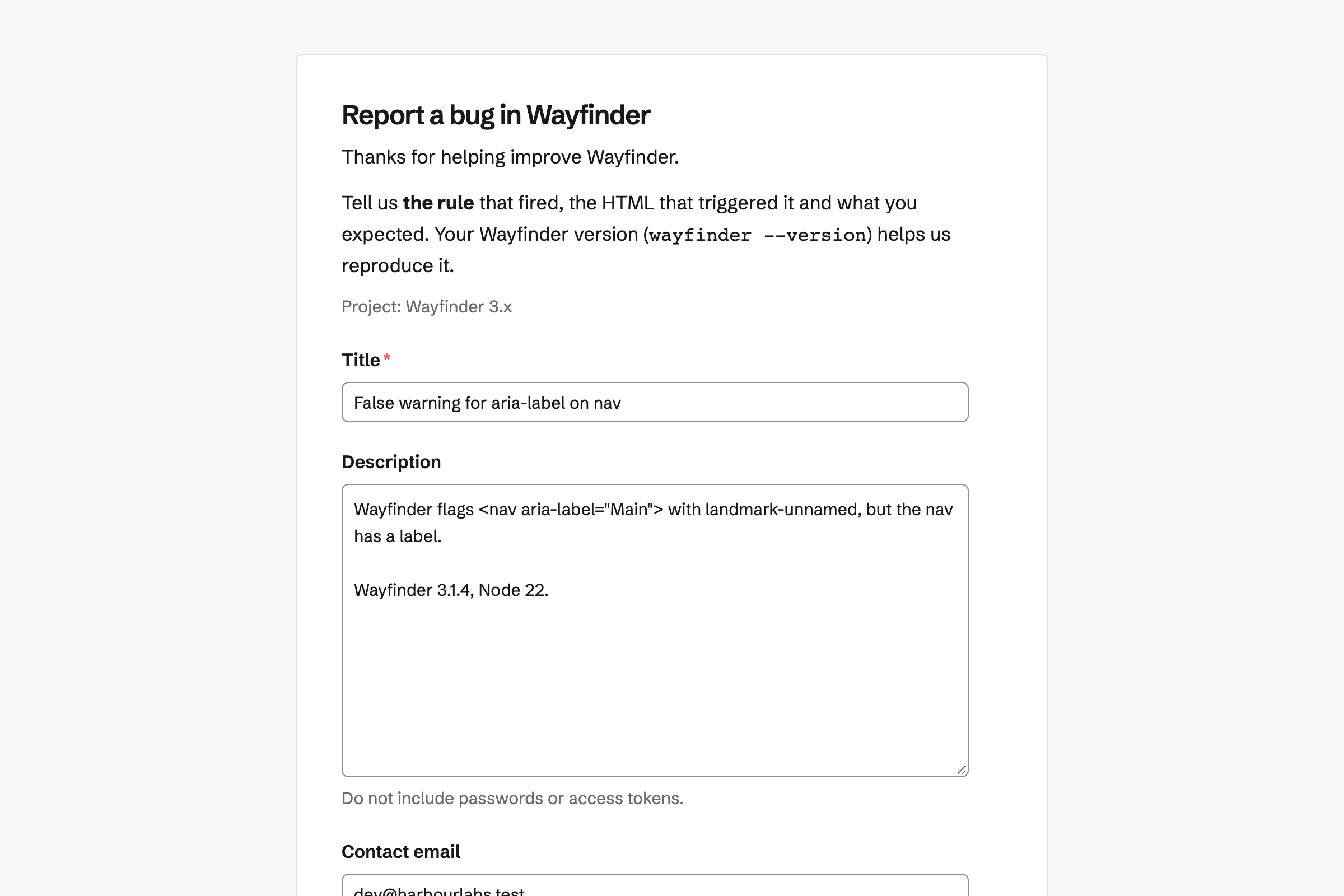
Issues tracks the project's bugs and features, with priorities, labels, milestones and a roadmap. A public bug form takes reports from anyone, into Triage.
You accept a report into a project, or close it as a duplicate. Signed webhooks tell your other tools when an issue changes.
Kanban Boards shows the roadmap as columns, such as Planned, In progress and Shipped. Outside access lets anyone with the address see it.
People signed in to Magpie can suggest a card, comment and heart. Suggestions wait in the Inbox column until a maintainer moves one onto the board.
Websites builds the docs from a content folder of Markdown, with your own templates. Each push builds the site again. A build that fails leaves the live site as it was.
Magpie adds a sitemap and a feed of your posts. The docs can be at your project's own domain.
Message Boards gives the project a public board of posts and replies. Anyone can read it, and Hot, New and Top sort the posts.
People post, reply and vote. A post's author, the board's creator and your admins can remove a post.
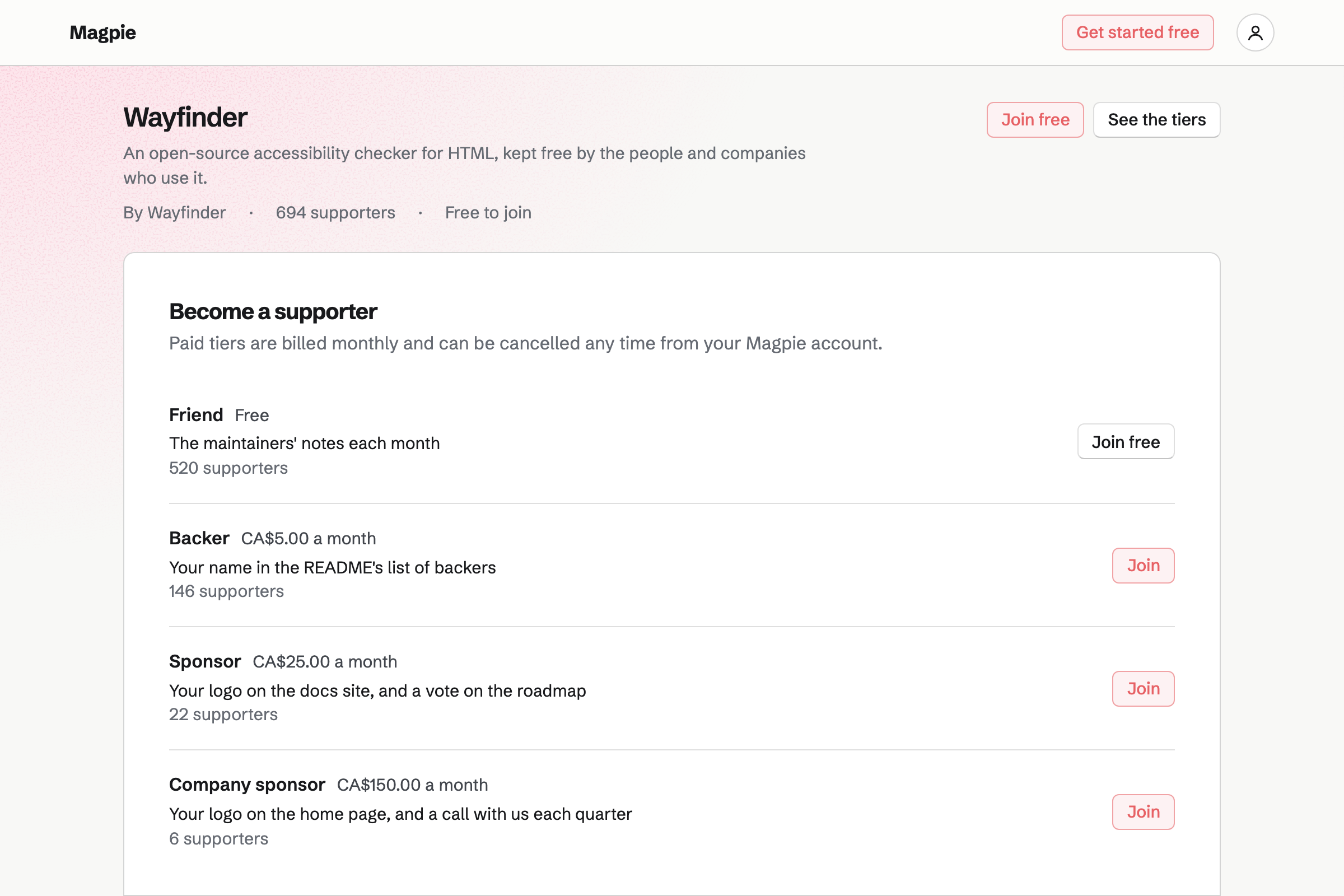
Supporters gives the project a public page with a free tier and monthly paid tiers. A tier can be for companies. Sponsors pay by card, into the project's own Stripe account.
Posts can go to everyone, or to chosen tiers. A poll lets sponsors vote on the next feature.
A user suggests it on the public roadmap.
A maintainer moves it into Planned.
An issue tracks it, and the code goes into the repository.
The push rebuilds the docs site with its new page.
The card moves to Shipped, and the newsletter sends the notes.
You push the code and make the repository public. Help: Git Repositories.
You choose the project its reports go to. Help: Triage and public issue forms.
You turn on outside access and suggestions. Help: Share a Kanban board and take suggestions.
You point a files website at the repository. Help: Build a website from a Git repository.
Maintainers working together fit the Team plan, each a member of the team. Users who read, report, suggest or sponsor are not added to the team.
Magpie's fee on sponsors' payments is 3%. Stripe's processing fee is taken from each card payment. Prices are on the Pricing page.
An indie developer builds, sells and supports an app alone.
A software startup plans, builds and ships as a small team.
Yes. A public repository has a page with its files, commits and clone address. Anyone can read it and clone it.
Yes. A public bug form asks for a title, a description and an optional email. Reports go to Triage, where a maintainer accepts or closes each one.
Yes. Issues imports a GitHub Issues export made with GitHub CLI, or a CSV file. An import holds up to 200 issues.
Yes. A Kanban board with outside access can be seen by anyone with its address. Visitors see the columns and cards, and never change them.
Yes. On a board that takes suggestions, people signed in to Magpie suggest cards, comment and heart. Each suggestion waits in the Inbox until a maintainer approves it.
Yes. A files website builds the docs from Markdown and your Twig templates on every push. A build can hold up to 2,000 pages.
Yes. A public Message Board holds posts, replies and votes. Anyone can read it.
Yes. A paid tier can be for companies, at its own monthly price and benefits. Sponsors pay by card into the project's Stripe account.
Yes. A post can hold a poll, for chosen tiers only. The poll is a Form, and its responses are collected there.
Yes. Newsletter sends each release's notes to the people who signed up, with double opt-in. A sent issue has its own web page too.
Create a Magpie account and push your first public repository.