HR and office managers at small companies (15 to 50 people)
An office manager looks after people, rooms and suppliers.
The IT person at a small company
The company works in one Magpie team, and you are its admin. You choose which areas each person uses.
Get started free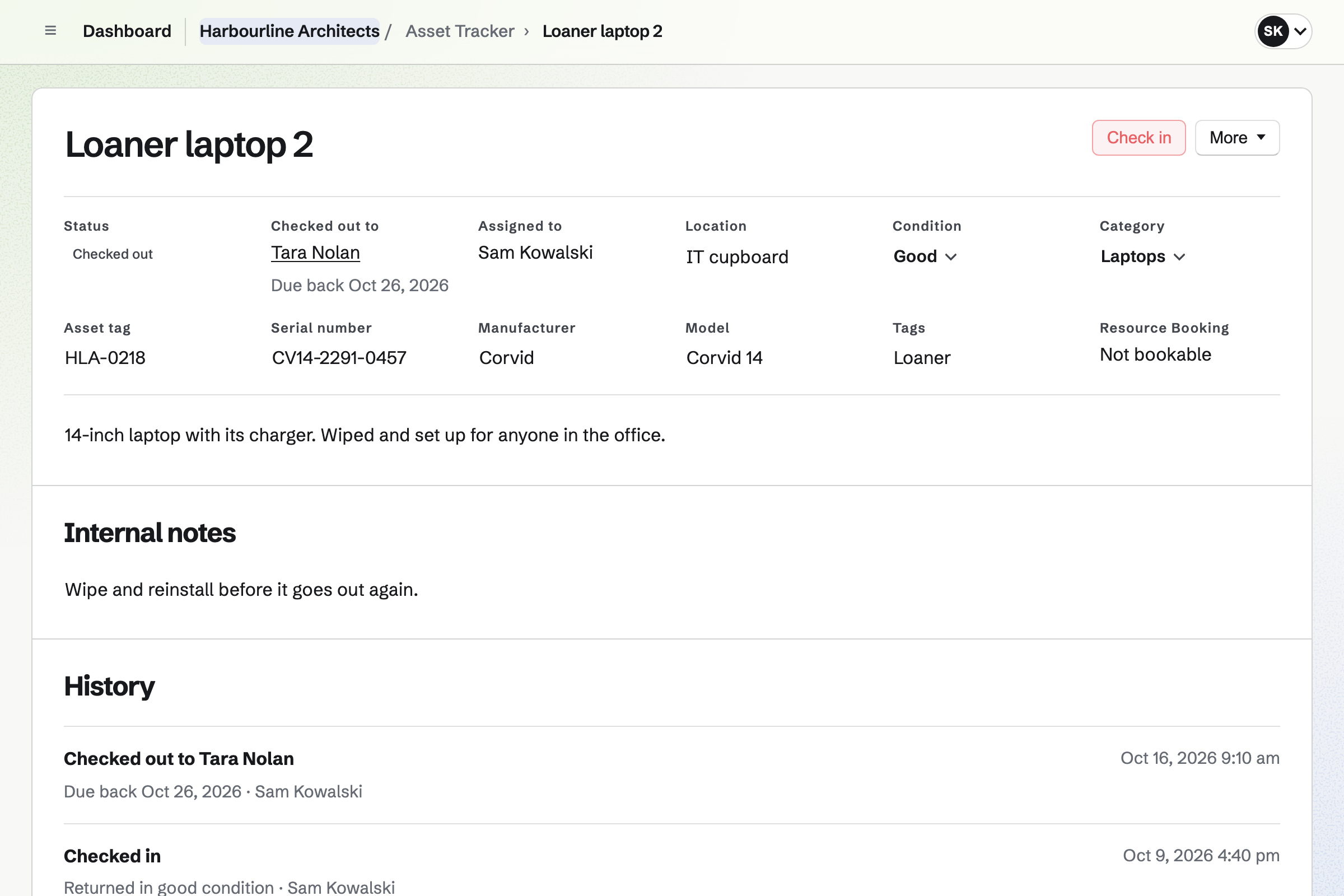
Asset Tracker keeps each device with its tag, serial number, location and condition. Purchase and warranty details are seen by admins only.
You assign a laptop to someone, or lend a loaner with a due date. Overdue loans have their own tab. A device can be marked in maintenance, lost or retired.
The Mail area gives the company's domain its mailboxes, aliases such as info@, and a catch-all. A mailbox can be shared by the team or private to one person.
Magpie lists the SPF, DKIM and DMARC records and checks them. Webmail has folders, snooze and scheduled sending.
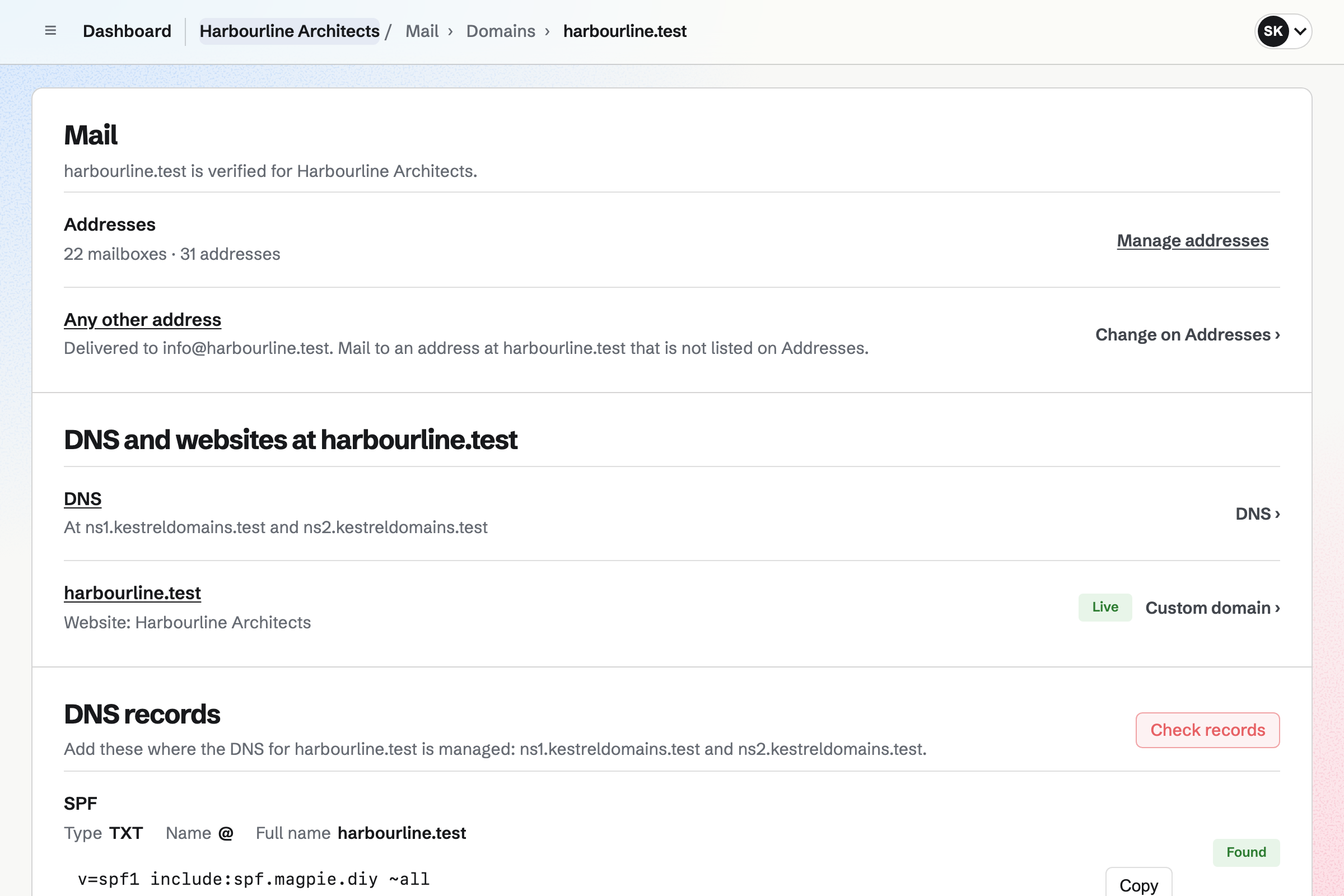
DNS hosts the domain's records, from A and MX to TXT and SRV. You can import the records you have, and export a zone file.
Check record looks a record up as the world sees it. Mail and Websites add the records they need for you.
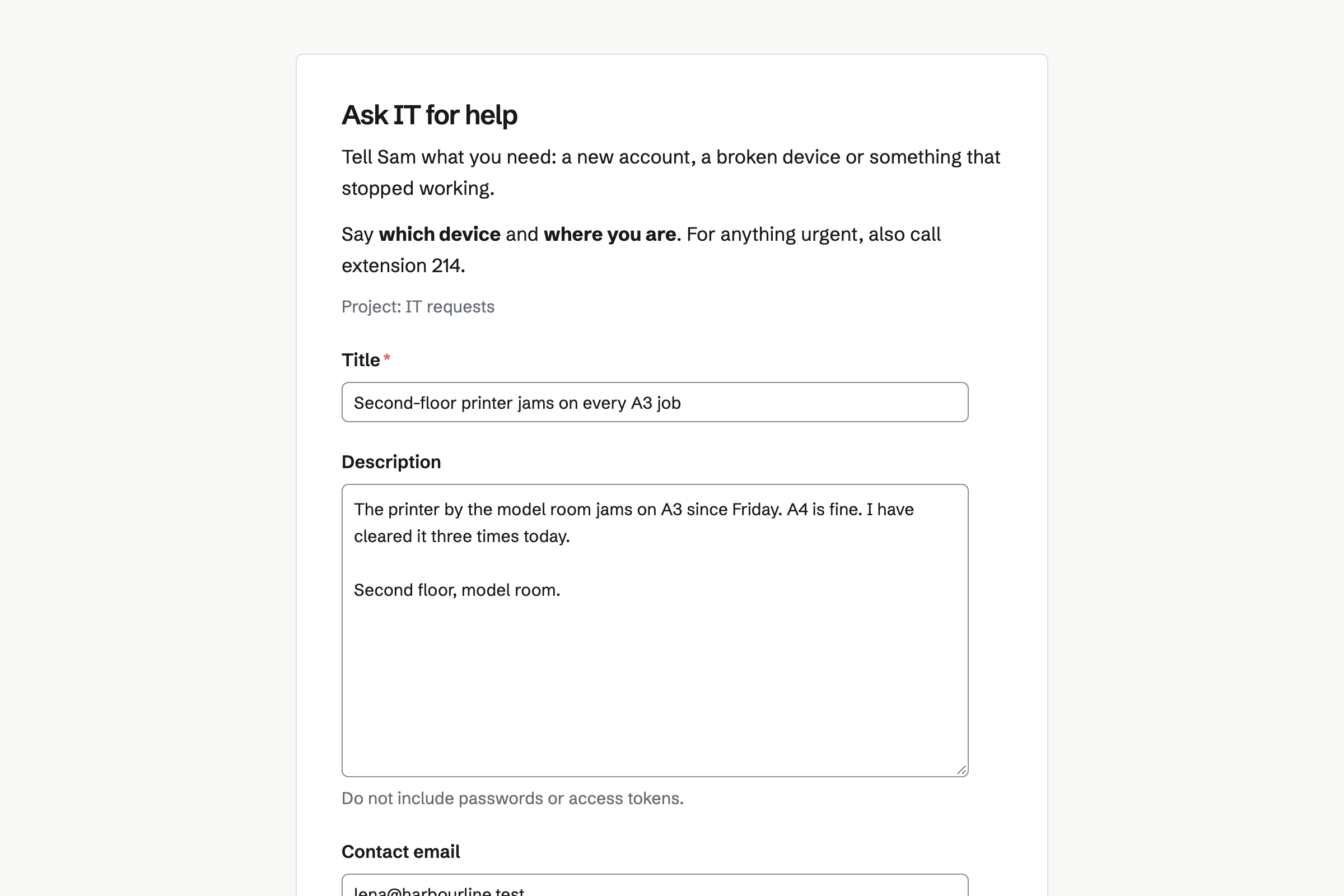
Issues tracks requests and fixes, each with an ID, a priority and an assignee. A form takes requests into Triage, with the sender's email.
Your own statuses, fields and automations fit how you work. A saved view keeps your queue one click away.
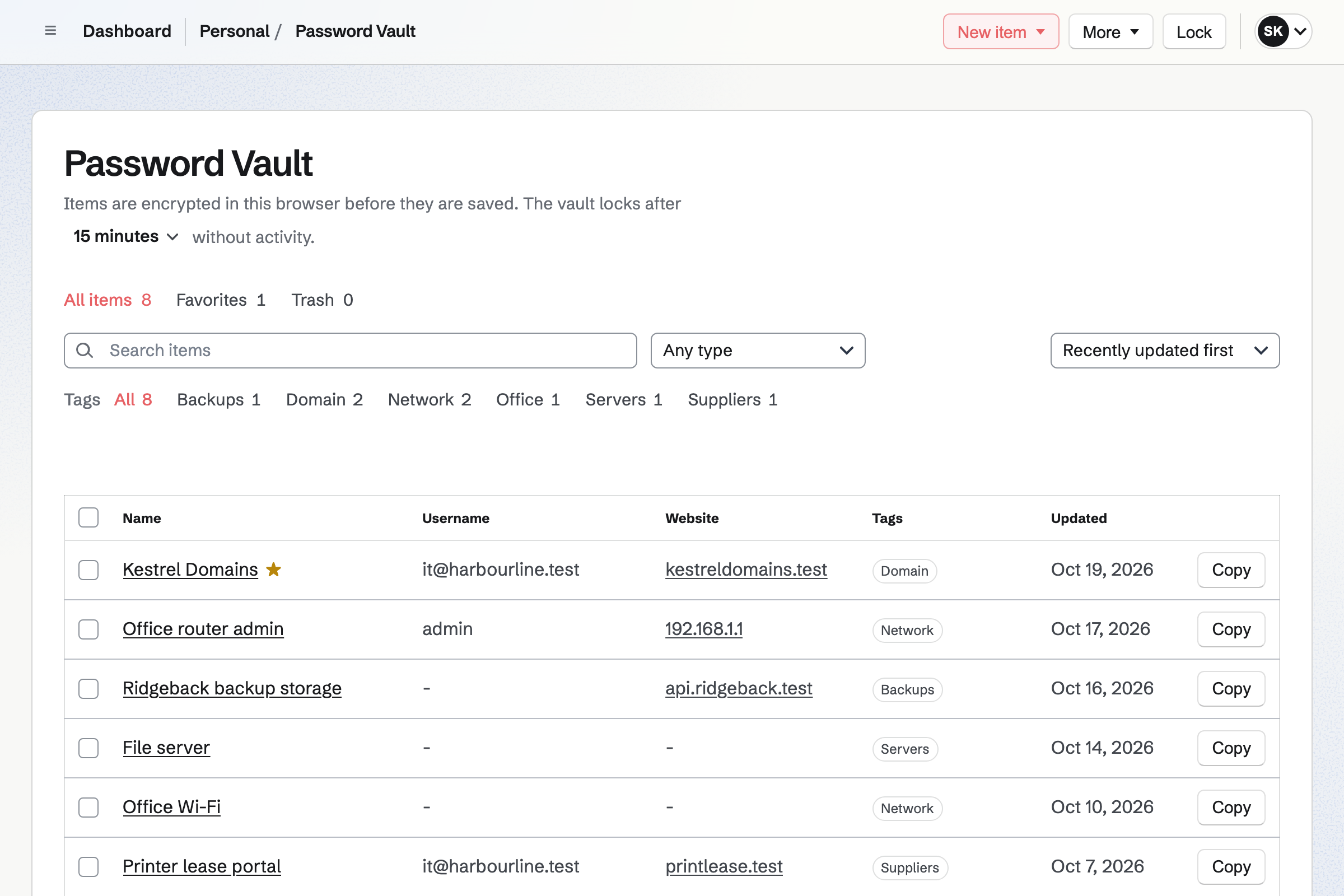
Password Vault keeps your logins with their two-factor codes, API credentials, SSH keys and recovery codes. Everything is encrypted in your browser before it is stored.
The vault is yours, not the team's. A recovery key and an encrypted backup keep you from being locked out.
Documents holds the runbooks, such as setting up a new starter or running the backups. Headings, tables and numbered steps lay them out.
Named versions keep each revision. A runbook exports as PDF for the office binder.
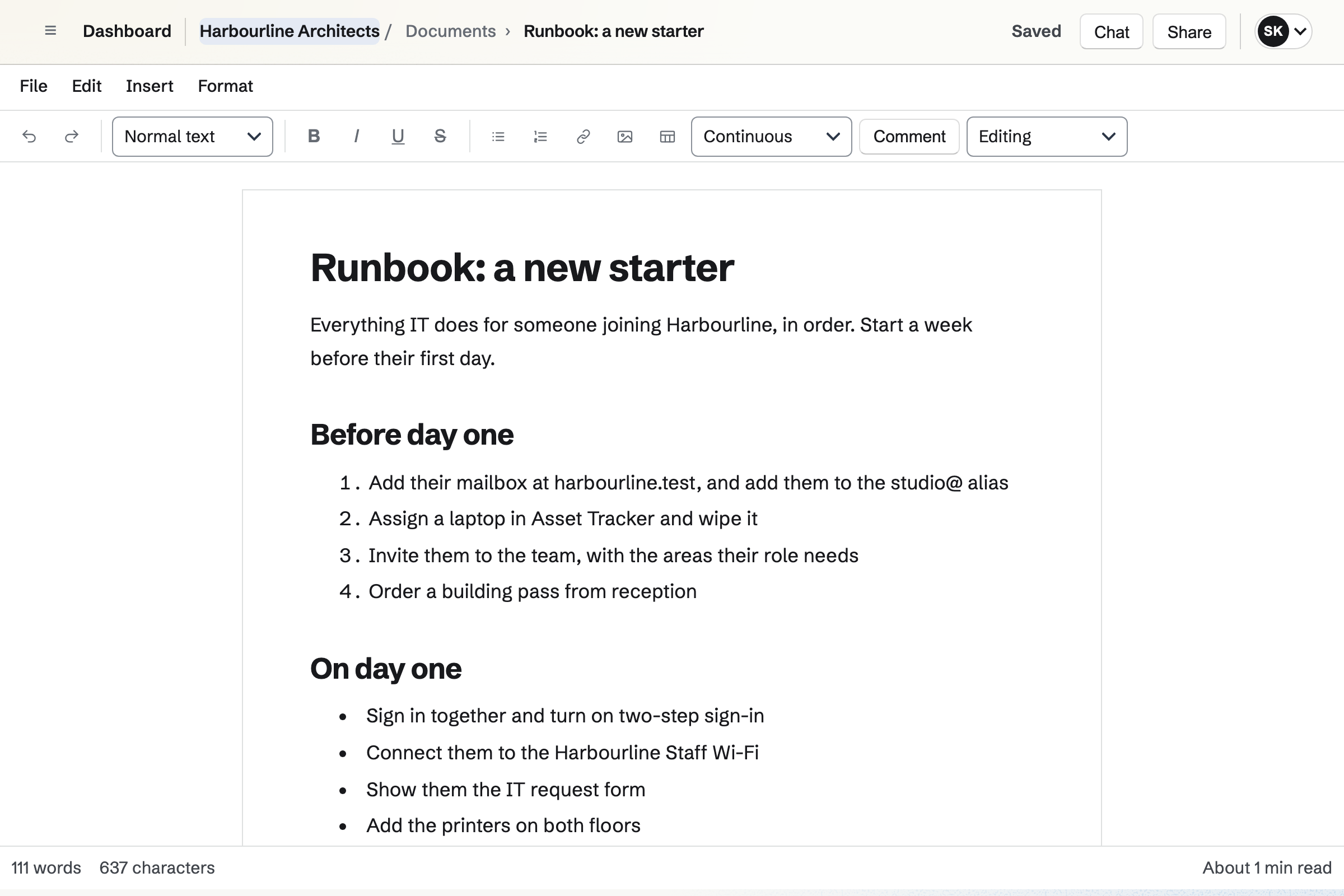
You assign a laptop in Asset Tracker.
You add their mailbox at the company's domain.
You invite them, with the areas their job needs.
You follow the new starter runbook, step by step.
They send IT requests on your form.
You add the records Magpie lists, or host the domain's DNS in Magpie. Help: Connect your own domain to Mail.
You import them from a CSV file. Help: Import and export assets as CSV.
You choose the project its requests go to. Help: Triage and public issue forms.
You give each member the areas their job needs. Help: Choose the areas a member can use.
A company fits the Team plan, with each member of staff in the team. Mail at the company's domain needs a paid plan.
A guest, such as a contractor given one area, takes no member place. Prices are on the Pricing page.
An office manager looks after people, rooms and suppliers.
A software startup plans, builds and ships as a small team.
A team inside a larger company works in its own space.
Yes. Each device has a tag, a serial number, a location and a condition. Assigning it records who is responsible, and its history keeps every change.
Yes. You check it out to a member or a contact, with a due date. Overdue loans have their own tab, and check-in records its condition.
Yes. Asset Tracker imports and exports a CSV file of up to 5 MB. Purchase and warranty details stay visible to admins only.
Yes. The Mail area gives your domain mailboxes, aliases and a catch-all. A mailbox can be shared by the team or private to one person.
Yes. Magpie lists the records to add at your current DNS provider, and checks them. You can also move the domain's DNS to Magpie and import its records.
Yes. A form takes requests into Triage, with a title, a description and the sender's email. Only people who can edit issues see that email.
Yes. Password Vault encrypts your logins, API credentials, SSH keys and recovery codes in your browser. It keeps the two-factor codes for each login too.
Yes. A team admin chooses the areas each member can use. A member on leave can be set On leave, which frees their place.
Yes. A guest uses only the areas or records you give them, such as one document. A guest takes no member place.
Yes. Resource Booking holds rooms, desks and equipment with their own hours and rules. A booking can need an admin's approval.
Create a Magpie account and make a team for the company.