Makers selling to shops
A wholesale maker of any kind sells mostly to shops, with line sheets and price lists. Its stockists are billed on their terms.
Small food and drink brands
The brand works in one Magpie team, with whoever makes, packs and sells with you.
Get started free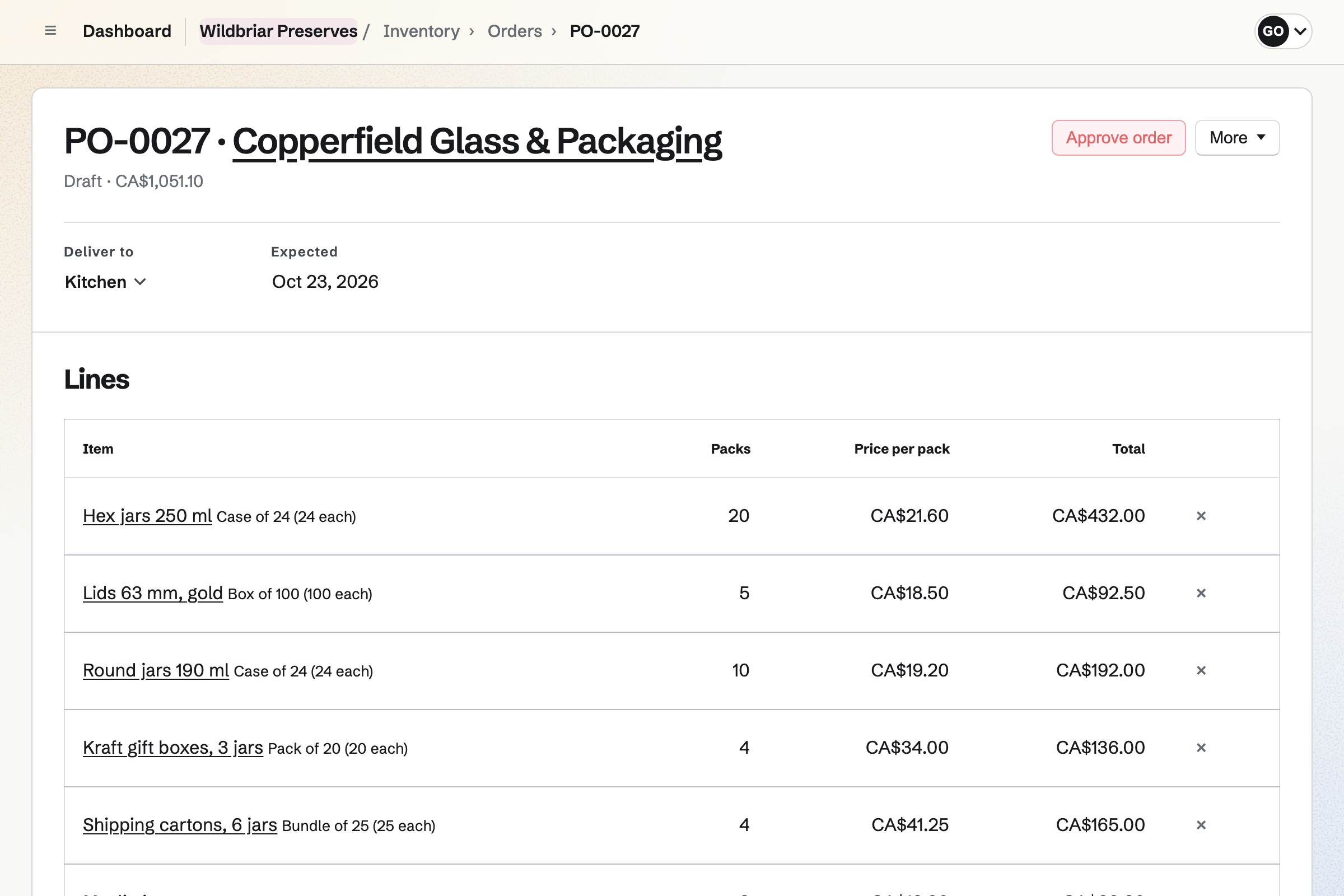
Inventory counts what goes into each product and what it is packed in. Chillies are counted by the kilo, and jars and labels by the case. From what is below its minimum, you start an order for each supplier.
The order is in each supplier's packs and prices, and you email it from Magpie. Receiving the delivery will add it to stock at the price charged. Each delivery can keep its lot code and expiry date too, if you turn them on.
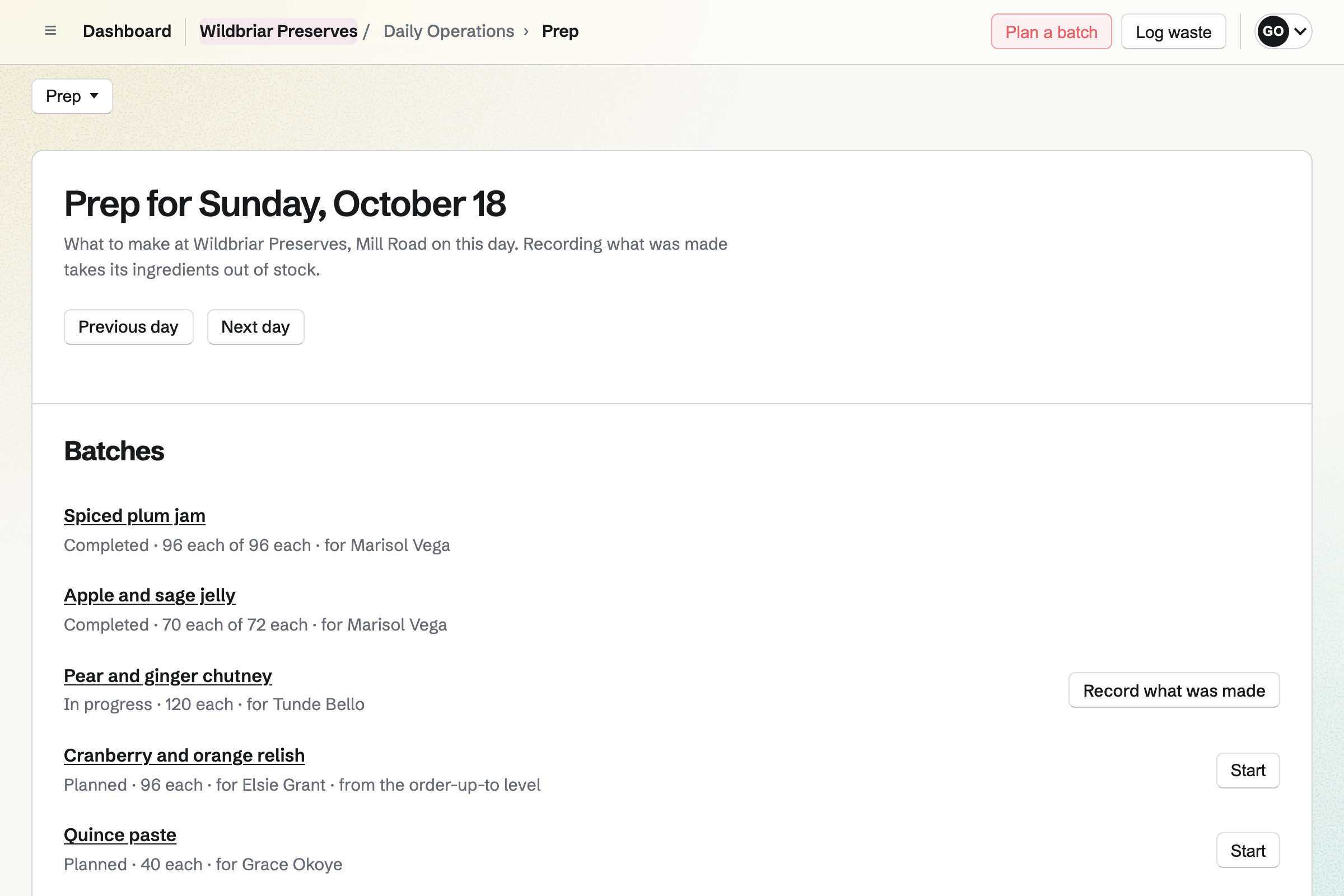
Daily Operations keeps your recipes and the plan for each batch. A recipe lists the ingredients and jars one batch uses, and how much it makes. It also names the finished item, such as a 250 ml bottle of hot sauce.
Recording a batch will take what it used out of stock, scaled to what you made. The bottles will be added as a lot. Its use-by date comes from how long the recipe keeps. A failed batch will take its ingredients out as waste.
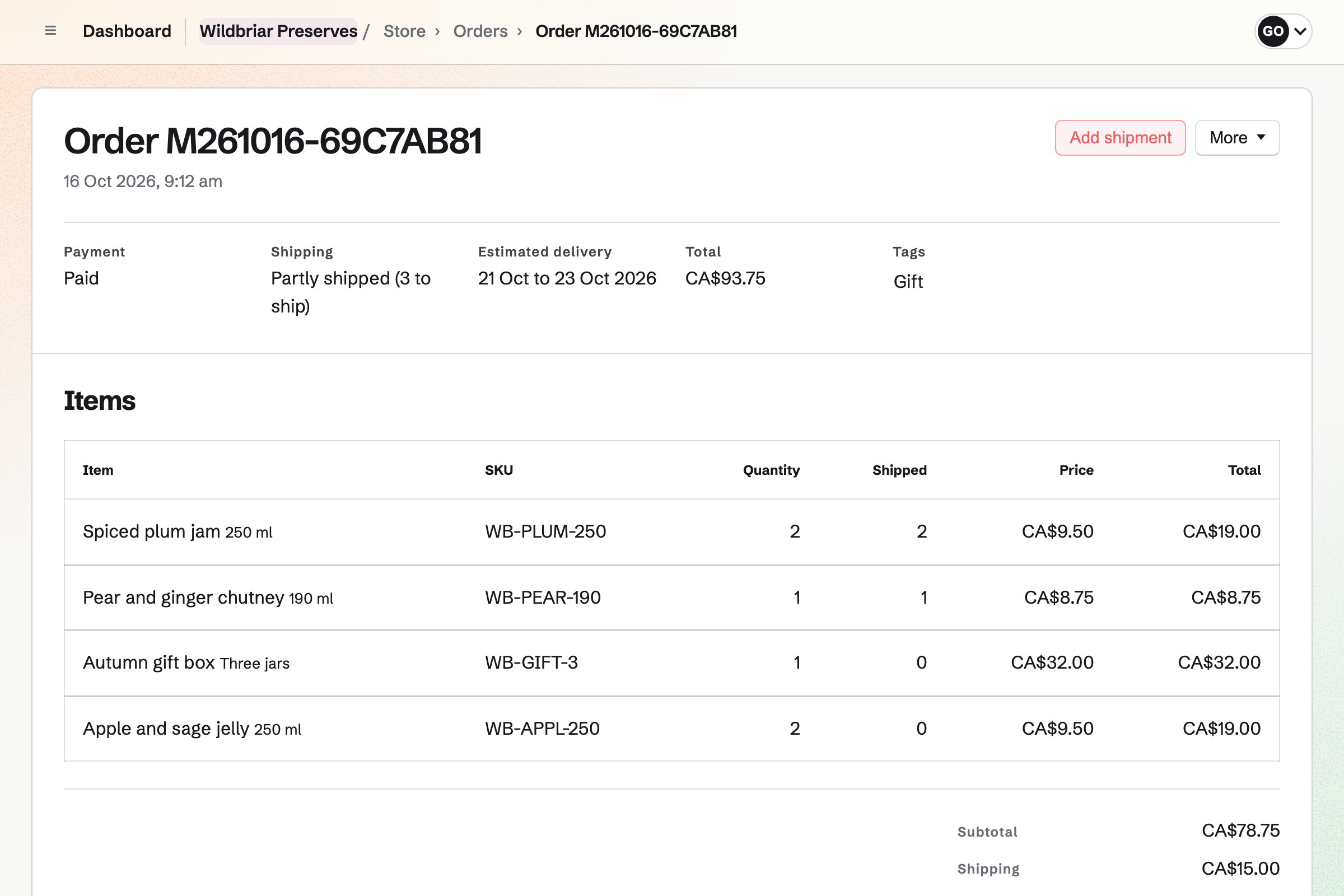
Store gives the brand an online shop that sells from your stock. Each batch you record will update what the shop can sell. Each order will take its bottles out of that stock. Buyers can collect from the kitchen if you offer pickup.
Shops you approve as wholesale customers see their own prices when they sign in. A price list can set minimum quantities, such as 12 bottles of each flavour. A shop pays at checkout, or by invoice on its terms.
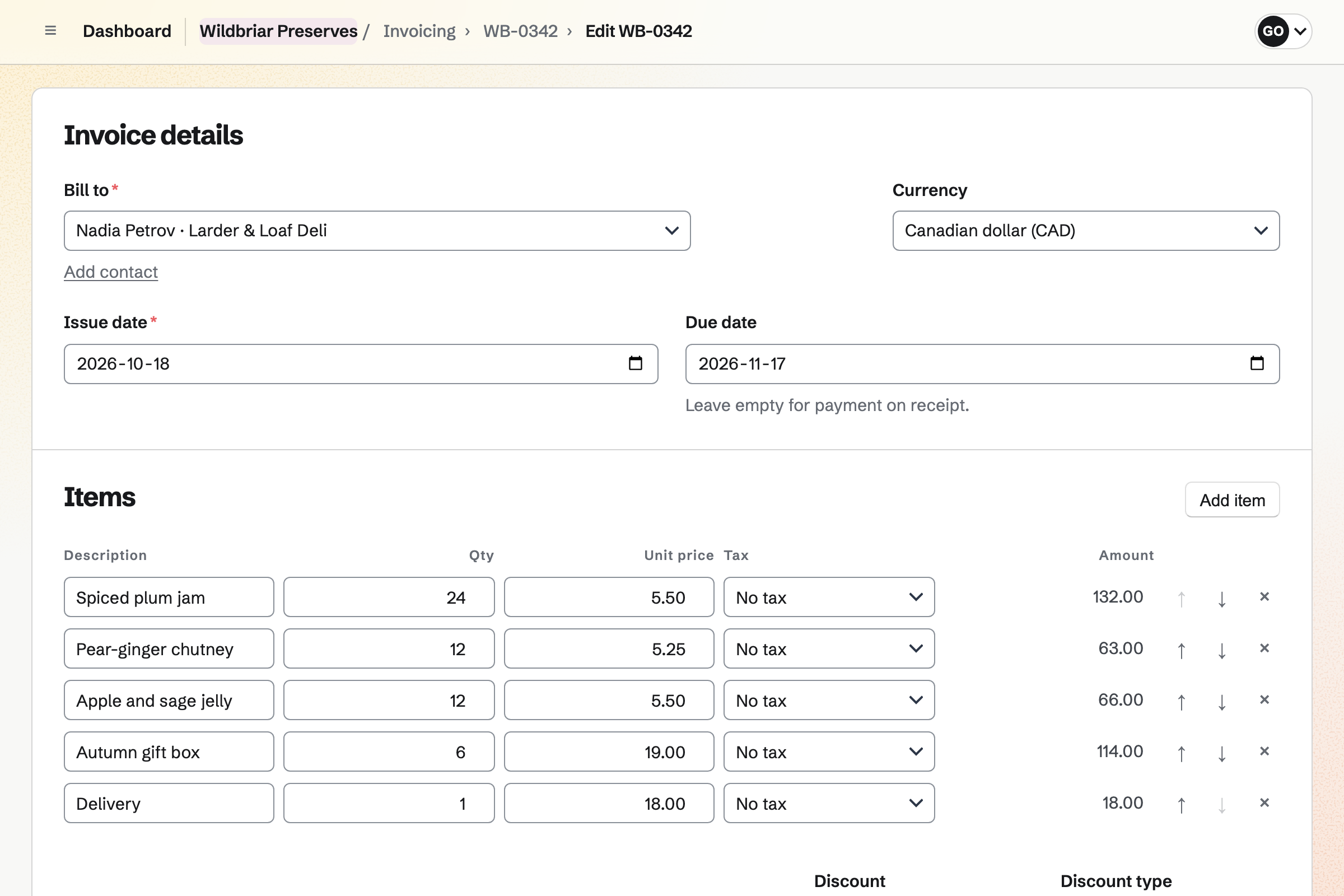
Invoicing bills a stockist who chooses to pay by invoice. The invoice lists the items, shipping and any discount. It is due on receipt or 7, 14, 30, 45, 60 or 90 days later. Magpie will email it with a link to pay online.
You can ship before the invoice is paid. Magpie will send reminders until it is paid. When it is paid in full, the order will be marked paid. You can record a bank transfer or a cheque by hand, in full or in part.
Contacts keeps a page for each shop that stocks you. A shop that pays by invoice will be added to your contacts with its business name. Its page lists every invoice billed to it, beside the notes and calls you log.
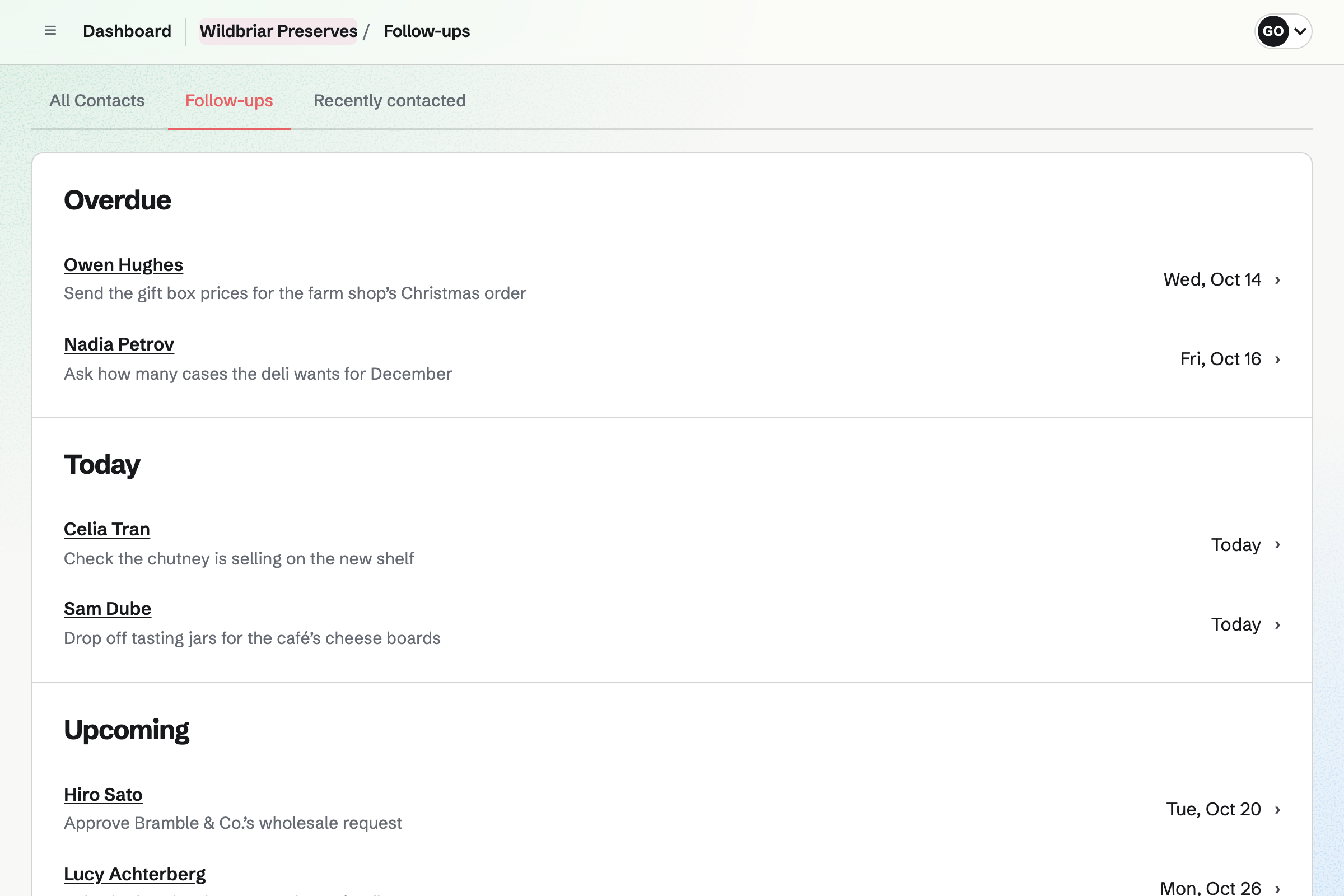
A follow-up has a date and a reason, such as asking about the Christmas order. Each follow-up becomes a To-do, and one list shows which are overdue or due today.
Nothing is counted twice between the delivery and the sale.
You receive the supplier's order. What arrived will be added to the kitchen's stock at the price charged. It keeps its lot and expiry date.
You record the batch. The chillies, vinegar, jars and lids it used will come out of stock. The bottles will be added as a lot named after the batch, with its use-by date.
Your shop will show the bottles you have in stock. Online buyers and shops can then order the new batch.
The order will take its bottles out of stock. Magpie will email the buyer what is in each parcel, with its tracking.
The deli signs in and orders at its own prices. It chooses to pay by invoice. Magpie will email the invoice, due on the deli's terms.
Each paid order and its Stripe fee will be added to the books. The deli's invoice, its payment and each order's cost of goods will be recorded too.
You create a team and invite whoever makes, packs and sells with you. Help: Create and manage a team.
You add each ingredient, jar and label, with its supplier and a minimum. Then you record what is in the kitchen now. Help: Keep track of stock.
You write each recipe from those items, with how much it makes. Each also says how long it keeps and which finished item it is stocked as. Help: Plan prep, keep recipes and log waste.
You name the shop, connect Stripe and link each product to its finished item. Help: Sell Inventory stock in Store.
You turn on wholesale requests, make a price list and choose each shop's terms. Help: Wholesale customers, price lists and pay by invoice.
A brand run by more than one person fits the Team plan. It is one price for up to 25 members, with no limit on invoices or contacts.
A free team has up to 3 members. It can create 5 invoices a month and keep 100 contacts. Invoices for stockists' orders do not count toward that limit. A maker working alone needs no team, and Pro removes the same limits.
Magpie adds no fee to your shop's sales or to invoices paid online. Stripe's processing fee is taken from each payment.
A wholesale maker of any kind sells mostly to shops, with line sheets and price lists. Its stockists are billed on their terms.
A brewery or winery has a taproom of its own and staff on a rota. It runs events with RSVPs.
A bakery bakes bread and cakes each morning for pickup and delivery days. Custom cake orders come in through Forms.
Yes. You plan each batch, and Magpie lists what it needs against your stock. When you record how much you made, the ingredients and packaging used will leave stock. The bottles or jars will be added as a lot named after the batch. Its use-by date comes from how long the recipe keeps.
Yes. You can hold back a lot from the item's page. Its stock stays in place but stops counting as usable. Your shop's stock is set from usable stock only. The held-back bottles will not be offered online until you release them.
A recipe's page shows what it costs to make. Each ingredient and jar counts at its average cost. An item with no average cost yet counts at its usual supplier's price. When every ingredient has a cost, the batch's bottles are valued at what went into them. You and managers who can see costs see it, and other staff do not.
You can write a routine that runs when someone starts it, such as a bottling check. A number step records the pH, with the lowest and highest values you accept. A reading outside them fails the check, which can then report an incident. Other steps can be a tick for each seal or a photo of the label. The completed checklist keeps every answer.
Yes. Each recipe keeps its allergens for your team. On the product page, you write the ingredients in the description. You can add specifications too, as name and value pairs. The page shows them, such as Allergens: mustard or Heat: hot.
Yes. Each supplier has the items it sells, in its packs and at its prices. It also has an order email and the days it delivers. You can start an order for each supplier from what is below its minimum. Sending it will email each line, with its product code and the date you need it.
Yes. You add a pool of stock for each place, such as the kitchen and the warehouse. A move takes stock from one to the other. Each product in your shop sells from the one pool it is linked to. A count corrects a pool to what is on its shelves.
Both are orders in your shop, so each takes its bottles out of the product's pool. A case of six will take six bottles. Each batch you record raises that stock again. A stockist's order paid by invoice holds its items, as a card payment does. Shoppers cannot buy what a shop has ordered.
Yes. Your shop's footer can link to a page where shops ask for wholesale prices. A shop has to be signed in to Magpie to ask. You approve it and choose its price list. A price list sets prices and minimum quantities, and can take a percentage off the rest.
You give each wholesale customer its terms. An invoice is due on receipt, or 7, 14, 30, 45, 60 or 90 days after it is sent. At checkout, the shop chooses to pay by invoice. Magpie will email the invoice with a link to pay online. When it is paid in full, the order will be marked paid.
Yes. A bundle is made of products you already sell, at a price of its own. You set a quantity for each. Your shop sells as many bundles as its products allow. Each product leaves stock when a bundle sells.
Magpie adds no fee to your shop's sales. Stripe's processing fee is taken from each payment. Each order shows the fee and the net amount. The rest goes to your own Stripe account, which is the seller.
You record each sale as a new order in your shop. You choose the products, and change a price if you charged another. Then you choose cash or another way it was paid. The order is created paid, and its bottles leave the same stock.
Yes. When a product whose stock is counted sells out, its page offers a back-in-stock email. Each person who asks will get one email when it can be bought again. You can see on the product how many people are waiting.
Yes. Your shop's reports list each product's units sold and sales after discounts. They also show page views, cost of goods and margin. You choose the dates, and each table downloads as a CSV file.
Yes. Recipes, batches and lots work the same way for anything made from your stock. Wax, wicks, oils and fragrance can be counted by weight or one by one. The finished candles or bars are kept in stock and sold in your shop.
Yes. You add your accountant or bookkeeper by their email address or handle. They join the team as a guest, with access to Accounting. They keep the books with you and can open nothing else of the team.
Create a Magpie account and make a team for the brand.