Restaurants, bistros and diners
A restaurant opens its dining room and kitchen every day, with a rota and table service. It takes private dining enquiries too.
Caterers and private chefs
The business, its chefs and its servers work in one Magpie team. A private chef working alone can use Magpie without a team.
Get started free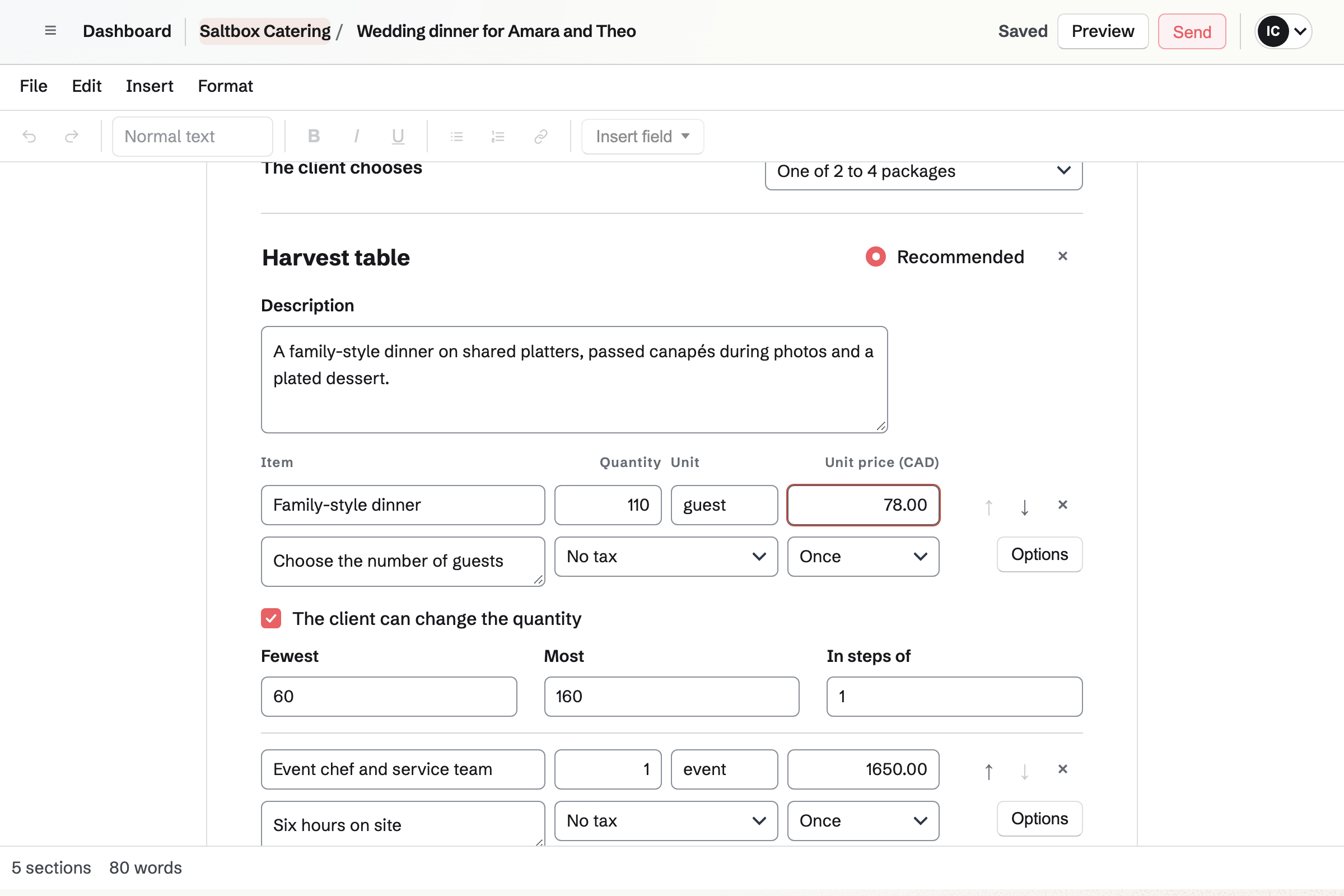
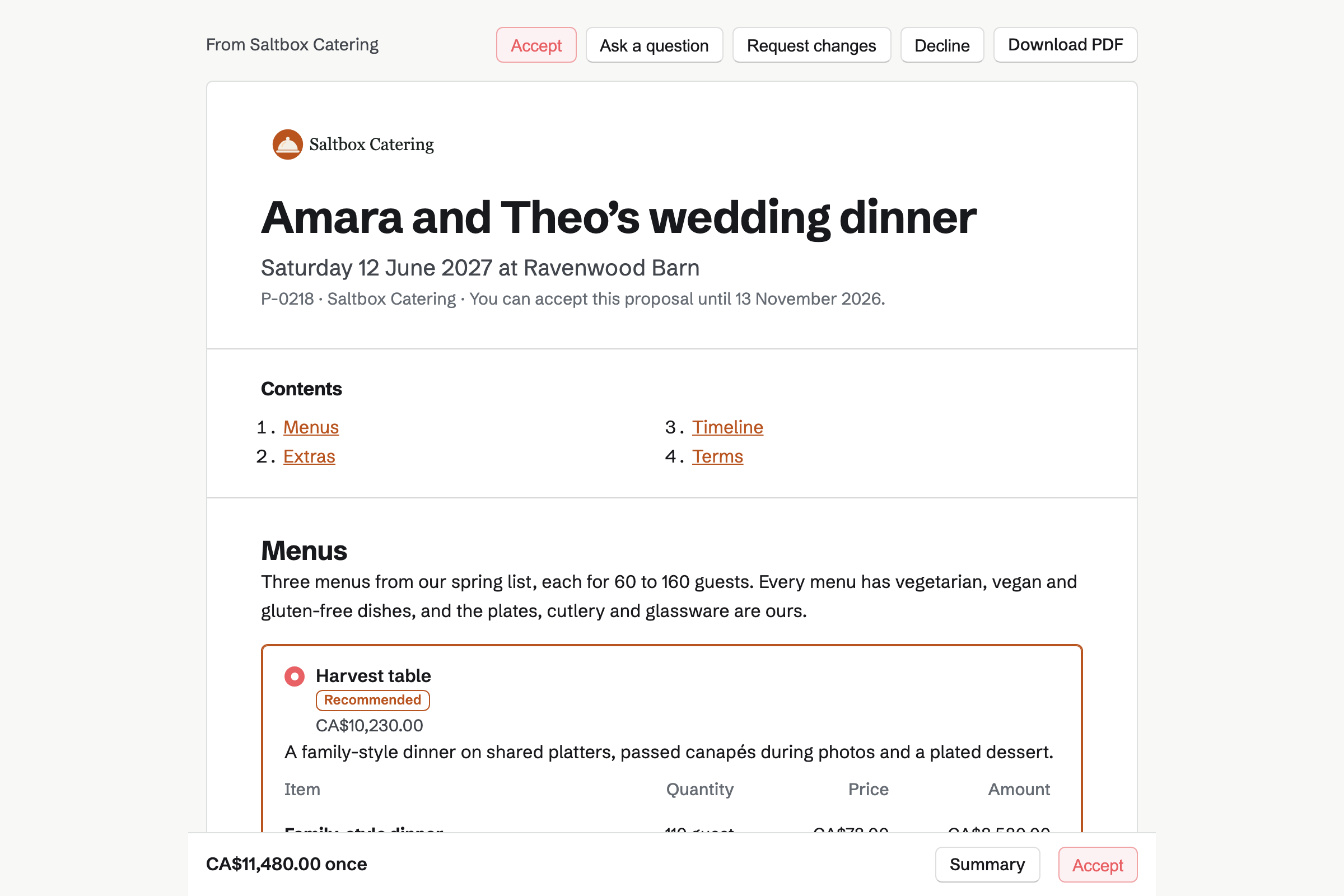
Proposals turns your menus into a quote each client can read and sign. You write the menu, add pictures of past events and set your terms. A pricing section offers 2 to 4 menus as packages, each priced per guest.
The client chooses a menu and the number of guests, within the limits you set. They can add the extras you made optional, such as a bar or more staff. They sign with a drawn or typed signature, and pay the deposit by card.
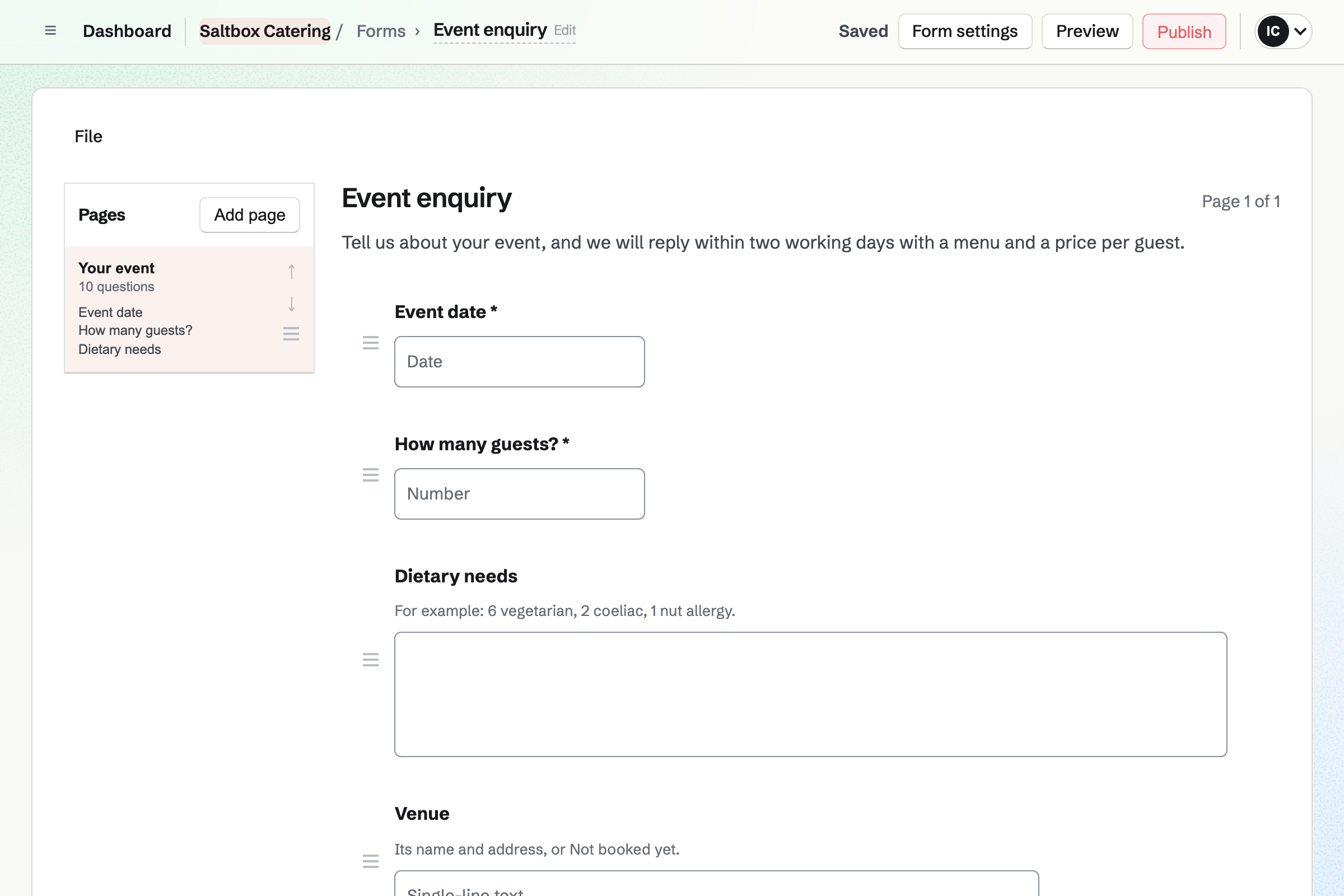
Forms gives the business an enquiry Form at its own address. It can ask for the venue and the style of service too. Questions about a bar appear only when the client says they want one.
Clients answer without signing up first. Magpie will email you each response, and you can mark it reviewed or archived. You can download every answer as one CSV file.
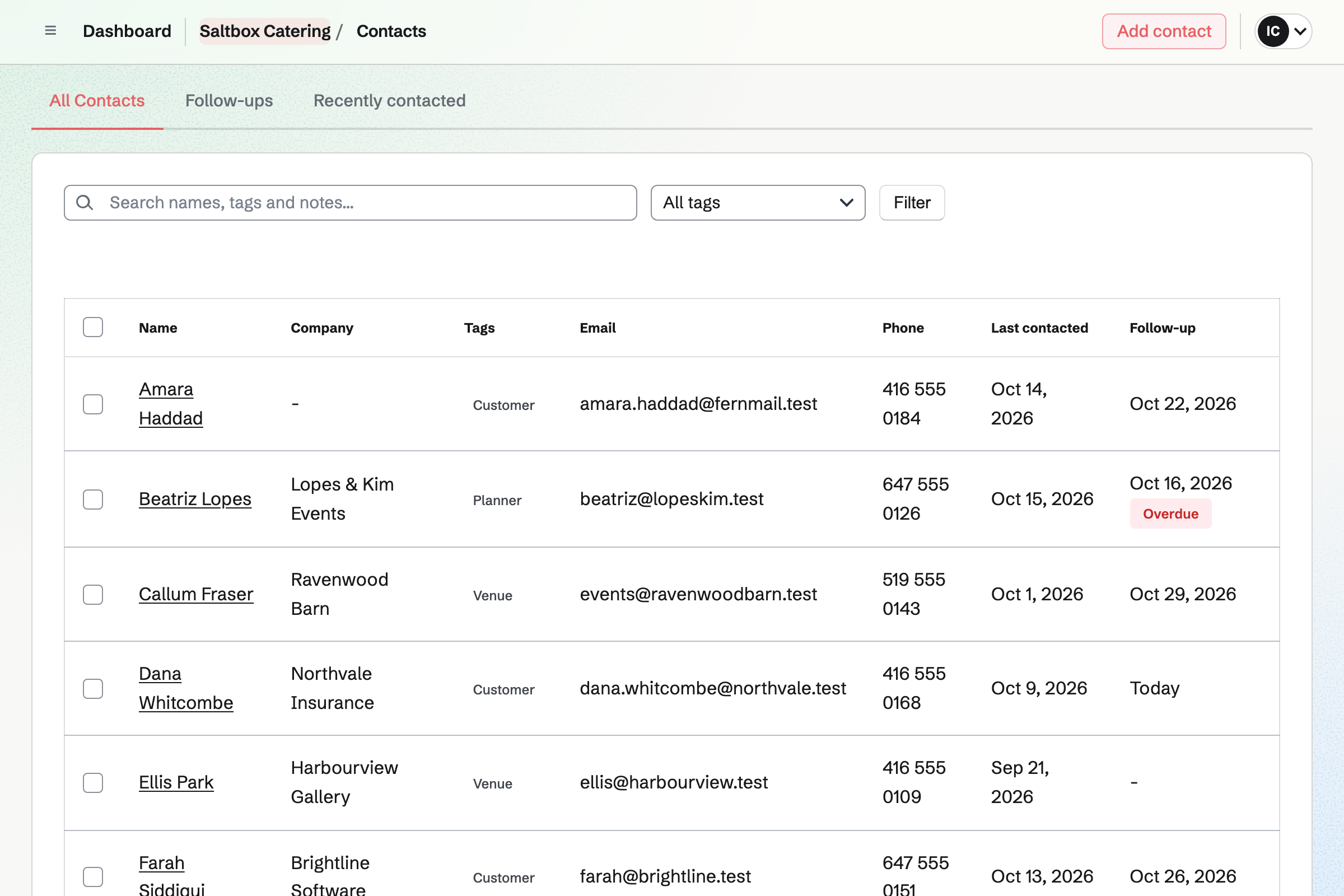
Contacts gives each client, venue and event planner a page of their own. It lists the tastings booked, the proposals sent and the invoices paid. You can see when each proposal was opened or accepted.
You can log calls and notes on each client's page. You can also set a follow-up with a date and a reason, such as final numbers. It will become a To-do linked to the client.
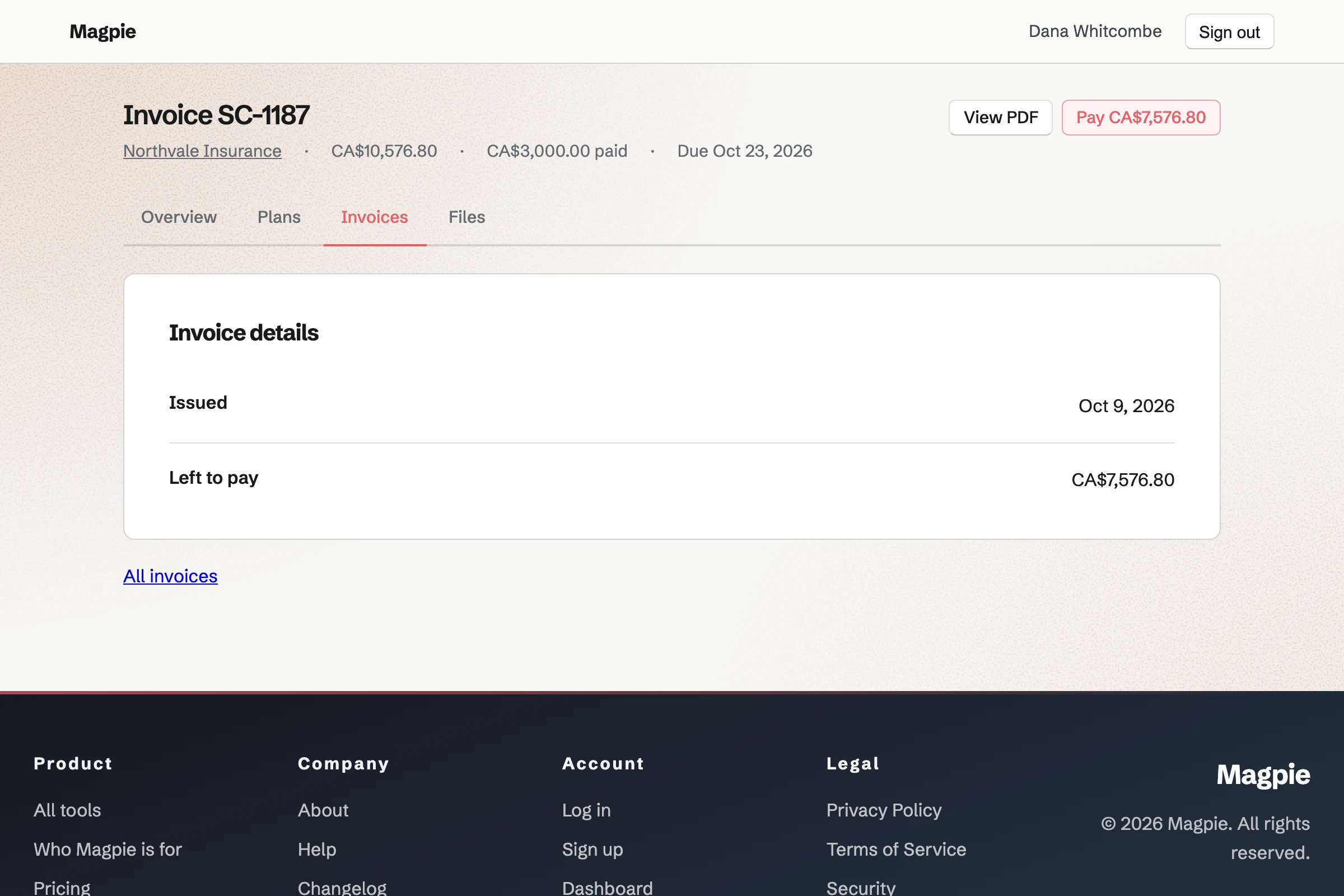
Invoicing turns each payment from a proposal into an invoice, emailed on its date. The client pays by card, without signing up first. Until they do, Magpie will send reminders. Each payment will be recorded on the invoice and added to the books.
You can also bill an office that orders lunches. Its payment terms and billing address fill in each invoice. You can make the invoice recurring, and Magpie will send the same lines every month.
Daily Operations keeps your recipes, with sauces and stocks as recipes inside them. Each one lists how much it makes, how long it keeps and its allergens. You and your managers see what each one costs.
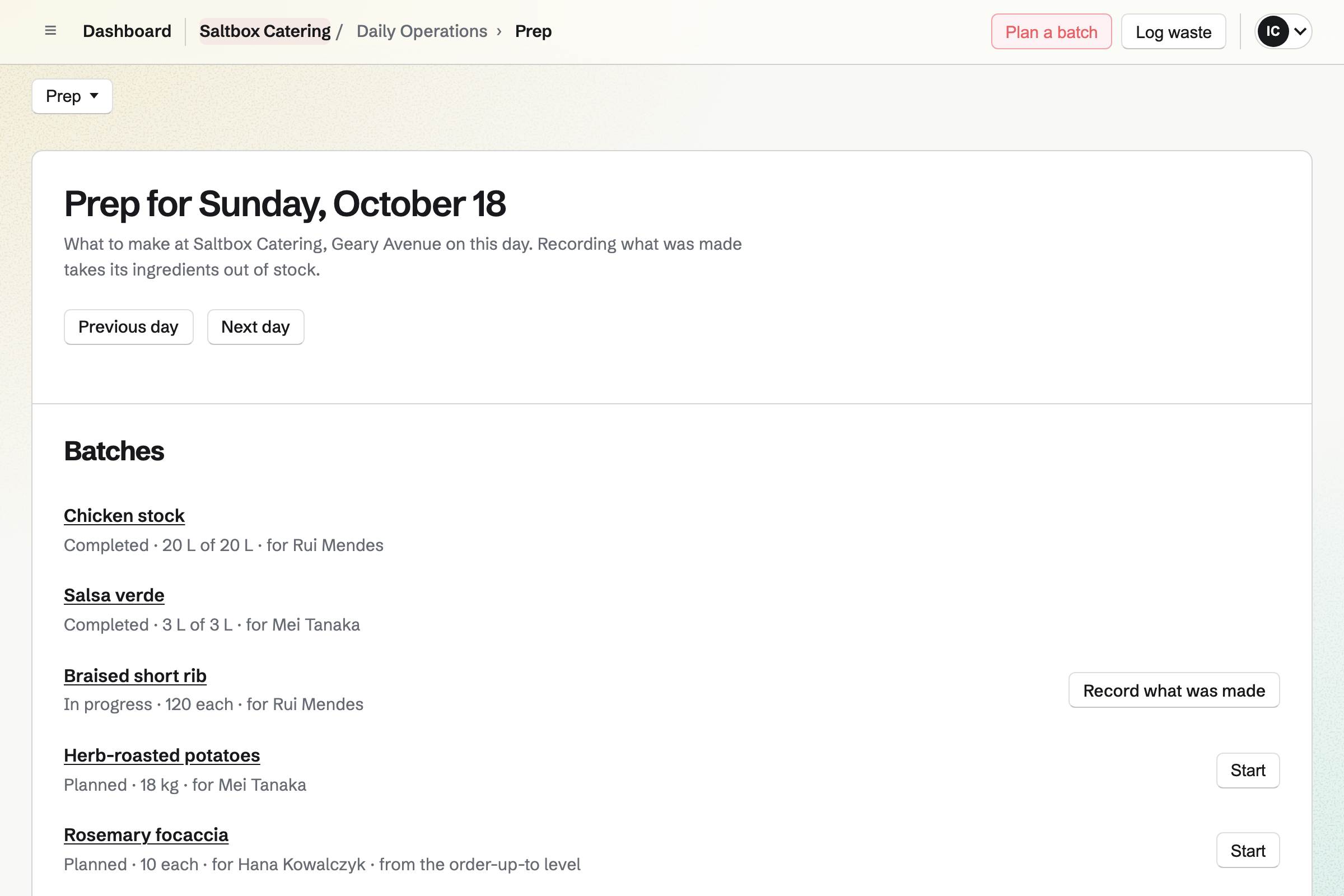
You plan a batch of each recipe for the event's day, and who will make it. Magpie lists what the batches need against what is in stock. Recording the batch will give it a code and a use-by time.
You set temperature points for the walk-in, hot holding and cooling. Each reading is kept with who took it. One out of range will open an incident.
From the tasting on, the client's contact lists the booking, the proposal and every invoice.
The client answers your enquiry Form with the date, the guests and their dietary needs. Magpie will email you their answers.
They book a tasting on your booking page. Magpie will add it to the chef's calendar and make them a contact.
You start it from their contact, with the menus, the price per guest and the extras. You send it with a valid-until date. You can see each time it is opened, and how long each section was read.
The client sets the guests, chooses a menu and extras, then signs and pays the deposit. Magpie will email everyone the signed PDF and a signing certificate.
The timeline can become a To-do List, if you choose. Each phase will then be a To-do due on its date, on the team's calendar.
You plan the batches for the event's day from your recipes. Magpie will show what is short before the day. Recording a batch will take its ingredients out of stock.
Each dated payment will be invoiced on its date, with reminders until it is paid. You bill the final payment when you choose. Every payment will be added to the books.
You create a team and invite the people who quote, cook and serve with you. Help: Create and manage a team.
You connect the business's Stripe account, so clients can pay deposits and invoices by card. Help: Connect Stripe to receive money.
You add your menus as packages, each priced per guest. You keep the dishes in your price list, to quote them again. Help: Prices, packages and payments in a proposal.
The Form asks for the date, the guests and their dietary needs. Then you share its address. Help: Build, publish, and share a form.
You add your ingredients to Inventory, then write each recipe from them. Help: Plan prep, keep recipes and log waste.
A catering business with staff fits the Team plan, one price for the whole team. It has up to 25 members, with no limit on proposals, invoices or contacts. A private chef working alone can use Pro, which removes the same limits.
A free team has up to 3 members and 100 contacts. Each month it can send 5 proposals and create 5 invoices. The invoices a proposal makes do not count.
Magpie adds no fee to deposits, invoice payments or online sales. Stripe's processing fee is taken from each payment.
A restaurant opens its dining room and kitchen every day, with a rota and table service. It takes private dining enquiries too.
A food truck is one small kitchen that moves. It records prep and temperatures, and a public calendar shows where it will be next.
An event planner runs the whole event for a client, from the venue to the day. Each client's plan and steps are in a client portal.
A bakery makes breads and cakes to order. It takes pre-orders for pickup and delivery days, and custom cake requests through a Form.
A proposal has a cover, the menu, pictures of past events, a timeline and your terms. Each line has a quantity, a unit such as guest, a price and a tax rate. Saved sections and your price list keep the dishes and prices you quote again. Each recipient gets their own link. They need no Magpie account to read it, ask questions, choose and sign.
Yes. A line priced per guest can let the client change the quantity. You set the fewest guests, the most and the steps you allow. Their page works out the totals again each time they change it. The totals they accept are the ones their invoices use.
Yes. A pricing section can offer 2 to 4 menus as packages, and you can mark one Recommended. Each has a name, a description and its own lines. Extras such as a bar or a late-night snack go in their own pricing section. Before accepting, the client chooses a package and can add or remove extras.
The first payment in the proposal's schedule can be a deposit due on acceptance. You set it as a percentage or an amount. When the client signs, its invoice will be issued. They pay it by card, into your Stripe account. Magpie adds no fee, and Stripe's processing fee is taken from the payment.
A payment can be due on a date, or a number of days after acceptance. It can be a percentage or an amount. Its invoice will be issued and emailed then, with reminders until it is paid. The final payment takes whatever is left when you bill it. The invoices then add up exactly to the accepted total.
Yes, with an invoice of its own. An accepted proposal keeps the choices and totals that were signed. You invoice the extra guests from the client's contact, at the same price per guest. It will be emailed with a Pay online button. The contact lists it with the proposal's invoices.
Yes. A client can ask about the whole proposal or one section, or request changes. Your reply will be emailed to them. When you revise it, the next version is sent with your note on what changed. Earlier versions stay readable.
Yes. Each recipient either signs and accepts, or reads only. The event planner can read the proposal and ask questions without signing. Every signer signs, in any order, before the proposal is accepted. A proposal goes to up to 20 recipients.
Yes. You can require approval for every proposal before it is sent. It can also apply only above a one-time total or a discount you set. The approvers can approve it or ask for changes. Any change after approval will ask for approval again.
They come through an enquiry Form with the questions you choose. It can ask for the date, the number of guests and dietary needs. Anyone with the link can answer without signing up first. Magpie will email you each response, and a summary counts the answers to each choice. You can download every answer as one CSV file.
Yes. A tasting can be a service on your booking page, with its length, location and chefs. The client chooses a free time on the page. They get a confirmation email with a link to reschedule or cancel. The booking will add an event to the chef's calendar.
Each recipe lists its ingredients, in their units or packs, and any recipes inside it. It has the method, how much it makes, how long it keeps, storage and allergens. Changes stay a draft until you or a manager put the new version in use. You and your managers see what each recipe costs, from its ingredients' average cost. Employees and shift leads do not see costs.
Yes. You plan each recipe's batch for the event's day: how much, and who makes it. Magpie lists what the open batches need against stock not set aside for other batches. Starting a batch sets its ingredients aside. Recording what was made takes what was used out of stock, scaled to the amount made.
Yes. Each fridge or cold room, freezer, hot holding, cooking and cooling can have a temperature point. Each point has the target range and critical limits you set. A reading out of range will open an incident with what to do next. You can download the readings as a CSV file, each with who recorded it.
A load-out checklist can be a routine that runs only when someone starts it. It can have ticks, temperatures at your points and a photo. Someone starts it from Today before each event. A failed check can ask for a note and report an incident. The completed checklist keeps every answer.
Each supplier lists the items it sells, in its packs and at its prices. Magpie turns what is running low into an order for each supplier. You email it from Magpie, or mark it as sent. Receiving the delivery will add it to stock at the price charged. Anything short is kept under Differences.
Yes. You bill the company's contact with line items and a tax rate for each line. With the Customer tag, its payment terms and billing address fill in the draft. Sending will email the PDF with a Pay online button, with reminders until it is paid. You can record a bank transfer by hand, in full or in part.
Yes. You make an invoice with the month's lunches, then make it recurring. Magpie will issue and email an invoice with the same lines every month. Each has its Pay online link. You can change the lines, pause the schedule or end it.
You list the week's meals in your online shop, with options such as portion size. A long text field can ask for dietary notes, and each order shows the answer. The menu can go live automatically at the time you choose. Buyers choose pickup or one of your local delivery days. They pay into your Stripe account, with no Magpie fee.
Yes. People you invite to the team see their published shifts under My shifts. When you publish, they get one notification listing what changed. They can swap a shift with a coworker. Anyone else who works an event can be given shifts with only a name.
Create a Magpie account and make a team for the business.