Authors and self-publishers
An author writes and publishes books, and sells them to readers.
Newsletter writers
A writer working alone uses Magpie in Personal. A publication with several writers can work in one Magpie team.
Get started free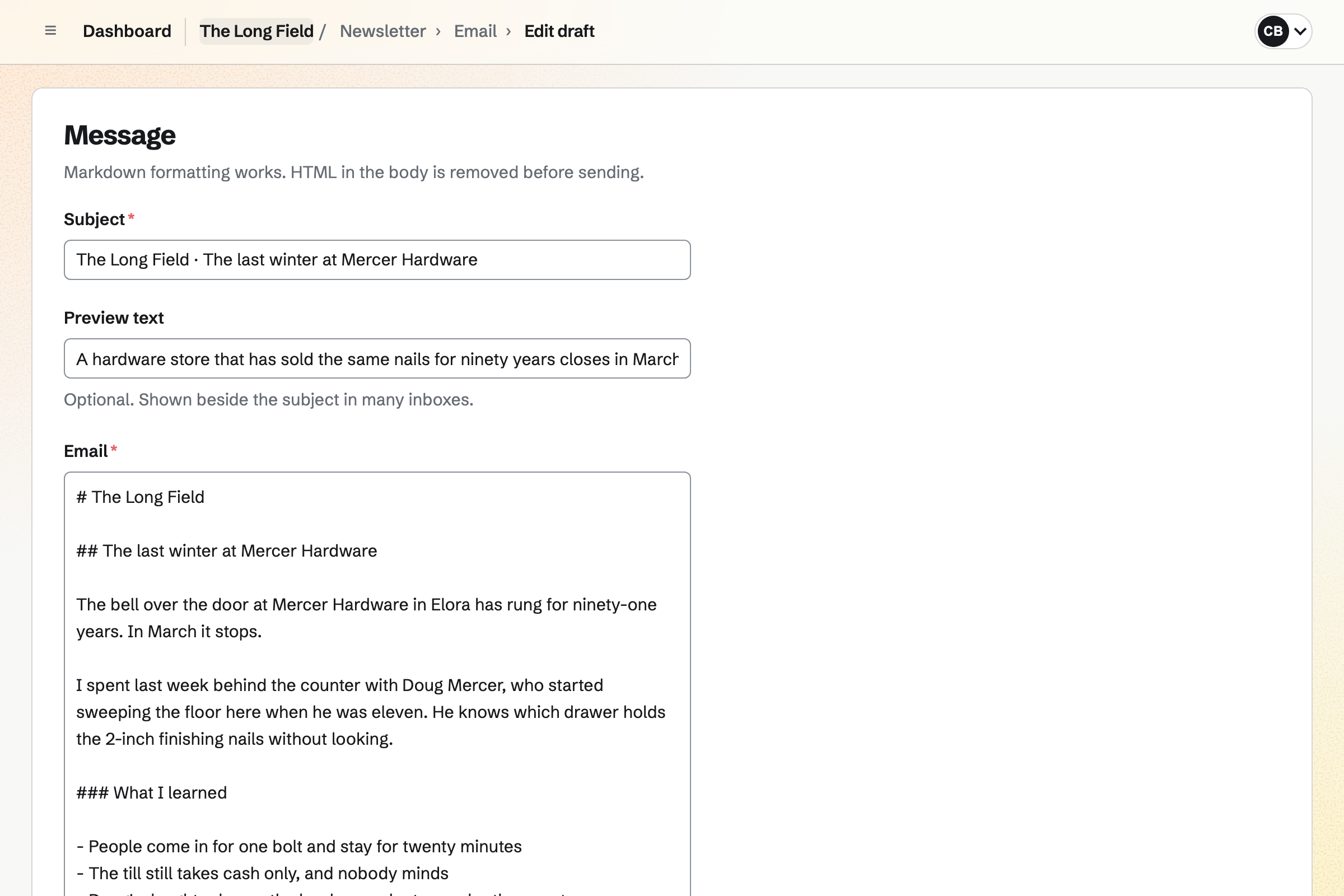
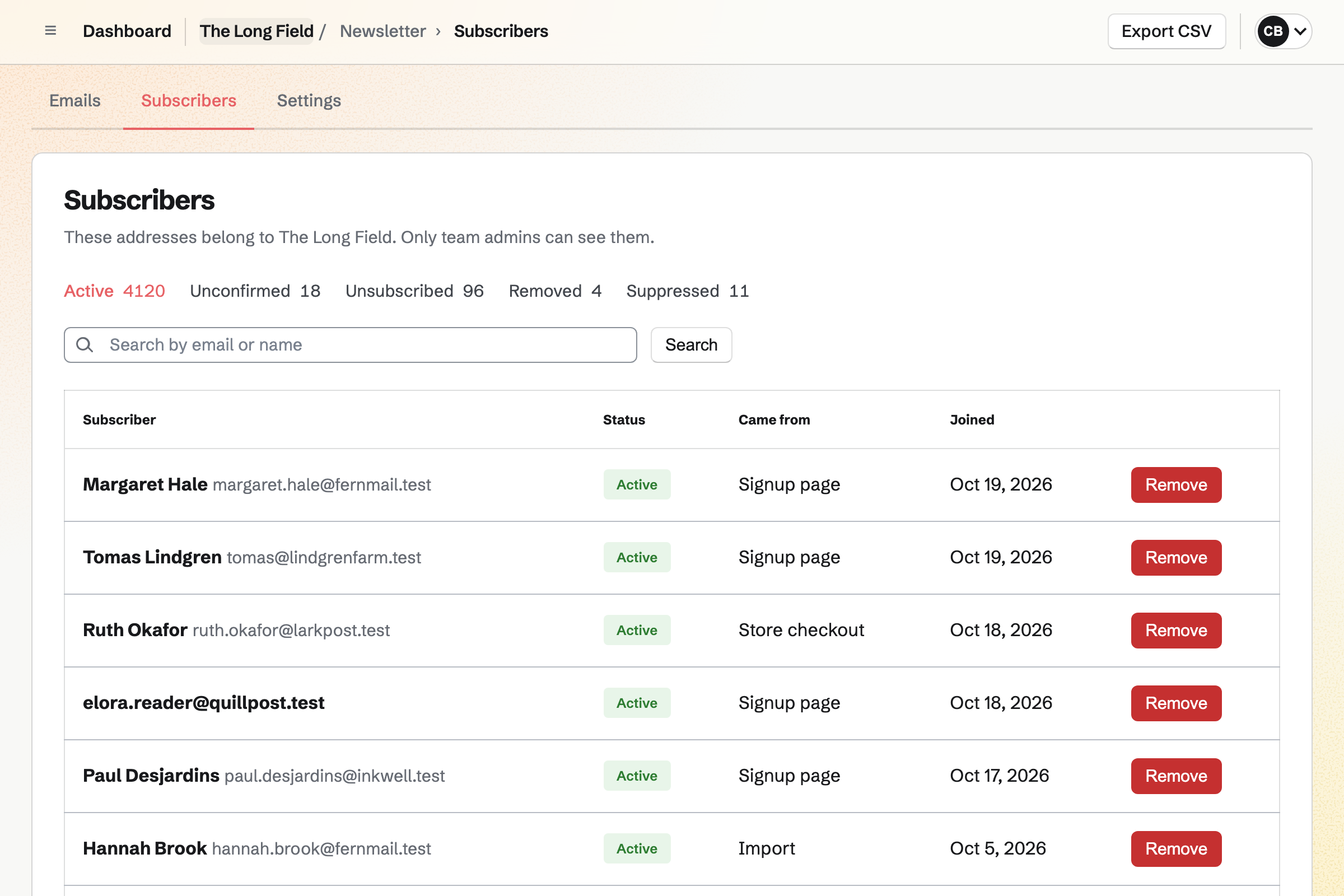
Newsletter gives you a sign-up page, and each new reader confirms by email before they count. A Substack export or a CSV file brings an existing list over.
The list shows where each reader came from, and who unsubscribed or bounced. Every email has a one-click unsubscribe link.
You write each issue in Markdown, with its subject and preview text. You send yourself a test, then send it now or schedule it.
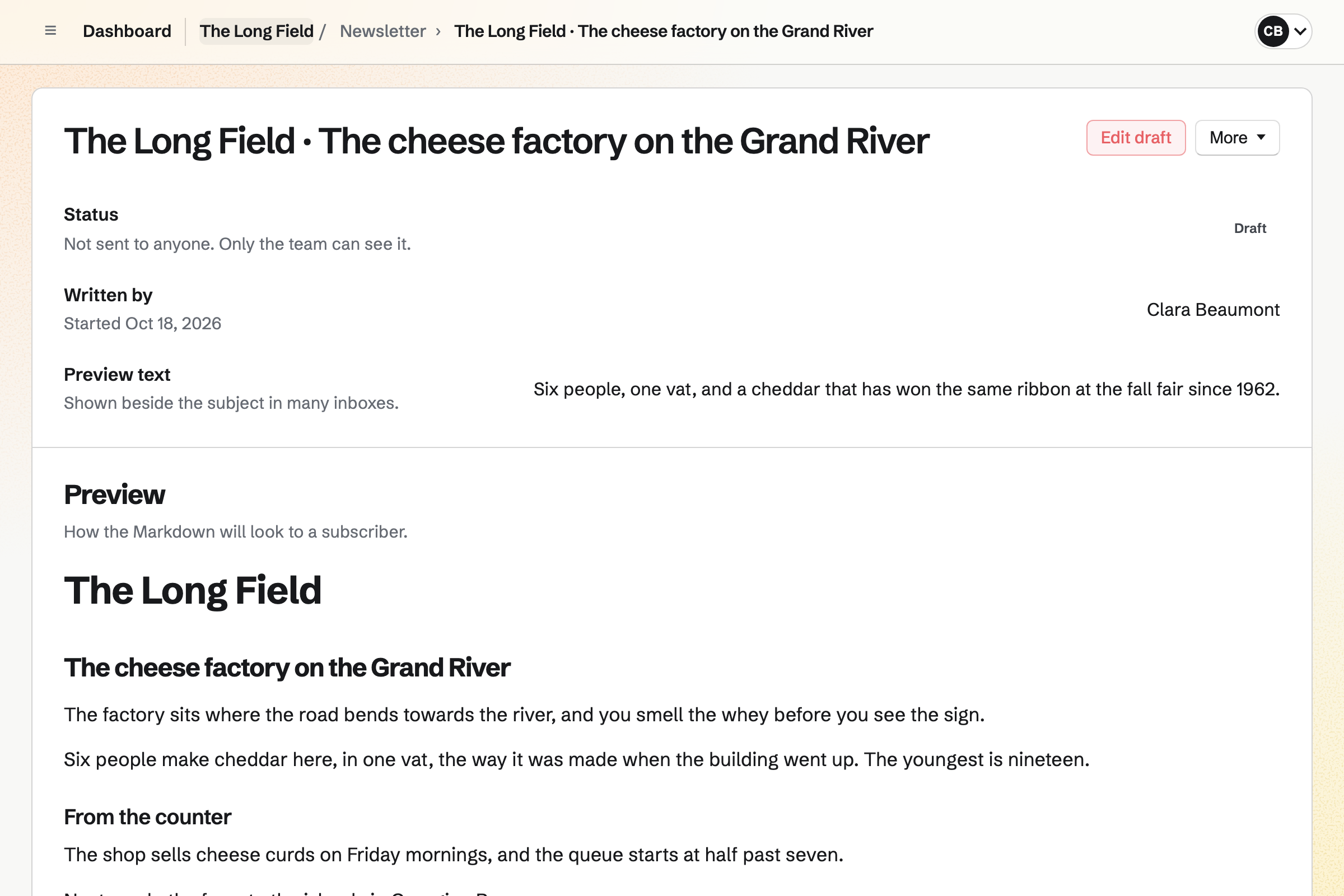
Each sent issue gets its own page under Past emails, with a link to subscribe. The issue's page counts the copies delivered.
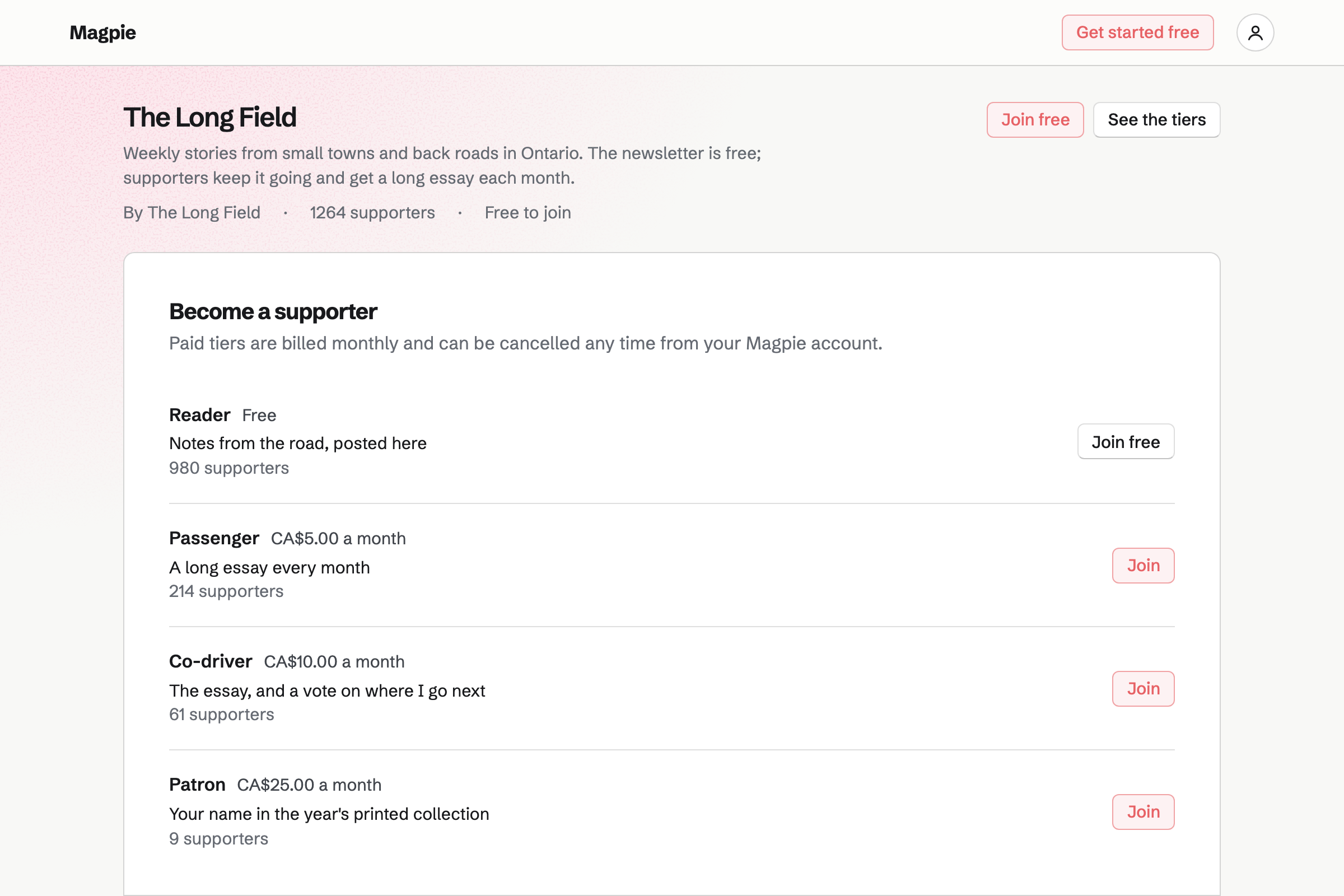
Supporters gives you a public page with a free tier and monthly paid tiers. Paying supporters read the posts you keep for them, such as a monthly essay.
The newsletter stays free and goes to your whole list. Supporters pay by card into your own Stripe account.
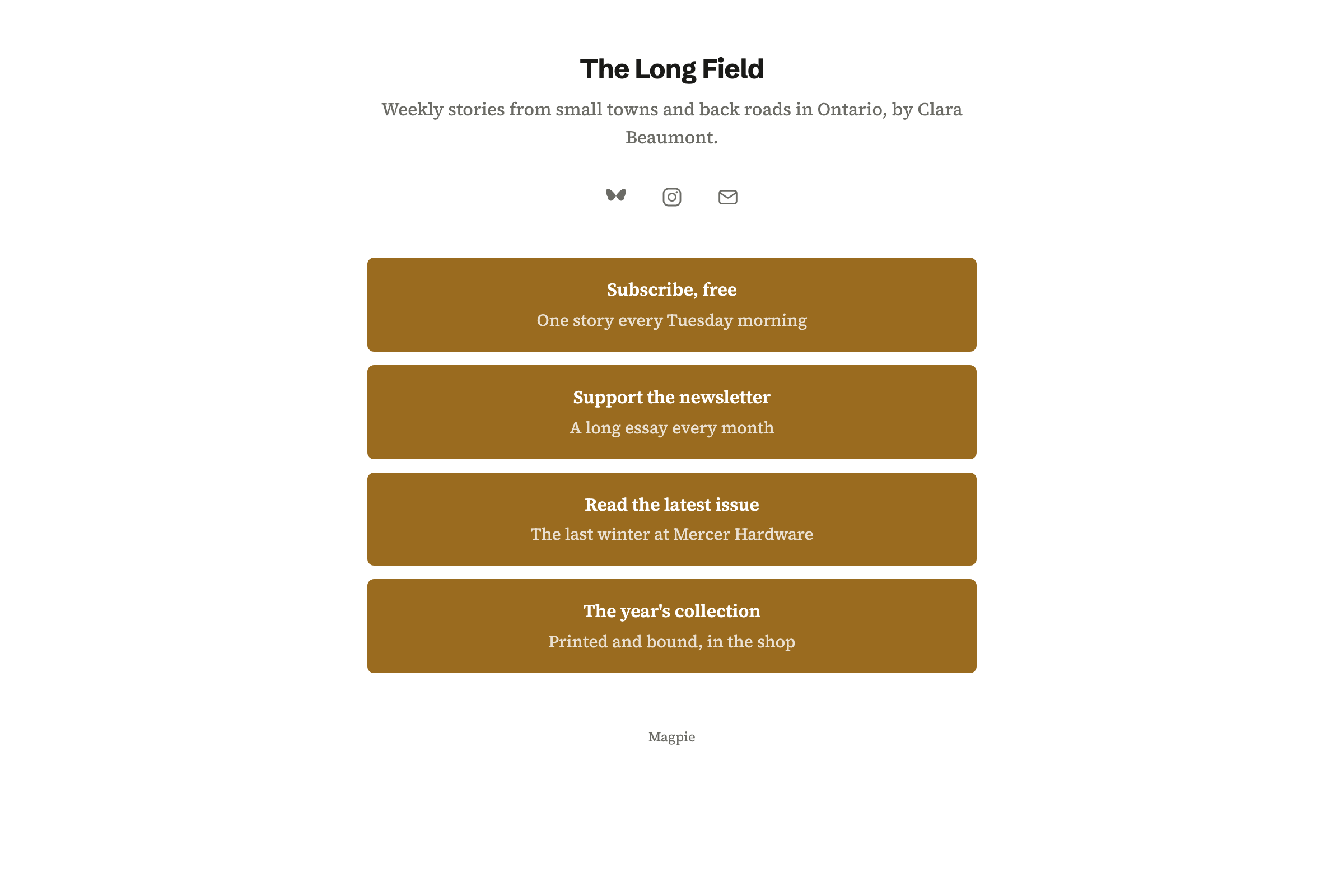
Link-In-Bio List is a page of links for your profiles. A block links to your newsletter's sign-up page or your supporters page.
Analytics shows the page's views and the clicks on each link. It can use your own domain.
Share to Social Media, on a sent issue, starts a post with its subject and link. Bluesky, Mastodon and LinkedIn posts go out at their time.
Each account can have its own text. For Instagram and X, Magpie reminds you and opens the post filled in.
Each step starts from what the last one made.
You import your Substack export, with where the list came from.
Your new sign-up page goes on your links page and your site.
You write this week's issue and send yourself a test.
You schedule it for Tuesday at 7 a.m.
Once sent, it gets its own page under Past emails.
Share to Social Media starts a post with its link.
You name it, write its description and choose its address. Help: Start and configure a newsletter.
You import your Substack export or CSV file. Help: Manage and import newsletter subscribers.
You set your free and monthly tiers. Help: Set up Supporters.
You connect your Stripe account, so supporters can pay by card. Help: Connect Stripe to receive money.
A writer working alone fits Pro, for your own work in Personal. Pro raises the newsletter's limits on subscribers and on email sent each month.
Magpie's fee on supporters' payments is 3%, and Stripe's processing fee is taken from each. Prices are on the Pricing page.
An author writes and publishes books, and sells them to readers.
A blogger keeps a personal website at their own domain.
A podcaster records, publishes and grows a show.
A local news site reports with a small team, and asks readers for support.
Yes. You import the Substack export, a CSV file or pasted addresses. You record where the list came from and how people agreed. Rows marked unsubscribed or bounced are left out.
Yes. Public sign-ups use double opt-in. A new address becomes active only after its owner opens the confirmation link.
Yes. Under Delivery, you choose Send now or Schedule, with a date and time. A scheduled issue can be cancelled until delivery begins.
Yes. With Web copies on, each sent issue has a public page. They are listed under Past emails on your sign-up page, each with a link to subscribe.
Yes. The newsletter's settings set the From name and the reply-to address. A footer note can be added to every email.
Readers pay through Supporters, a separate page with monthly tiers. Paying supporters read the posts you keep for them there. The newsletter itself stays free to your whole list.
Yes. A box at your shop's checkout lets buyers join the newsletter. Each one shows on the list as coming from the shop.
An address that hard bounces or marks an email as spam is suppressed. It is listed as Suppressed and is not sent to again.
Magpie's fee on supporters' payments is 3%. Stripe's processing fee is taken from each card payment. The rest goes to your own Stripe account.
Create a Magpie account and start your newsletter.