Newsletter writers
A newsletter writer sends each issue to free and paying readers.
Bloggers and people with a personal website
One person can run all of it in Personal. Your posts go to your subscribers by email, and onto the web.
Get started free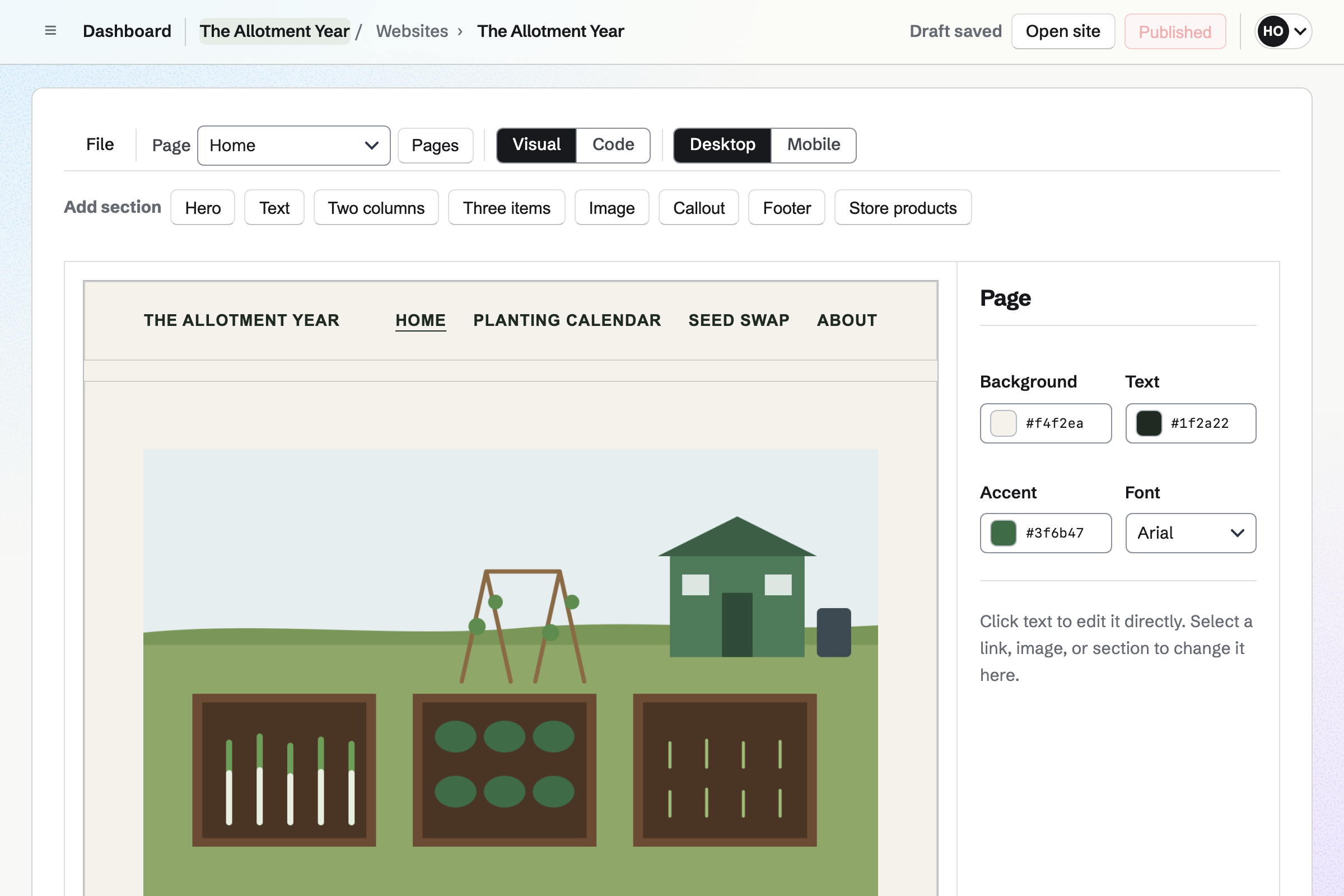
Websites is Magpie's site editor. Your site is built from sections, and you change the words by clicking them. You can check each page at phone width before you publish.
A site you already have can be uploaded as its files. If you write in Markdown, the site can come from a Git repository instead. Each push builds it, with a feed of your posts.
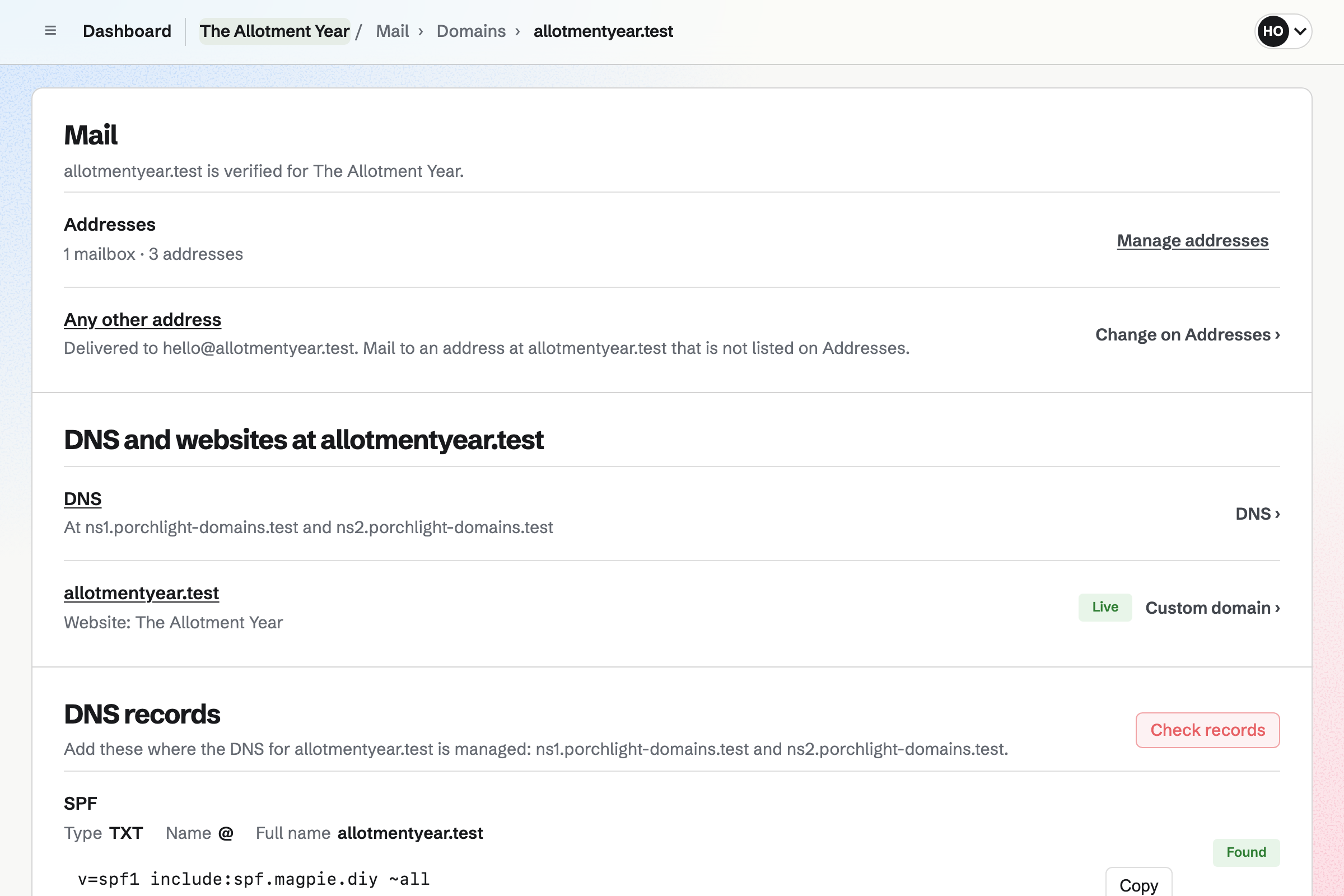
Newsletter sends your posts by email. Readers sign up on its page with double opt-in. With web copies on, each sent post has its own page, listed with your past posts.
You can bring your list from Substack, Mailchimp or a CSV file. You write in Markdown, send yourself a test and schedule the post.
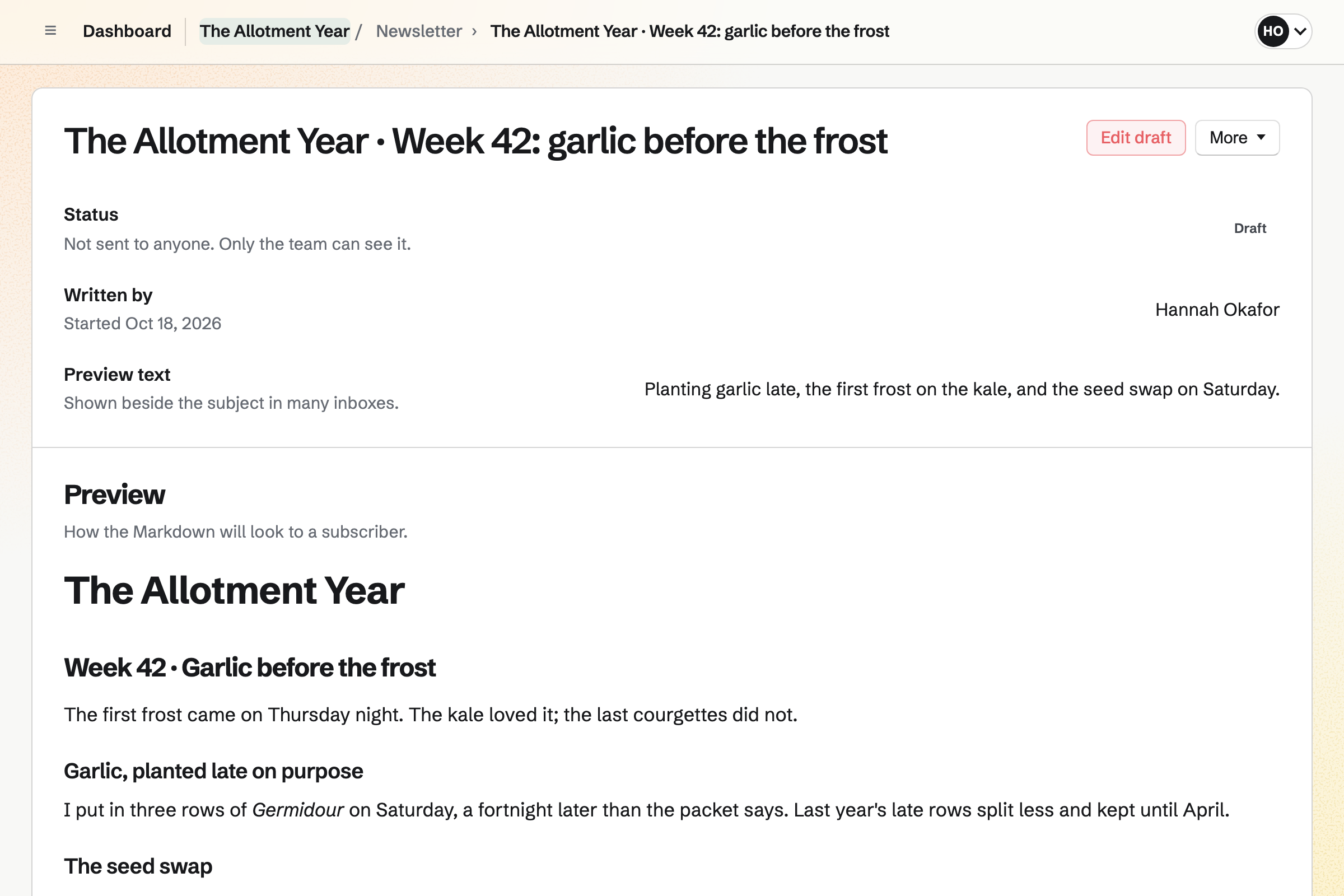
The Mail area gives your domain its own email, with a mailbox and a catch-all. Addresses such as hello@ deliver to your mailbox. You read and send your mail in Magpie.
Magpie lists the records to add where your domain's DNS is managed, and checks them. When Magpie hosts the domain's DNS, it adds them itself.
RSS Reader collects new posts from the blogs you follow. You add a feed, a site's address or a Bluesky account. Unread posts stay marked until you read them.
Save bookmark keeps a post in Bookmarks, with its text, after it leaves your feed. Pictures from a publisher load only when you ask.
Bookmarks saves the links you want to keep, with tags and notes. Reader view keeps an article's text, and you can highlight passages in it.
A collection can be public or unlisted. Its page lists your links with their descriptions, and its feed lets anyone follow it. Your notes and highlights stay private.
You write the post in Markdown.
You send yourself a test, and read it as subscribers will.
The post goes out at the time you chose.
It gets its own page, listed with your past posts.
The web copy starts a social post to Bluesky, Mastodon and LinkedIn.
Readers' replies come to the reply-to address you set.
You start from the starter design and add sections. Help: Build and publish a website.
You add the records Magpie lists, or let Magpie host your DNS. Help: Show your website at your own domain.
You name it, describe it and turn on web copies. Help: Start and configure a newsletter.
You connect the domain to Mail and add hello@. Help: Connect your own domain to Mail.
A blogger working alone fits Pro, for your own work in Personal. Mail at your own domain needs a paid plan. Pro includes 20 websites, and the free plan 1.
RSS Reader follows up to 100 feeds on Pro, and 10 on the free plan. Prices are on the Pricing page.
A newsletter writer sends each issue to free and paying readers.
An author writes, formats and sells their books.
Someone leaving big tech moves their email and files to their own domain.
A web designer builds clients' websites and hands them over.
Yes. The editor builds pages from sections: a hero, text, columns, images and more. You change the words by clicking them in the preview. Changes stay drafts until you publish, and History keeps each published version.
Yes. Magpie lists the records to add where your domain's DNS is managed. Once they are found, Magpie gets the security certificate itself, usually in a few minutes.
Yes, from a Git repository. Each dated Markdown post goes in the site's feed. A sitemap lists every page. Your own layouts shape each page. A build that fails leaves the live site as it was.
Yes. A files website serves a site's HTML, CSS and other files exactly as they are. You drop a folder or a ZIP on its page. A file can be up to 200 MB, and a site up to 5,000 files.
Yes. Newsletter sends each post now, or at a time you choose. With web copies on, each one also has its own public page.
Yes. You import a Substack export or a CSV file, or paste addresses one per line. You record how the people agreed to receive it. Anyone who unsubscribed elsewhere is left out.
Yes. The Mail area gives your domain mailboxes, addresses such as hello@, and a catch-all. Magpie lists the SPF, DKIM and DMARC records your domain needs.
Yes. RSS Reader follows feeds, websites and Bluesky accounts. Their new posts come to one timeline, newest first.
Yes. A Bookmarks collection can be public or unlisted, with its own page. Anyone can follow it through its RSS feed. Your notes and highlights stay private.
Yes. Supporters gives you a public page with a free tier and monthly paid tiers. Payments go to your own Stripe account, with Magpie's 3% fee.
Yes. Favicon Generator takes one image and makes a ZIP of icons. It holds favicon.ico, Apple and Android icons and a web manifest.
Yes. Image Converter resizes photos and converts them to WebP. It can crop to a set shape and remove a photo's metadata.
Yes. Notes are written in Markdown. A draft copies into a newsletter post or a repository as it is.
Create a Magpie account and start your website.