Freelance illustrators
An illustrator takes on commissions and bills for them.
Comic and webcomic artists
A cartoonist working alone uses Magpie in Personal. A studio with a writer and a colourist can work in one Magpie team.
Get started free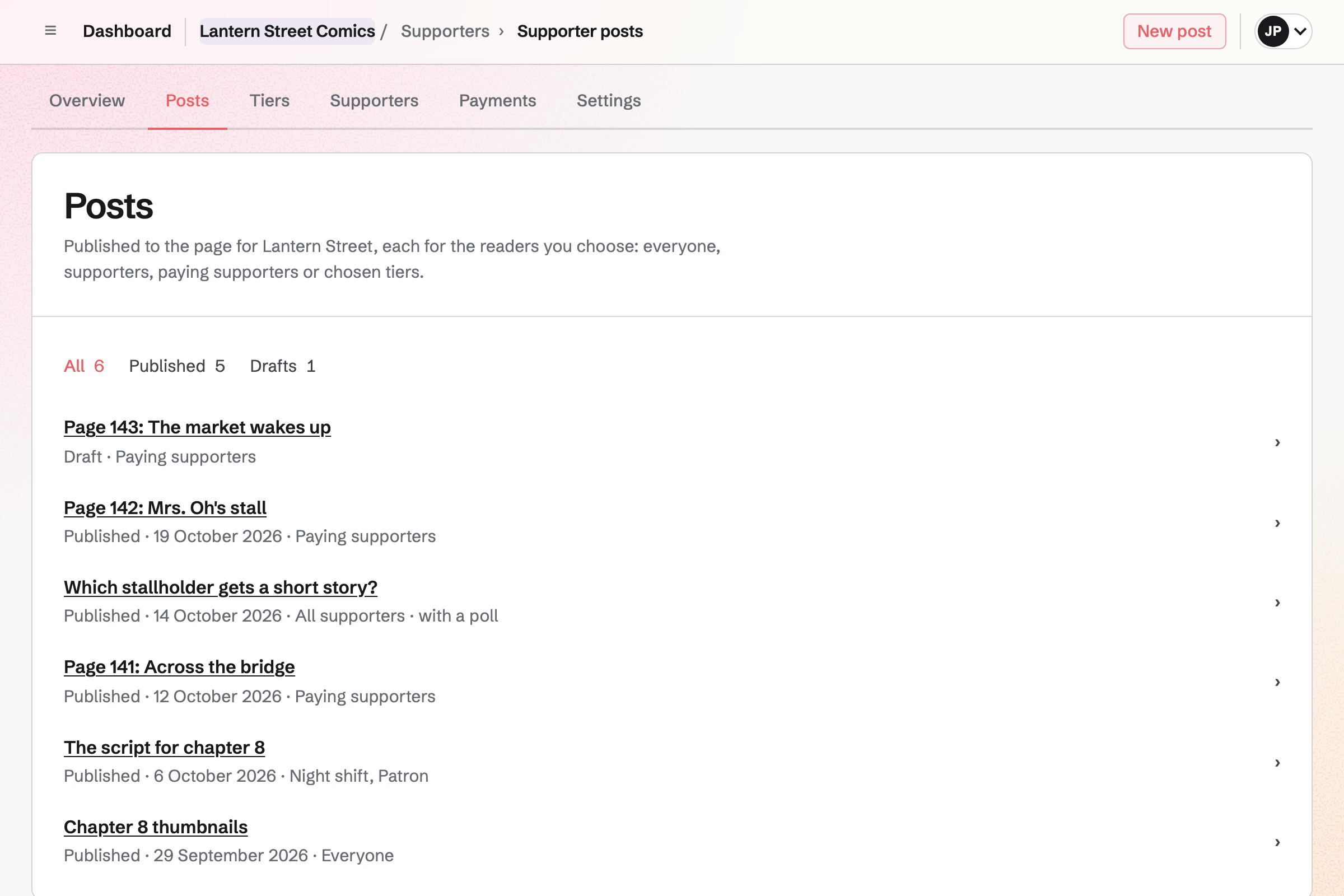
Supporters gives you a public page with a free tier and monthly paid tiers. Supporters pay by card, and the money goes to your own Stripe account.
A post can show a new page to paying supporters, or to chosen tiers. Others see its title and excerpt. A poll lets readers choose the next short story.
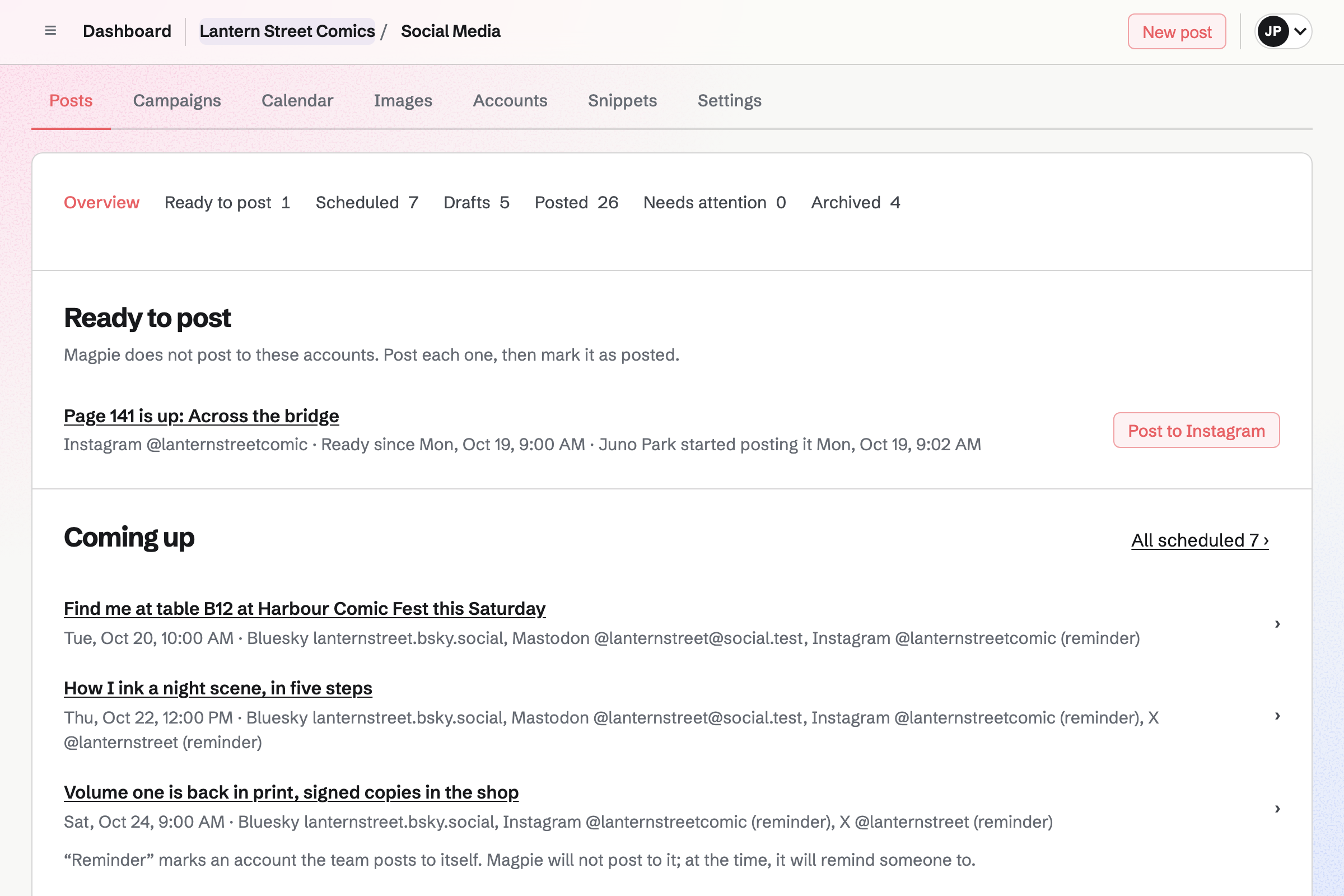
Social Media posts to Bluesky, Mastodon and LinkedIn at the time you set. For Instagram and X, Magpie reminds you and opens the post filled in.
Each account gets the page in its own shape, around the panel you choose. A campaign holds the posts for a reprint or a convention.
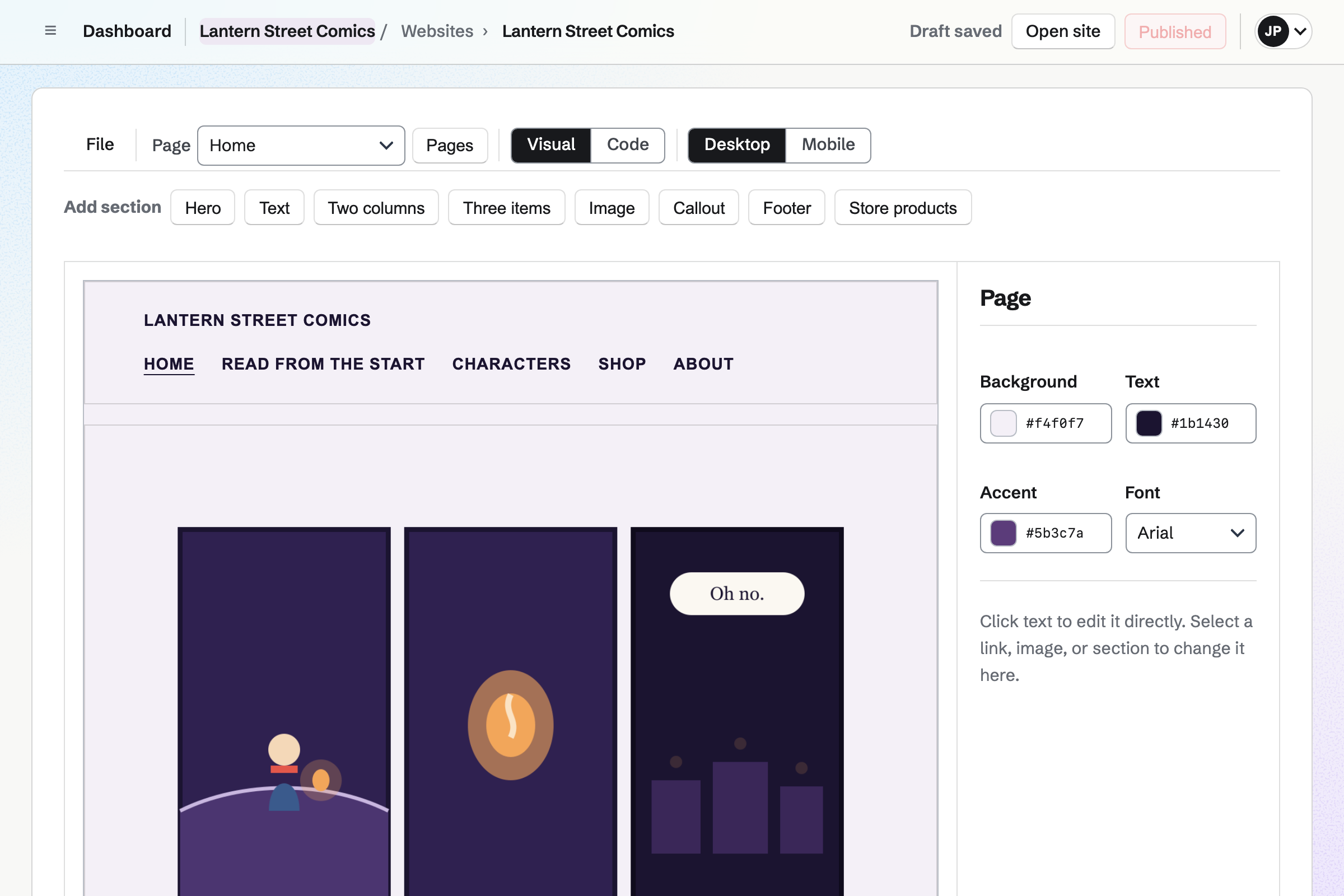
Websites is Magpie's site editor. Your site is built from sections, such as the newest panels or the cast. You change the words by clicking them.
A comic site you already have can be uploaded as its files. Either one can be at your own domain.
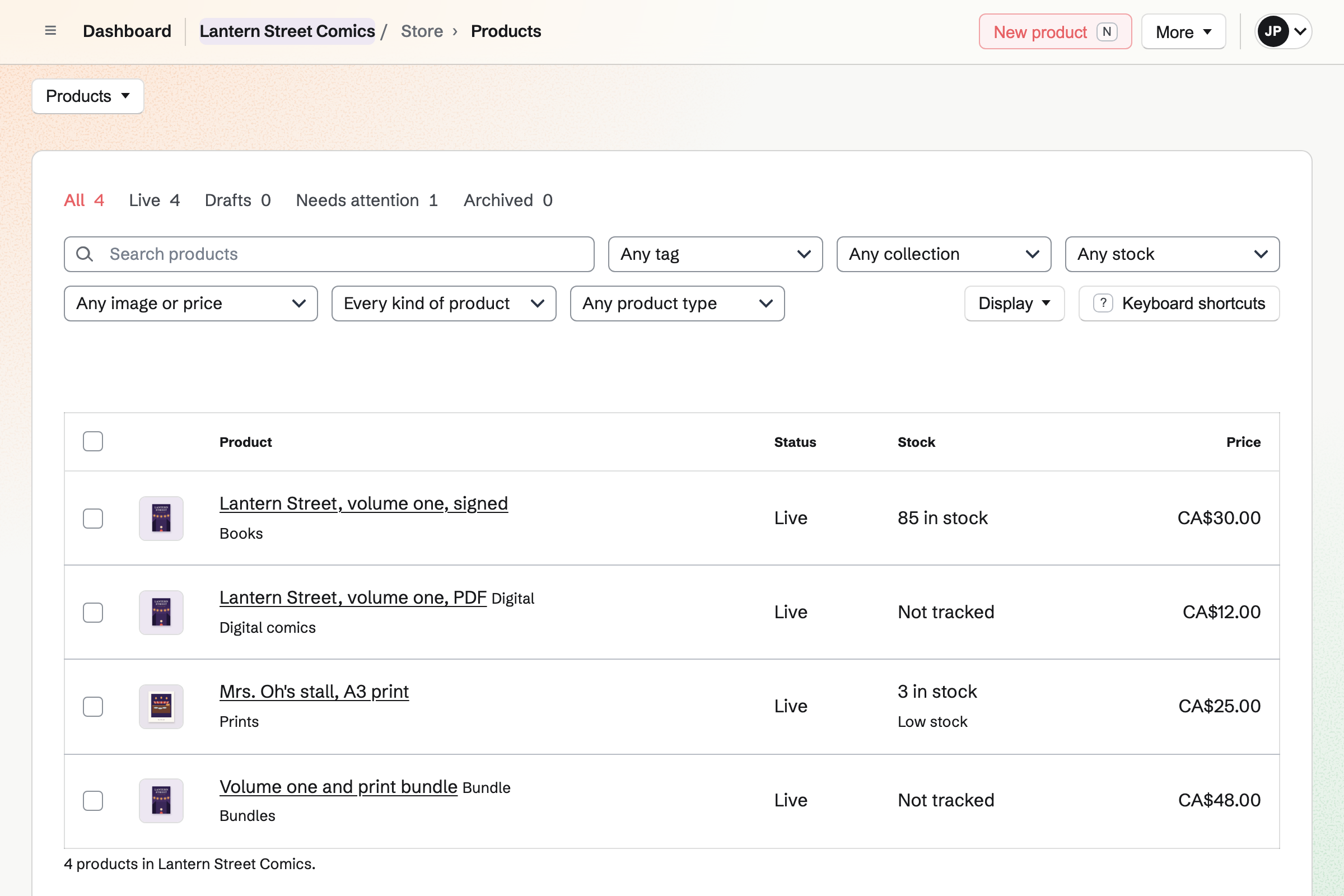
Store is your online shop. A printed volume and a print each keep their own stock. A PDF sells as a download, and a bundle sells a book and a print together.
A signed copy can ask who to sign it to. Buyers pay by card into your own Stripe account, with no Magpie fee.
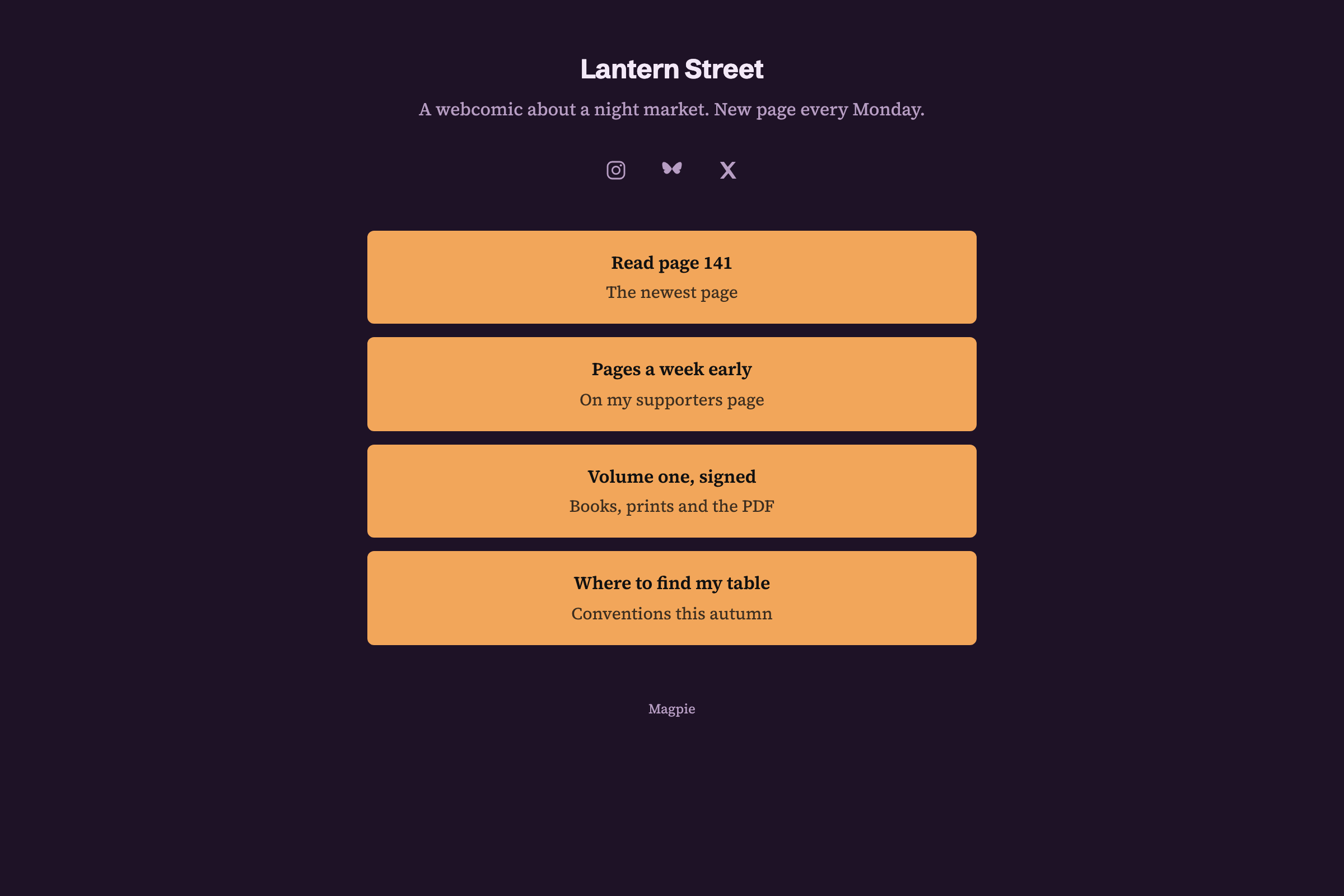
Link-In-Bio List is a page of links, with your comic's name and a line about it. Instagram, Bluesky and X show as icons.
Analytics shows the page's views and the clicks on each link. It can use your own domain.
Each page is a card on your board, from thumbnails to colours.
The finished page goes in a post for paying supporters.
A week later, it goes on your site, and your scheduled posts go out.
Your list hears when a chapter ends and the next one starts.
When a volume is printed, signed copies sell from your shop.
You set your free and monthly tiers. Help: Set up Supporters.
You connect Bluesky, Mastodon and LinkedIn. Help: Connect social accounts.
You add your books, prints and PDFs, and publish the shop. Help: Set up and publish a Store.
You connect your Stripe account, so readers can pay by card. Help: Connect Stripe to receive money.
A cartoonist working alone fits Pro, for your own work in Personal. A studio of several people fits the Team plan.
Magpie adds no fee to your shop's sales. Magpie's fee on supporters' payments is 3%. Stripe's processing fee is taken from each card payment. Prices are on the Pricing page.
An illustrator takes on commissions and bills for them.
An artist sells originals and prints, with monthly supporters.
An author writes, formats and sells their books.
Yes. A post can show the new page to paying supporters, or to chosen tiers. Others see its title and excerpt. You put the page on your site when you choose.
Yes. One post goes to Bluesky, Mastodon and LinkedIn at its time. For Instagram and X, Magpie reminds you and opens the post filled in. Each account gets the picture in its own shape.
Yes. A book is a product with its own stock. A text field can ask the buyer who to sign it to. You ship the order, or the buyer collects it.
Yes. A download product holds a PDF, or a ZIP of the pages, each file up to 500 MB. Buyers download it from their order page or their confirmation email.
Yes. A bundle has its own price and picture. When it sells, the book and the print each come out of stock.
Yes. A printed volume keeps selling when its stock reaches zero. It shows the date it is expected to ship. Buyers pay when they order, and pre-orders have their own list.
Yes. The editor builds pages from sections, such as a picture of the newest panels. You change the words by clicking them. The site can be at your own domain.
Yes. Image Converter resizes pages and converts them to WebP. It can crop to a set shape and remove a file's metadata.
Yes. A Kanban board can have a column for each stage, such as thumbnails, inks and colours. Each page is a card, with its due date and pictures.
Yes. Newsletter gives you a sign-up page with double opt-in, and checkout can ask buyers to join. You write each issue and schedule it.
Magpie adds no fee to your shop's sales. Supporters' payments carry Magpie's 3% fee. Stripe's processing fee is taken from each card payment.
Create a Magpie account and open your supporters page.