People leaving Big Tech
Someone leaving Big Tech moves their email, calendar and files.
Families and households
Your household works in one Magpie team. Grandparents and others can join for only the calendar or a list.
Get started free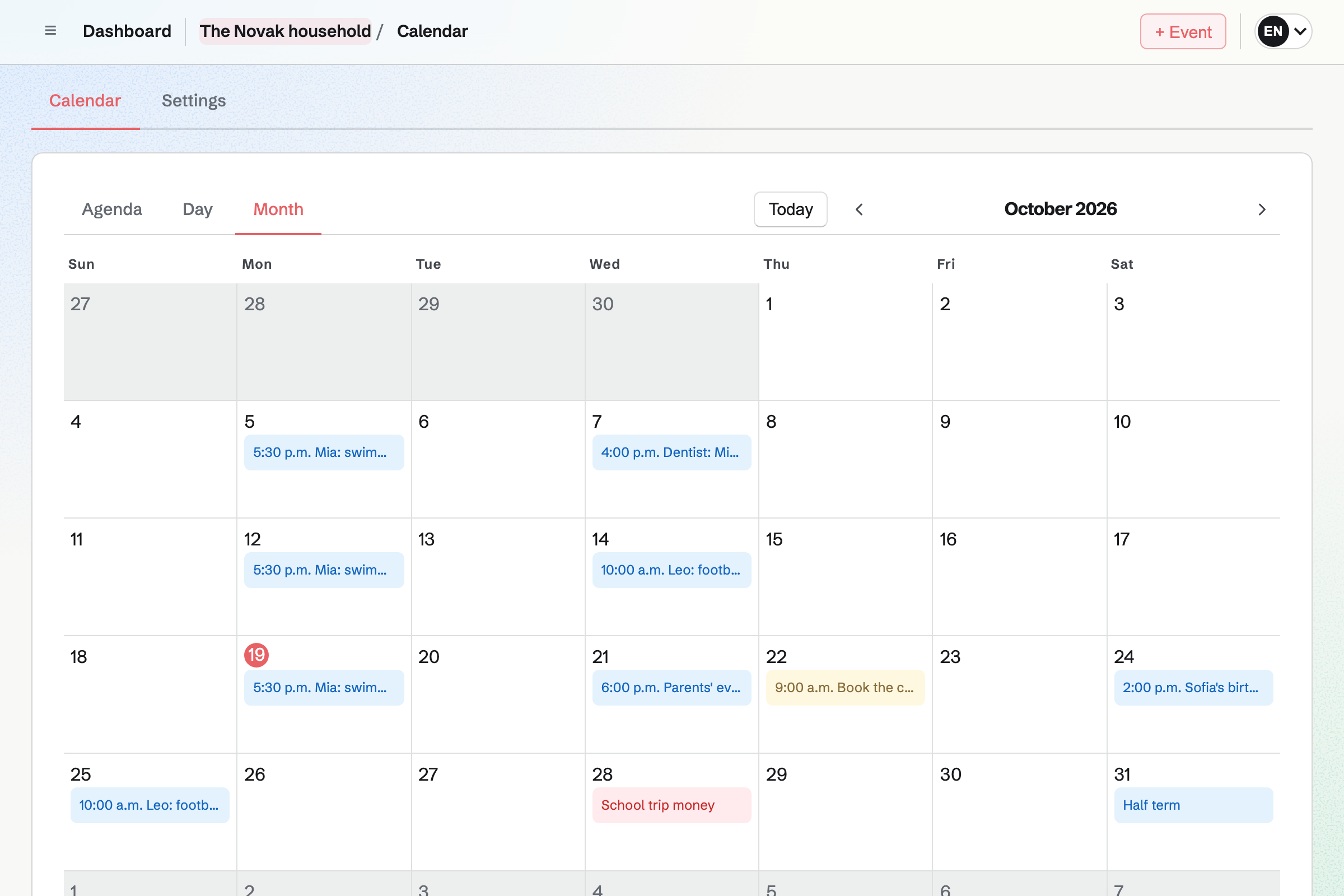
Calendar shows the family's events to everyone in it, from swimming lessons to the dentist. To-dos with a date show on it too.
A private event is seen only by the person who made it. Your own meetings and shifts stay on your own calendar.
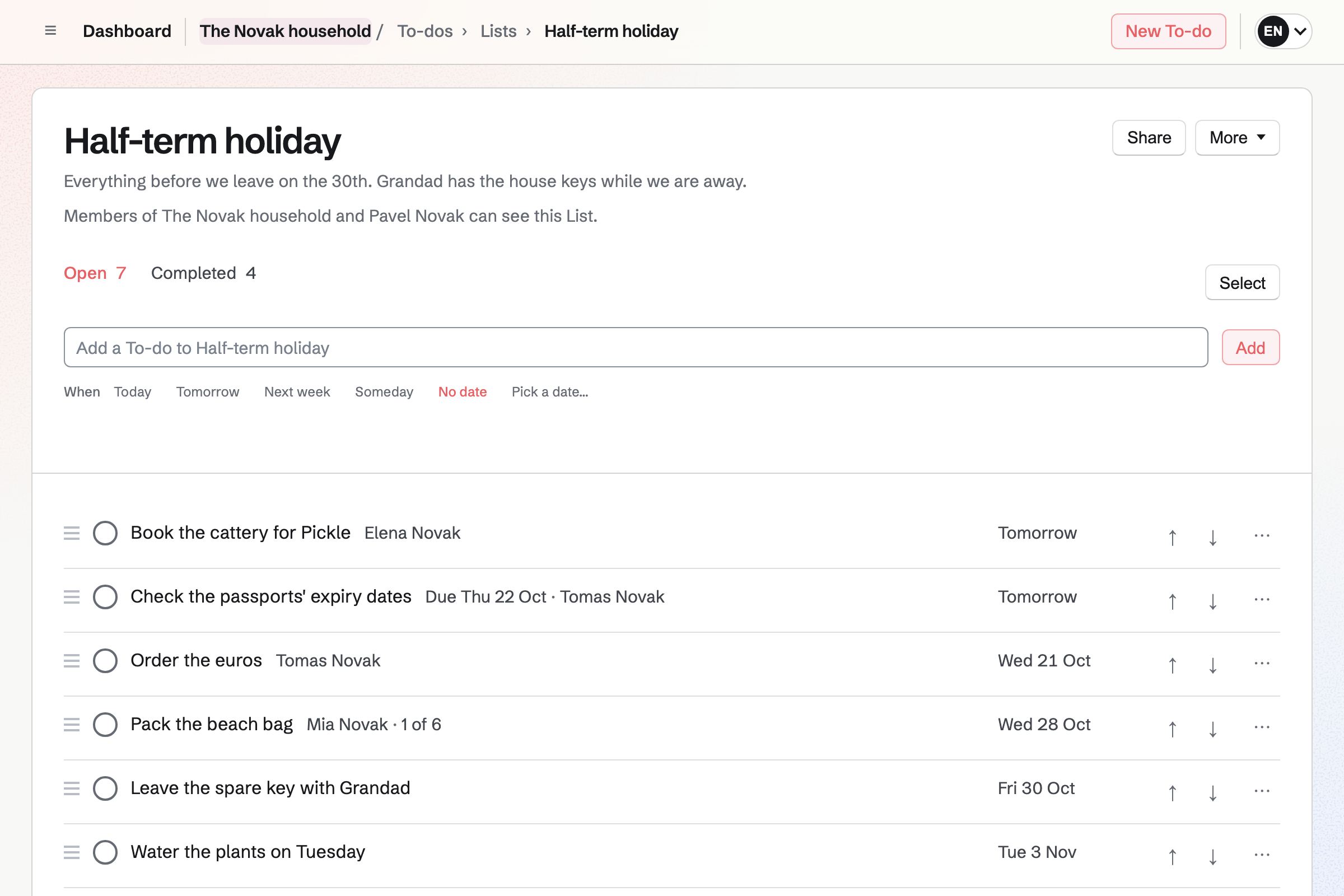
To-dos holds the family's lists, such as the week's jobs and packing for the holiday. A To-do can be given to one person, with a reminder by email.
Typing "every Thursday" at the end of a To-do makes it repeat. A List can be shared with someone outside the family, such as a grandparent.
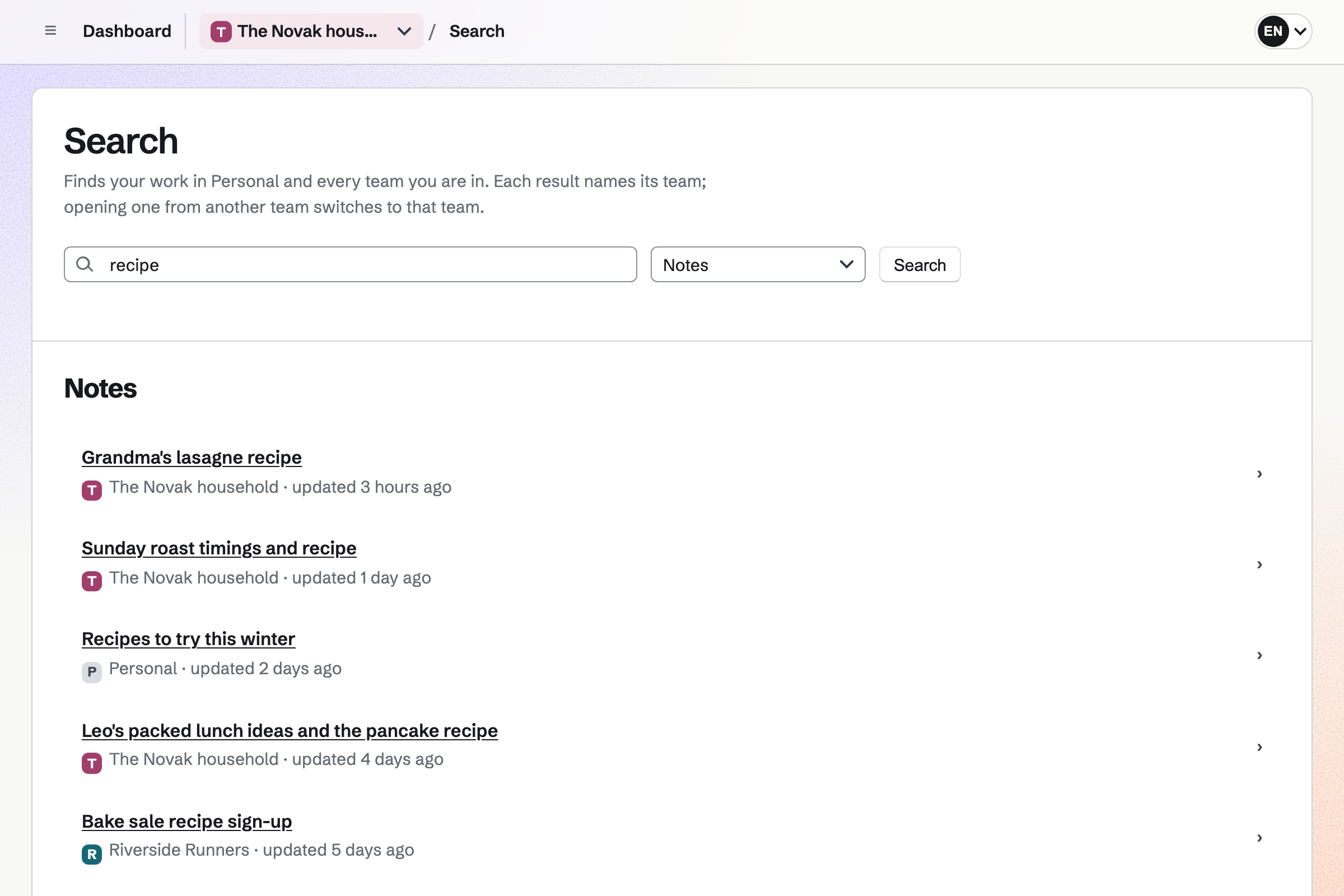
Notes keeps the family's notes, open to everyone in the family. Each note is saved as you type, with checklists and pictures.
Search finds a note by its words, in the family's notes and your own.
Team chat gives the family channels, such as one for the holiday. You can reply in a thread, react and add pictures.
Someone from outside the family can be let into one channel as a guest.
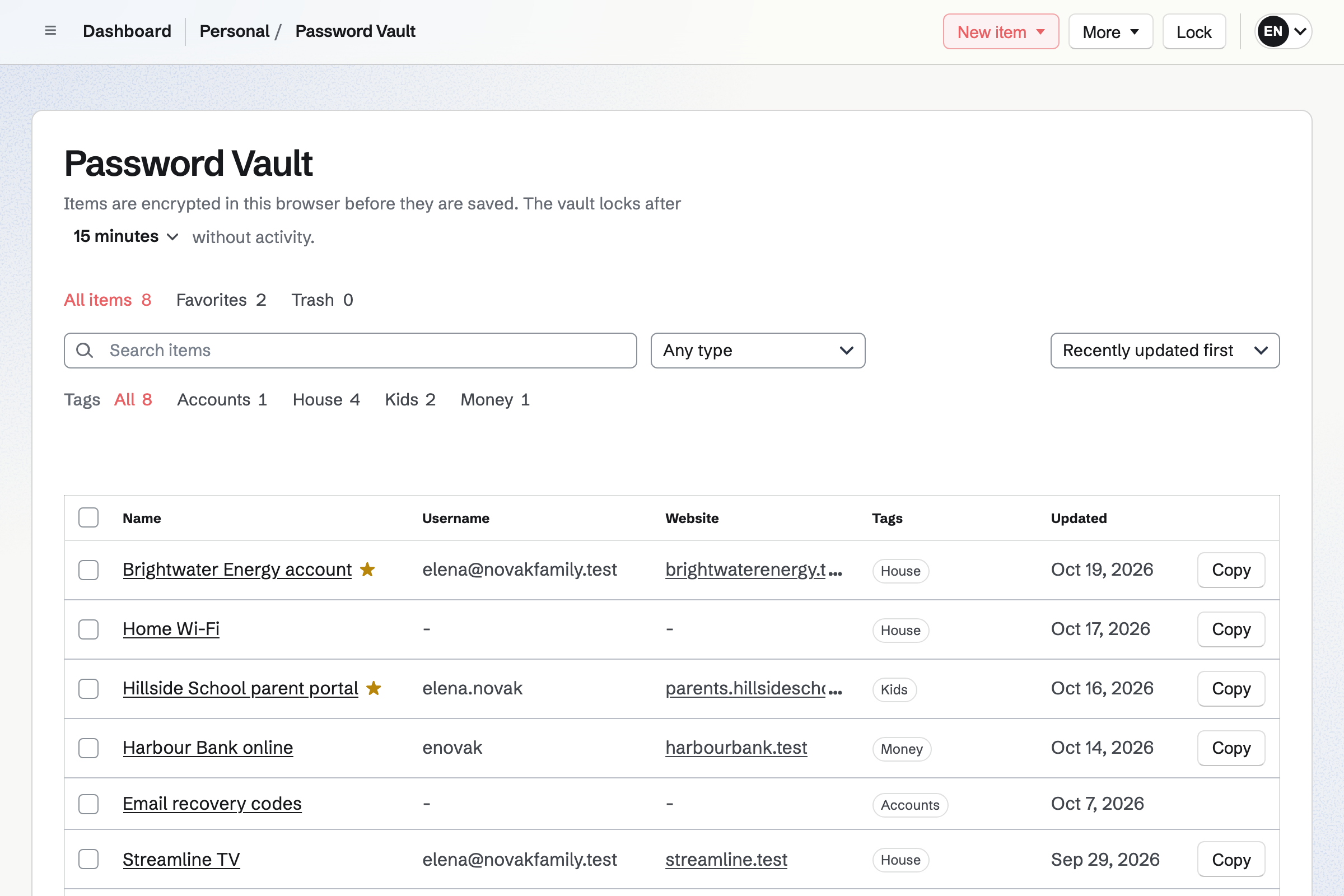
Password Vault keeps each person's logins, Wi-Fi details and notes, encrypted in the browser. Only that person can open their vault.
A recovery key lets you choose a new vault password if you forget it. A vault can be imported from Chrome, Bitwarden or 1Password.
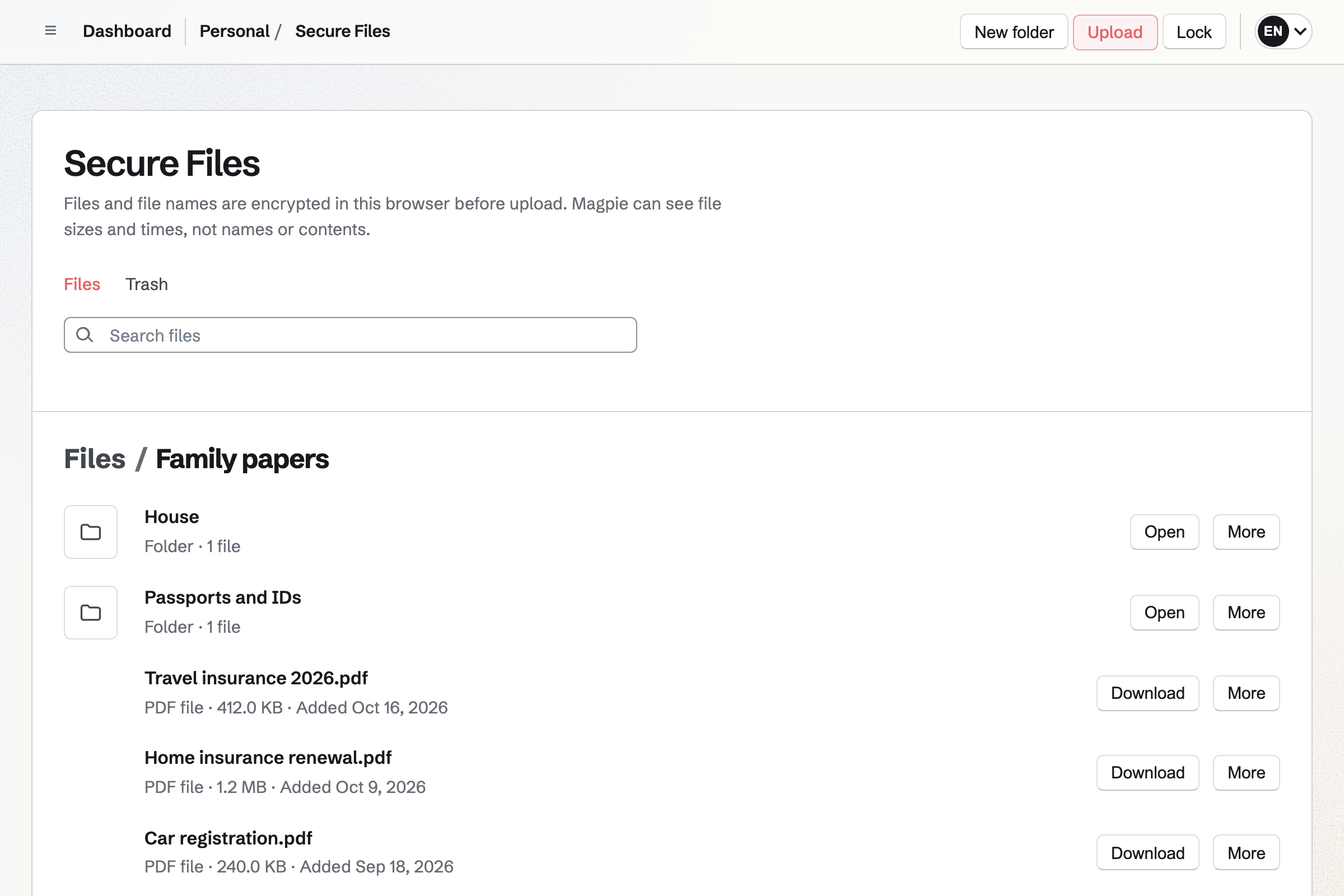
Secure Files keeps your papers in folders, encrypted in your browser before they are saved. Each person's files are their own.
A secure link sends one file to someone, such as the insurer. The link expires when you choose.
The holiday goes on the family calendar.
Packing and the cattery go on a shared List.
The holiday channel collects ideas and pictures.
Passports and the insurance are in your Secure Files.
The bins went out every Thursday while you were away.
You invite the others by their handles. Help: Create and manage a team.
School terms and lessons go on the calendar. Help: Use Calendar.
You add the week's jobs. Help: Use To-dos.
Each of you sets up your own. Help: Password Vault: passwords and private information.
A family team on the Free plan has places for 3 members, and the Team plan for 25. Each member needs their own Magpie account, for people aged 13 and over.
Others can join as guests, with only the areas you give them, and take no place. Prices are on the Pricing page.
Someone leaving Big Tech moves their email, calendar and files.
A student keeps notes, flashcards and papers in one place.
A couple plans their wedding, from RSVPs to the budget.
Yes. Events in the family's team show to everyone in it, with To-dos that have a date. A private event is seen only by the person who made it.
Yes. A List in the family's team is open to everyone in it. It can also be shared with someone outside, such as a grandparent, by their handle.
Yes. Typing "every Thursday" at the end of a To-do makes it repeat each week. Its reminder is emailed to the person it is given to.
Yes. Anyone aged 13 or over can have their own account and join the family's team. They then see the calendar, the lists and the chat.
Yes. They can join as guests with Calendar only. A guest takes no place on the plan.
Yes. Each person has their own vault, encrypted in their browser before it is saved. A recovery key lets them choose a new vault password.
Yes. Secure Files keeps them encrypted, in folders of your own. A secure link can send one to someone, expiring when you choose.
Create a Magpie account and make a team for your household.