Families and households
A family shares a calendar, lists and a family chat.
Homeschooling families and co-ops
You plan in your own Personal space. Your co-op can be a Magpie team of its own, with a board for the families.
Get started free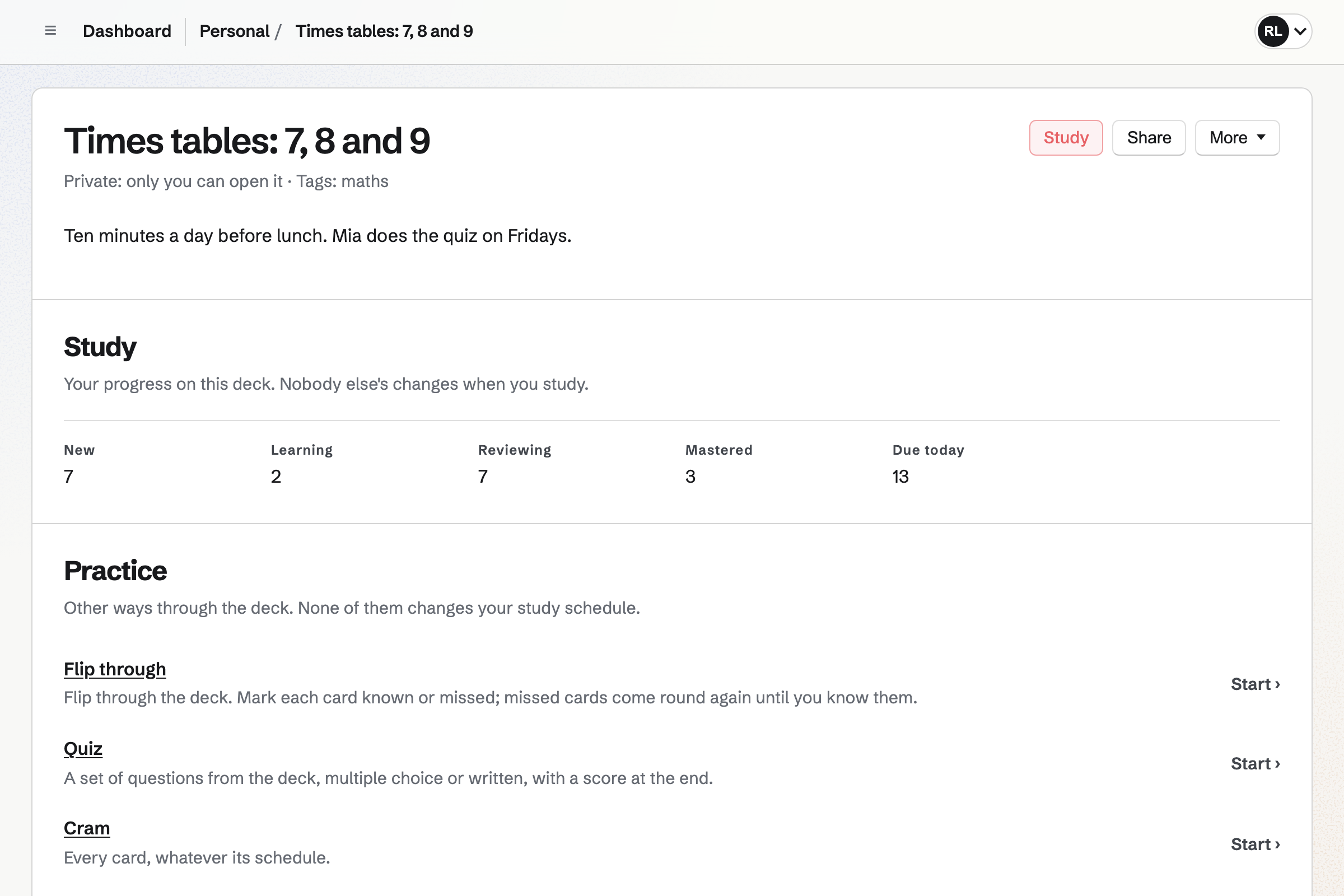
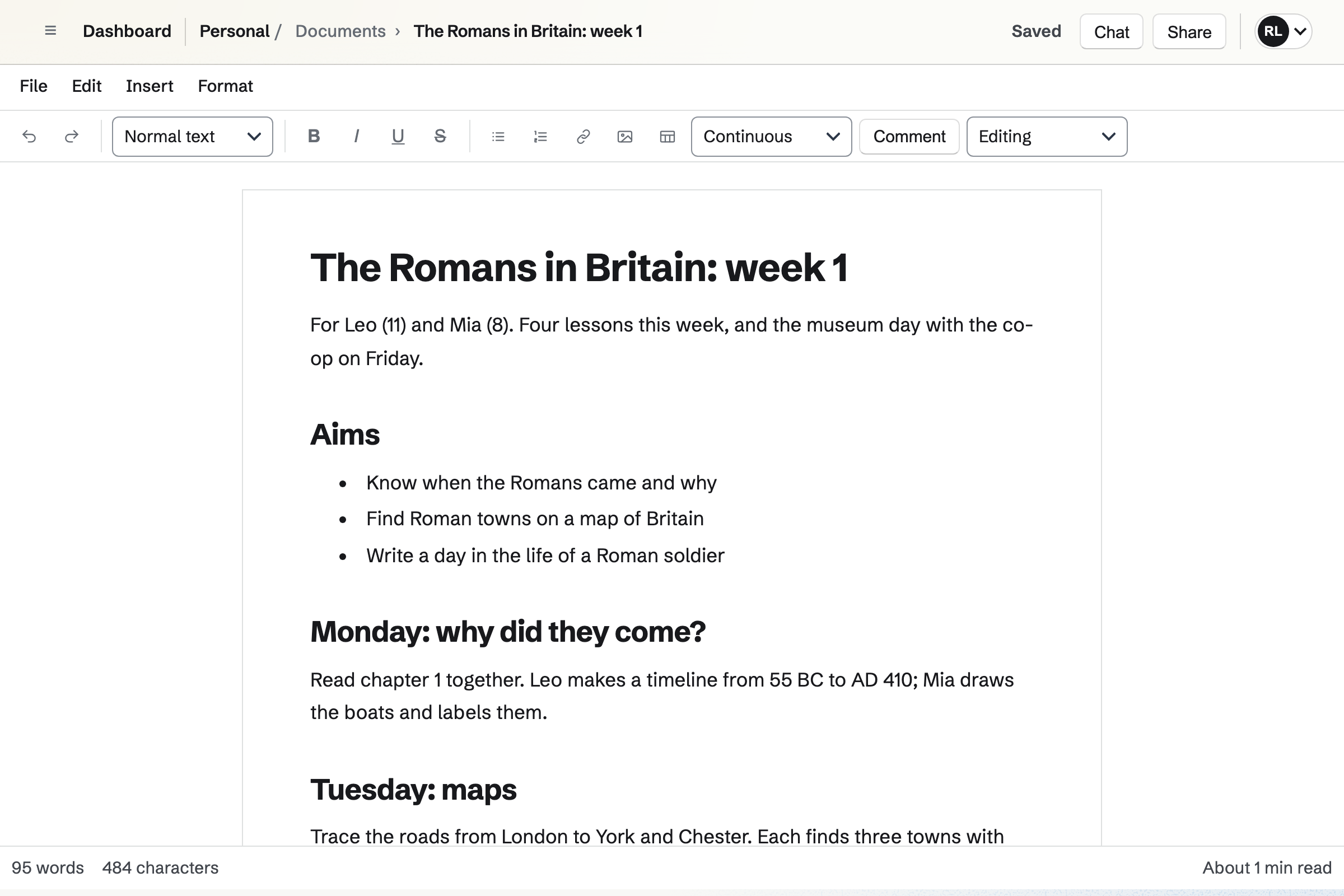
Documents holds your lesson plans and worksheets, with headings, tables and pictures. Each one prints, or downloads as a PDF.
A link lets anyone read a worksheet without signing in. Another parent can be given one document to comment on.
Flashcards holds decks of cards, such as times tables, spellings and capital cities. A deck can be shared by a link.
Anyone with the link can flip through, take a quiz or cram. An older child who signs in studies on a spaced repetition schedule.
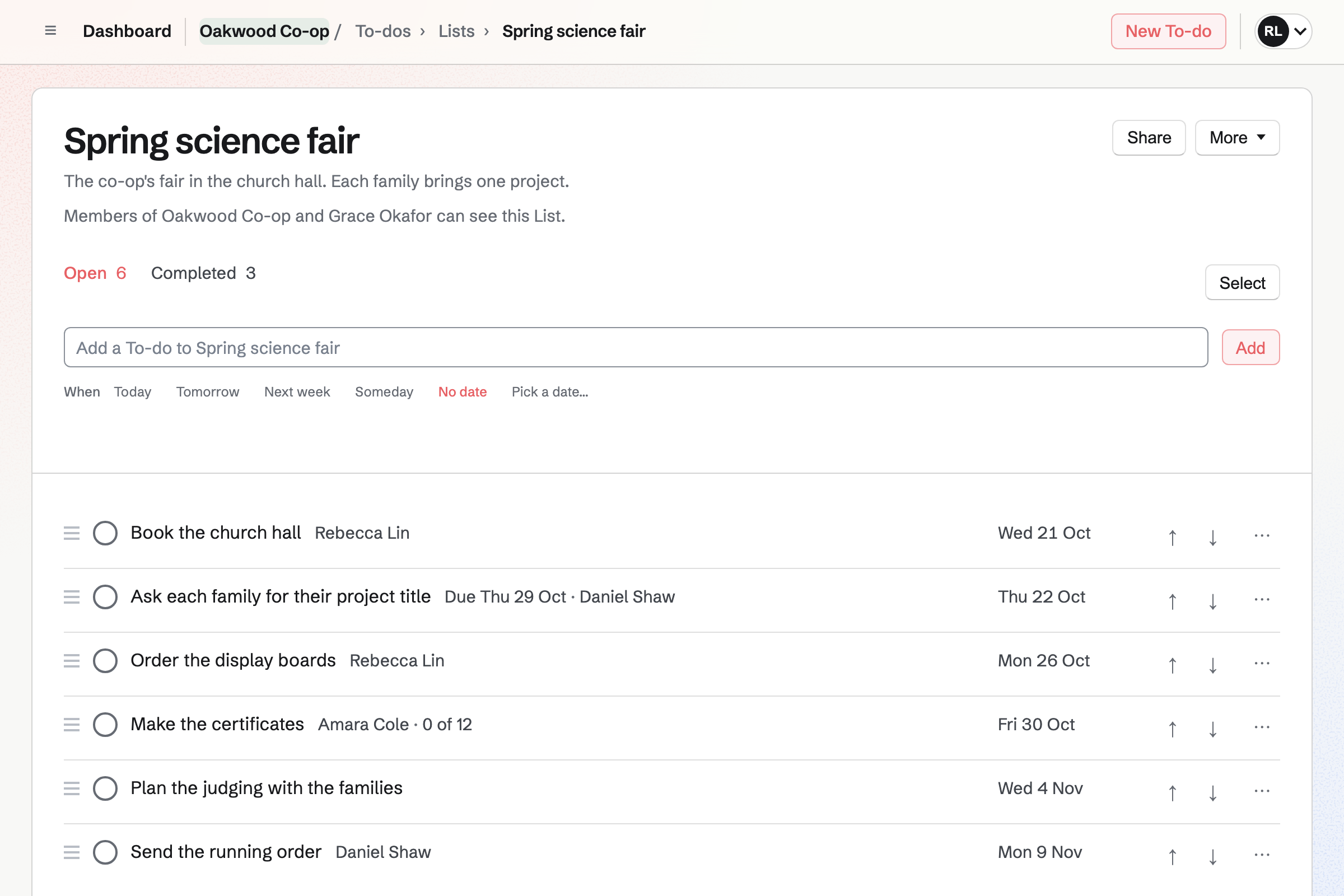
To-dos holds each lesson and project with its day. A lesson can repeat every weekday, such as reading time.
A List can be shared with another family, such as for a project you do together.
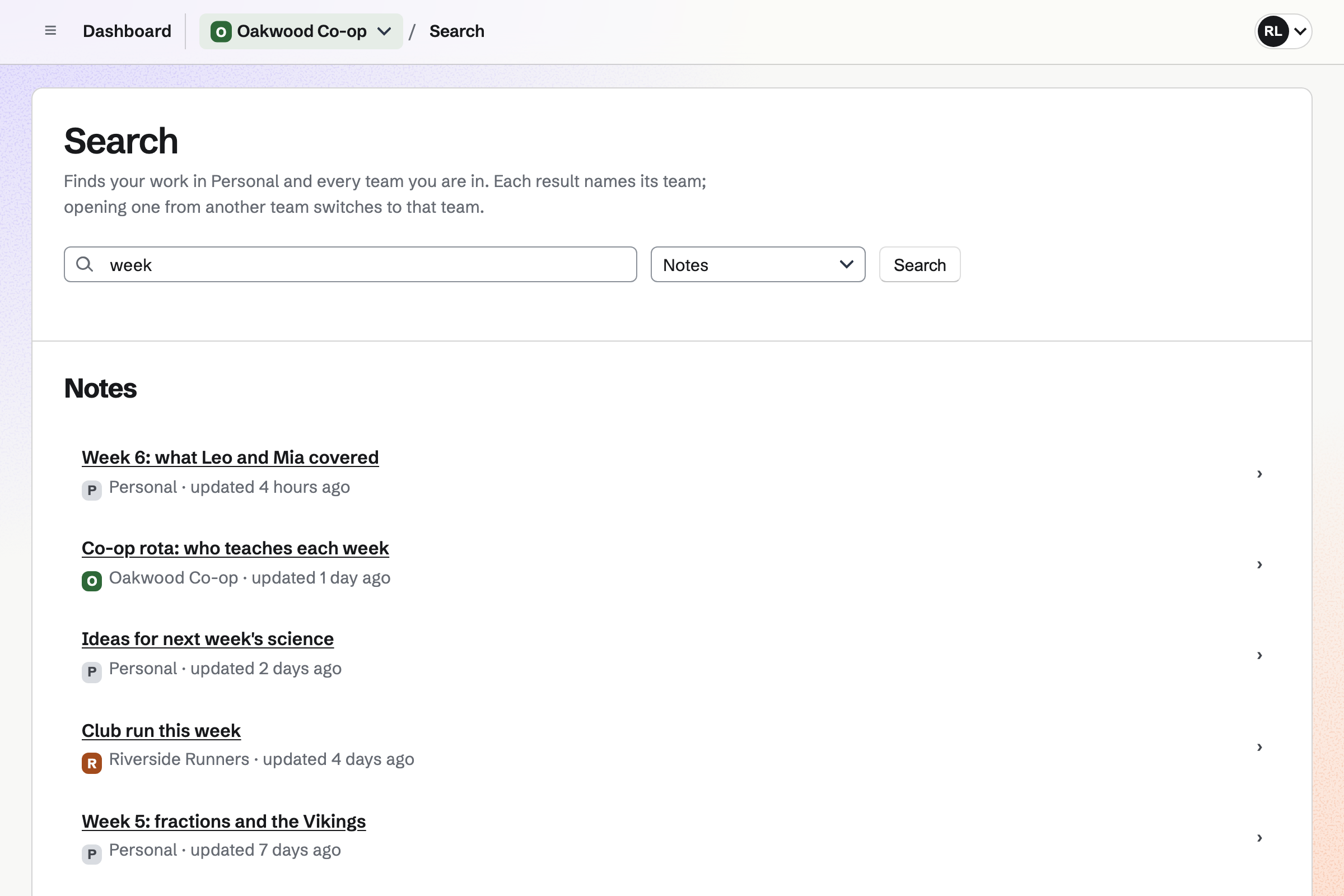
Notes keeps your notes in Markdown, saved as you type, with checklists and pictures. A note for each week records what each child did.
Search finds a note by its words, such as a topic to come back to.
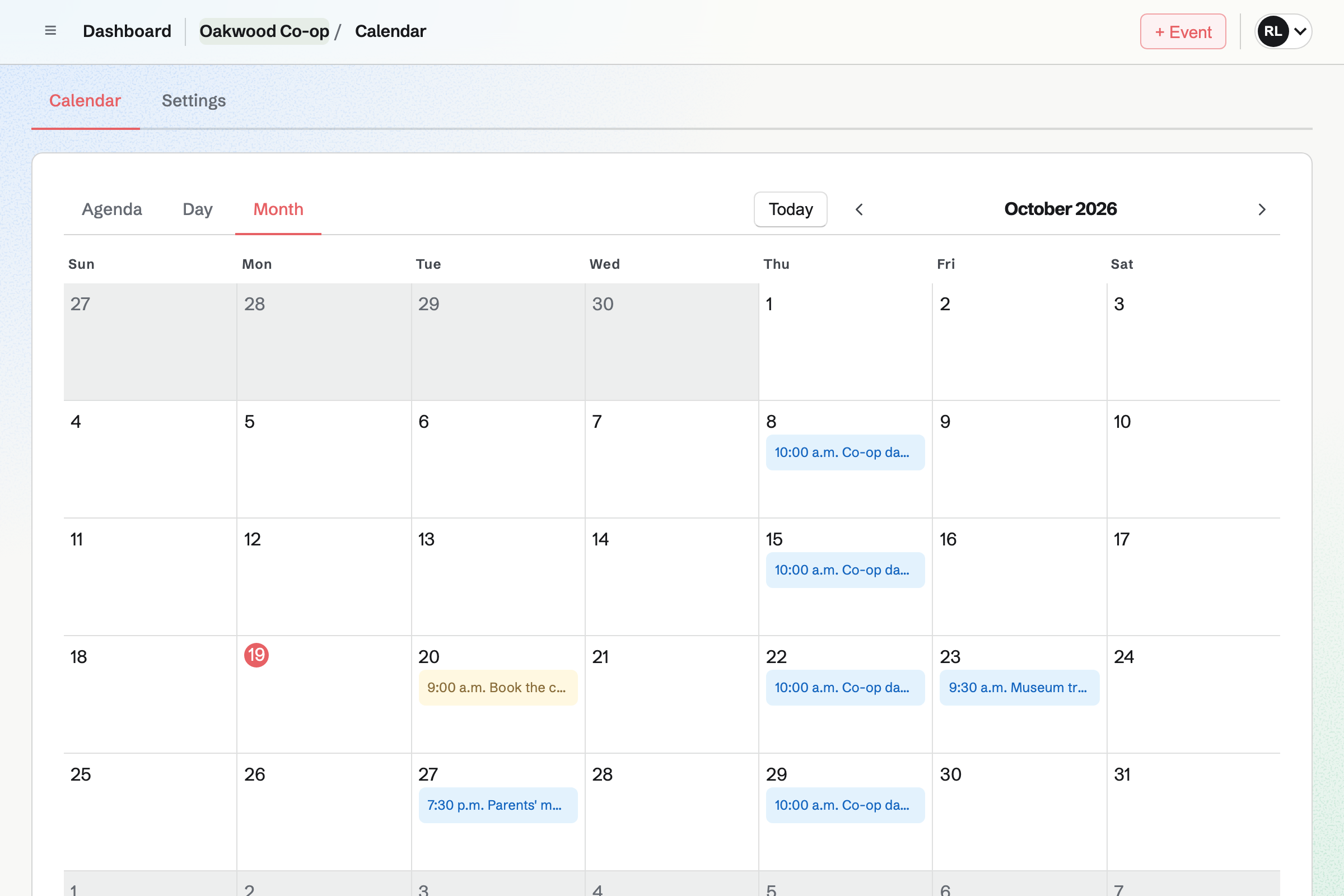
Calendar shows the co-op team's events to every family in it, such as field trips. An event can take RSVPs up to the places on the coach.
Your own family's plans stay on your own calendar.
Message Boards gives the co-op a board, private to its families. Parents post, reply under each post and vote, so popular ideas rise.
A post can share a link, such as a museum's education page.
You write the lesson plan for the Romans.
It prints, or goes out by link.
Your children practise the dates from a deck.
This week's note records what each child covered.
The co-op's museum day goes on the calendar, with RSVPs.
You add cards, or import a list. Help: Study with Flashcards.
You can import one from Word. Help: Write documents.
Each lesson goes in as a To-do. Help: Use To-dos.
You start it private to the co-op. Help: Create and use message boards.
The free plan suits a family, in Personal. A co-op team on the free plan has places for 3. Other families can join as guests, taking no place.
Magpie accounts are for people aged 13 and over. Younger children use the links you share. Prices are on the Pricing page.
A family shares a calendar, lists and a family chat.
A student keeps notes, flashcards and papers in one place.
A teacher or a small school shares lessons and keeps parents informed.
Yes. A shared deck's link opens without an account, for flipping through, a quiz or cram. Their place is kept in that browser.
Yes. A document prints, or downloads as a PDF or a Word file.
Yes. A To-do can repeat every weekday, every week or every month. The next one is scheduled when you tick off the current one.
Yes. A co-op team's events show to every family in it. An event can take RSVPs up to the places you have.
Yes. A message board can be private to the co-op's team. Families post, reply and vote.
Yes. A note for each week can record what each child did. Search finds it again by its words.
Create a Magpie account and make your first deck.