Families and households
A family shares a calendar, lists and a family chat.
Moving house
You plan the move in one Magpie team with the people moving with you. Each of you keeps your own copies of the papers.
Get started free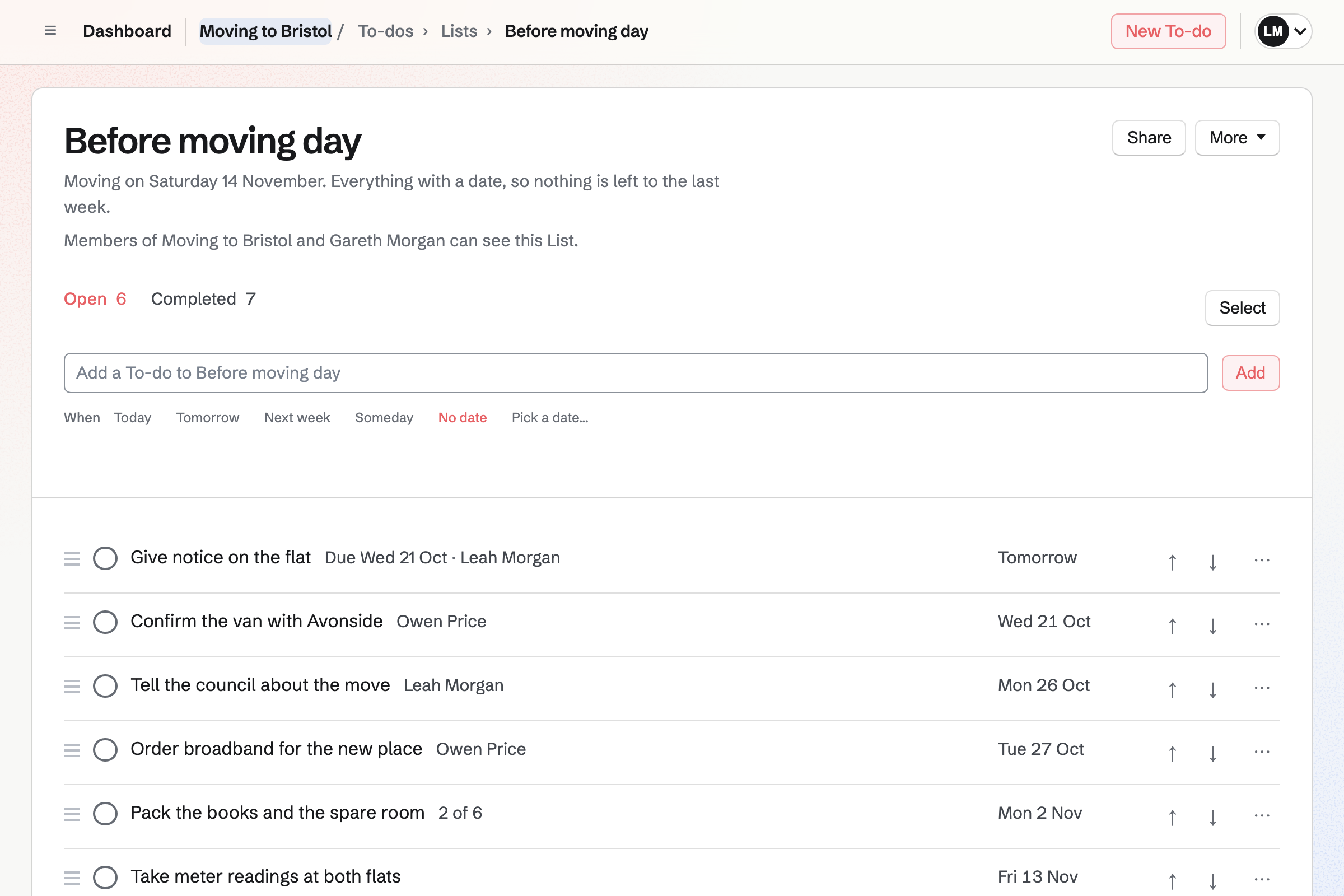
To-dos holds the move's jobs, such as giving notice and booking the van. Each one has a day and who is doing it.
A reminder can be emailed before each one. A List can be shared with someone helping, such as a parent.
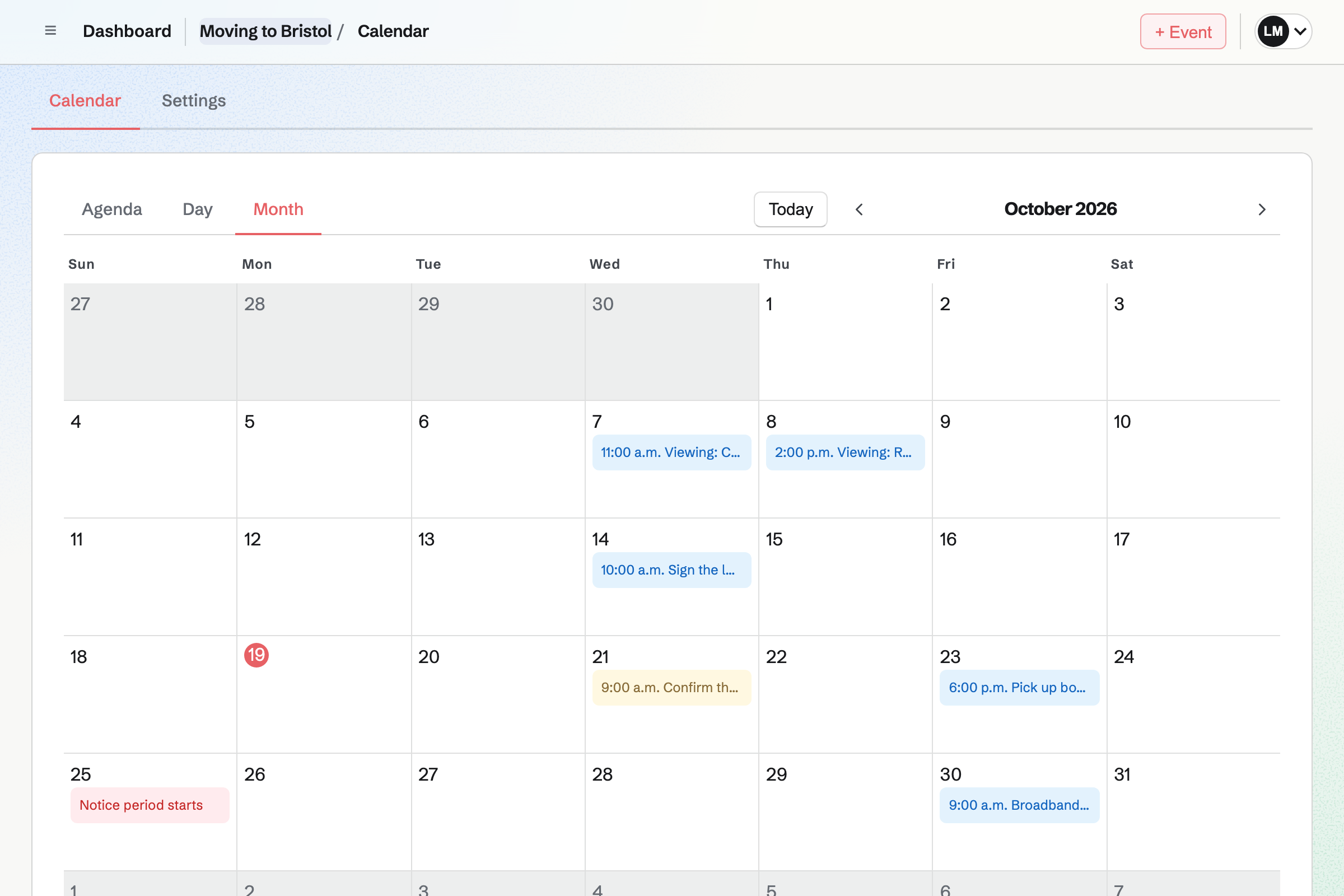
Calendar shows the move's events to both of you, with To-dos on their days. Moving day, the meter readings and the broadband install sit together.
Your own work stays on your own calendar.
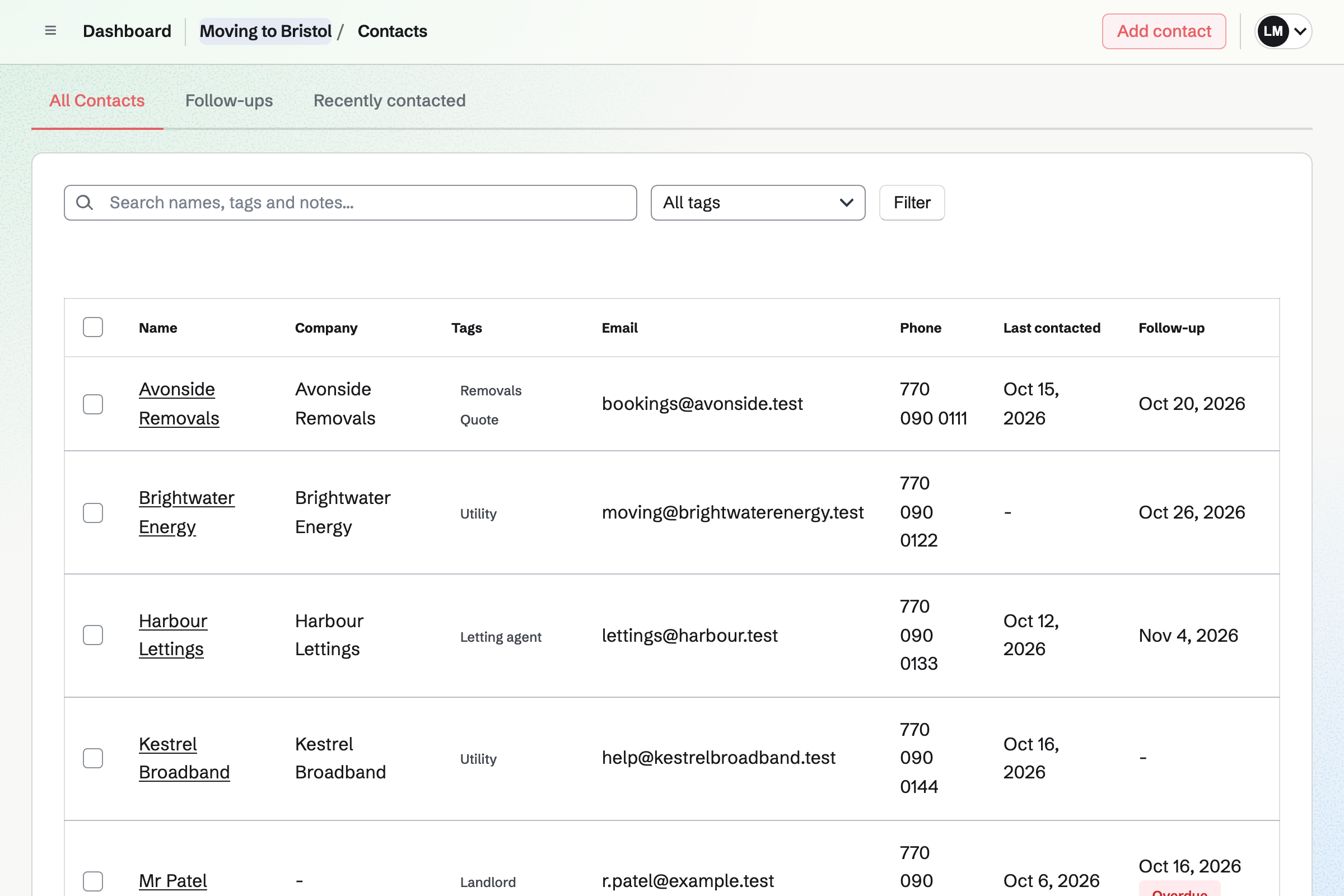
Contacts keeps the removal firm, the landlord and each utility, with notes on each call. A follow-up becomes a To-do, such as confirming the van.
The follow-ups list shows who you are waiting to hear from.
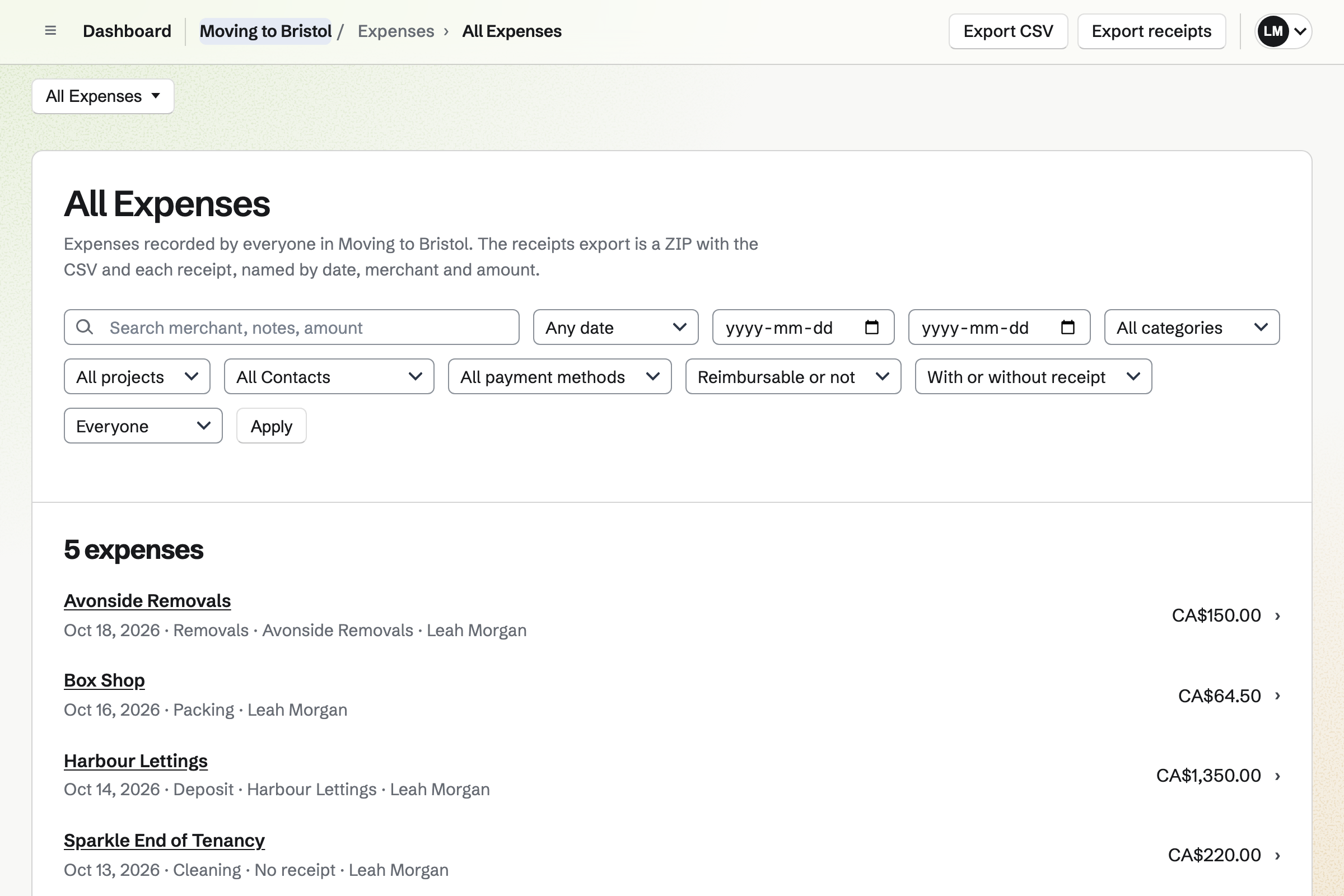
Expenses keeps each payment with its receipt, from the removal firm to the boxes. Each one has a category, such as the deposit.
Reports total what was spent by category for any dates. They export as CSV, with the receipts.
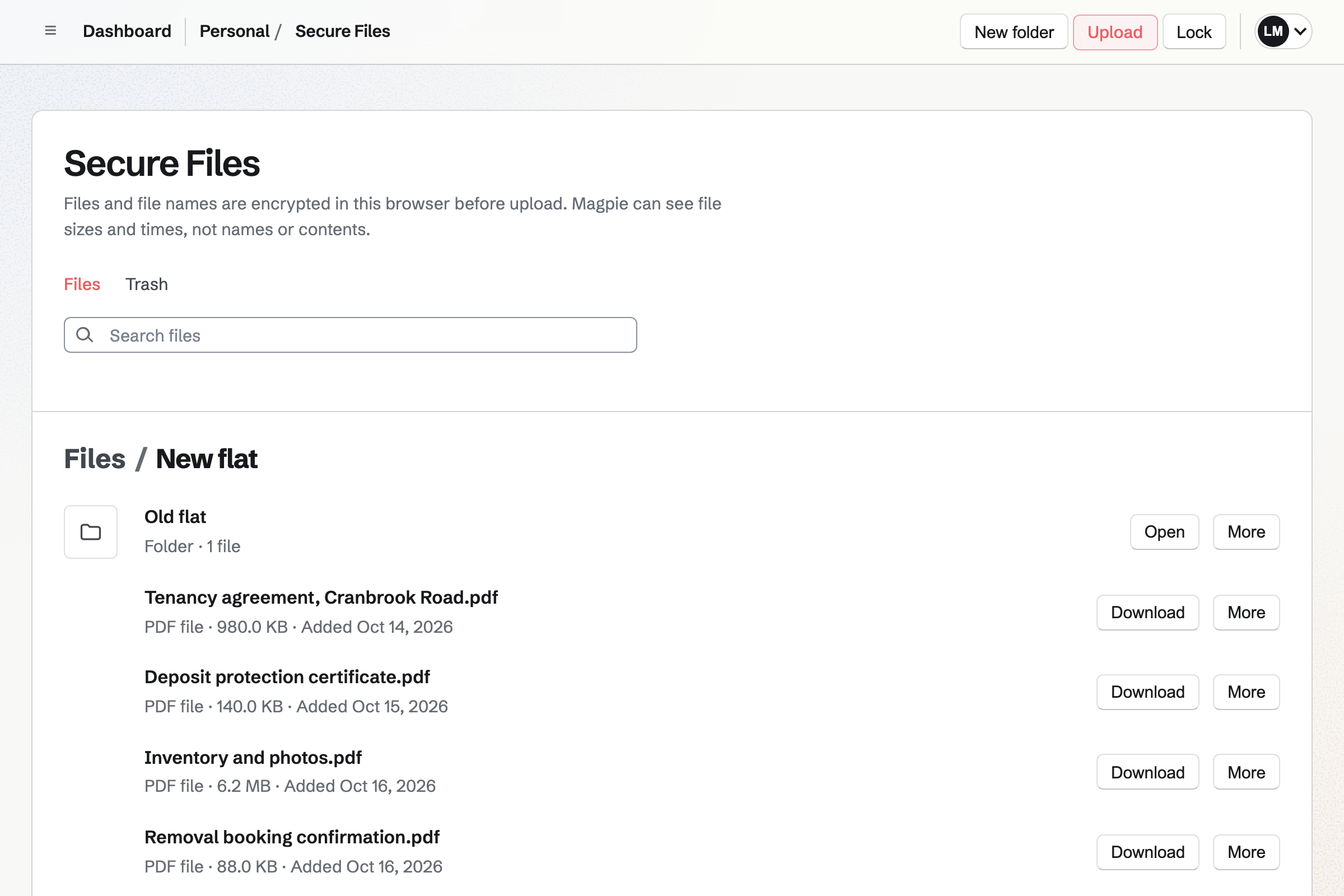
Secure Files keeps the new lease, the inventory and the deposit certificate, encrypted in your browser. Each person's files are their own.
A secure link sends one file to someone, such as the new landlord.
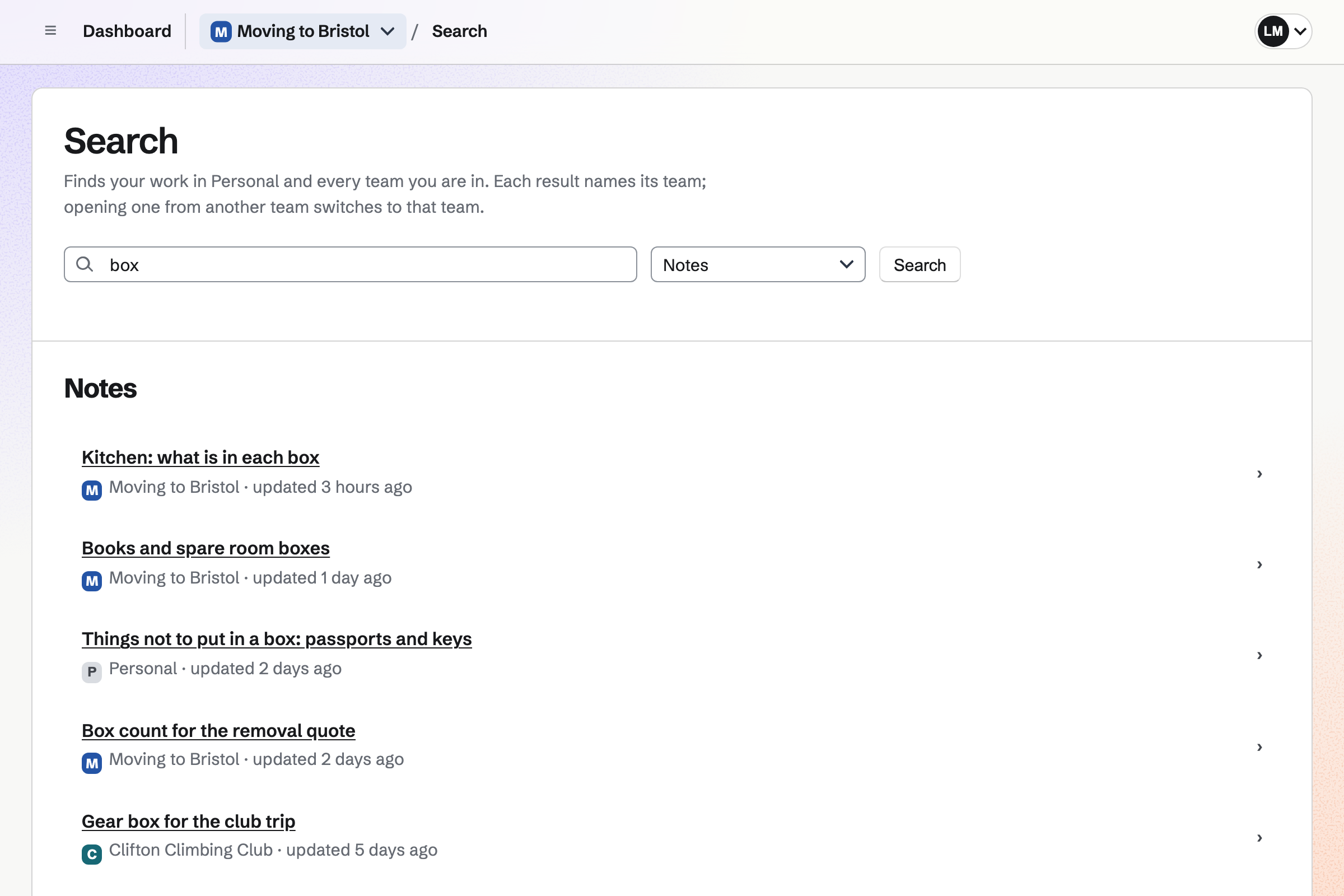
Notes keeps the move's notes, open to both of you, with checklists and photos. A note for each room can list what went in each box.
Search finds a note by its words, such as the box with the kettle.
The letter goes to your landlord, from Documents.
Three removal firms go in Contacts, with their prices.
Every job goes on the shared List, with a day.
Meter readings go in a note, with photos.
The new lease goes in Secure Files.
You invite the people moving with you. Help: Create and manage a team.
Each job goes in with its day. Help: Use To-dos.
Each call gets a note. Help: Keep notes and follow-ups on a contact.
Your copy is encrypted as it uploads. Help: Secure Files.
A move team on the free plan has places for 3 people. Removal firms, agents and landlords are not added to it.
Secure Files is on every plan, and your files are your own. Prices are on the Pricing page.
A family shares a calendar, lists and a family chat.
People renovating follow each job, the trades and the receipts.
A removal firm quotes, books crews and invoices each move.
Yes. A List in the move's team is open to both of you. Each job can be given to one of you, with a reminder.
Yes. A List can be shared with them by their handle. They see that List and nothing else.
Yes. Each utility and the bank can be a contact, with a note when you told them. A follow-up reminds you to check it went through.
Yes. Expenses totals the move's spending by category. It exports as CSV, with the receipts.
Yes. Secure Files keeps it encrypted in your browser. A secure link can send it to someone, expiring when you choose.
Yes. A plain-text QR code can list a box's contents, ready to print. A note for each room can list every box too.
Create a Magpie account and make a team for the move.