Job seekers and career changers
A job seeker writes a CV and tracks each application.
Students
You study in your own Personal space. A group project can be a team of its own, with your classmates.
Get started free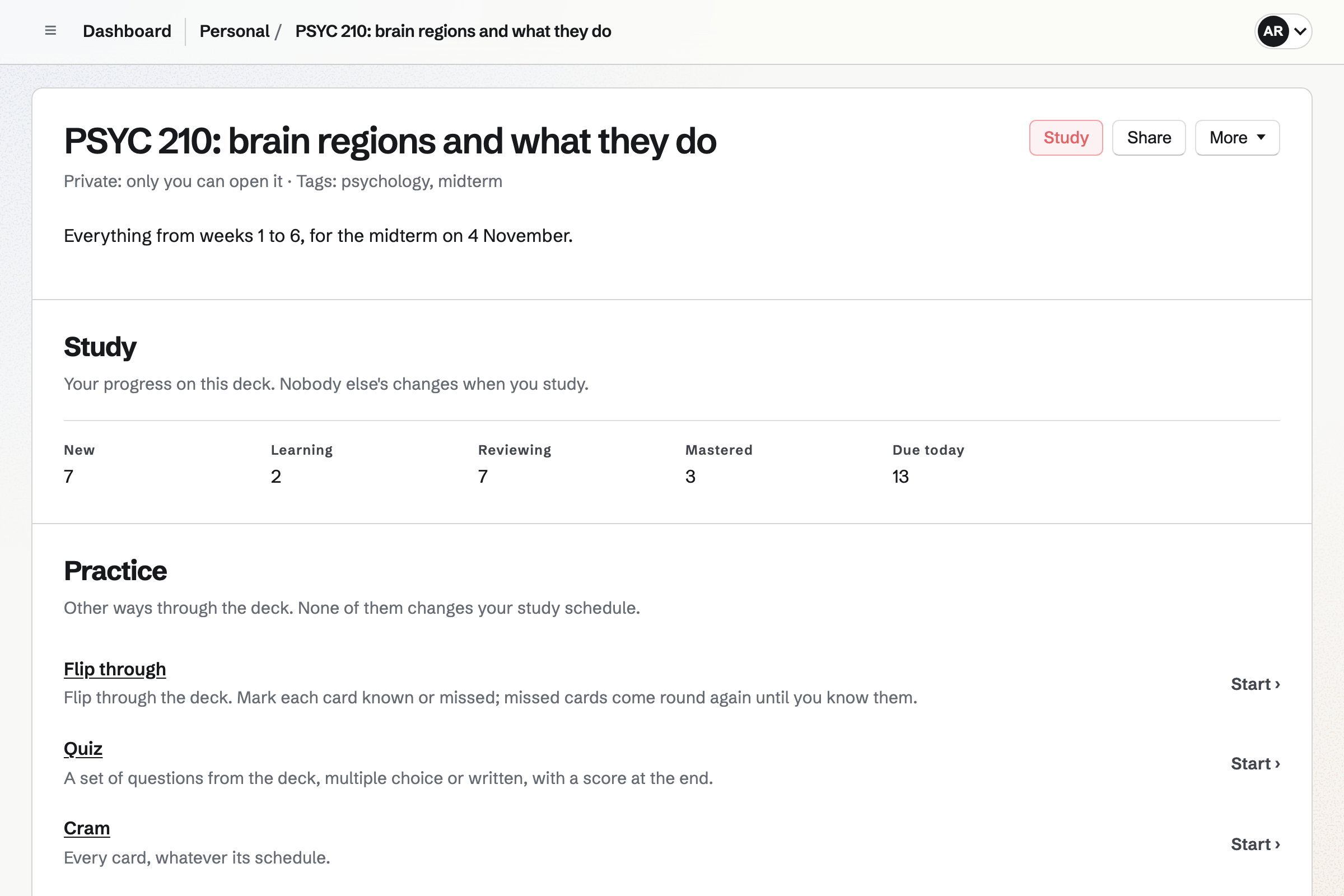
Flashcards schedules your revision with spaced repetition, so each day shows the cards that are due. A card can be basic, fill in the blank or multiple choice.
You can import cards from a CSV or Markdown file. The night before, you can flip through a deck.
Notes keeps your notes in Markdown, with headings, checklists and pictures. Each note is saved as you type.
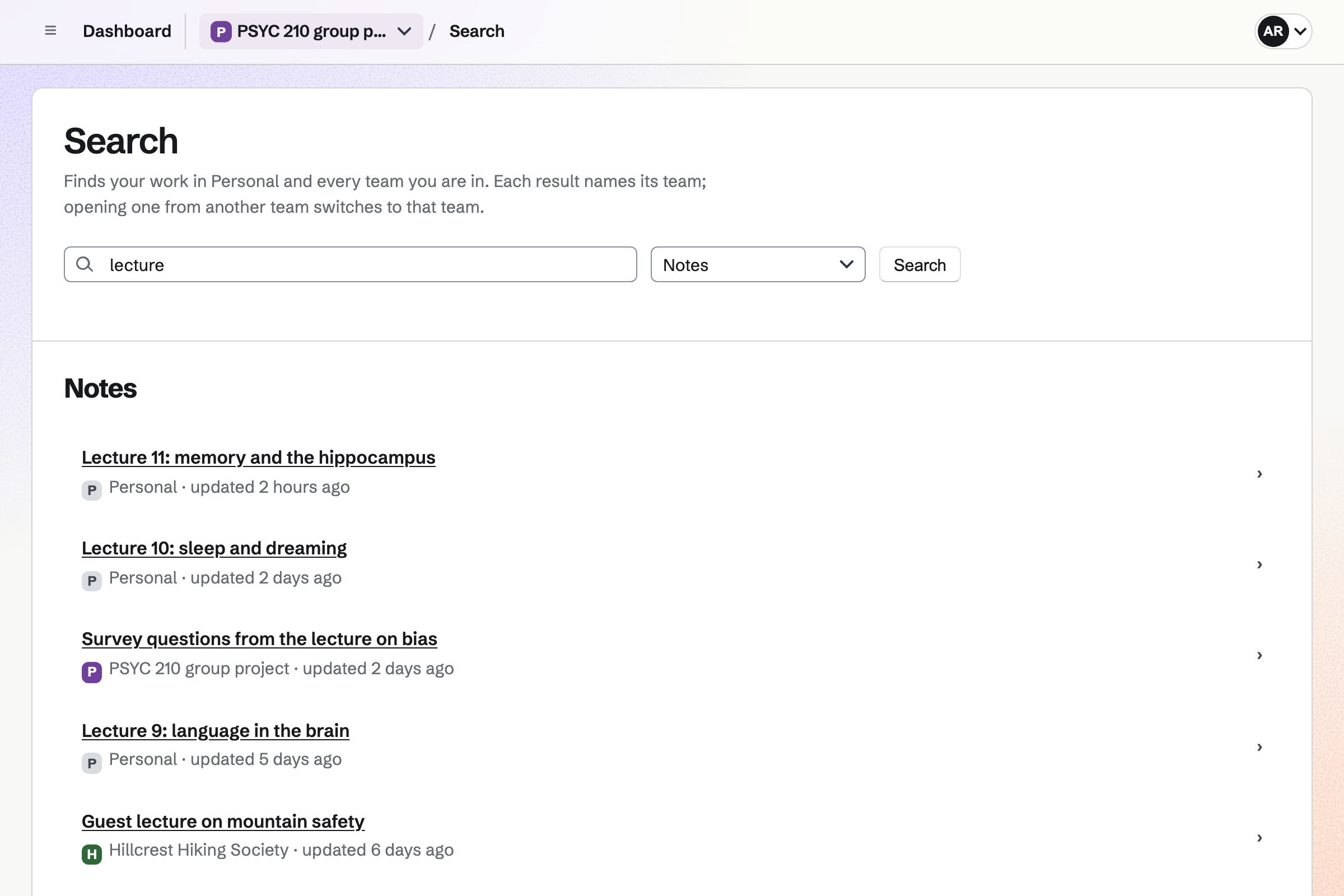
Search finds a note by its words. A checklist line can become a To-do, such as reading a paper.
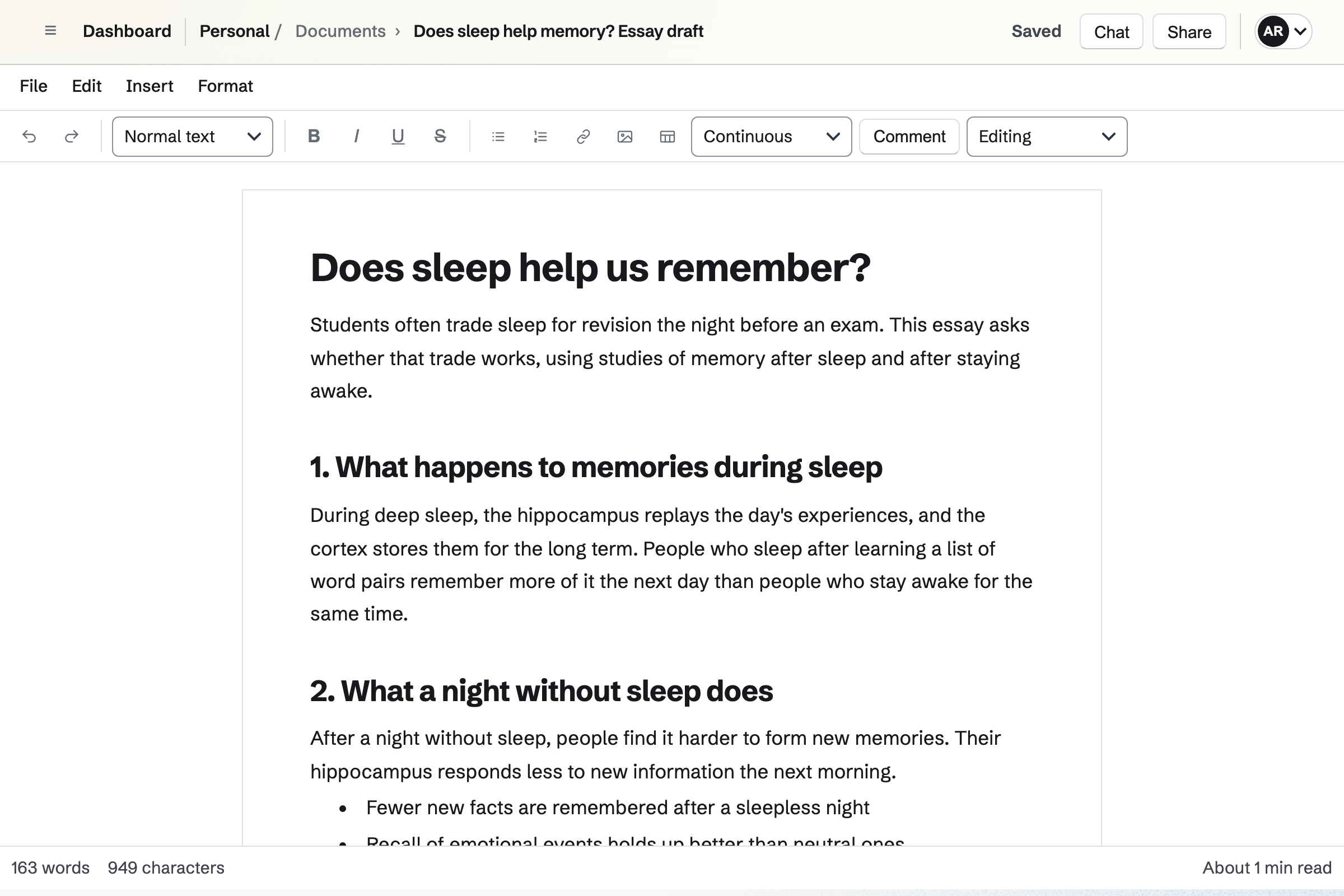
Documents holds your essays, with headings, footnotes, numbered figures and a table of contents. A list of references can follow the text.
A tutor or a classmate can comment and suggest changes. The finished essay exports to Word or PDF.
To-dos keeps each assignment with its deadline. Upcoming lists what is planned for each day. A reminder can be emailed a day before.
Typing "every Monday" at the end of a To-do makes it repeat each week.
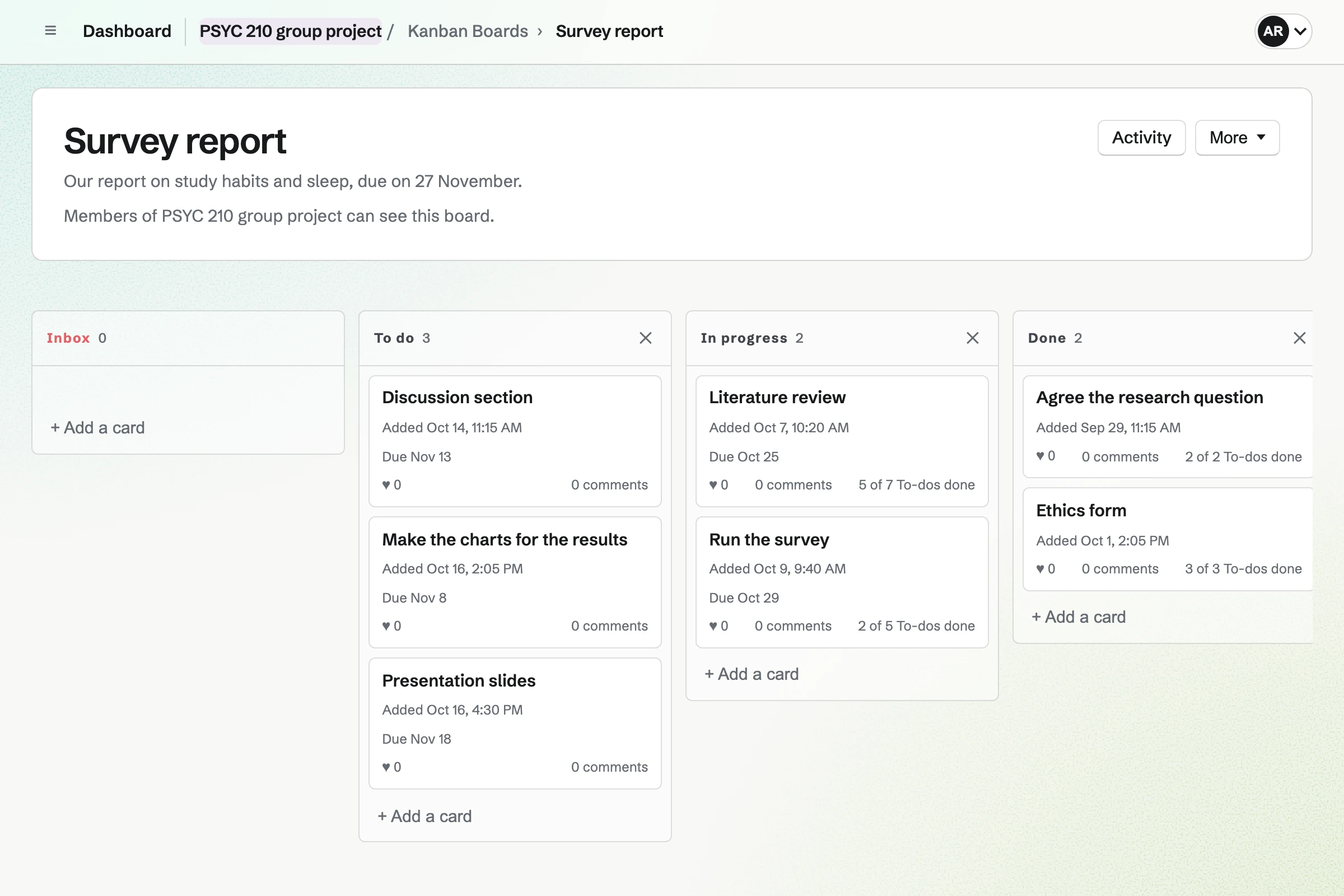
Kanban Boards holds the project as cards, such as the literature review and the survey. Each card has who is doing it, a due date and To-dos.
Comments and files stay on the card, so nothing is lost in a group chat.
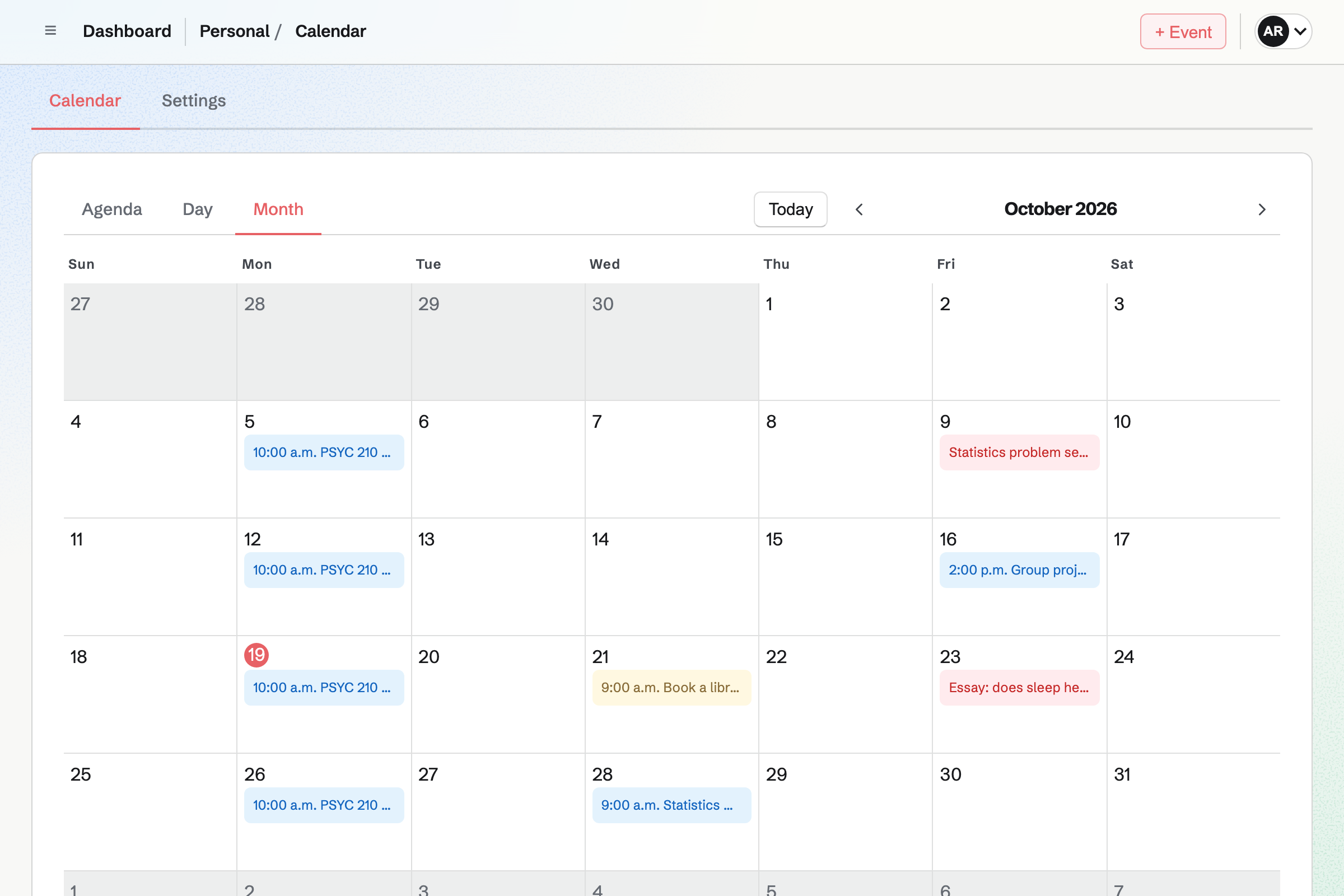
Calendar shows your events, with To-dos on their days and deadlines on theirs. A month at a time shows what is coming.
Each event is added for its own date. A weekly seminar is added once for each week.
Your notes are saved as you type.
The key terms become a deck.
The draft goes to a classmate for comments.
A reminder comes the day before.
Each day's revision shows the cards that are due.
You add cards, or import a list. Help: Study with Flashcards.
You write in Markdown. Help: Write and organize notes.
Each one goes in with its date. Help: Use To-dos.
You invite your classmates by their handles. Help: Create and manage a team.
The free plan suits most study, with up to 200 notes and 1 board. Pro raises them, to 1,000 notes, and raises your storage from 1 GB to 20 GB.
A group project team on the free plan has places for 3. Magpie accounts are for people aged 13 and over. Prices are on the Pricing page.
A job seeker writes a CV and tracks each application.
A teacher or a small school shares lessons and keeps parents informed.
A research group books instruments and writes papers together.
A family shares a calendar, lists and a family chat.
You rate each card Again, Hard, Good or Easy, and that sets when it comes back. Cards you find hard come back sooner. Each day shows the cards that are due.
Yes. A deck can be pasted or uploaded as JSON, CSV, TSV or Markdown.
Yes. A card can ask for a typed answer. Magpie checks it before the answer side is shown. Small slips in a longer answer still count.
Yes. A document can have footnotes, endnotes and citations, with a list of references after the text. It exports to Word or PDF.
Yes. You can share a document with a classmate to review or edit, by their handle. They see that document and nothing else of yours.
Yes. A To-do's reminder can be emailed a day before its deadline. It can also come at its planned time.
Yes. PDF Editor merges, splits and compresses PDFs in your browser. They are not uploaded unless you save the result.
Create a Magpie account and make your first deck.