The IT person at a small company
The IT person at a small company looks after its devices and mail.
HR and office managers at small companies (15 to 50 people)
The company works in one Magpie team. You choose which areas each person uses.
Get started free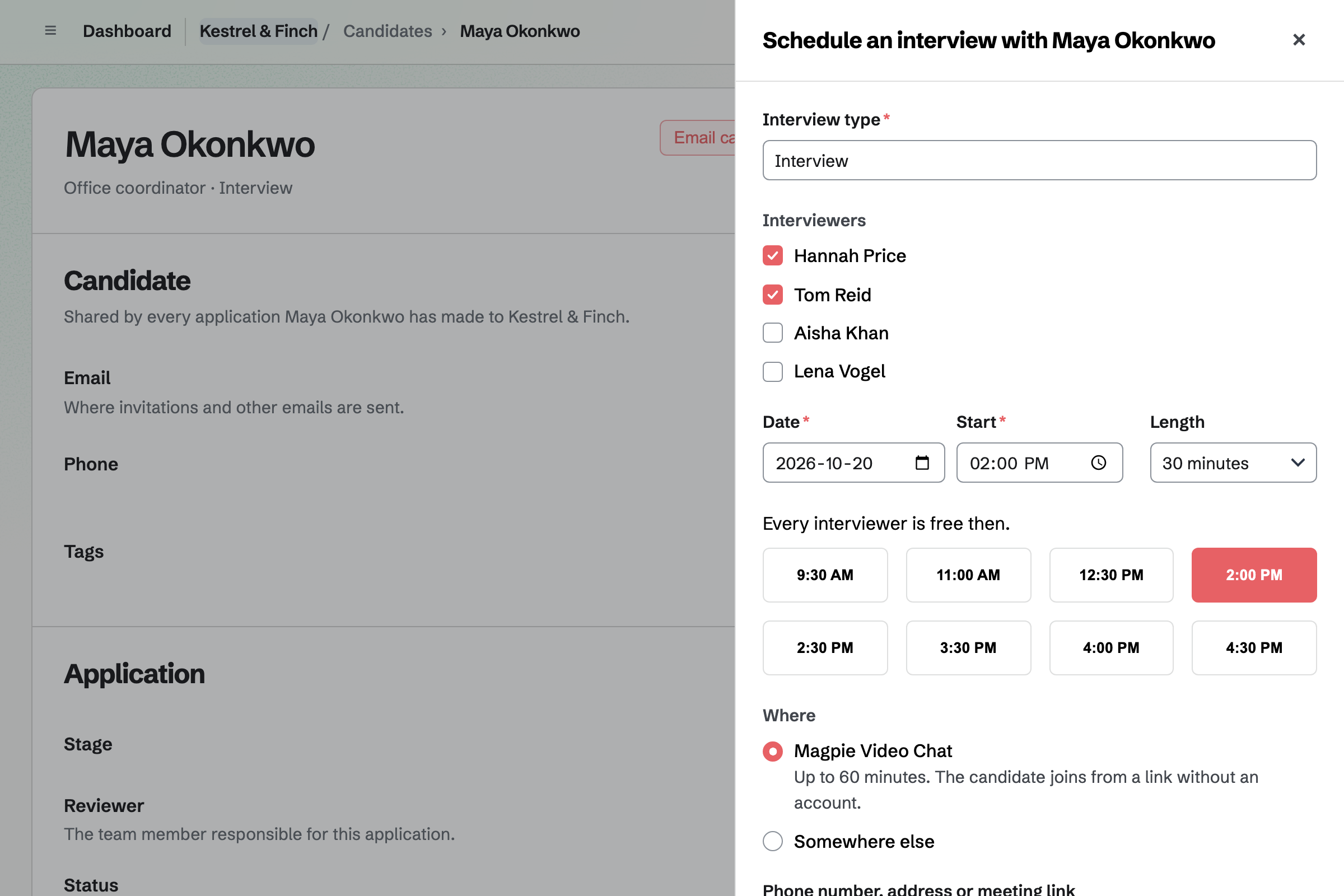
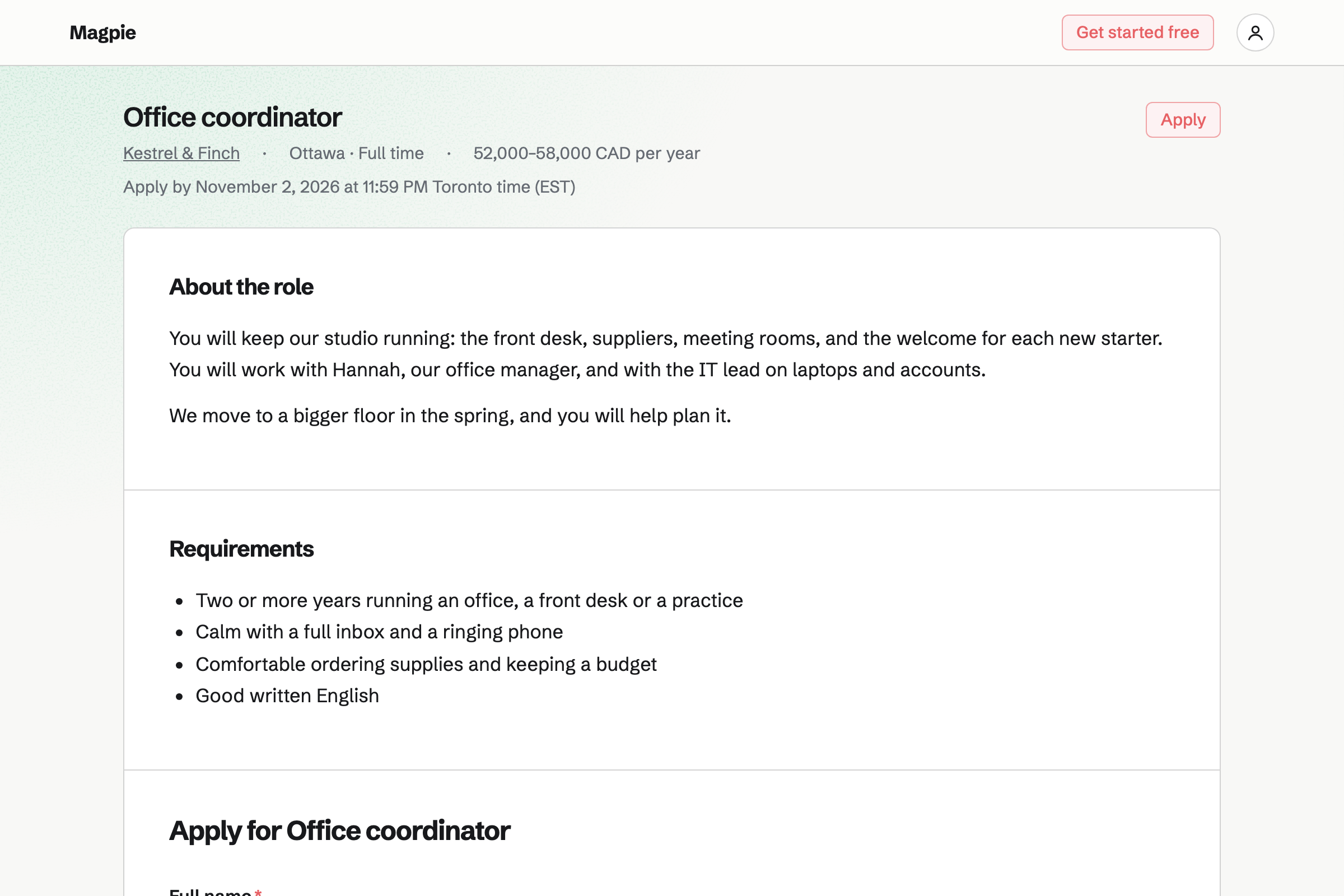
Hiring publishes each role on your job board, with its own application form. Applicants move through the stages you set for the role.
Interviewers rate each candidate on a scorecard before they see each other's. Scheduling offers the times when every interviewer is free.
E-Signatures sends your offer letter or contract PDF, with fields placed for each signer. A starter keeps the letter, so the next one needs only a name and an email.
Everyone gets the signed PDF and a certificate of completion.
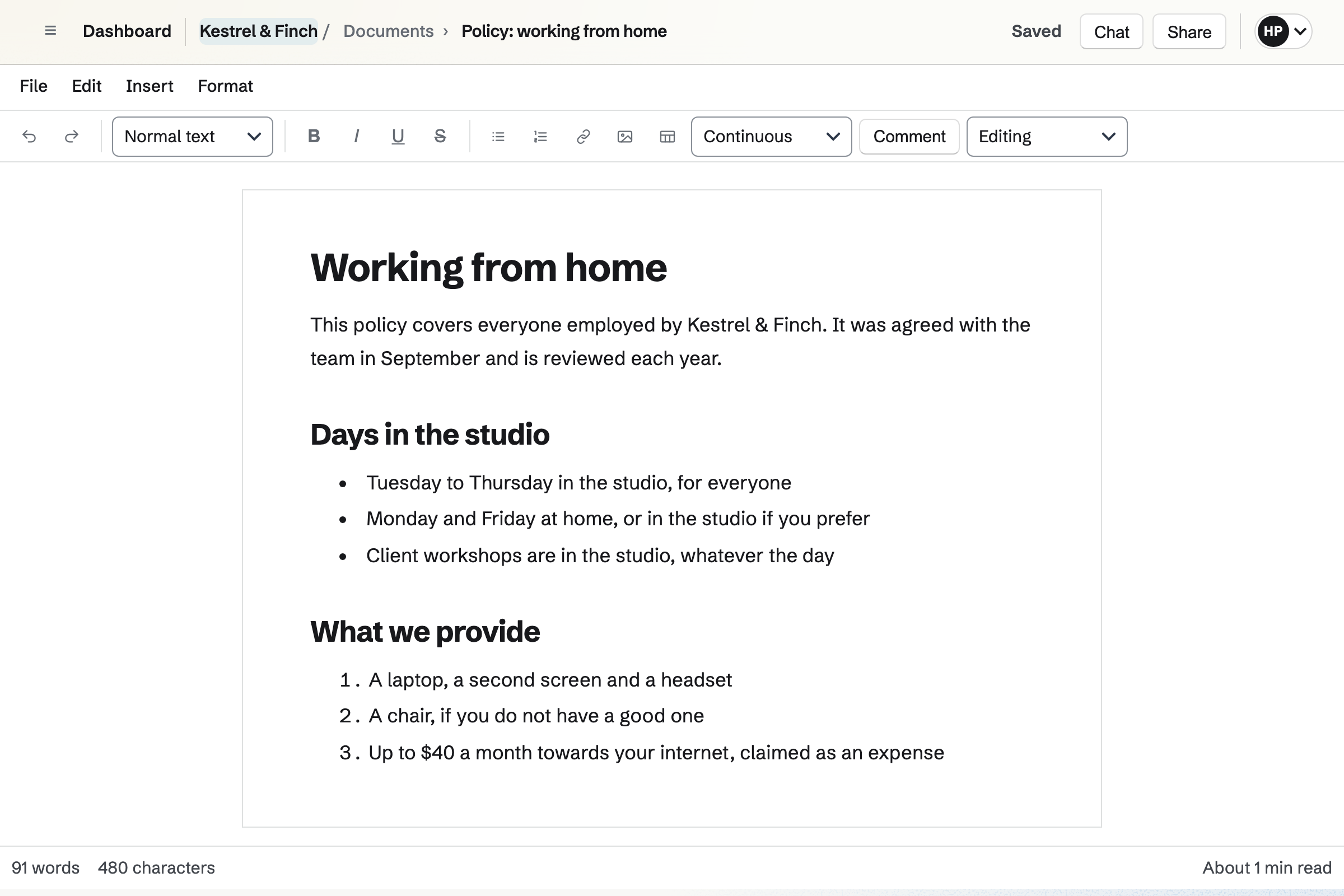
Documents holds the handbook and each policy, with headings, tables and a table of contents. Named versions keep each revision.
Managers can comment and suggest changes before a policy is agreed.
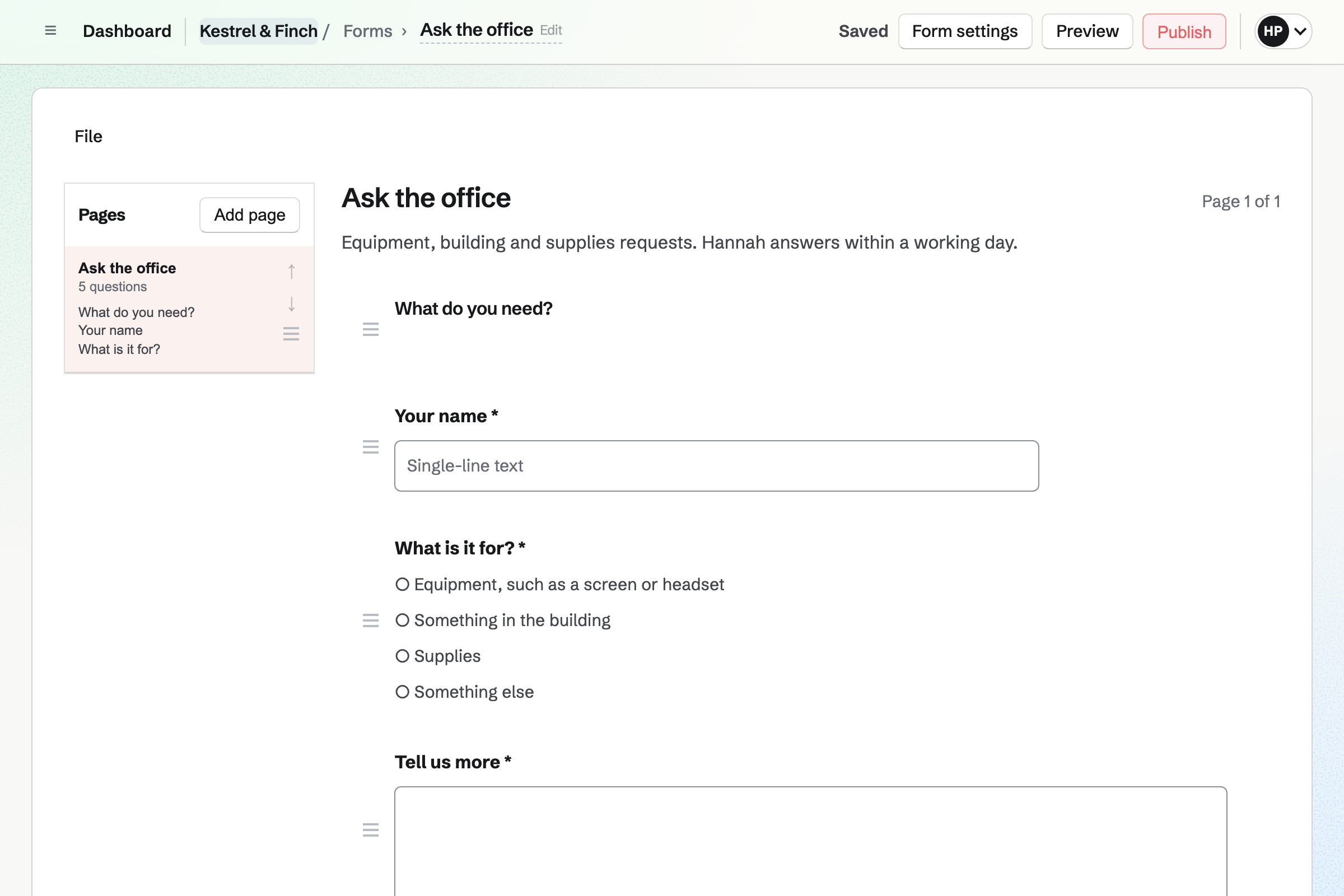
Forms builds request forms and surveys, from starters such as Request and Feedback. Questions can be choices, text, dates or file uploads.
Every response comes into one list you can export. You can be emailed for each one.
Asset Tracker keeps each device with its tag, serial number and location. You assign it to a person, and its history records each change.
Purchase and warranty details are seen by admins only.
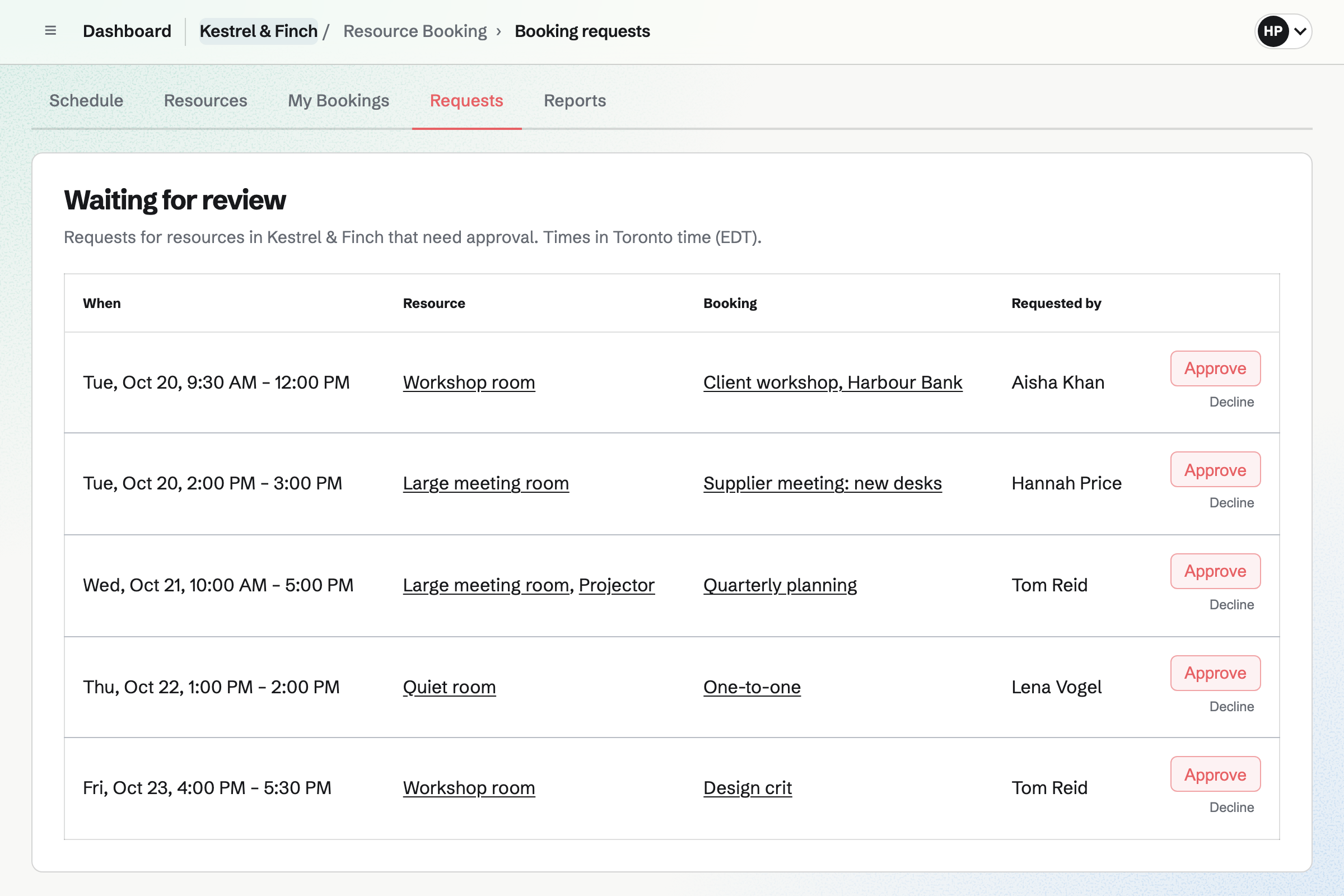
Resource Booking holds each room with its hours and rules. A room can confirm bookings at once or wait for your approval.
Other people's bookings show as Busy. A report shows how much each room is used.
The job page goes up with its application form.
Interviews are booked when everyone is free, and scored.
The offer letter goes out for signature.
A laptop is assigned to them in Asset Tracker.
They join the team with the areas their role needs.
You write the job and its form. Help: Create a job and publish its page.
You place the signer's fields once. Help: Signing starters.
You set each room's hours and rules. Help: Add resources and set their hours and rules.
You give each member the areas they use. Help: Choose the areas a member can use.
A company fits the Team plan, with each member of staff in the team. Applicants and candidates are not added to it.
A team admin chooses the areas each member can use. Prices are on the Pricing page.
The IT person at a small company looks after its devices and mail.
A team inside a larger company works in its own space.
A recruiter fills roles for clients.
Yes. Each role has its own page and application form on your job board. Applicants apply on the page.
Yes. Each interviewer fills in a scorecard before they see the others'. Recommendations run from strong no to strong yes.
Yes. Scheduling offers the start times when all the interviewers are free, from their calendars. The candidate gets an invitation.
Yes. E-Signatures sends your offer letter with the fields placed. Everyone gets the signed PDF and a certificate of completion.
Yes. The handbook is a document with named versions, so each revision is kept. Managers can suggest changes before you publish them.
Yes. A request form asks what is needed and how soon, with a photo if it helps. Every request comes into one list.
Yes. A form can hold choice, text and rating questions, and its responses export as a file. A form can take one response per person.
Yes. Each room has its hours and rules, and can need approval. Other people's bookings show as Busy.
Create a Magpie account and make a team for the company.