Caterers and private chefs
A caterer quotes each event and cooks for it off site.
Cooking schools and cookery classes
The school, its chefs and its kitchen assistants work in one Magpie team.
Get started free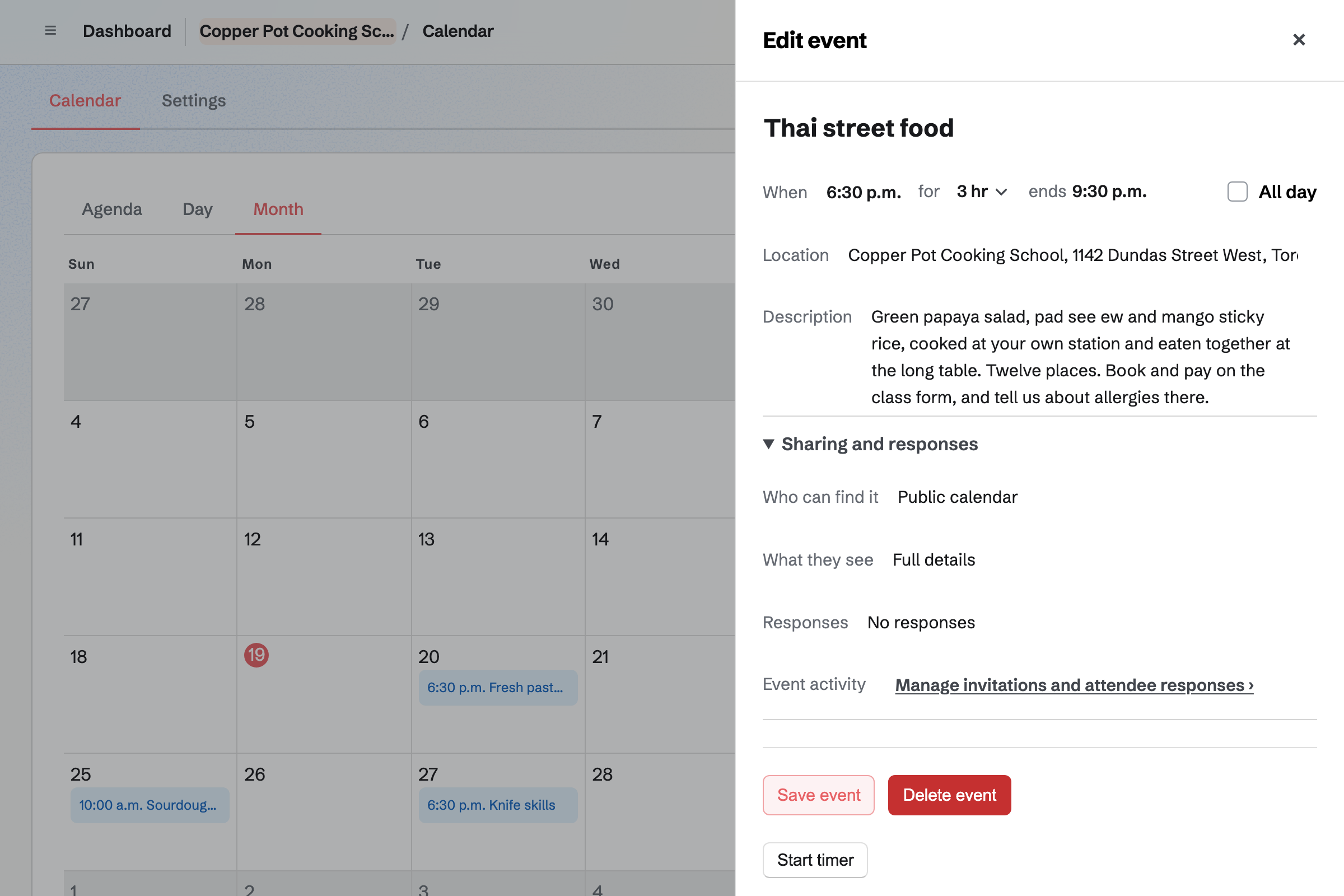
Calendar gives the school a public calendar of its classes. Each class has its date, its time and its menu in the description.
A free tasting evening can take RSVPs up to a capacity. Sharing a class starts a social media post about it.
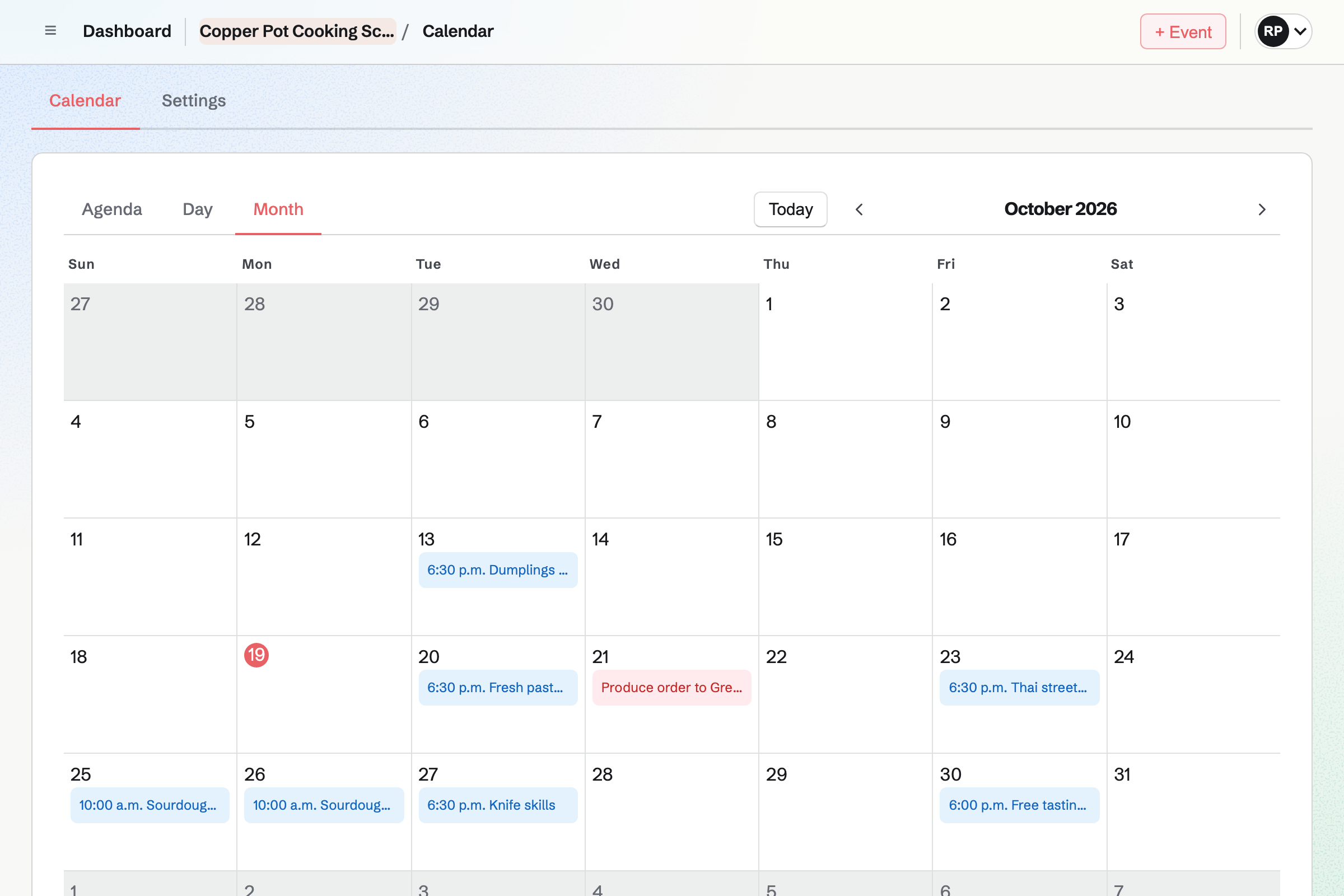
Forms builds the booking page for a class, with questions on dietary needs and allergies. A paid Form charges one amount, paid by card on Stripe's page.
Each booking shows Paid, and you are emailed when one arrives. You close the Form when the stations are full, and the answers download as a CSV.
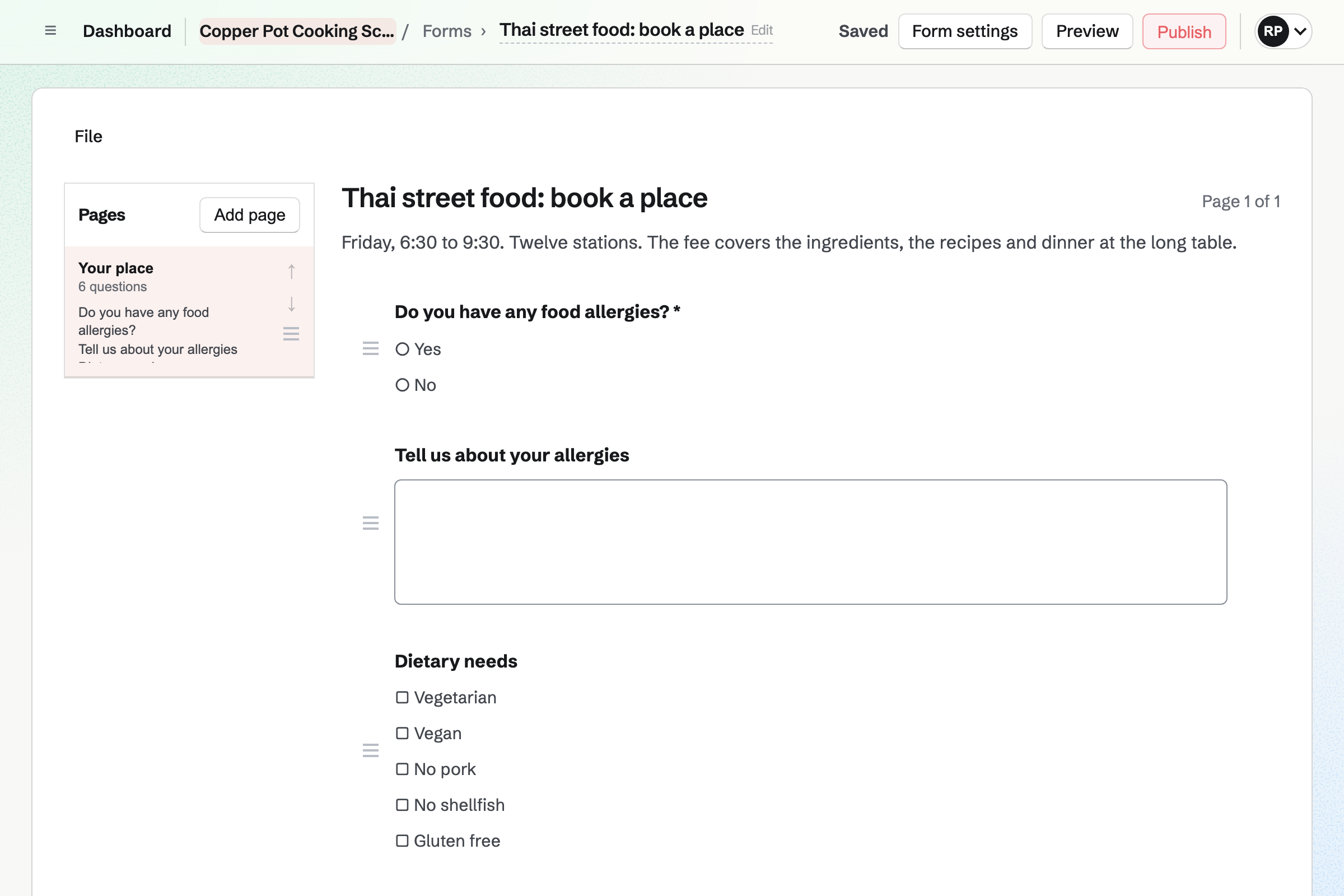
Daily Operations keeps the recipes you teach, with their ingredients, method and allergens. Planning a batch for a class lists what it needs from stock.
Opening and closing checks and the fridge temperatures are checklists at the times you set. A reading out of range opens an incident.
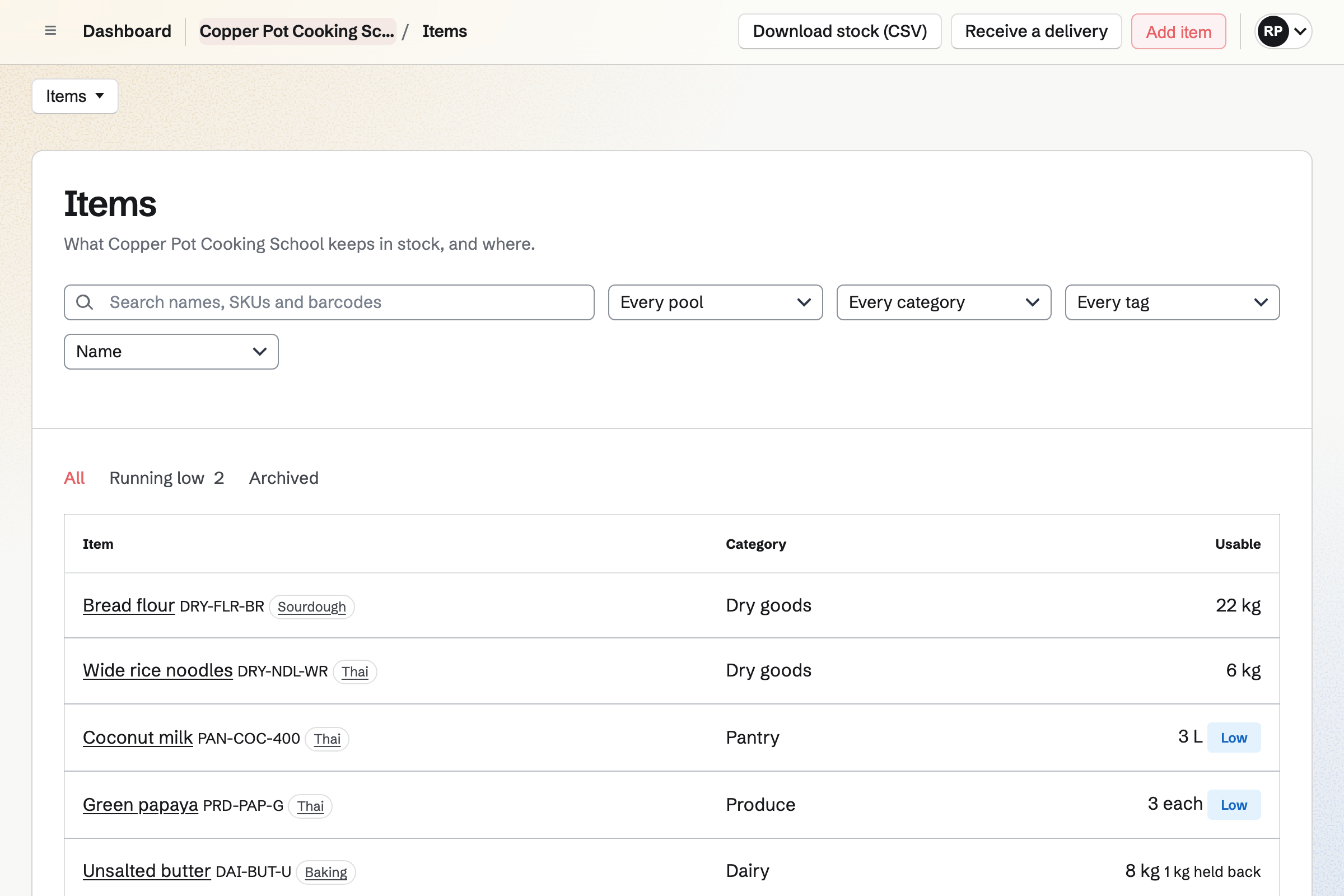
Inventory counts each ingredient in its unit, such as kilos of flour or litres of cream. Each item shows what is usable and which ones are low.
A purchase order goes to your supplier by email. Receiving it records each lot and its use-by date.
Store is the school's online shop. A gift card can be emailed to someone on a date the buyer chooses.
The holder spends it in your online shop, such as on a chef's knife. Orders can be picked up at the school.
Each step starts from what the last one made.
The class goes on the public calendar, with its menu and a link to book.
Students pay on the class Form, and note any allergies.
You close the Form when the stations are full.
A batch for each recipe lists the ingredients, set aside from stock.
Low ingredients go on a purchase order to your supplier.
The closing checklist and the fridge temperatures are logged after class.
You add the dishes you teach, with their ingredients and allergens. Help: Plan prep, keep recipes and log waste.
You add each ingredient with its unit and opening stock. Help: Keep track of stock.
You add the questions and the class fee, and publish it. Help: Require payment for a Form response.
You add each class to the public calendar, with its menu. Help: Create public and private calendar events.
You connect your Stripe account, so students can pay by card. Help: Connect Stripe to receive money.
A school with staff fits the Team plan, one price for up to 25 members. It has room for 5,000 calendar events.
On a paid Form for a class, Magpie's fee is 1% of each payment. Magpie adds no fee to sales in your online shop. Stripe's processing fee is taken from each card payment. Prices are on the Pricing page.
A caterer quotes each event and cooks for it off site.
A restaurant runs a kitchen every night, with its checks and its rota.
A bakery takes pre-orders and plans each morning's bake.
Yes. Each class has a Form that charges one amount. Students answer its questions and pay by card on Stripe's page. Their booking then shows Paid, and you are emailed.
Yes. The Form can ask about allergies and dietary needs, and make the answer required. A question can show only when an earlier answer calls for it. Each answer is kept with the booking.
You close its Form, and the page says the class is closed. The bookings already made are kept, and download as a CSV file.
Yes. A recipe lists its ingredients from Inventory, its method, its allergens and how long it keeps. A new version is used only once a manager chooses it. Costs are shown to managers only.
Yes. You plan a batch of each recipe for the class. The prep list shows each ingredient needed beside what is in stock. Starting a batch sets them aside.
Yes. Each fridge is a temperature point with its own limits. A round creates a checklist at the time you set. A reading out of range opens an incident.
Yes. Each supplier has its items and lead time. A purchase order goes by email, and receiving it records each lot and use-by date.
Yes. A gift card sells fixed amounts. The buyer can have it emailed to someone on a date they choose. The holder spends it in your online shop.
Yes. You turn on RSVPs for the event and set a capacity. The event's page says when it is full. People RSVP while signed in to Magpie.
Yes. Newsletter gives the school a sign-up page with double opt-in. You write the issue, send yourself a test and schedule it.
On a paid Form, Magpie's fee is 1% of each payment. Stripe's processing fee is taken from each card payment. The rest goes to the school's own Stripe account.
Create a Magpie account and put your first class on the calendar.