Tutors and music teachers
A tutor takes bookings for lessons and shares practice decks.
Teachers and small schools
A teacher can work in Personal, and a small school in one Magpie team. Pupils and parents use the links, forms and pages you share.
Get started free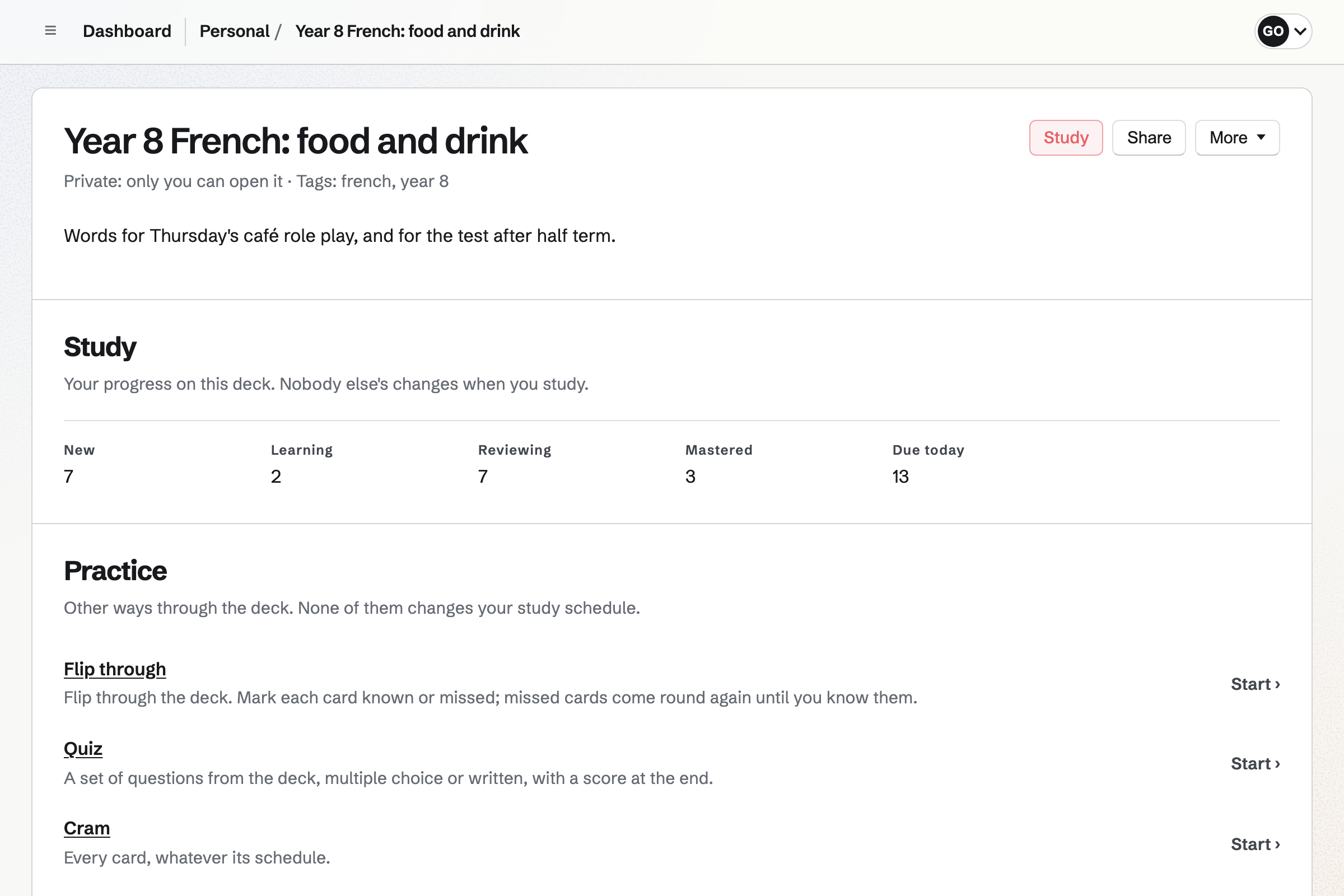
Presentations holds each lesson's slides, with text, pictures, shapes and arrows. A deck exports as a PDF, one slide per page.
When you publish a deck, anyone with its link can view it. Later changes stay in your draft until you publish again.
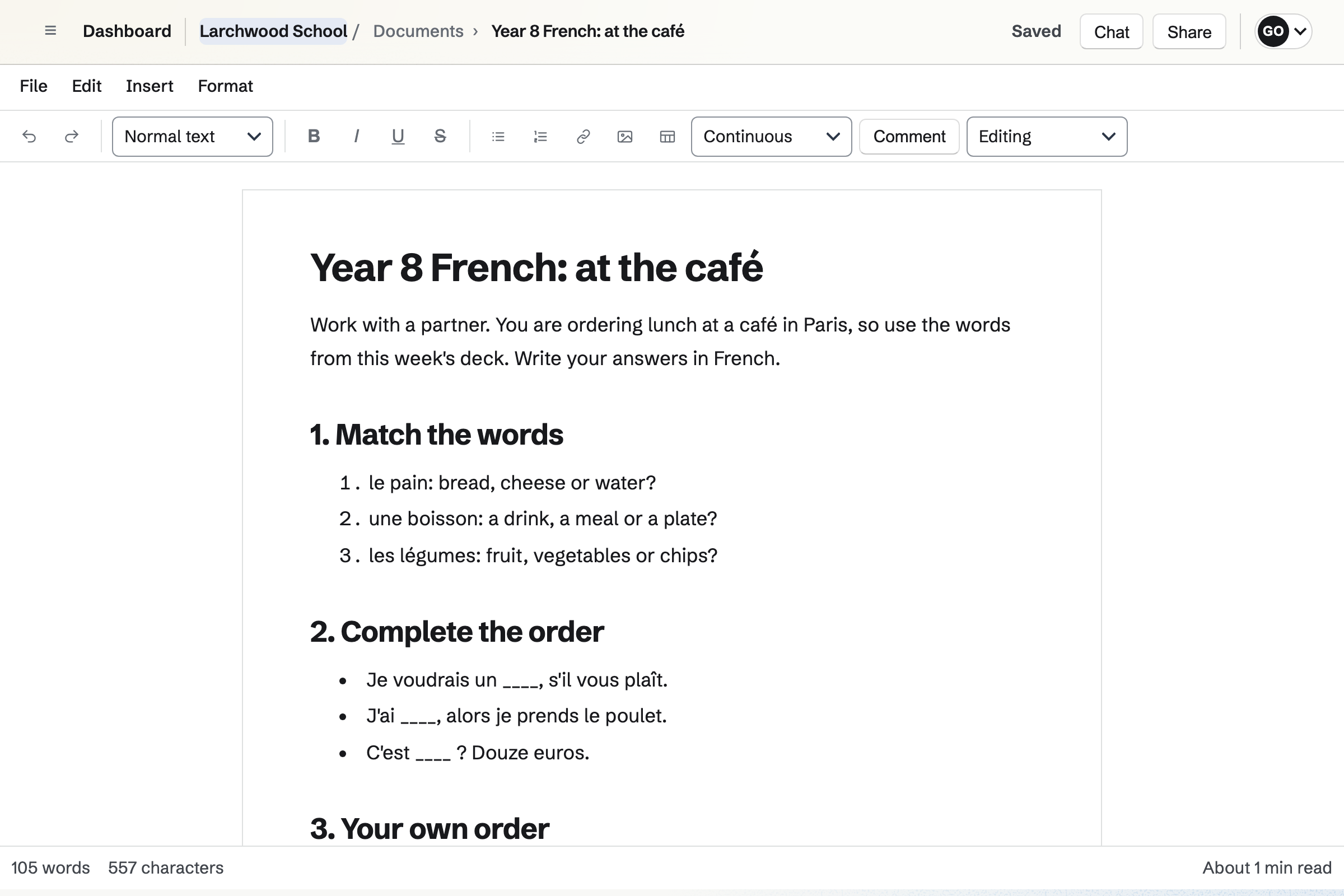
Documents holds worksheets and handouts, with headings, tables and pictures. Each one prints, or downloads as a PDF or a Word file.
A link lets anyone read a worksheet without signing in. A colleague can be given one document to comment on or edit.
Screen Recorder records your screen, camera and voice for a lesson pupils watch at home. Anyone with the link can watch it.
A published form can sit beside the video, so pupils answer as they watch. A transcript can sit beside it too.
Flashcards holds decks of cards, such as basic, fill in the blank and multiple choice. A deck can be shared by a link.
Anyone with the link can flip through the cards, take a quiz or cram. Anyone who signs in studies on a spaced repetition schedule of their own.
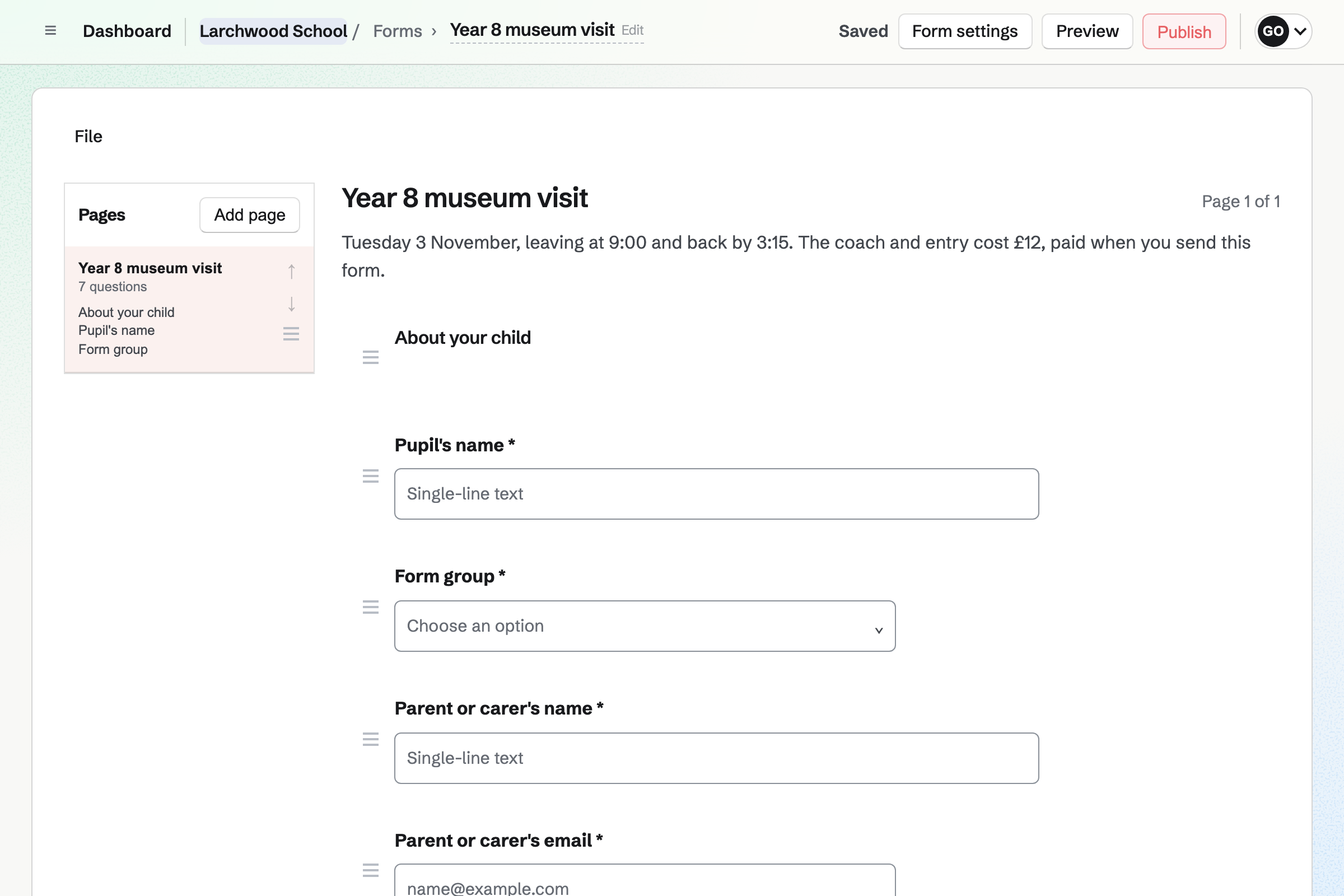
Forms builds a trip form with your questions, such as medical needs and a contact number. Every reply comes into one list you can export.
A paid form takes the trip's cost by card, through Stripe, into the school's account. Forms suit parent surveys too.
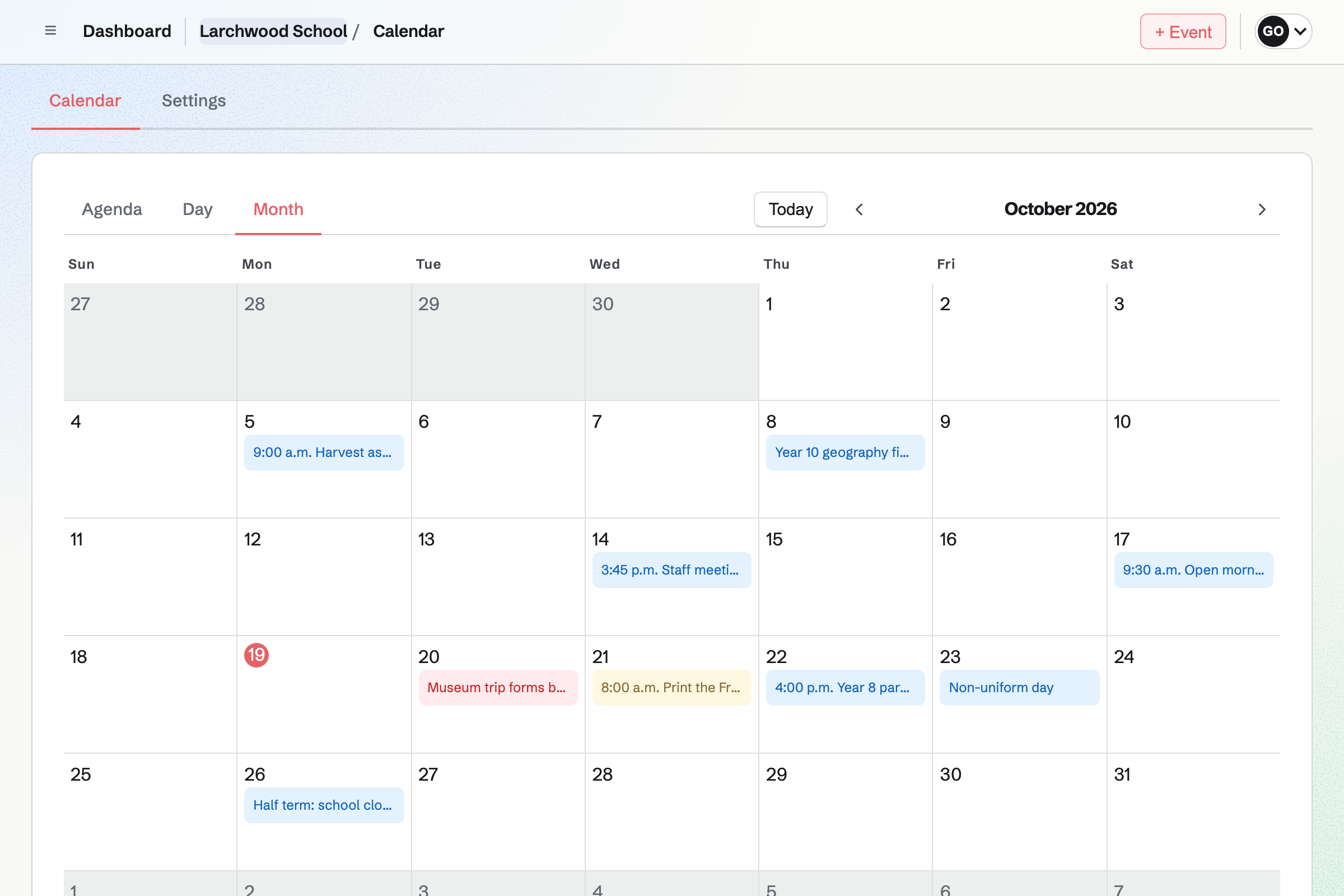
Calendar holds the term's events, from an open morning to the trips. Events can go on the school's public calendar.
A parents' evening can take RSVPs, up to the hall's capacity. You can invite parents by email or by a link.
Newsletter keeps the parents' mailing list, with double opt-in on its sign-up page. A list can be brought in from a CSV file.
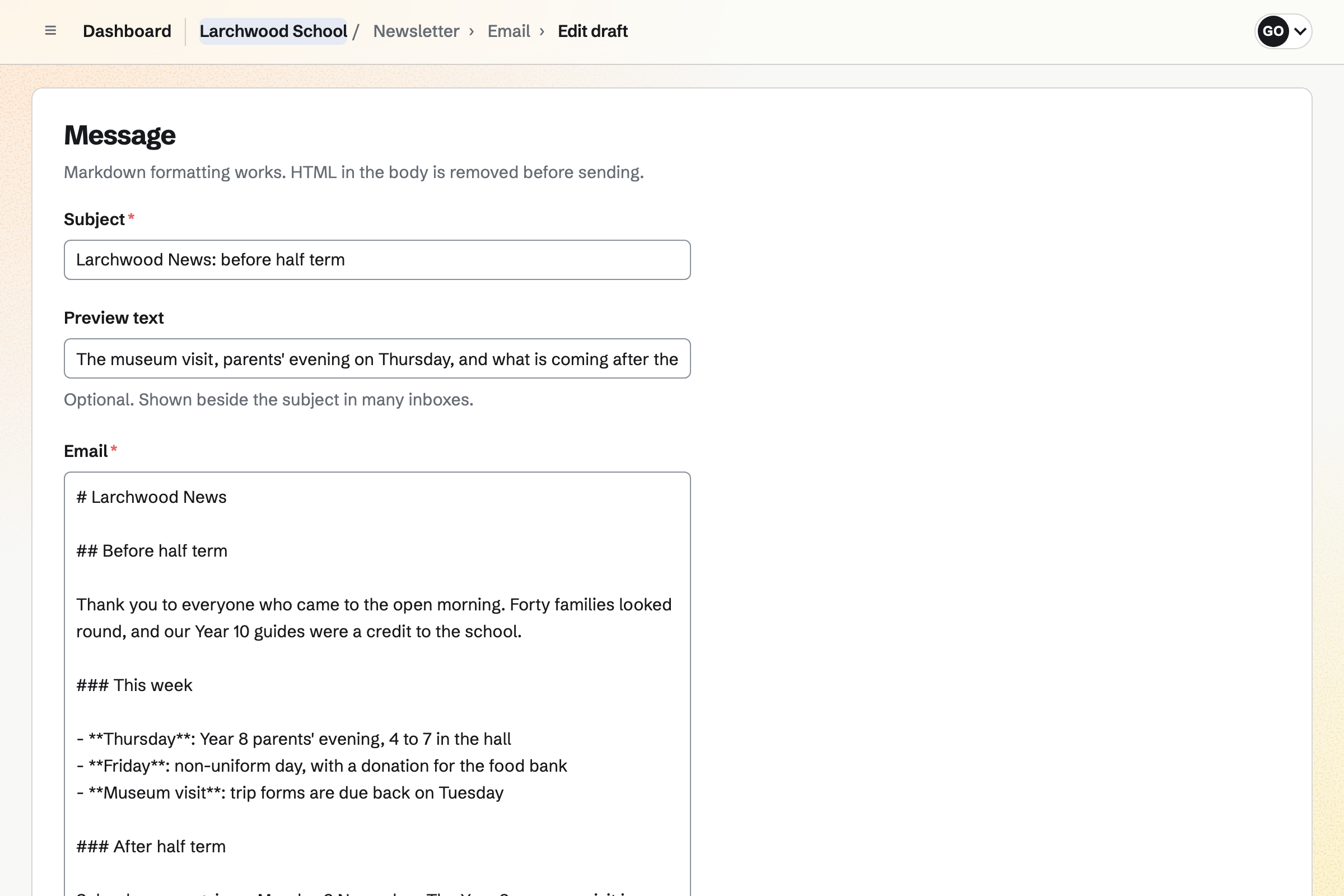
You write each issue, send yourself a test and schedule it. Each issue's page counts the copies delivered.
You teach from the slides and hand out the worksheet.
Pupils watch the video and answer the questions beside it.
The vocabulary deck goes out by link.
Parents reply and pay on the trip form.
The newsletter says what the class did and what comes next.
You add cards, or import a list. Help: Study with Flashcards.
You record your screen and camera. Help: Record your screen.
You connect it for trip payments. Help: Connect Stripe to receive money.
You bring in the parents' list. Help: Manage and import newsletter subscribers.
A teacher on their own fits Pro, in Personal. A small school fits the Team plan, with each teacher a member. Pupils and parents are not added to it.
A Magpie account is for people aged 13 and over. Younger pupils use the links you share. Anyone with a link can read a worksheet, watch a video or practise a deck.
Recordings run up to 30 minutes on a paid plan. Magpie's fee on a paid Form is 1% of each payment. Prices are on the Pricing page.
A tutor takes bookings for lessons and shares practice decks.
A music or dance school runs classes, terms and recitals.
A research group books instruments and writes papers together.
Yes. Anyone with a shared deck's link can flip through the cards, take a quiz or cram. Their place is kept in that browser.
Yes. A card can be basic, fill in the blank or multiple choice. Any card can ask for a typed answer, which Magpie checks before showing the answer.
Yes. A deck can be pasted or uploaded as JSON, CSV, TSV or Markdown.
Yes. A published form can sit beside the video on its share page. The answers arrive with the form's other responses.
Yes. A paid form takes the same amount from each reply, by card, through Stripe. Each reply shows whether it has been paid.
Yes. The evening's event can take RSVPs up to a capacity. You see every reply, with the parent's email address.
Yes. A document prints, or downloads as a PDF or a Word file. It can also be shared by a link anyone can read.
Yes. A published deck can be viewed by anyone with its link. It can also be exported as a PDF, one slide per page.
Yes. Newsletter keeps the parents' list, with double opt-in. You write each issue in Markdown, send yourself a test and schedule it.
Create a Magpie account, and make a team if a school is joining you.