Bars, breweries and taprooms
A brewery or taproom records each batch it brews. It sells cans and bottles online, and wholesale to other bars.
Pubs and inns
The pub's managers, bar staff and kitchen work in one Magpie team. Customers book tables and answer RSVPs on your own pages.
Get started free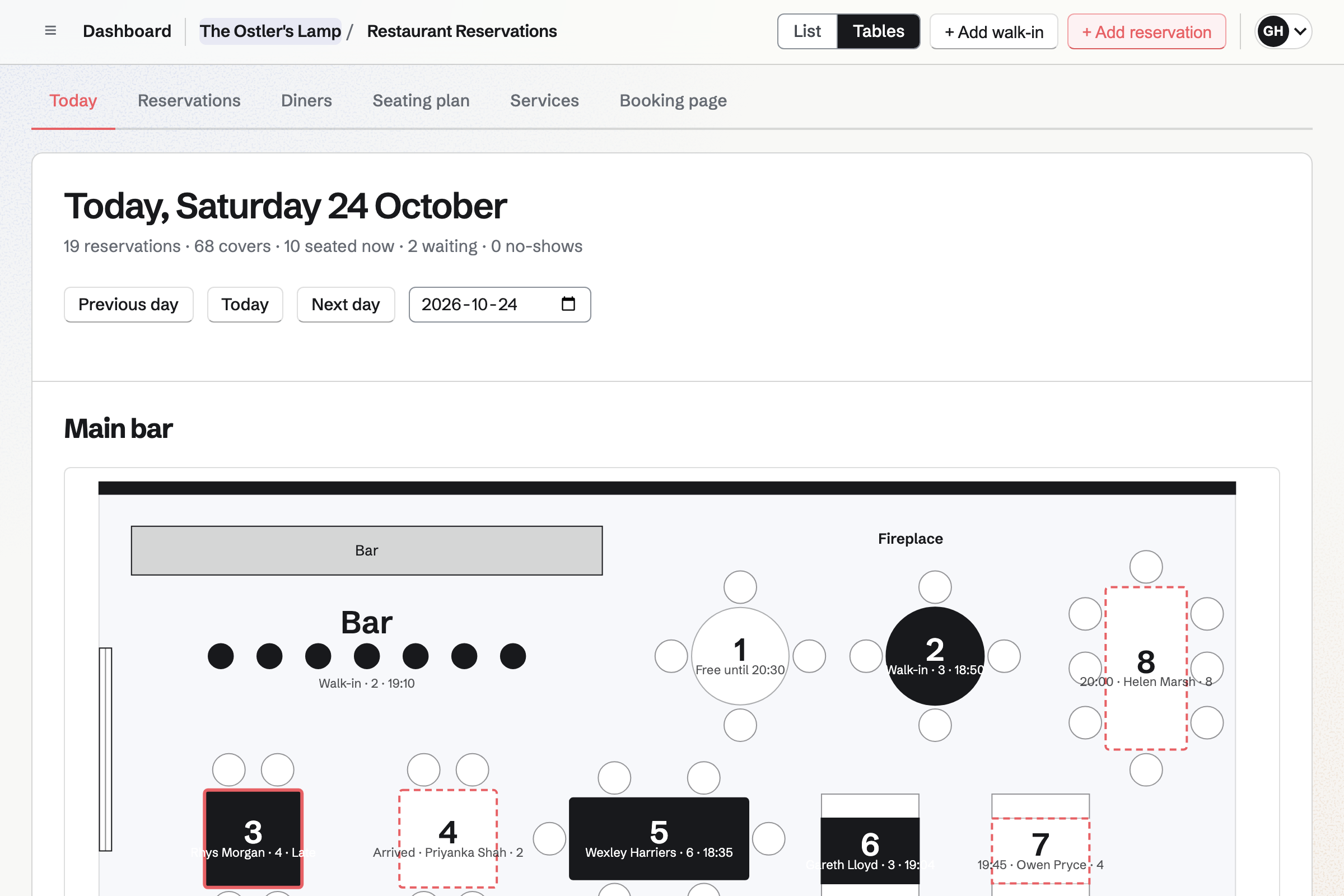
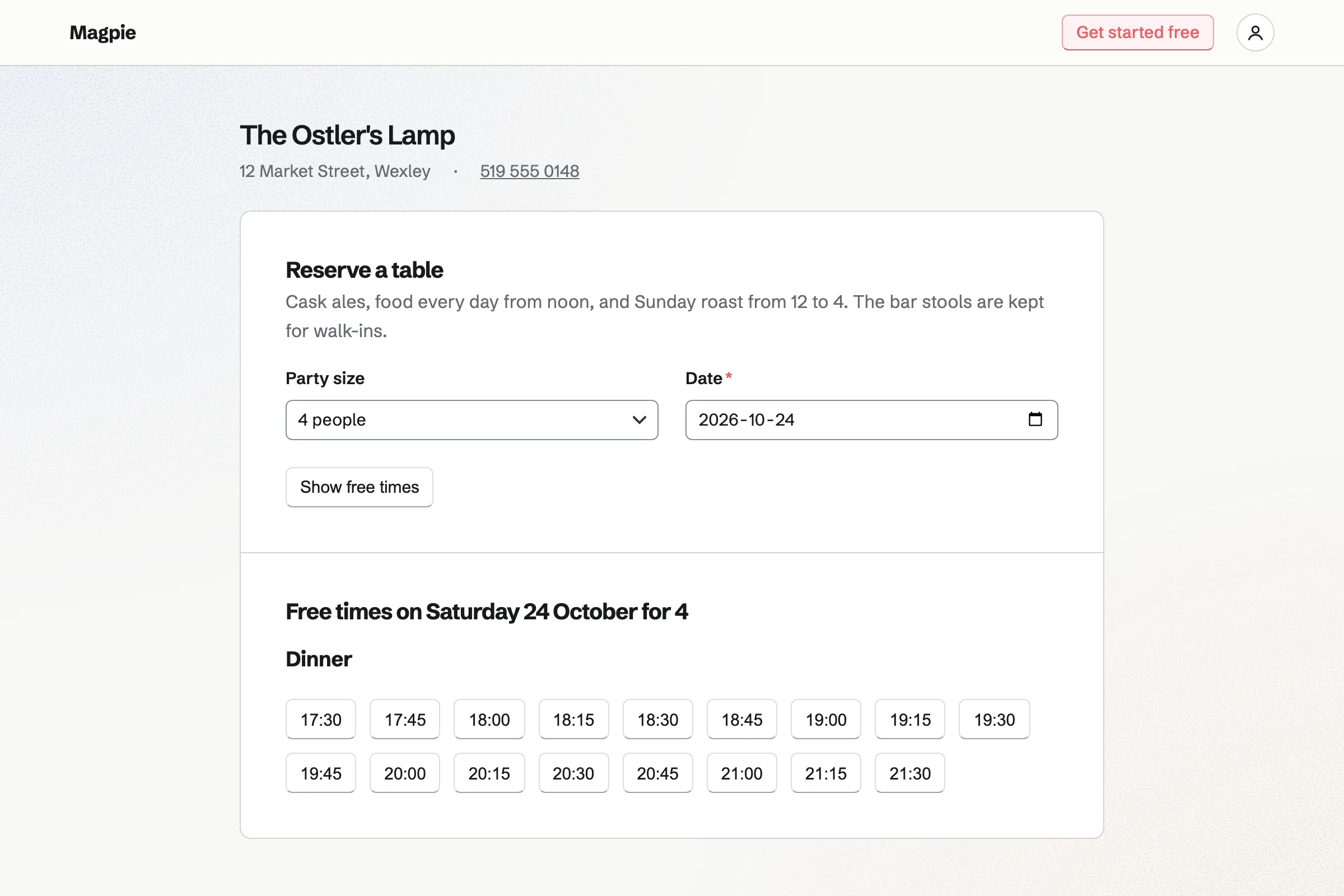
Restaurant Reservations keeps the pub's table bookings. Sunday lunch can be a service of its own, with its own seating times. Diners choose a free time on your booking page, without signing up first. It will be in the book at once.
The bar, the snug and the beer garden each have their own map. Bar seats are for walk-ins and never go online. You choose whether the beer garden's tables can be booked.
On a busy night, walk-ins join the waitlist with the wait you quoted. The map shows each table free, due, seated or running late.
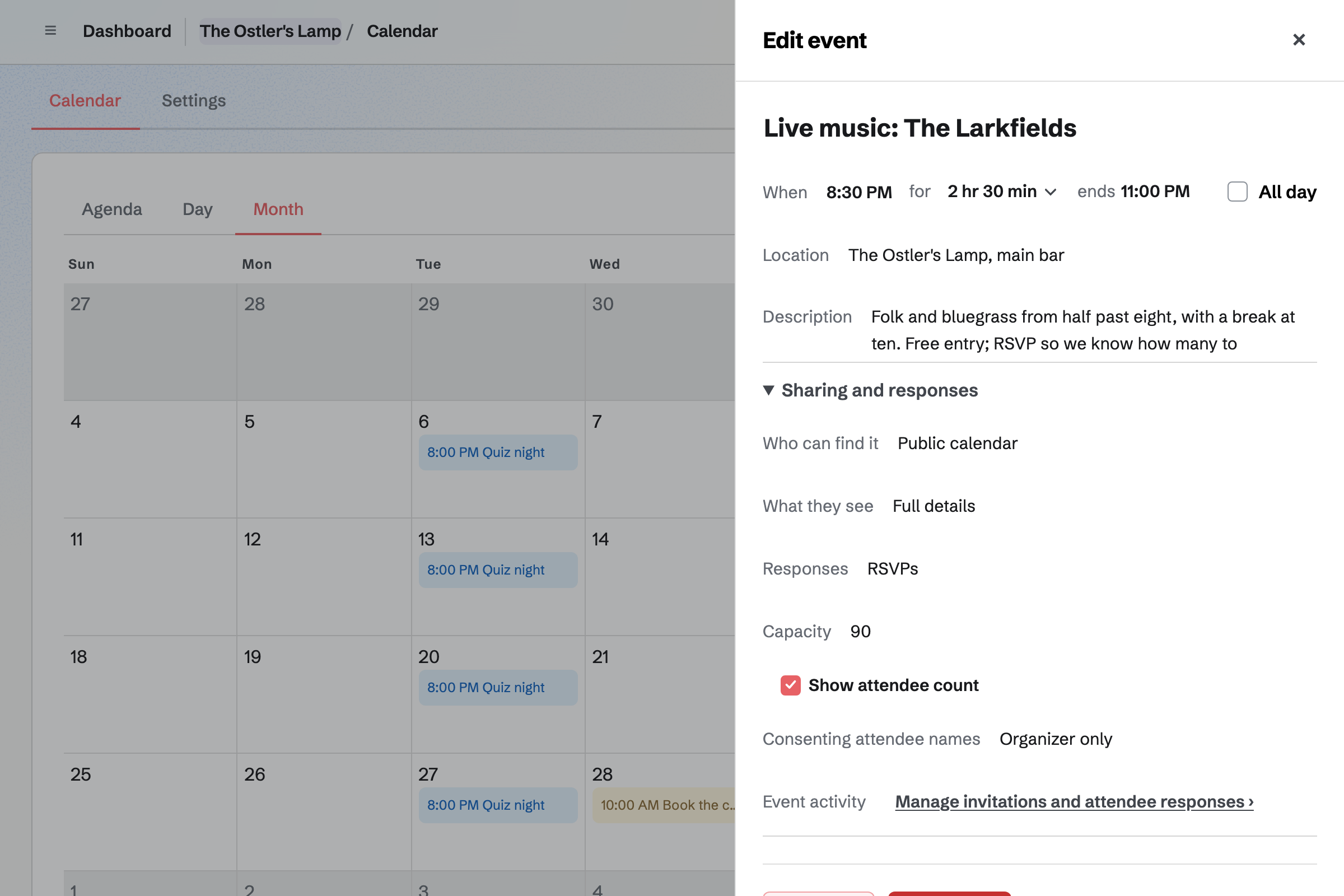
Calendar lists each quiz night, open mic and gig on your public calendar. Each event has its own page, which you can link from your website. Share event starts a social post about it.
With RSVPs on, people say they are going, up to the capacity you set. The event's page will then say it is full. People answer with a Magpie account, which they can make from the page.
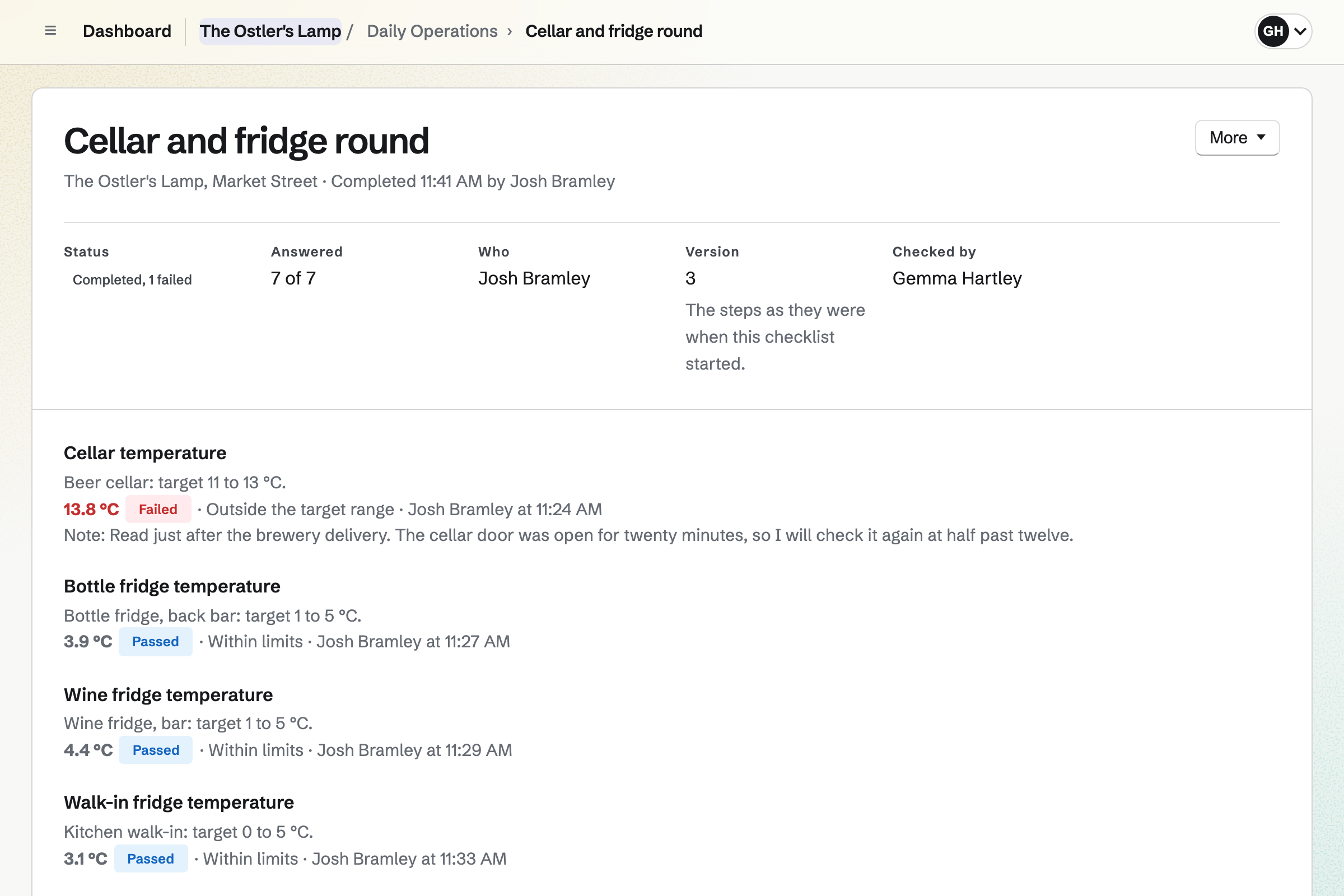
Daily Operations holds the pub's routines. The Restaurant or bar starter adds opening, closing and the kitchen's fridge and hot-holding checks. You add your own, such as a line clean every Monday before opening.
The cellar is a temperature point with the range you set. A reading outside it will open an incident that lists what to do. Each reading is kept with who took it.
Inventory keeps the stock in the cellar and behind the bar. Each item is counted one by one or in litres. Anything below the minimum you set is marked Low.
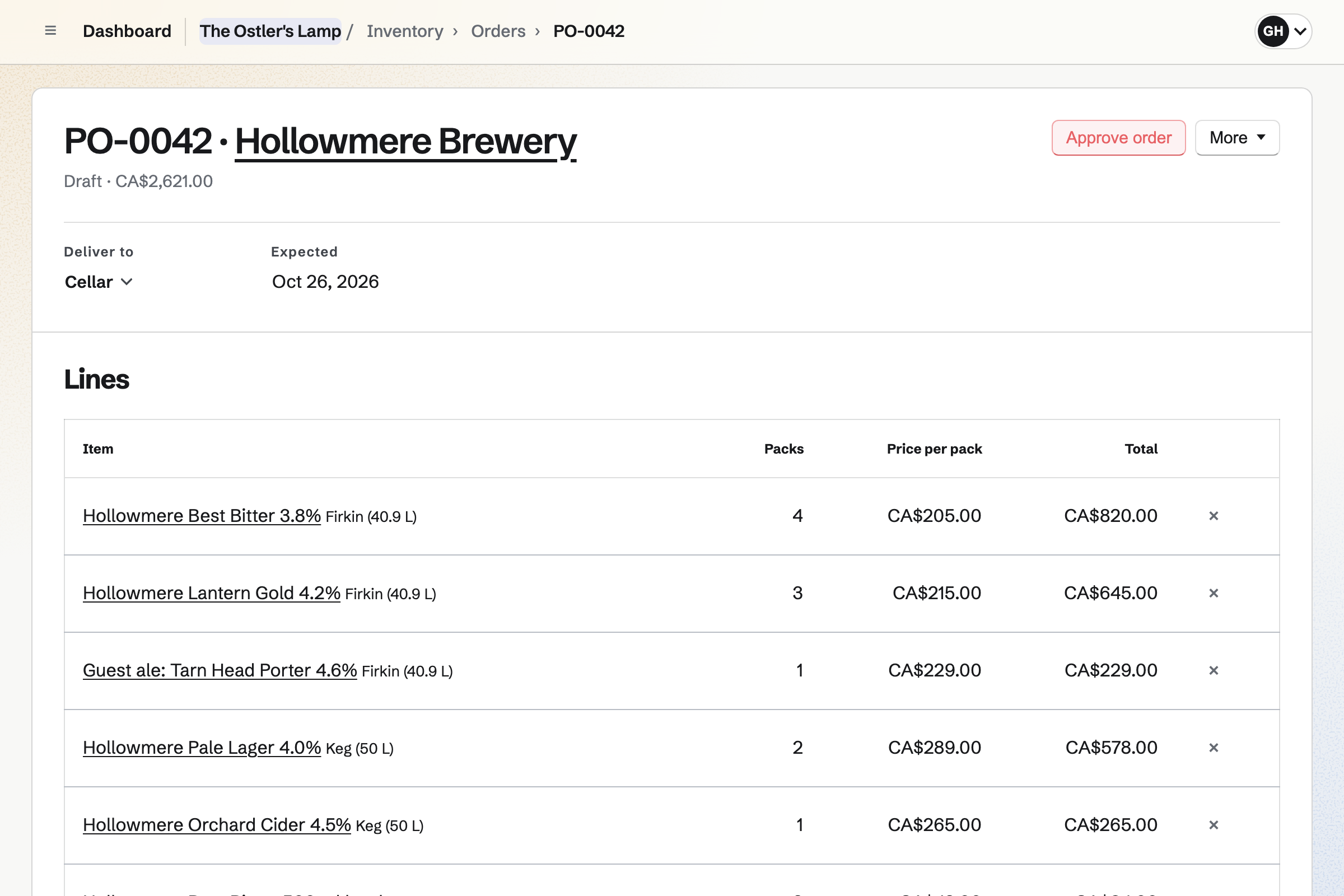
What is running low becomes one draft order for each supplier, such as the brewery. Sending it will email the order, and replies will come to you. When the dray arrives, anything short or sent back will stay listed until it is settled.
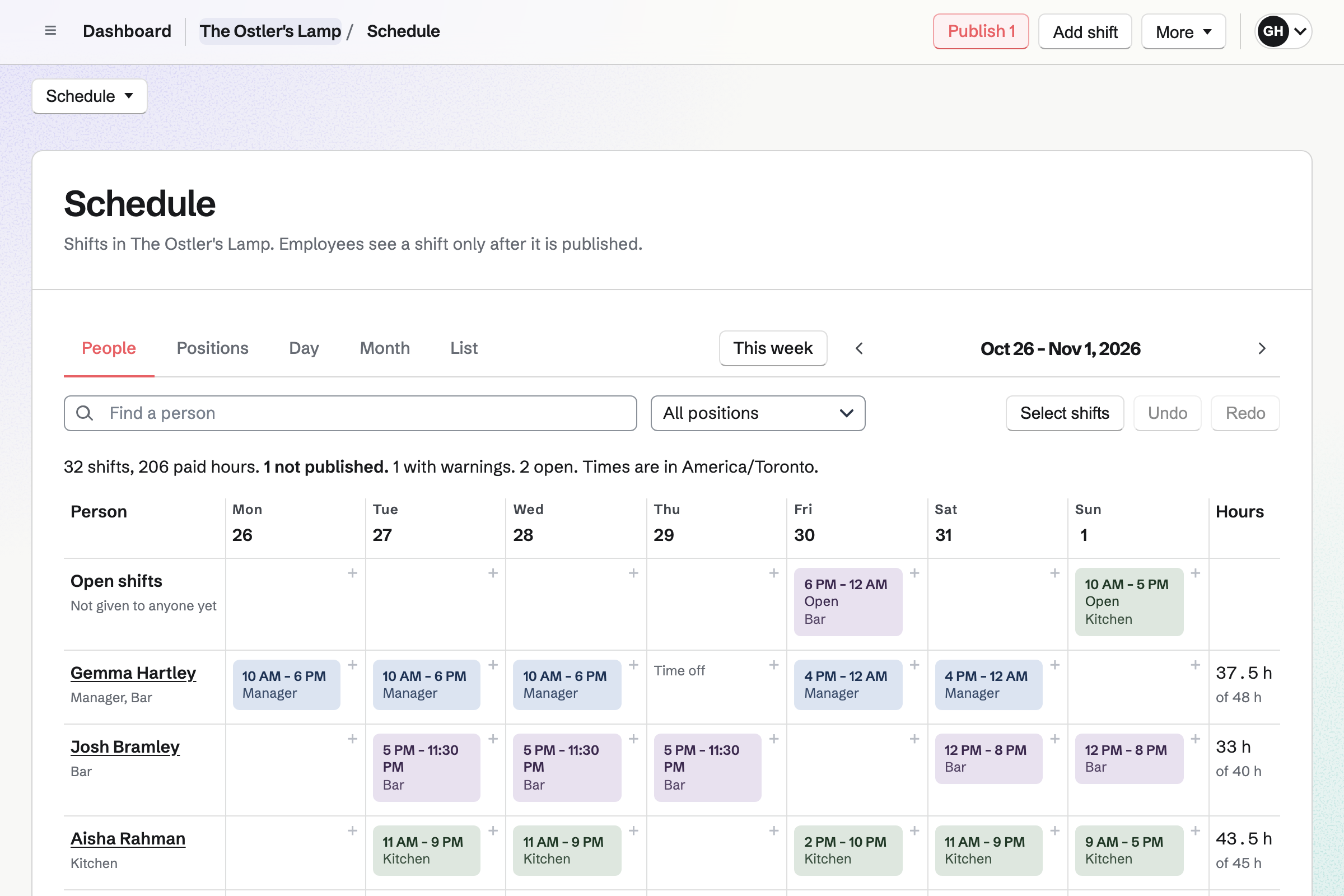
Staff Scheduling gives the pub one rota for the bar and the kitchen. Someone can work a lunch in the kitchen and an evening on the bar. Magpie checks every shift against time off, availability and your limits on hours.
You set how many you need behind the bar on a Friday night. The rota will then list the times you are short. Staff can pick up an open shift, or swap one with each other.
Hiring gives each job a public page and application form on your job board. A part-time bar job can leave out the CV and ask which evenings people can work. Applicants apply without signing up first.
You move applicants through the job's stages and rate them on scorecards. When you hire someone, Magpie can add them to your staff, ready for the rota.
Their name, email and phone are typed once, on their application.
A part-time bar job has its own page on your job board. Share job starts a post with its address.
They apply without signing up first, and say which evenings they can work.
You mark them hired. Add to Staff Scheduling puts them on your staff with their name, email and phone.
Accepting the invitation gives them the rota, Team chat and Daily Operations. Each published week will reach them in one notification, with a reminder before each shift.
Daily Operations will open on the pub's day, with their shift's times. The checklists given to them are listed under Your work.
They tick off Closing, and the shift lead confirms it. End shift and hand over leaves notes that each person sees until they mark them read.
You create a team and invite whoever runs the pub with you. Help: Create and manage a team.
You add the bar, the snug and the beer garden, each with its tables. Help: Lay out the seating plan and its map.
You add your services, then the booking page's cancellation rule. Publishing it will give you a link for your website. Help: Set up Restaurant Reservations.
You choose Restaurant or bar, add the opening hours and confirm each temperature point's limits. Then you add the cellar and the line clean, and link the location to the rota. Help: Run each day's opening, closing and checks.
You add each cask, keg and bottle with a minimum, and your suppliers. Help: Keep track of stock.
You start from the restaurant, café or bar positions and add a Bar position. Then you add your staff and publish a week. Help: Plan and publish a staff schedule.
A pub with staff is a team. The Team plan is one price for 25 member places, with mailboxes at your domain. Staff who are only on the rota take no member place. Someone you invite to see their shifts takes one.
A free team has 3 member places and 100 Calendar events, and the Team plan has 5,000. Magpie adds no fee to gift card sales, and takes 1% of a paid Form. Stripe's fee is taken from each card payment.
A brewery or taproom records each batch it brews. It sells cans and bottles online, and wholesale to other bars.
A restaurant runs a bigger kitchen, with recipes, prep lists and allergens. It takes private dining enquiries online.
Rooms upstairs are on the B&Bs and guesthouses page. It covers changeovers with photos, and direct stays billed by invoice.
An event venue hires out its rooms for weddings and parties. Each booking has packages, a deposit and a turnaround afterwards.
Yes. Sunday lunch can be a service of its own, with its own seating times. Your booking page shows its free times for each party size. Diners choose one and give their name, phone and email, without signing up first. The booking will go straight into the book.
Yes. Pacing caps the new covers the kitchen takes at each seating time. A cap for the whole service works the same way. When a time is full, the booking page will offer the nearest free ones. You also set how long each party size keeps its table.
Yes. Bar seats are for walk-ins and are never offered online. The beer garden, like any section, has an Online reservations switch. With it off, its tables stay off the booking page. You can turn it back on for a sunny weekend.
Yes. A party without a booking is seated at a free table, or joins the waitlist. You note the wait you quoted them. The book shows how long each party has waited against that quote. When a table comes free, you seat them from the map.
Yes. A quiz team books a table like any other party, online or by phone. The quiz itself can be an event on your public calendar, with a page to share. The map then shows which party is at each table.
Yes. A special day closes the pub on a date, or closes one service. It can change a service's hours that day. It can also add a one-off service, such as Christmas lunch. Bookings already outside the new hours will be listed for you to move or cancel.
Yes. As you type a phone booking, Magpie lists the diners who have been before. Each diner has one record with their visits, no-shows and cancellations. You can tag a regular or an allergy, and note a favourite table. Diners never see the note.
Yes. Each quiz night or gig is an event on your public calendar, with its own page. With RSVPs on, people say they are going, up to the capacity you set. The page will then say the event is full. Share event starts a social post about it.
Yes. The cellar is a temperature point, with the target range and critical limits you set. Staff type each reading on its own or in a checklist, in °C or °F. A reading outside the range will open an incident that lists what to do. Each reading is kept with who took it.
Yes. A routine can run on the weekdays you choose, such as every Monday before opening. Its steps can be ticks, pass or fail checks and a photo. A line clean done after its due time will be marked late. A shift lead or manager can check it afterwards.
The Restaurant or bar starter adds Opening, a 1pm hot holding check and evening temperature checks. It adds a supplier delivery check, Closing and reading the previous shift's notes. You untick any you do not need. The cellar check and the line clean are routines you add, with your own steps.
It counts for the night you opened. A business day starts at 4am unless you change it. A closing at 1am is recorded with that night's checklists. A late booking on Saturday night belongs to Saturday's book too.
Yes. Each item is counted one by one or in litres, in each place you keep it. Below the minimum you set, it is marked Low. Running low lists it with the firkins or cases to order from its usual supplier. A count corrects the stock to what is there.
Yes. Each supplier has its order email, the days it delivers and the time to order by. Draft orders starts one order for each supplier from what is running low. Sending it will email each line to the brewery, and replies will come to you. An order placed by phone can be marked as sent that way.
You receive the delivery against its order, with what arrived and anything you sent back. What arrived will go into the cellar's stock at the price charged. Every shortfall, refusal or price change is listed under Differences. It will stay listed until you mark it settled, such as with a credit note.
Yes. A count can hide the expected quantities from the people counting. You can count the whole cellar, or one category such as spirits. A line that differs by more than the percentage you set waits for your approval. Stock changes only once you approve it.
Yes. Staff log waste from Today with a reason, such as Spoiled for a cask that turned. It will come out of the stock at once. The waste report totals it by reason and by item, for any dates. You and your managers see what it was worth.
Yes. You set how many people the bar needs, such as three on Fridays from 7pm. The rota will then list the times you are short. One button adds the open shifts needed. A date such as a bank holiday can have needs of its own.
Yes. A blackout period marks dates when time off is not normally given, such as Christmas week. Staff can still ask, and each request is marked for you to decide. Approved time off stops new shifts in that time.
Yes. A bar job has a page on your job board, with its pay and closing date. You can leave out the CV and ask which evenings people can work. Applicants apply without signing up first. When you hire someone, Magpie can add them to your staff for the rota.
Yes. A Form can ask for the date, the number of guests and the food they want. People answer it from your website, without signing up first. Every enquiry comes into one list, and you get an email for each. A paid Form can take a fixed deposit with the enquiry.
Yes. A room's changeover can be a routine, started by hand when the room is vacated. A photo step shows it is ready. Guests can ask about a stay on a Form on your website. You bill a direct stay with an invoice they pay by card, with no Magpie fee.
Yes. Store sells gift cards online, in the amounts you set. Each is emailed on the date the buyer chooses. A bought card never expires. When someone spends one at the pub, you take that amount off its balance.
Create a Magpie account and make a team for the pub.