Wedding and event planners
An event planner runs weddings and parties for clients.
Event venues and spaces for hire
The venue's team works in one Magpie team. Couples, companies and suppliers use the forms, proposals and invoices you send.
Get started free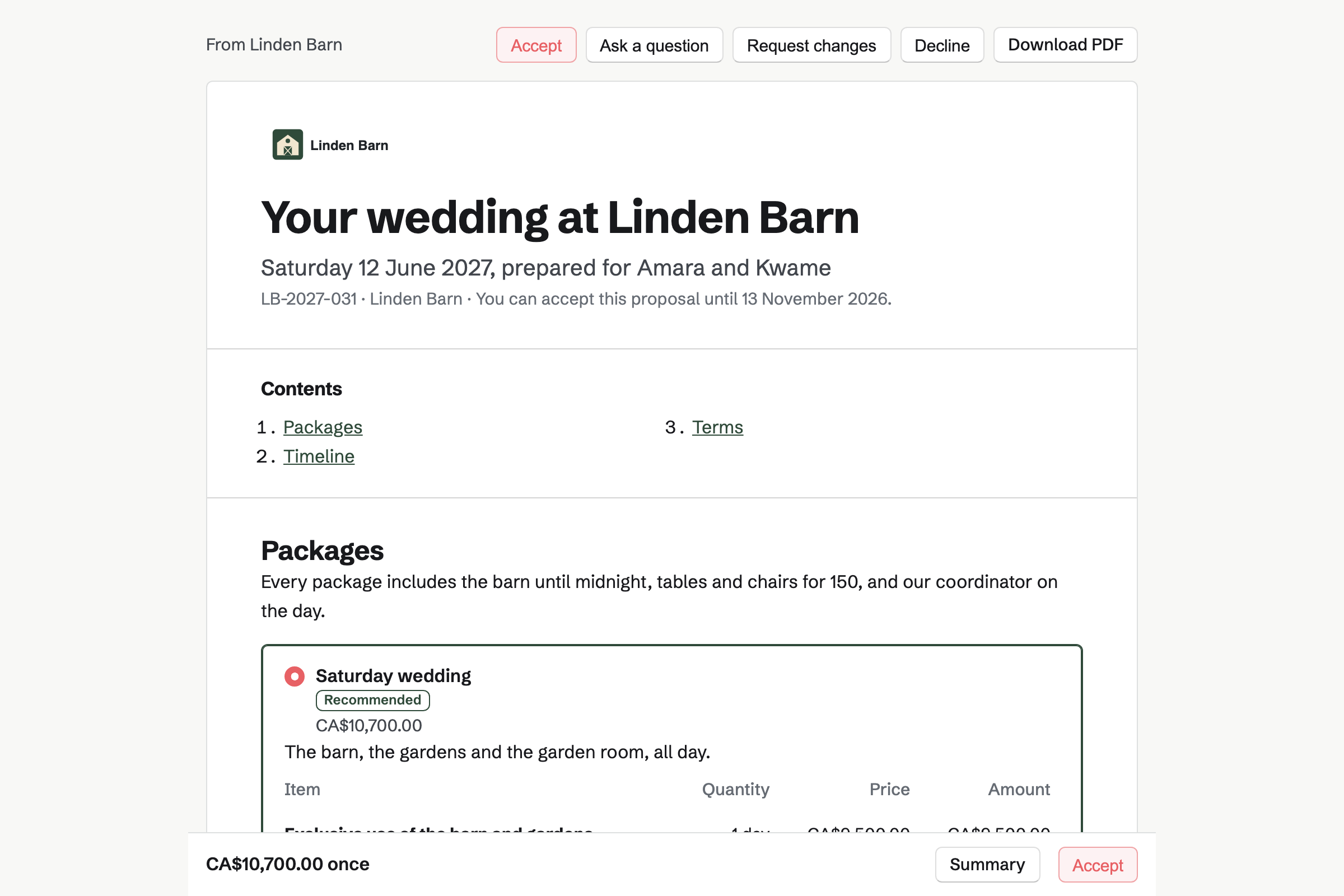
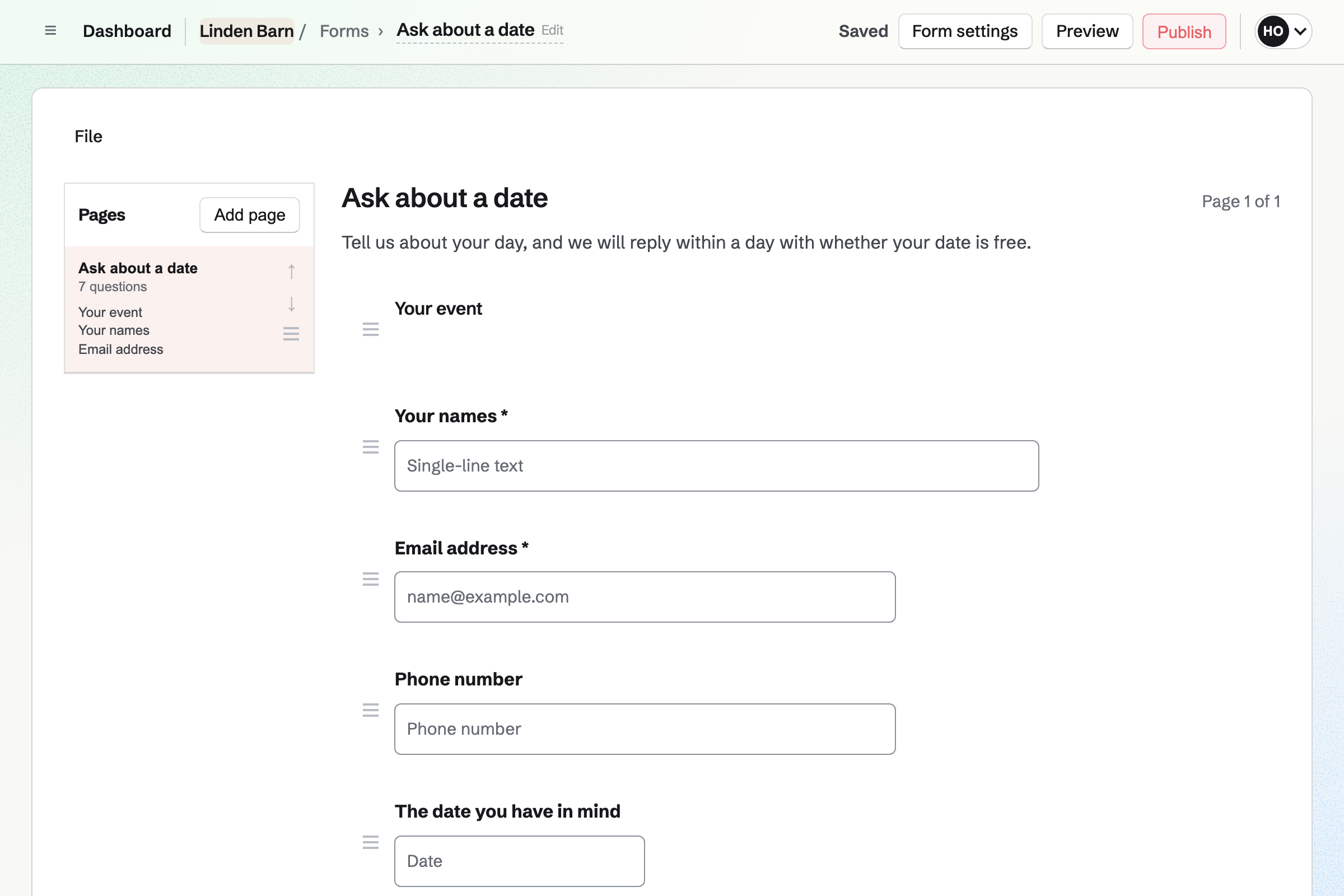
Forms builds an enquiry form with your questions, such as the date and the guests. Every enquiry comes into one list.
You get an email for each new one. A button on your website can open the form.
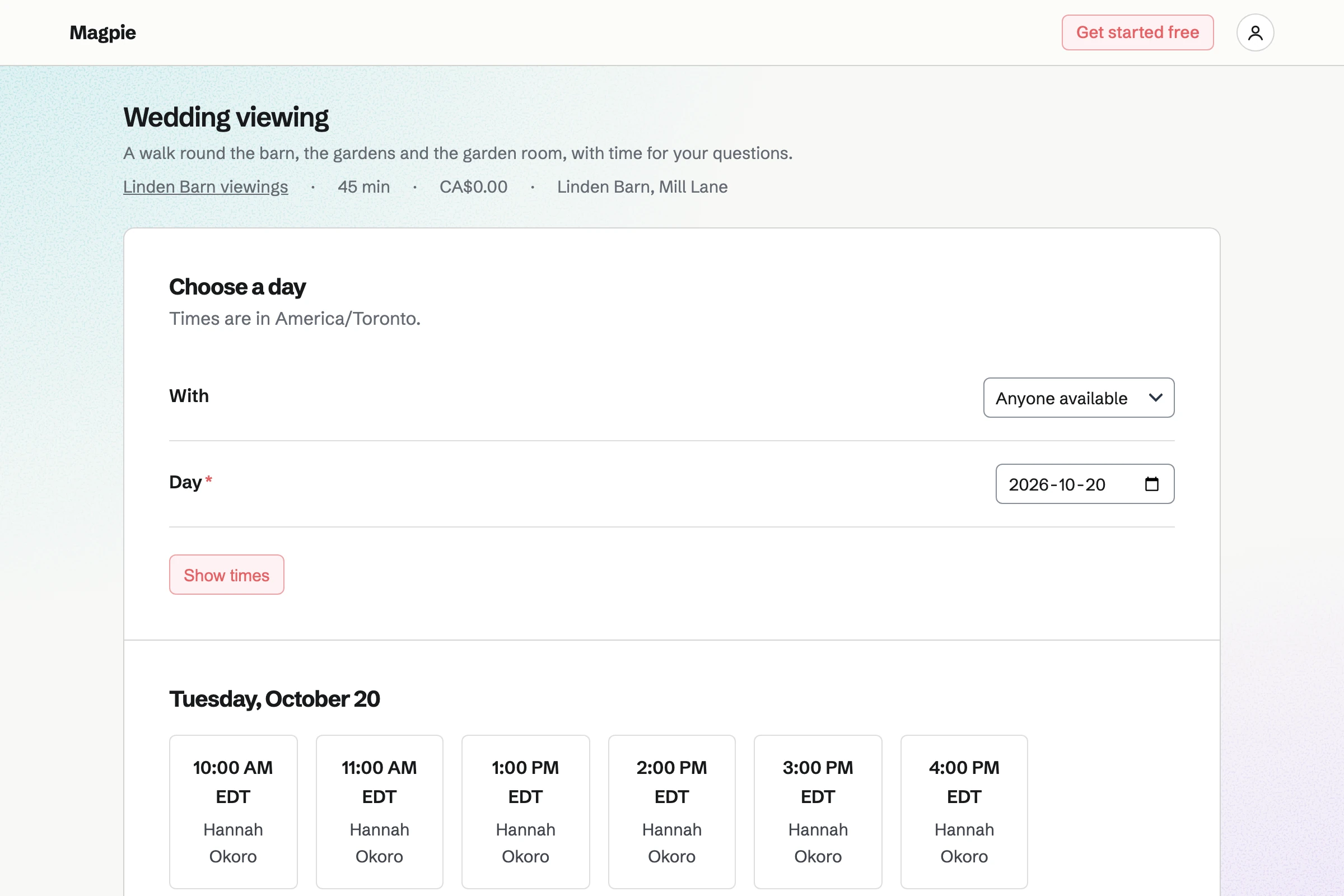
Appointments gives the venue a booking page, with viewings at the times your team is free. Couples choose who shows them round, or anyone available.
The confirmation email lets them reschedule or cancel. The day's viewings are listed on the Appointments overview.
Proposals sends each couple their offer, with packages such as a Saturday wedding. Extras, such as a late bar, can be added or left out.
They accept by signing, and pay the deposit by card. You can see each time the proposal is opened.
Invoicing issues each payment in the proposal's schedule on its date. The final payment is invoiced when you bill it.
Anything added later, such as extra guests, goes on an invoice of its own. Couples pay by card from the email.
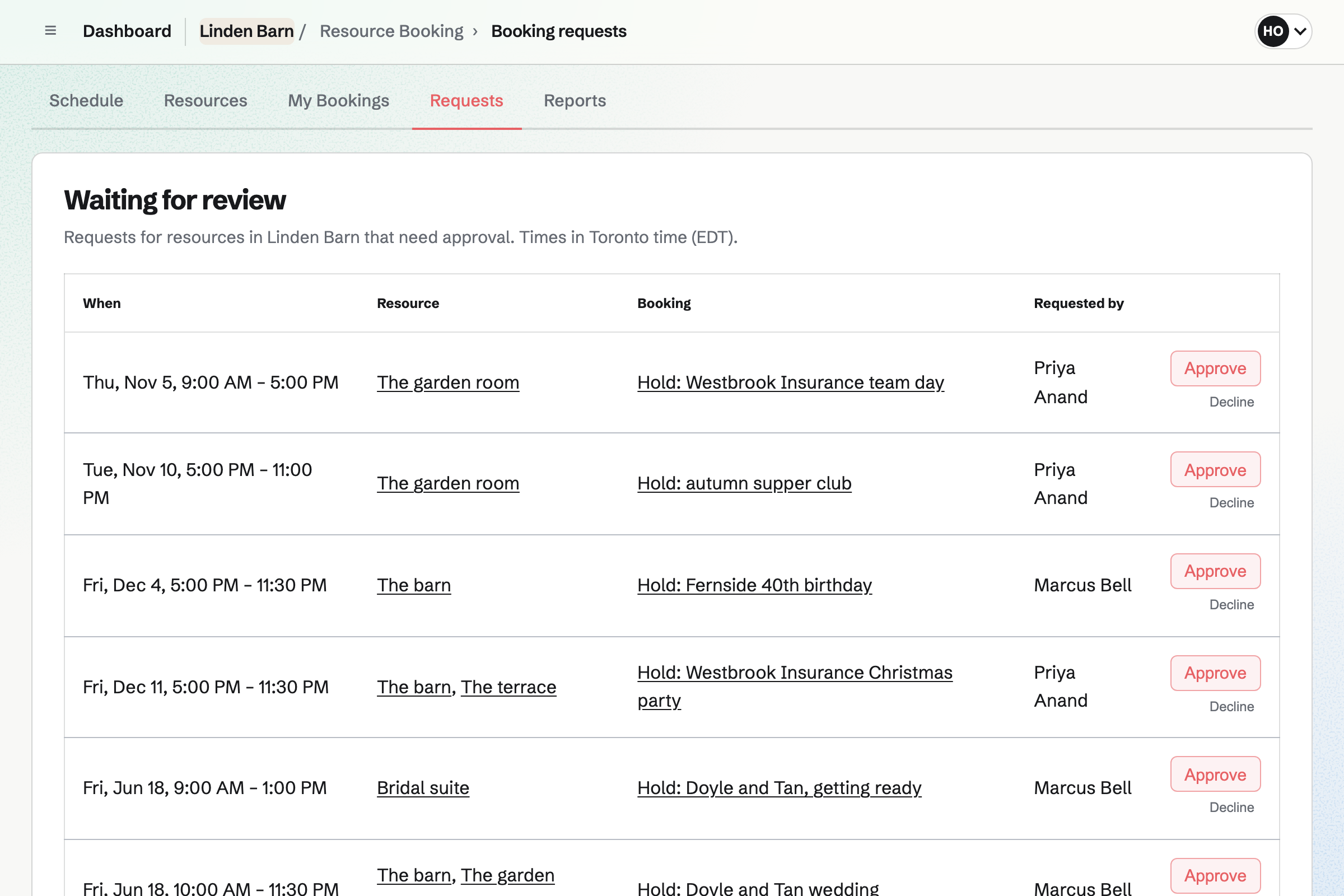
Resource Booking holds each space for your team, such as the barn and the garden room. Each one keeps setup and cleanup time around its bookings.
A hold can wait for your approval. Reports show how much each space was used between any two dates.
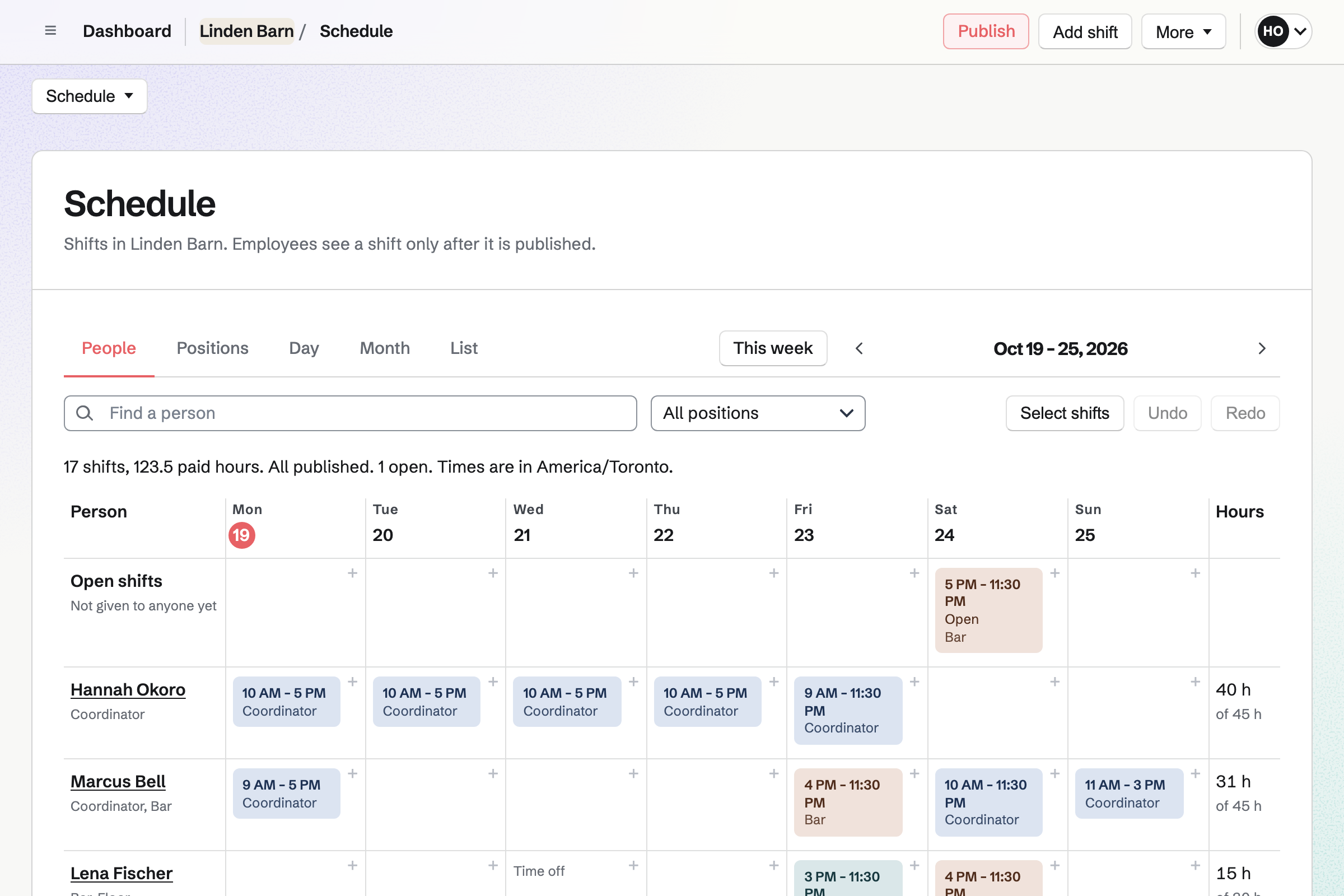
Staff Scheduling plans each event's shifts, with positions such as bar, floor and clean-up. Each person you invite sees their own shifts.
An open shift waits for someone to take it. People can swap shifts or ask for time off.
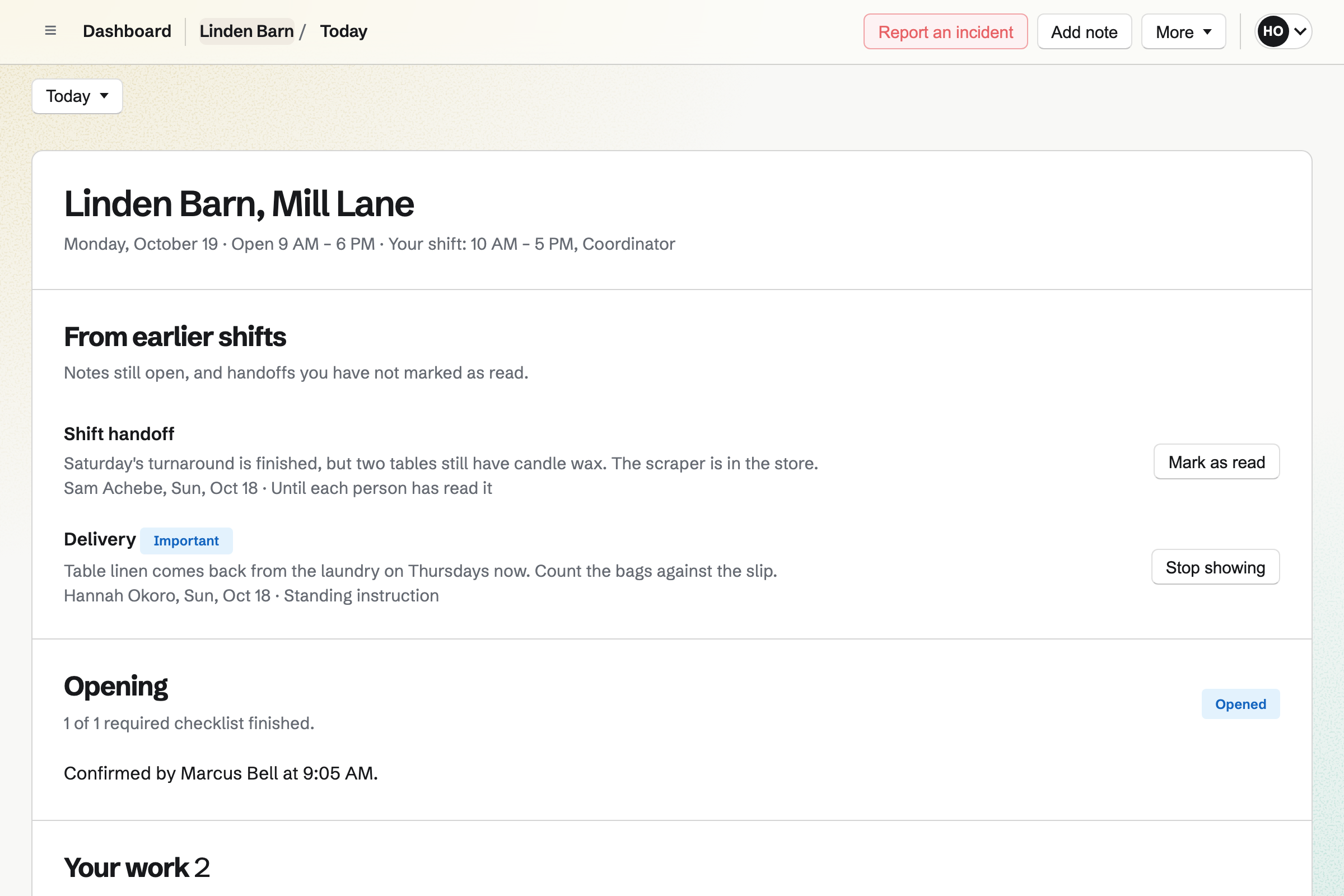
Daily Operations gives each space a turnaround checklist, started by hand when an event ends. A step can ask for a photo or a pass or fail.
Notes for the next shift stay on the day's page. A problem, such as a broken heater, is reported with what to do.
A couple asks about a Saturday next June on your form.
They book a time to look round.
They choose the Saturday package, sign and pay the deposit.
The barn and the garden room are held for the day.
The team works through the checklist after the last guest leaves.
You set each one's hours and setup time. Help: Add resources and set their hours and rules.
Couples can then pay deposits by card. Help: Connect Stripe to receive money.
You set them out once in a proposal. Help: Prices, packages and payments in a proposal.
You set the times you show people round. Help: Set up Appointments.
A venue fits the Team plan, with each member of staff who works shifts a member. Couples, companies and suppliers are not added to it.
Magpie adds no fee to proposal or invoice payments. Stripe's processing fee is taken from each card payment. Prices are on the Pricing page.
An event planner runs weddings and parties for clients.
A guesthouse turns over its rooms and takes direct stays.
A caterer quotes menus and plans each event's food.
A coworking space runs memberships, rooms and the front desk.
Yes. A proposal can offer two to four packages, with one marked as recommended. The couple chooses one before they accept.
Yes. A line can be optional, so the couple adds or removes it. A line's quantity, such as the guests, can be theirs to set within your limits.
Yes. The first payment can be a deposit on acceptance. Its invoice is issued at once. The couple can pay it by card from the confirmation.
Yes. The payment schedule can split the total into several payments, each a percentage or an amount. Each one is invoiced on its date, and the last when you bill it.
Yes. Your booking page offers viewings at the times your team is free. Couples get a confirmation email, and can reschedule or cancel from it.
Yes. Each space shows its bookings and holds, and a new booking is checked against them. Setup and cleanup time around each booking is kept free.
Yes. Each person you invite sees their own shifts once the rota is published. They can swap a shift with a colleague.
Yes. A turnaround checklist can run whenever someone starts it. Its steps can ask for a photo, so you can see the room was left ready.
Create a Magpie account and make a team for the venue.