Cleaning companies
A cleaning company plans its teams and checks each job.
B&Bs, guesthouses and vacation rental hosts
A guesthouse works in one Magpie team, and a host on their own in Personal. Guests use the website, forms and invoices you send.
Get started free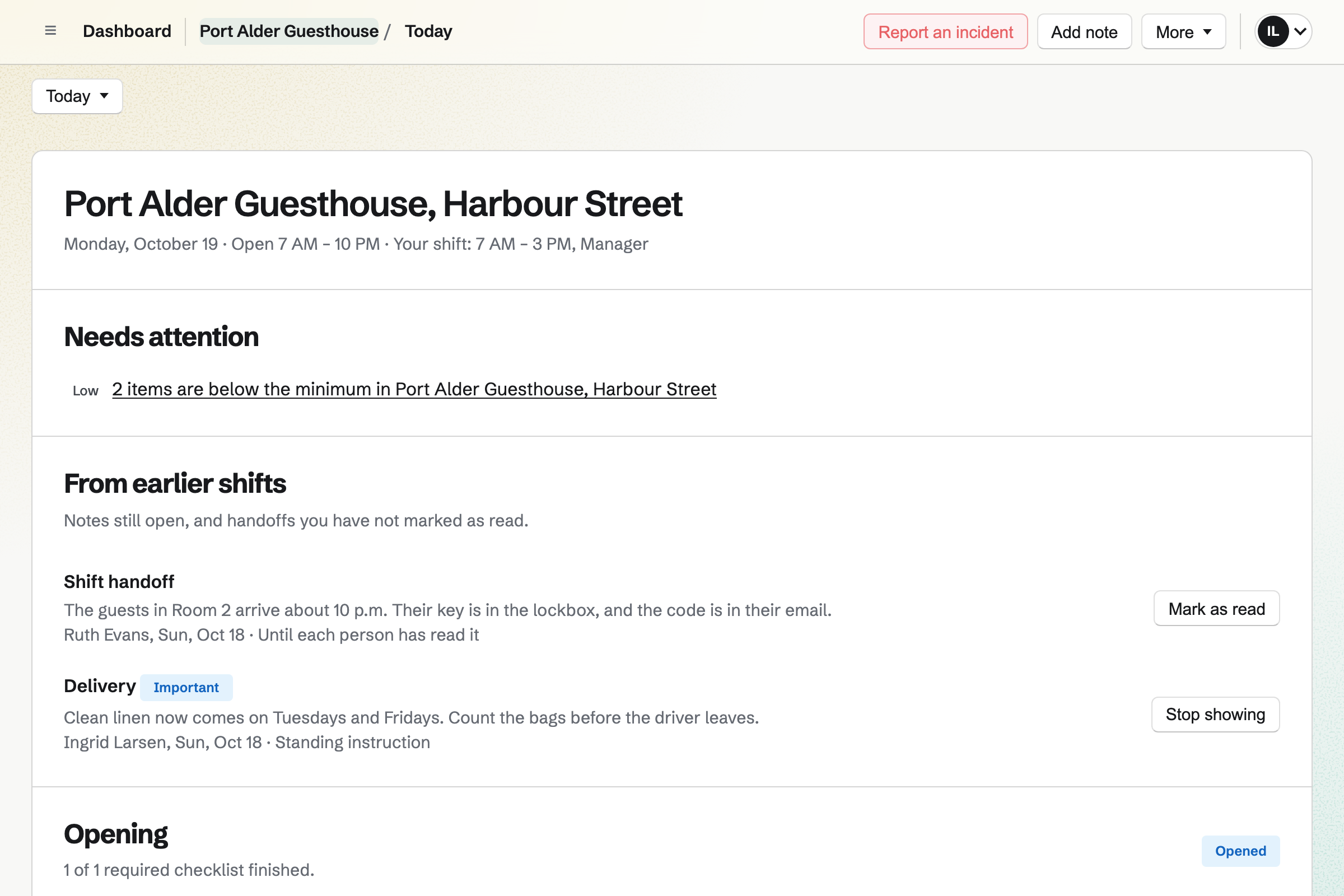
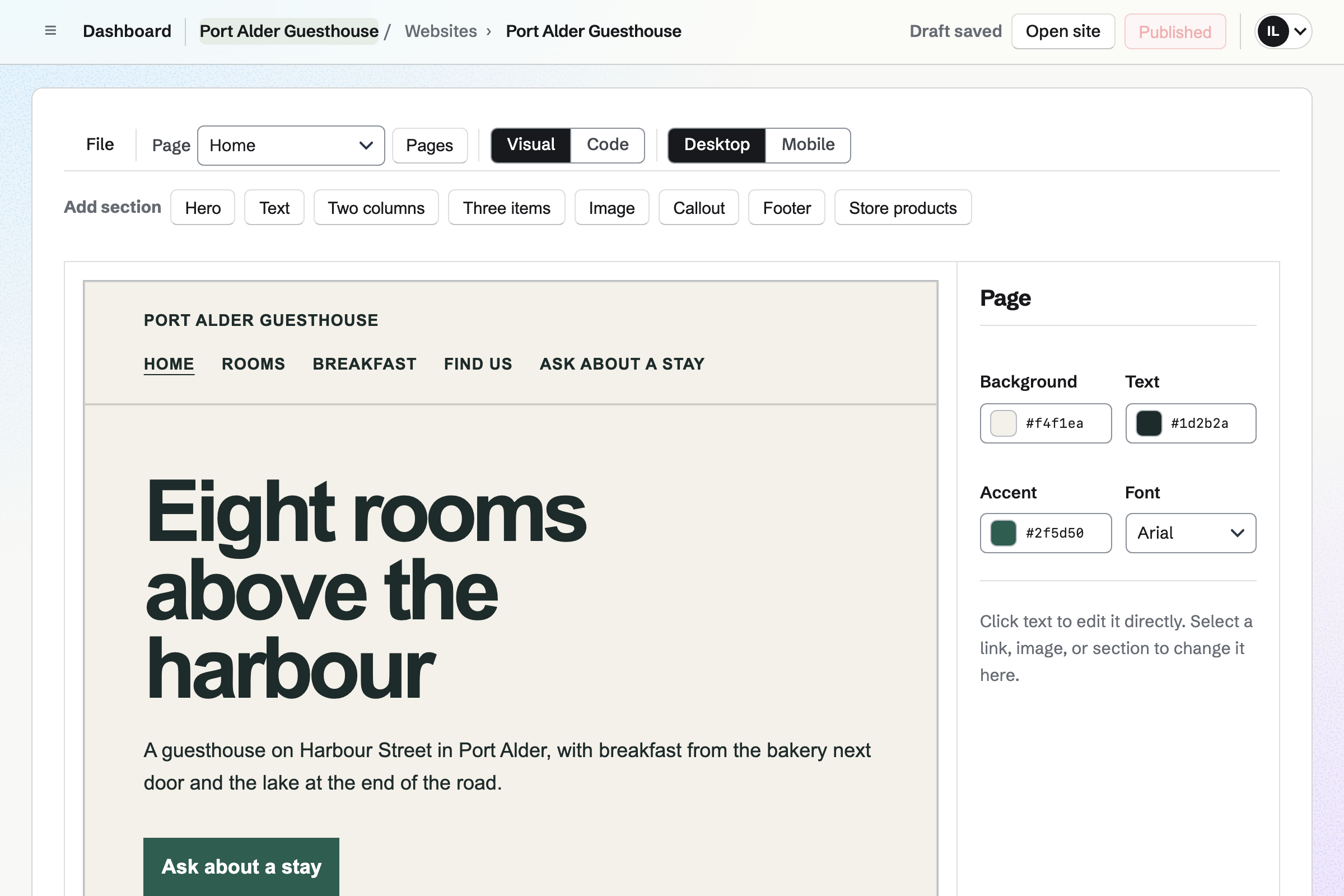
Websites is Magpie's site editor. The site is built from sections, such as the rooms, breakfast and how to find you. You change the words by clicking them.
A button can open your stay request form. The site can be at your own domain.
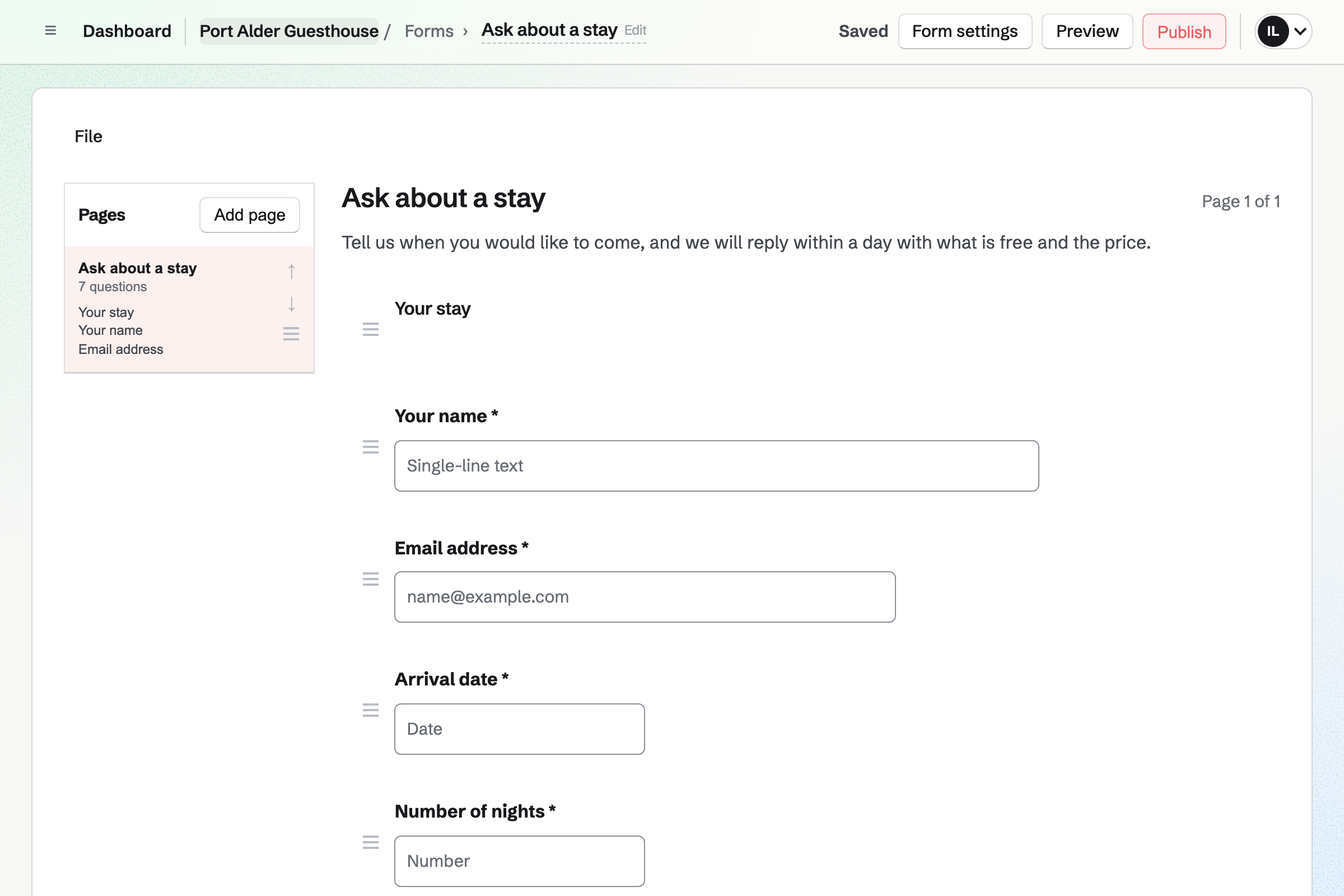
Forms builds a stay request form, with questions such as the arrival date and the room. Every request comes into one list.
You get an email for each new request. You reply with what is free and the price.
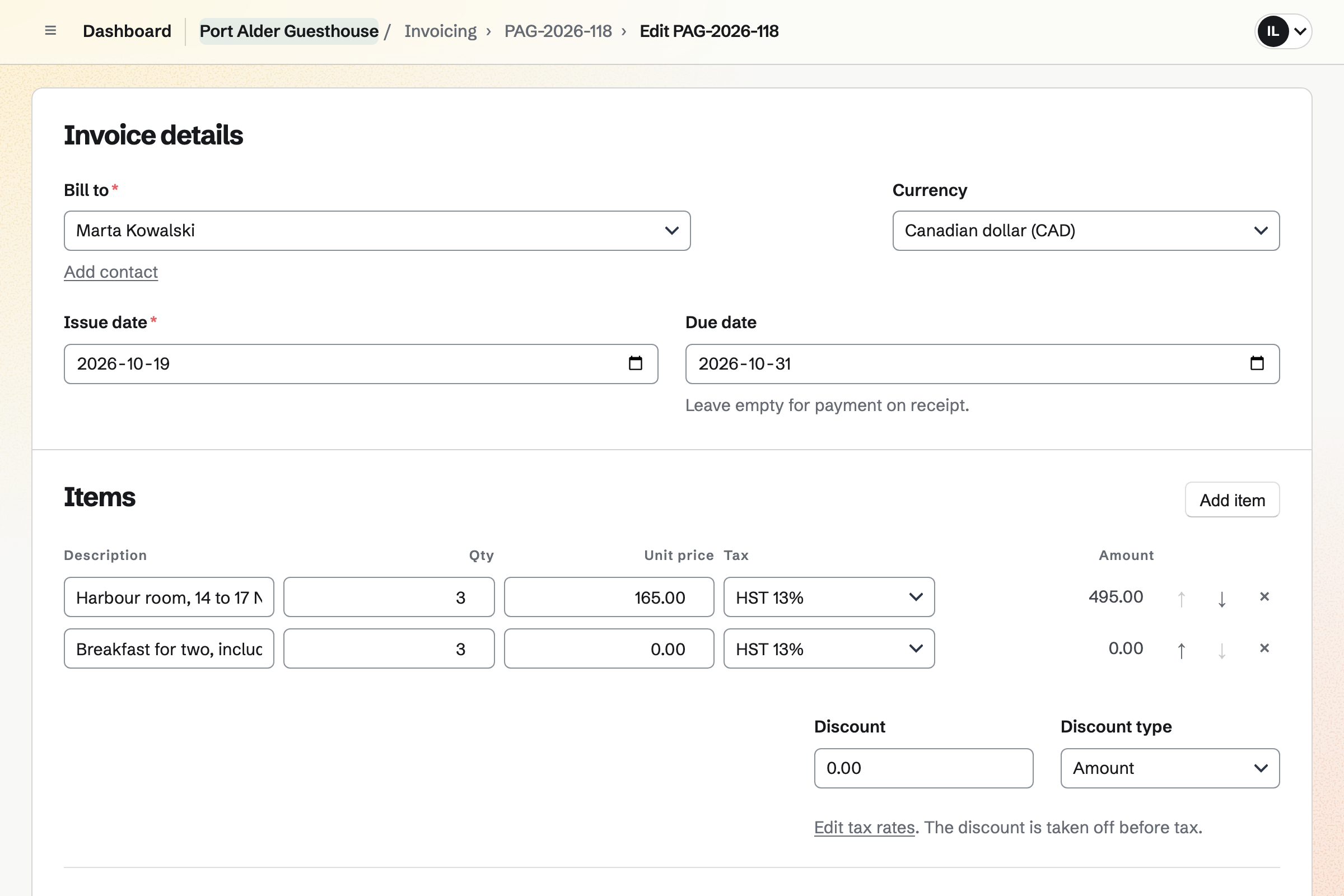
Invoicing bills the stay, with the room, the nights and the tax. The guest pays by card from the invoice email.
Payments go to your own Stripe account, and Magpie adds no fee to them. A bank transfer can be recorded too.
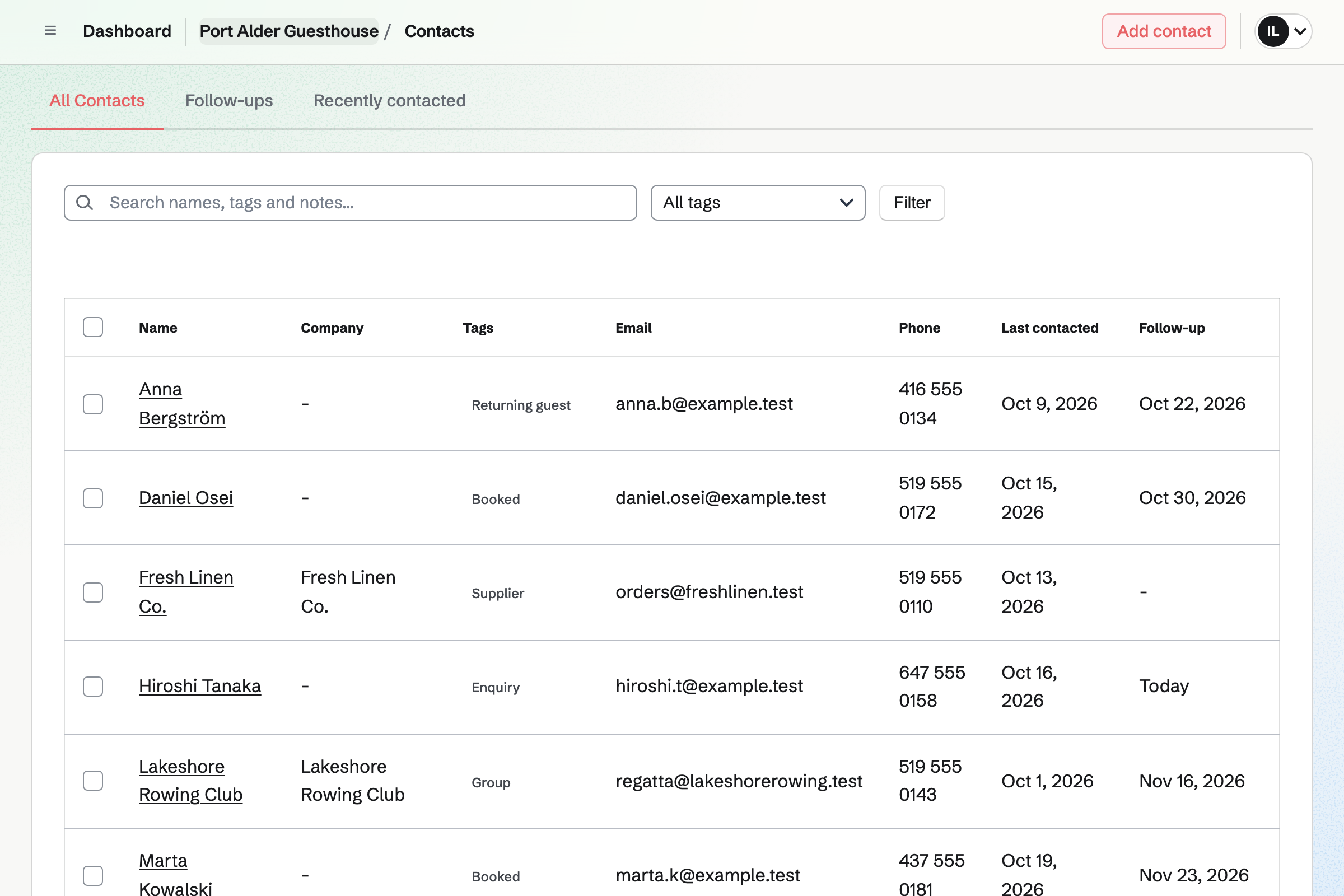
Contacts keeps each guest, with tags and notes, such as a quiet room. Each guest's page lists their invoices.
A follow-up becomes a To-do, such as sending the door code the day before.
Daily Operations gives a guesthouse its routines, such as opening, a housekeeping inspection and closing. A changeover checklist starts by hand when a room is vacated.
A step can ask for a photo, a yes or no, or a pass or fail. Notes for the next shift and reported problems stay on the day's page.
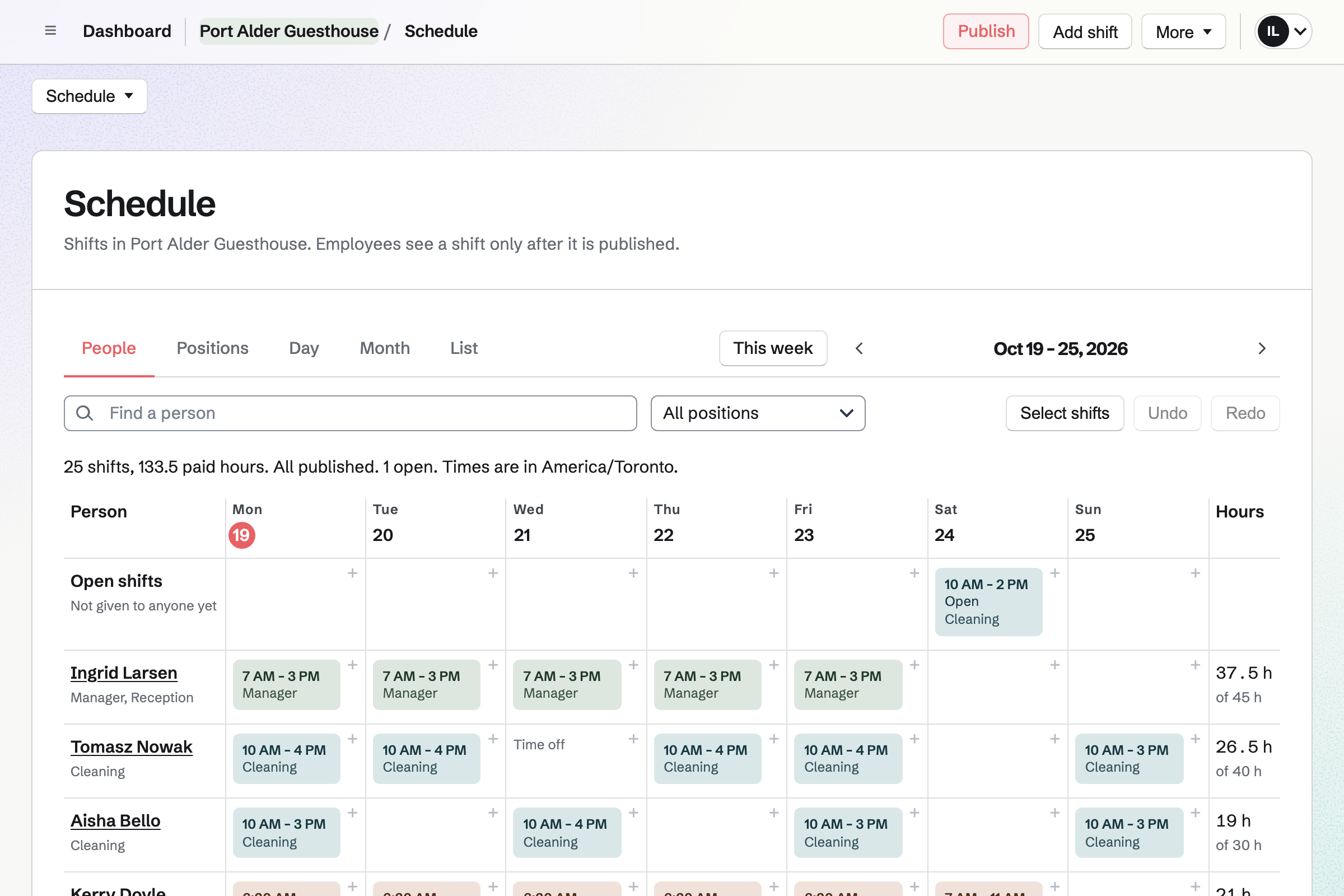
Staff Scheduling plans the week, with positions such as housekeeping, breakfast and reception. Each person you invite sees their own shifts.
They can ask for time off, or swap a shift with a colleague. An open shift waits for someone to take it.
A guest asks about three nights on your website's form.
You reply, and send the invoice for the stay.
A follow-up reminds you to send the door code.
Housekeeping works through the room's checklist, with a photo at the end.
A note on the guest's record says they liked the sea view.
You choose Hospitality, and keep the routines you want. Help: Routines and checklists.
You add each person and invite them to their shifts. Help: Add staff and invite them to see their shifts.
You start from the starter design. Help: Build and publish a website.
Guests can then pay invoices by card. Help: Connect Stripe to receive money.
A host on their own fits Pro, in Personal. A guesthouse fits the Team plan, with each member of staff who works shifts a member. Guests are not added to it.
Mail at your own domain is on paid plans. Magpie adds no fee to invoice payments. Stripe's processing fee is taken from each card payment. Prices are on the Pricing page.
A cleaning company plans its teams and checks each job.
A coffee shop runs its checks, its rota and its stock.
A tour or outdoor company runs departures and its gear.
Yes. A checklist step can ask for a photo. The finished checklist keeps it, with who did it and when.
Yes. A routine can run only when started by hand. Housekeeping starts the room's checklist when it is vacated.
Yes. Each property can be a location in Daily Operations, with its own hours and checklists.
Yes. A stay request form asks for the dates, the number of guests and the room. You get an email for each request.
Yes. The invoice email has a button to pay by card, through your own Stripe account. Magpie adds no fee to it.
Yes. QR Codes makes a Wi-Fi code, so a phone that scans it can join the network. You download it to print.
Yes. Each guest's contact keeps notes, tags and follow-ups. Their page lists their invoices too.
Yes. A cleaner can propose a swap, and the colleague accepts or declines. You choose whether a swap also needs your approval.
Yes. Inventory counts them in each place you keep them, and lists what is running low. An order to your supplier starts from that list.
Create a Magpie account, and make a team if staff are joining you.