Translators and interpreters
A translator bills by the hour and keeps glossaries and clients' files safe.
Freelance writers and editors
A writer working alone uses Magpie without a team. A small team of writers can work in one Magpie team.
Get started free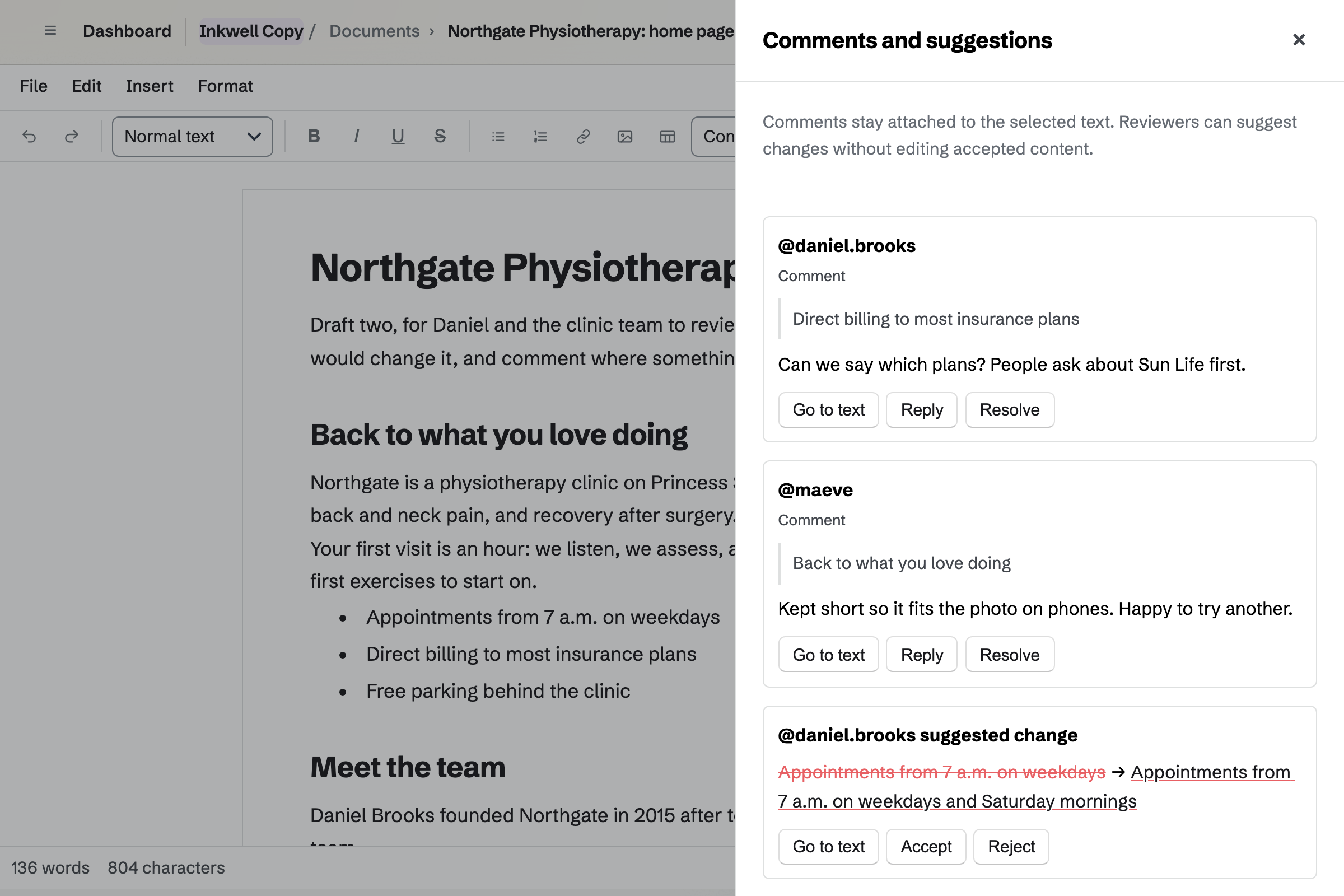
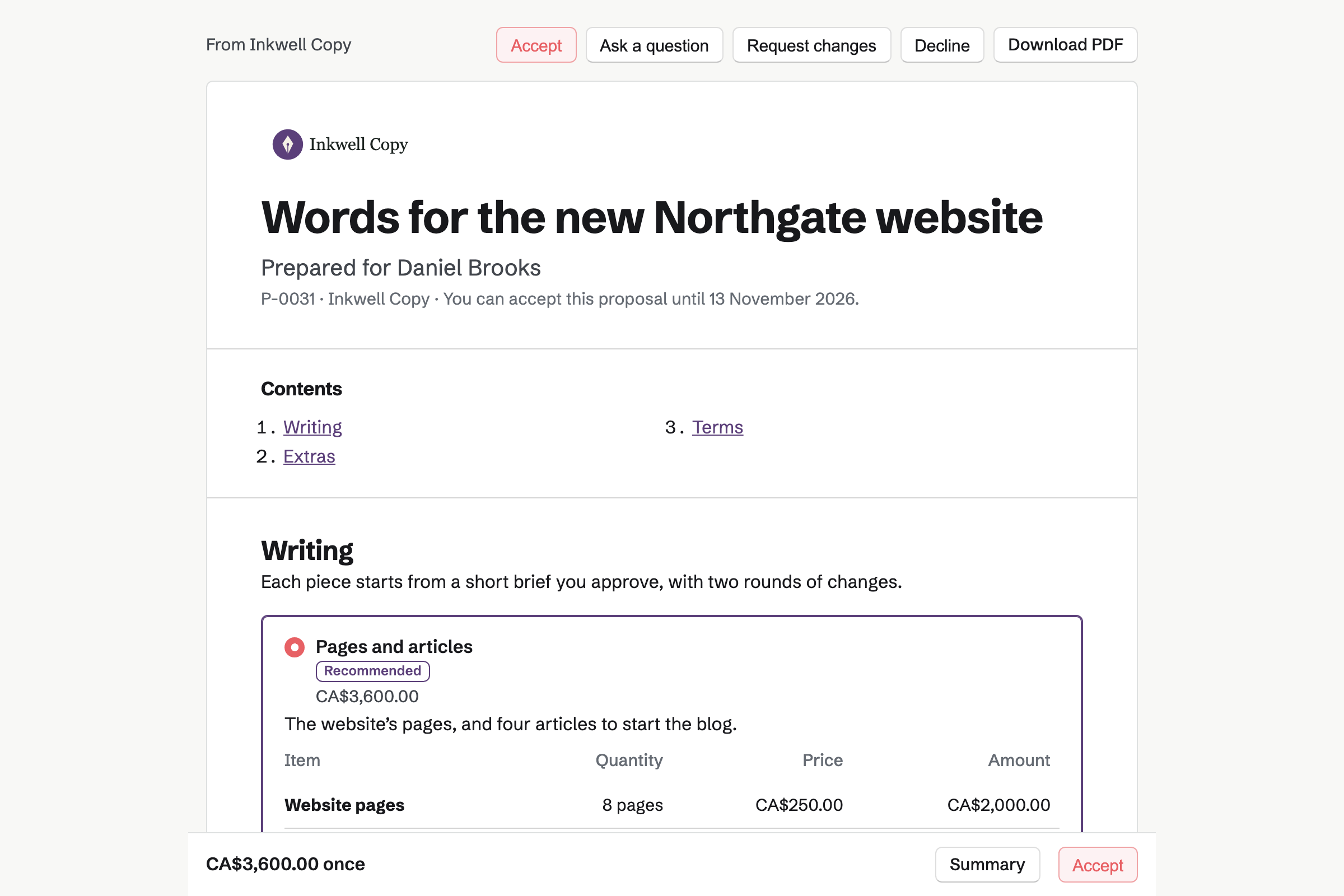
Proposals turns your rate card into a quote the client signs online. Magpie's copywriting starter prices website pages and articles by the piece. The client changes the number of each, and the total follows.
A tone of voice guide is an optional extra. The starter asks for 50% at signing and the rest on delivery.
Documents is Magpie's editor for formatted text, with styles, footnotes and citations. The word count, character count and reading time are under the page.
A client you invite to review can comment and suggest changes, and opens only that document. You can name a version before each round of revisions. Word files import with their comments and tracked changes, and export back to Word.
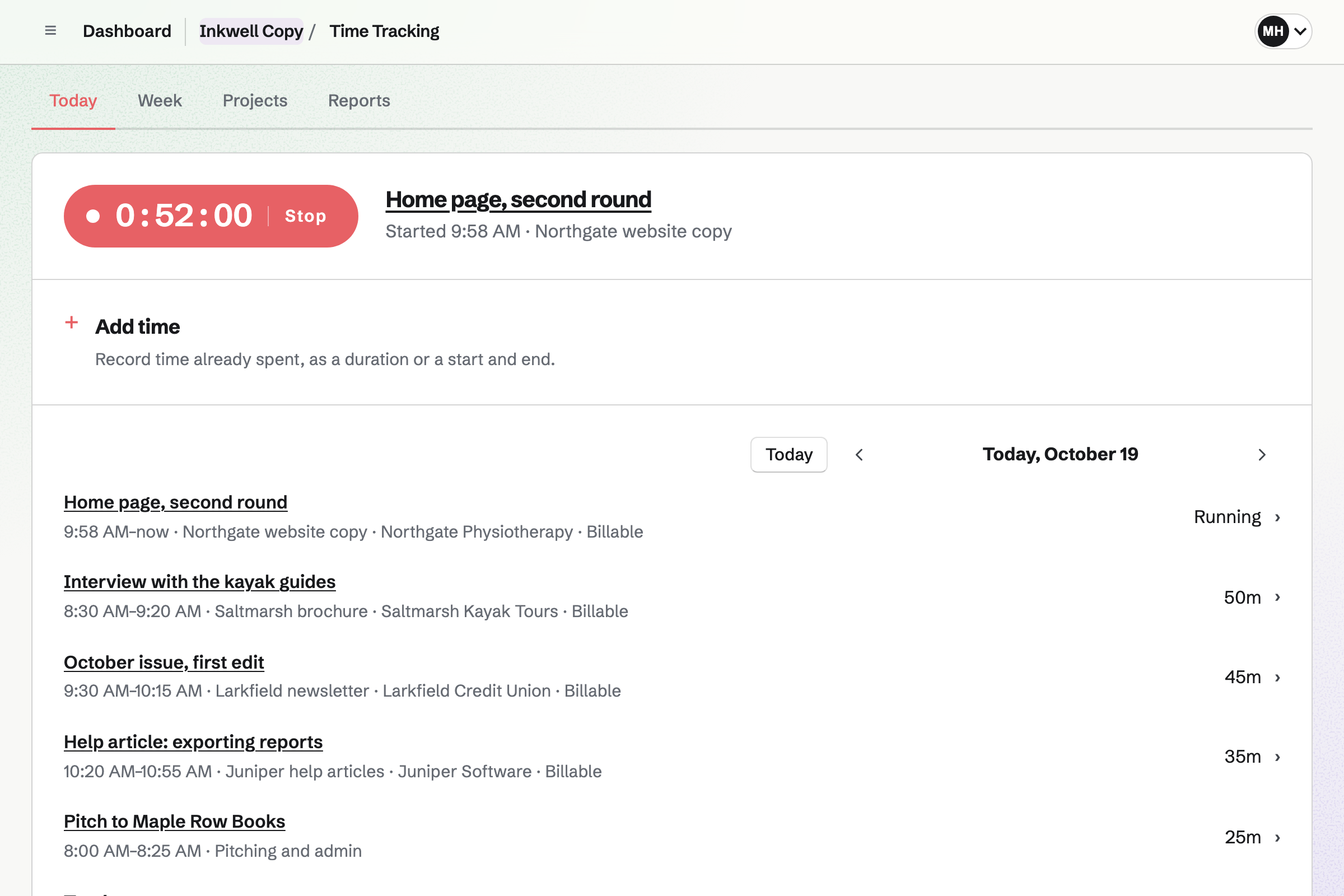
Time Tracking gives each client a project, with an hourly rate and a budget of hours. You start a timer from a To-do or the client's contact, or add the time afterwards.
Rounding can be exact, or to 5, 6, 10 or 15 minutes. The project shows how much of its budget is used.
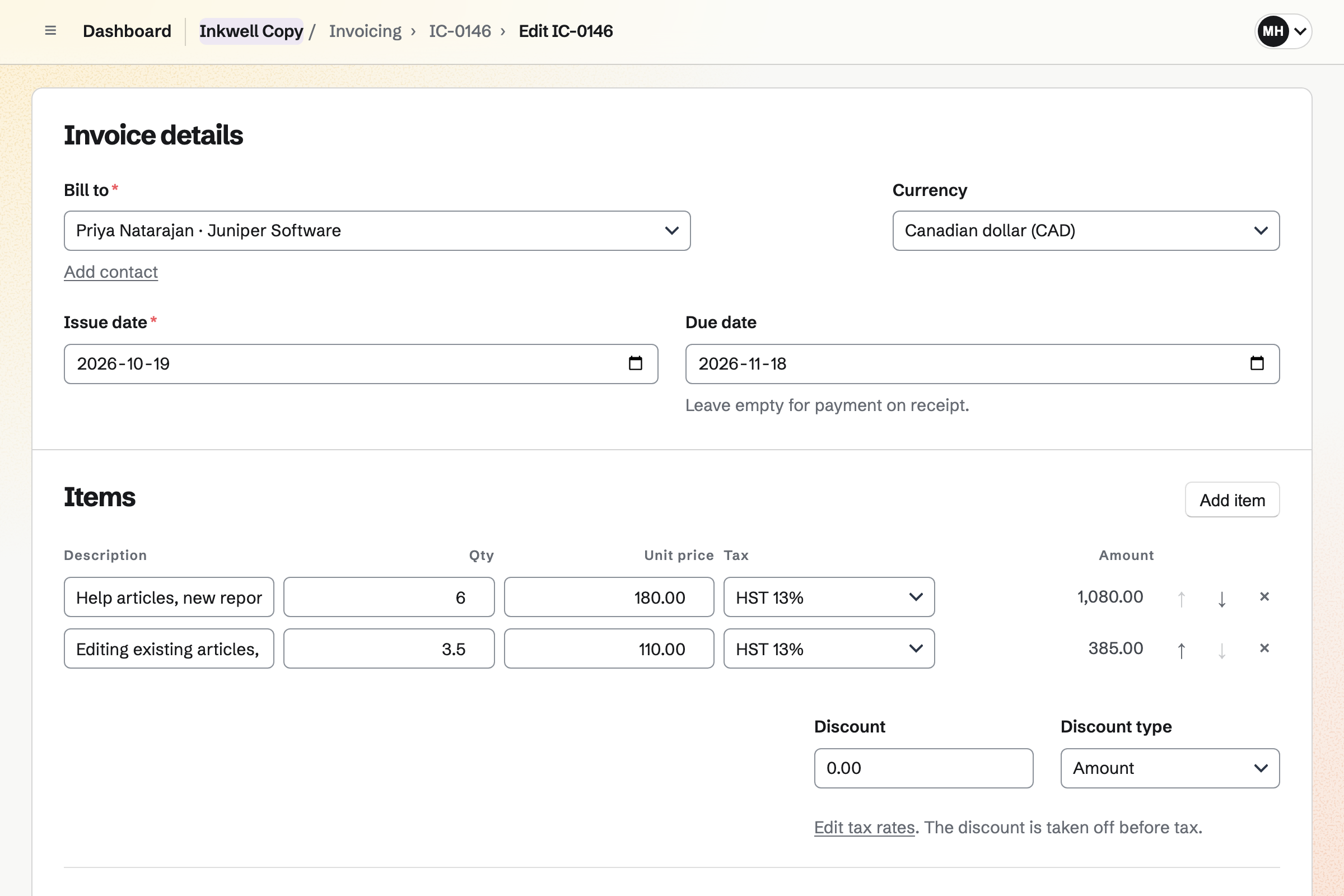
Invoicing turns the payments of a proposal into invoices. The last one takes what is left. For hourly work, Add unbilled time puts your hours on the invoice as lines.
A client on retainer can get a recurring invoice every month, such as for weekly posts. Clients pay by card into your own Stripe account.
Contacts gives each client and editor a page of their own. Its activity lists the proposals you sent, when each was opened, and every invoice.
You log calls and notes there. A follow-up reminds you to pitch again, such as before the next quarter's content.
The client's contact page lists the quote and every invoice.
The client sets eight pages and two articles, signs and pays the deposit.
You save the competitors' pages to Bookmarks, with highlights.
You write the pages in a document and name the version First draft.
The client comments and suggests changes. You accept or reject each one.
Your hours on an extra round of revisions are recorded on the client's project.
You bill the final payment and add the extra hours. The client pays by card.
You add your name, address and tax number for invoices. Help: Send and configure invoices.
You connect your Stripe account, so clients can pay by card. Help: Connect Stripe to receive money.
You open the copywriting starter, set your prices and save it as your own. Help: Proposal starters, saved sections and the price list.
You give each client's project its hourly rate and rounding. Help: Time Tracking projects, rates and tags.
A writer working alone fits Pro, the paid plan for your own work. It has no limit on proposals, invoices or contacts. A team of writers fits the Team plan, one price for up to 25 members.
On the free plan, you can send 5 proposals and create 5 invoices a month. Clients you invite to review a document join as guests, and take no member place.
Magpie adds no fee to invoice payments. Stripe's processing fee is taken from each.
A translator bills by the hour and keeps glossaries and clients' files safe.
An author writes a book in chapters, publishes it and sells it from a shop.
A newsletter writer grows a list and takes paying supporters.
A local news site runs an editorial calendar, a newsletter and paying supporters.
Yes. You share the document with the client as Can review. They comment on selected text and suggest replacement wording, and they open only that document. You accept or reject each suggestion, and they are told which.
Yes. A .docx file of up to 25 MB imports with its comments as comments. Its tracked changes become suggestions. Pictures inside the file are not imported.
Yes. Documents exports to DOCX, ODT, Markdown, HTML or plain text, and downloads a PDF. Export clean DOCX leaves out the comments and suggestions.
Yes. The word count, character count and reading time are under the page as you write.
Yes. You can name a version, such as Before client review, and open any earlier one. Restoring a version keeps later work in the history.
Yes. Documents adds footnotes, endnotes, citations and a bibliography in APA, MLA or Chicago style. A citation keeps the author, title, publisher, year and DOI.
Yes. A proposal line has a quantity, a unit and a price, such as six pages. The client can change the quantity within the limits you set. Magpie's copywriting starter does this for pages and articles.
Yes. The first payment can be a deposit, as a percentage or an amount. Its invoice is issued when the client signs. They can pay it by card straight away. The copywriting starter asks for 50%.
Yes. You record your hours on the client's project, at its rate. Add unbilled time puts them on the client's invoice as lines. Hours on an issued invoice are locked.
Yes. You make an invoice with the month's work and make it recurring. Magpie will send the same lines every month, with a Pay online button. You can change the lines, pause it or end it.
Yes. Bookmarks saves pages in collections, with a reader view, highlights and a note on each. RSS Reader follows the sites you read. A bookmark and its highlights can become a note.
Yes. Newsletter gives you a sign-up page with double opt-in. You write each issue, send a test, then send it now or schedule it. Each issue can also be a page on the web.
Yes. Secure Files sends a file of up to 2 GB by a link that expires. The link can need a passphrase, and the file is encrypted in your browser.
Magpie adds no fee to deposits or invoice payments. Stripe's processing fee is taken from each card payment. The rest goes to your own Stripe account.
Create a Magpie account and add your business details.