Painters and fine artists
An artist sells originals and prints, and keeps supporters close.
Musicians and bands
A solo artist uses Magpie in Personal. A band can work in one Magpie team.
Get started free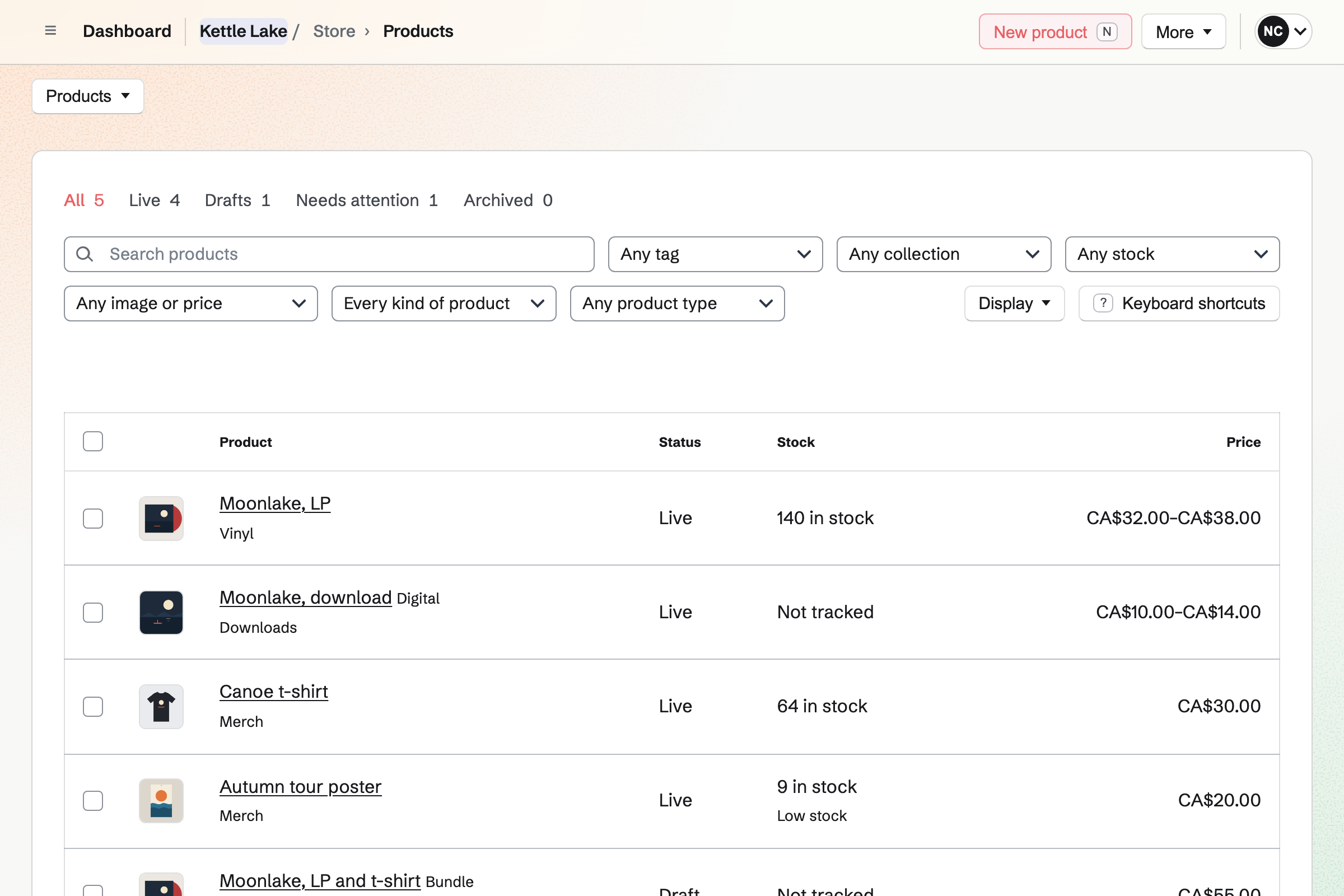
Store is your online shop. An album sells as MP3 or WAV downloads, each file up to 500 MB. Vinyl and t-shirts come in options, such as colour and size, each with its own stock.
A new record can take pre-orders, with the date it should ship. A download can be pay what you want, above a minimum you set.
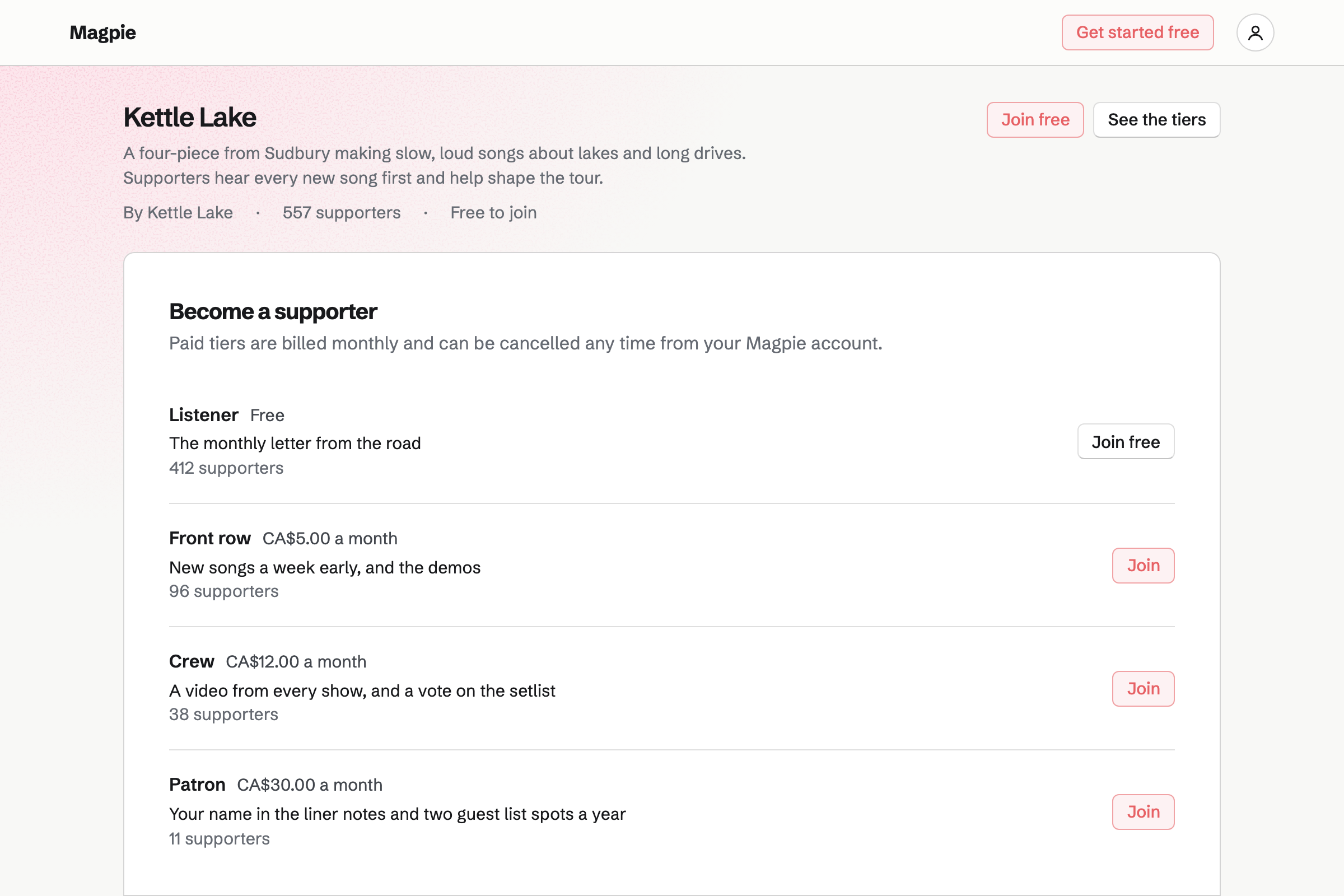
Supporters gives you a public page with a free tier and monthly paid tiers. Supporters pay by card, and the money goes to your own Stripe account.
You post updates, photos and short videos, for everyone or only for paying supporters. A post can ask a question with a poll, such as which song to play last.
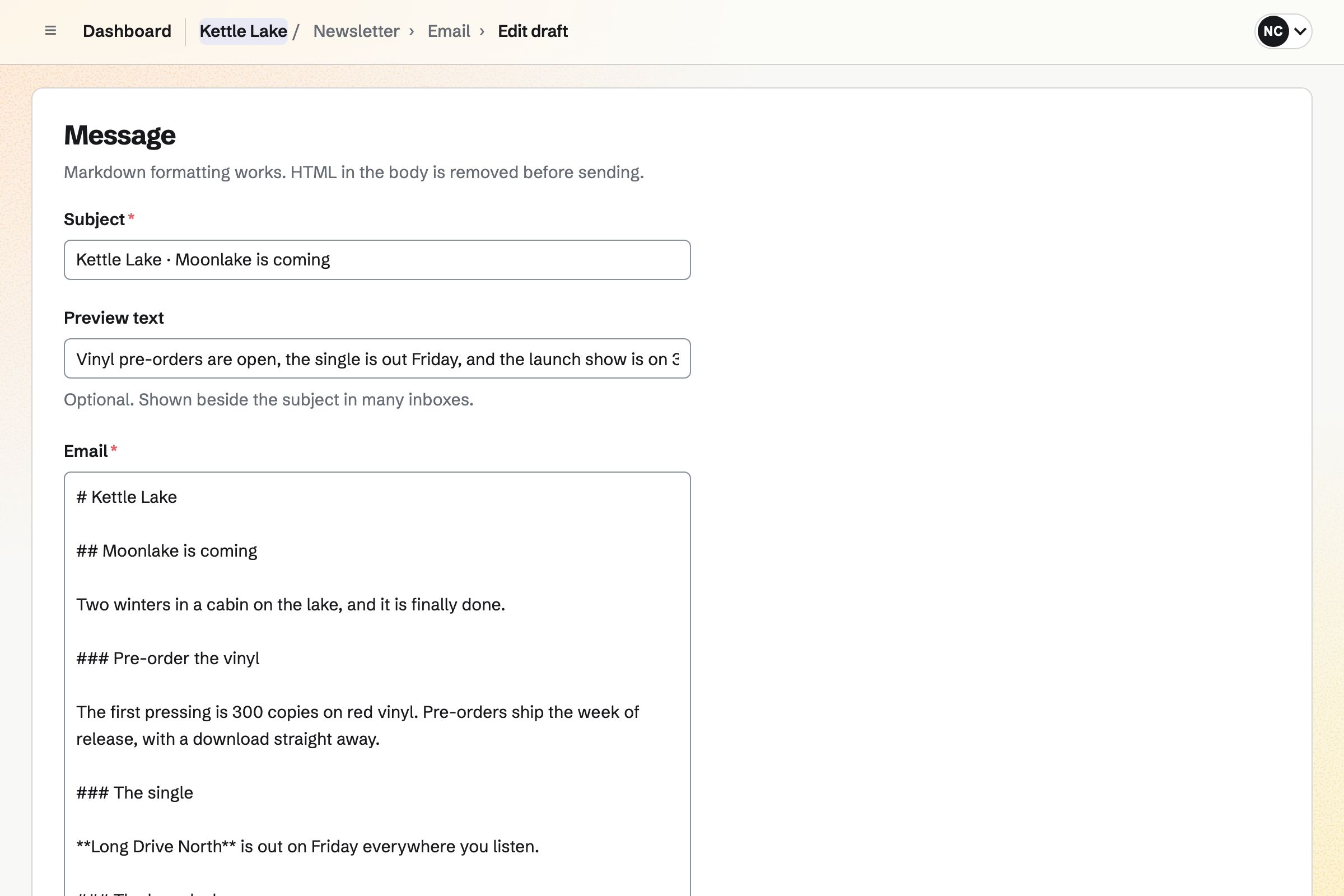
Newsletter gives you a sign-up page with double opt-in, and checkout can ask buyers to join. You write each issue, send yourself a test and schedule it.
A sent issue has a web copy, which can start a social media post. The newsletter's page counts the subscribers and the copies delivered.
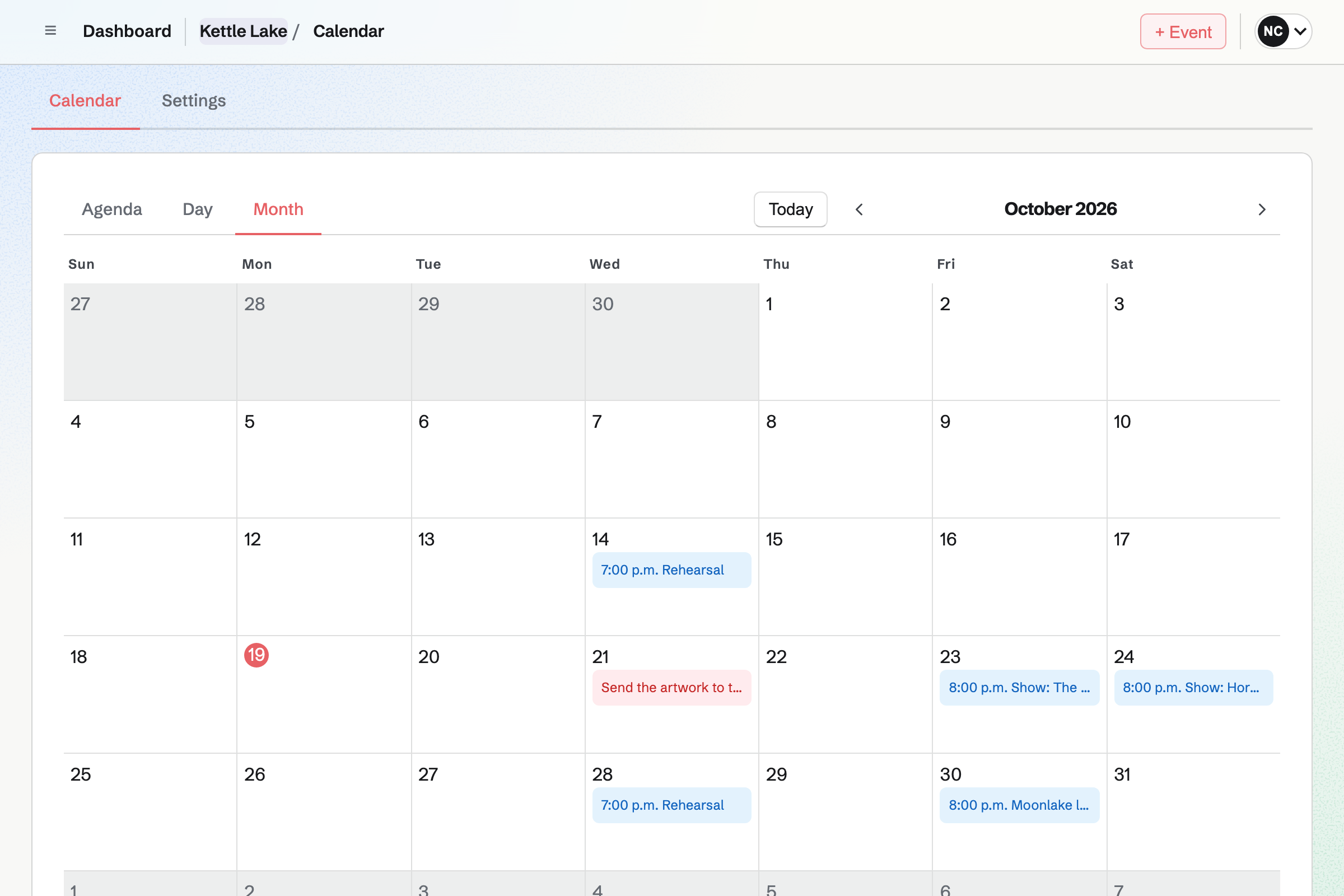
Calendar lists the gigs you set to Public calendar, at your own calendar's address. A free show can take RSVPs up to a capacity. Its page says when it is full.
Each gig's page shows the venue, the time and how many are going. Sharing a gig starts a social media post about it.
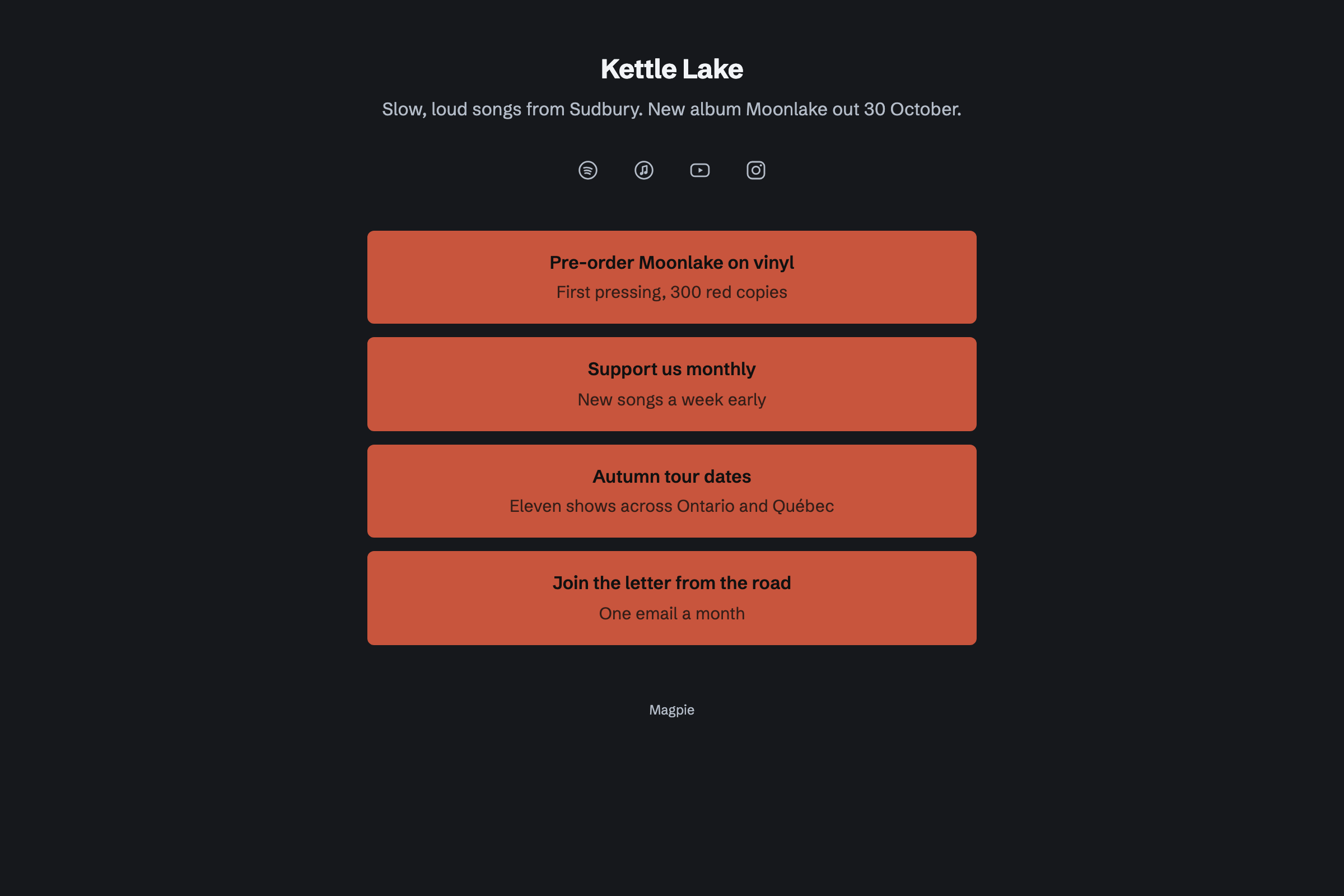
Link-In-Bio List is a page of links for your profile. Spotify, Apple Music and YouTube show as icons. A block links to your shop or your supporters page.
Analytics shows the page's views and the clicks on each link. It can use your own domain.
Social Media posts to Bluesky, Mastodon and LinkedIn at the time you choose. For Instagram, Magpie reminds you and opens it with the post filled in.
A campaign holds a release's posts, from the announcement to release day. It schedules them at your posting times.
Each step starts from what the last one made.
The vinyl takes pre-orders, with the date it should ship.
Paying supporters hear the first single in a post before anyone else.
The newsletter and a campaign of posts announce release day.
Downloads go live, and the vinyl ships as the pressing arrives.
The launch show is on your public calendar, and fans RSVP until it is full.
Merch sold at the show is recorded as orders, so the stock stays right.
You name your shop, add your records and merch, and publish it. Help: Set up and publish a Store.
You upload each album's files to its product. Help: Sell digital products, files and licence keys.
You set your free and monthly tiers. Help: Set up Supporters.
You add your profiles and the links fans need. Help: Build a Link-In-Bio List.
You connect your Stripe account, so fans can pay by card. Help: Connect Stripe to receive money.
A solo artist fits Pro, for your own work in Personal. A band fits the Team plan, one price for up to 25 members.
Magpie adds no fee to your shop's sales. Magpie's fee on supporters' payments is 3%. Stripe's processing fee is taken from each card payment. Prices are on the Pricing page.
An artist sells originals and prints, and keeps supporters close.
A podcaster records, publishes and grows a show.
A recording studio books sessions and sends stems and mixes.
An arts group runs its members, its shows and its funding.
Yes. A download product holds MP3, M4A or WAV files, each up to 500 MB. Buyers download them from the order page and the confirmation email. A Format option can sell MP3 and WAV editions at different prices.
Yes. You set a minimum price, and the buyer pays that or more. The product's price becomes the suggested amount. The minimum has to be above zero.
Yes. Sell when out of stock lets the record take orders before it arrives. An expected ship date is shown, and fans pay when they order. A Pre-orders tab lists those orders until the pressing arrives.
Yes. A bundle sells several products as one, at its own price, downloads included. Each sale takes stock from every part.
A paid tier goes to Stripe's checkout and renews monthly by card. Supporters change their card or cancel themselves. Magpie's fee is 3% of each payment, and the rest goes to your Stripe account.
Yes. A post can hold a video from Screen Recorder, or a video file you upload. It can also hold photos, text and a poll.
Yes. You set the gig to Public calendar and turn on RSVPs. A capacity closes it when it is full. People RSVP while signed in to Magpie.
Yes. New order records a sale with how the fan paid, and the item leaves stock.
Yes. Secure Files sends each file, up to 2 GB, by a link that expires. It can need a passphrase, and allow a single download.
Yes. Invoicing bills the venue or promoter, and they pay by card from the invoice email. Magpie adds no fee to invoice payments.
Magpie adds no fee to your shop's sales or invoice payments. Supporters' payments carry Magpie's 3% fee. Stripe's processing fee is taken from each card payment.
Create a Magpie account and add your next record.