Builders and renovators
A builder quotes the job and bills each stage, with the job in a portal.
Architects and interior designers
A designer working alone uses Magpie in Personal. A studio and its staff can work in one Magpie team.
Get started free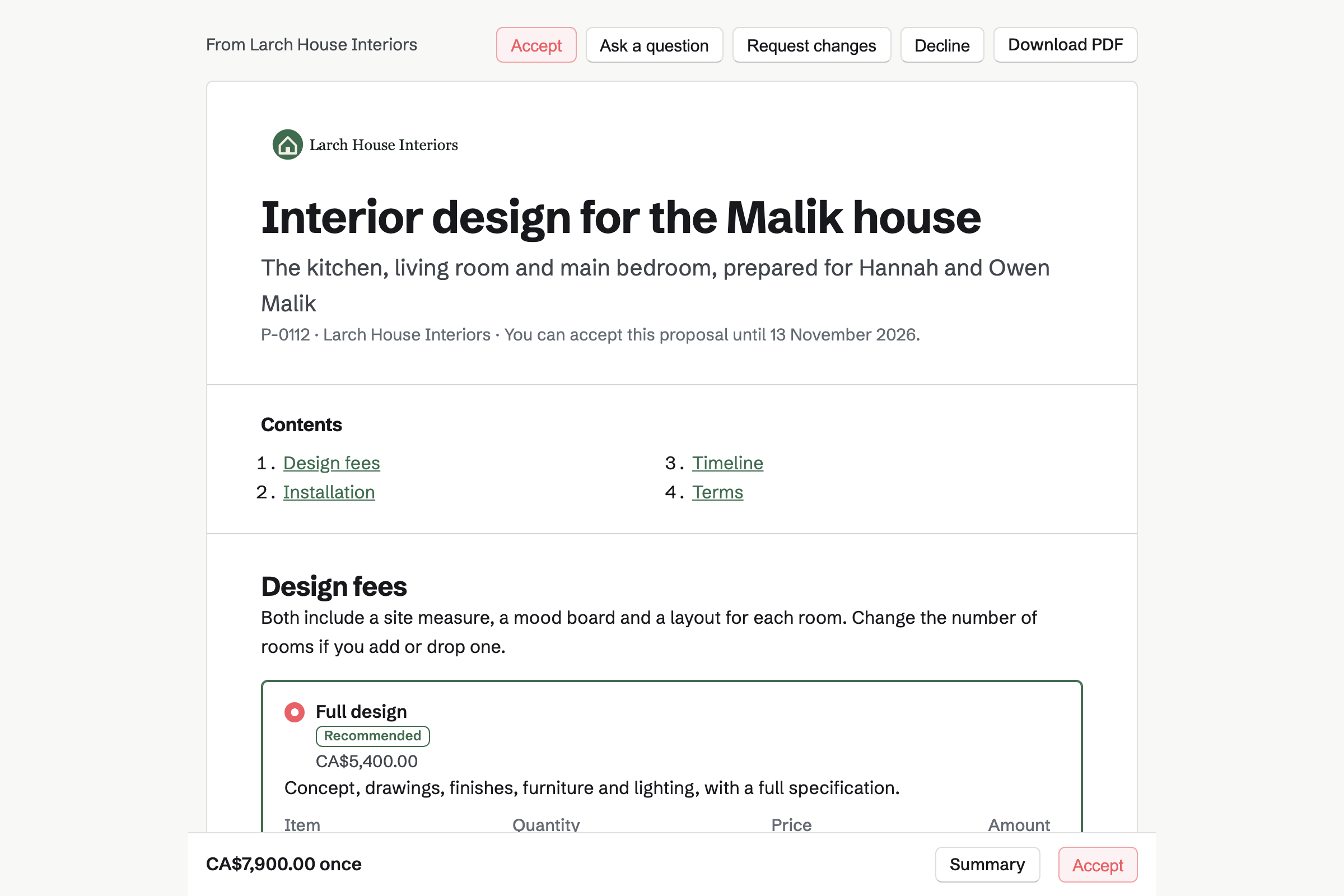
Proposals turns your fees into a proposal the client signs online. Magpie's interior design starter charges the design fee by room. The client can change the number of rooms, and add managing the installation or final styling.
Its payment schedule takes a deposit and a payment when the design is approved. The rest is due on completion, and you bill each milestone when you reach it.
Idea Boards is a freeform canvas for each project. You paste in images, links to suppliers and notes, and draw lines between them. A column keeps one room's options together.
The board stays with your team. You export it as a PDF or a PNG for the client. Download all images saves its pictures as a ZIP.
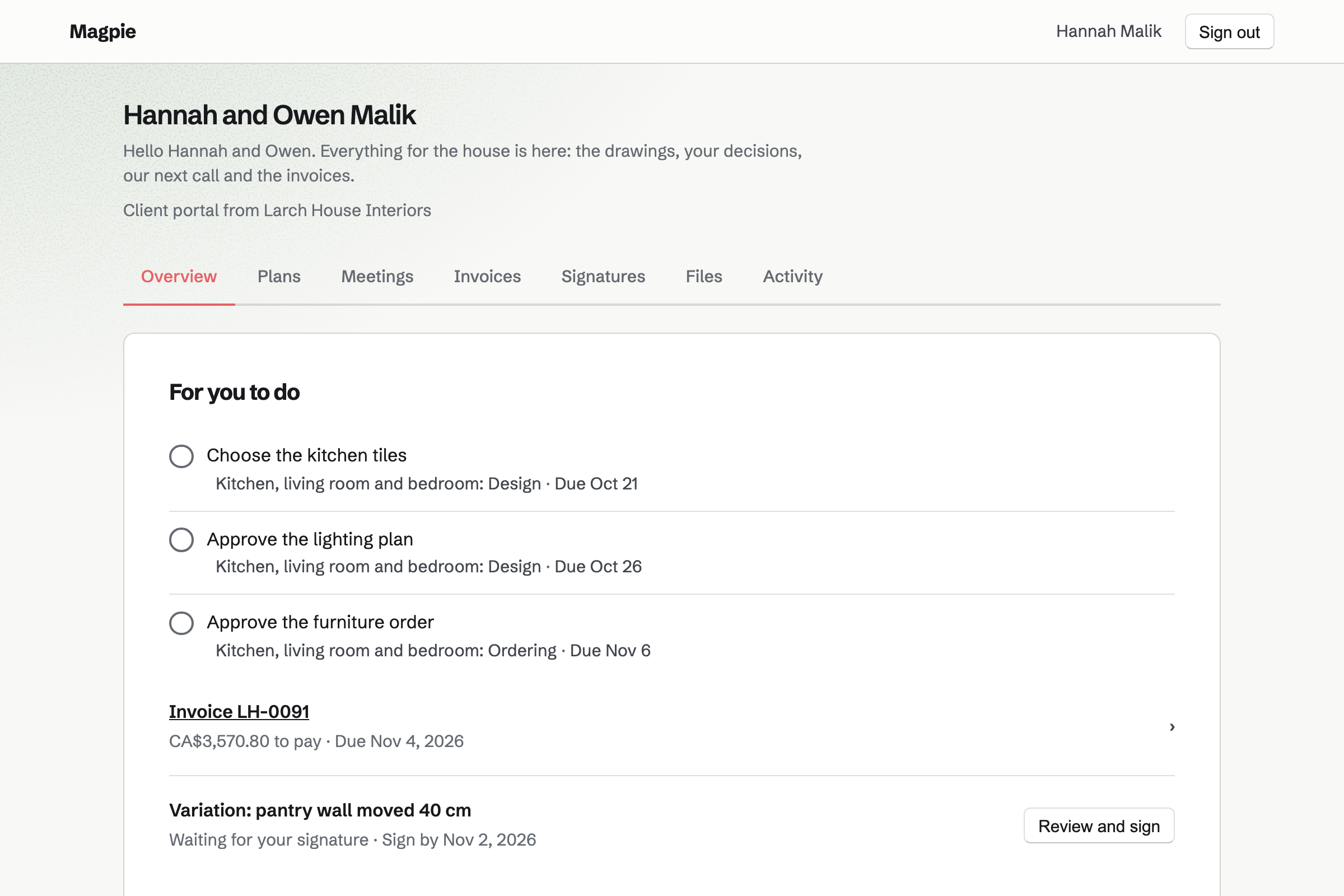
Client Portal gives each client a private page. You share drawings and the specification there, and the client uploads photos and measurements. Your CAD files can go beside the PDFs.
A plan sets out the project's stages, from concept to installation. Each decision is a step for the client, such as choosing the kitchen tiles. They tick it when it is made.
PDF Editor works on PDFs in your browser, including drawings from a client's portal. You add text, highlights, arrows, shapes and notes, saved as PDF annotations. A watermark such as Not for construction goes across every page.
Compare PDFs checks two revisions page by page. It lists the words removed and added, and marks in red what looks different.
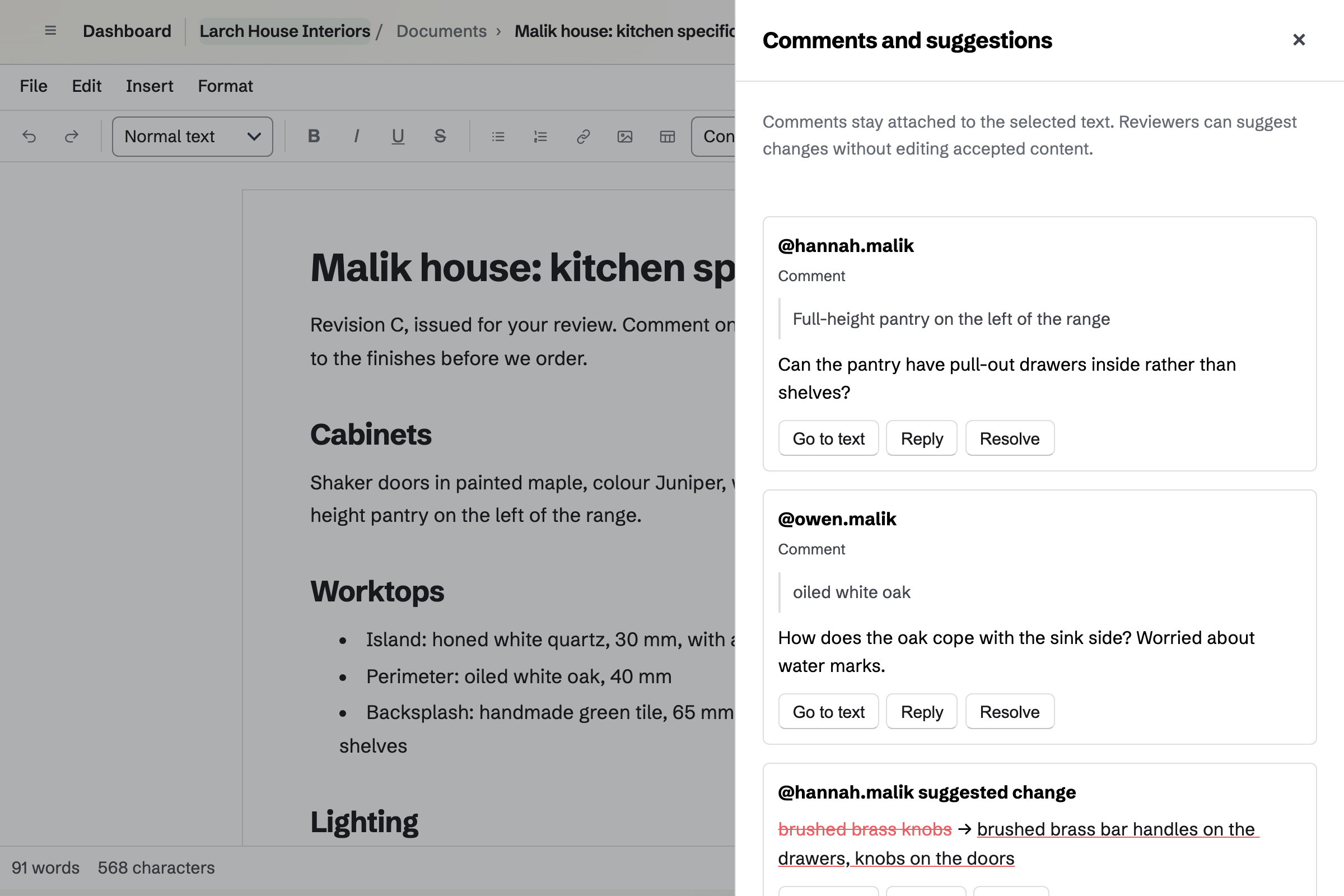
Documents holds the specification and the schedule of finishes, with tables and pictures. You share it with the client to review. They comment and suggest new wording, and nothing changes until you accept it.
A named version, such as Issued for tender, can be restored later. Download PDF makes the copy you send to the trades.
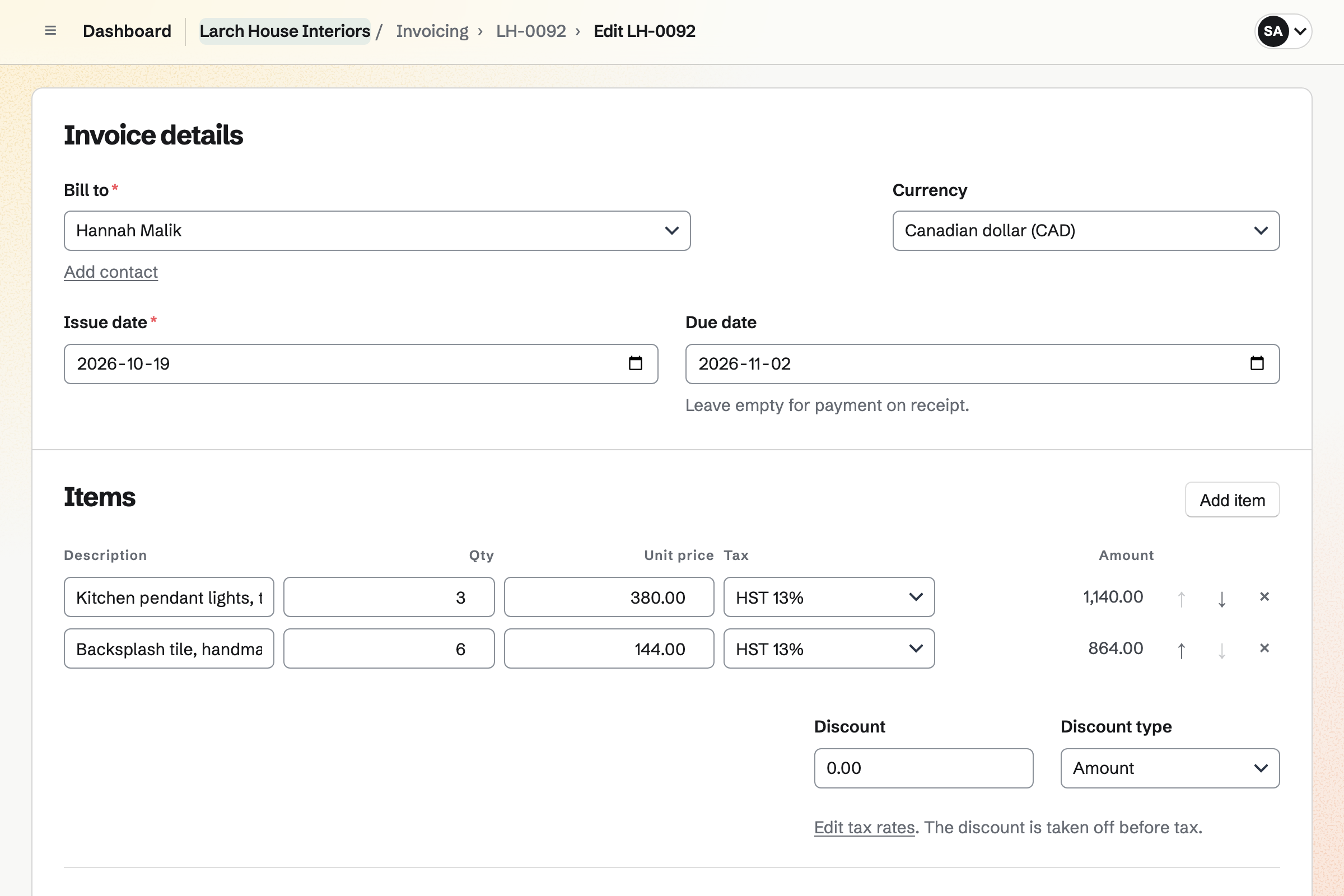
Invoicing issues the deposit invoice when the client signs. You issue each later stage's invoice when the stage is done. The last one takes whatever is left.
Furniture and finishes you buy for a client can go on their invoice as reimbursable expenses. Clients pay by card into your own Stripe account, with no Magpie fee.
The client's portal shows them where the project stands.
The client chooses the rooms and options, and signs online.
The deposit invoice is issued on signing, and the client pays it by card.
You build the mood board and export it as a PDF for the client.
You share the drawings in the portal, and mark up each revision.
The client comments on the specification, and you accept their changes.
You bill the milestone payment, and the client pays it by card.
Furniture you buy goes on an invoice at cost, then the final payment.
You add your name, address and tax number for invoices. Help: Send and configure invoices.
You connect your Stripe account, so clients can pay by card. Help: Connect Stripe to receive money.
You open the interior design starter, set your fee per room, and save it. Help: Proposal starters, saved sections and the price list.
You make a starter plan with your stages, from concept to installation. Help: Reuse your process with starter plans.
You make a portal for your first client and share the brief. Help: Create a Client Portal.
A designer working alone fits Pro, for your own work in Personal. A studio fits the Team plan, one price for up to 25 members.
Portal files count against the file storage of the member who shares them. Each file can be up to 500 MB.
On the free plan, you can send 5 proposals and create 5 invoices a month. Magpie adds no fee to invoice payments. Prices are on the Pricing page.
A builder quotes the job and bills each stage, with the job in a portal.
A graphic designer quotes brand work and hands over the brand as a site.
An event planner designs a day with a couple, and books the suppliers.
Yes. The interior design starter prices the design by room. The client can change the number of rooms, and add managing the installation or final styling. You can change every line, or price by stage instead.
Yes. The starter takes 40% as a deposit and 40% when the design is approved. The rest is due on completion. The deposit invoice is issued when the client signs. You bill each later stage when you reach it.
Yes. A portal takes up to 20 files at once, each up to 500 MB. CAD files, images and PDFs can all be shared. Secure Files can also send a set by a link that expires.
Yes. PDF Editor adds text, highlights, freehand lines, rectangles, ellipses, arrows and notes. They are saved as PDF annotations that other PDF readers show. The PDF stays in your browser unless you save the result.
Yes. Compare PDFs checks two PDFs page by page. For each page that differs, it lists the words removed and added. It shows both pages with an image that marks in red what looks different.
Yes. An Idea Board takes images, notes, links and to-do lists anywhere on its canvas. A column stacks one room's options in order. You export the board as a PDF or a PNG to send the client.
Yes. Clients upload files on their portal's Overview or Files section. Each upload is listed with who sent it and when, and shows in the portal's activity.
Yes. You share the document with the client as a reviewer. They comment on the text and suggest changes, and you accept or reject each one. Named versions keep each stage you issued.
Yes. You record each purchase in Expenses, mark it reimbursable and choose the client. Add unbilled expenses puts it on their invoice. It is marked billed once the invoice is issued.
Yes. You record the hours in Time Tracking on the client's project, at its rate. Add unbilled time puts them on an invoice as lines. Time on an issued invoice is locked.
Yes. Each snag is an issue in Issues, with its status and who is fixing it. The client can report one through a public issue form. The form takes a title, a description and an optional email address.
Yes. Present opens your deck full screen in a new tab. Once you publish it, its link opens for anyone without signing in. Export PDF makes one page for each slide.
Magpie adds no fee to invoice payments. Stripe's processing fee is taken from each card payment. The rest goes to your own Stripe account.
Create a Magpie account and set your design fee.