Musicians and bands
A band that writes its own music sells records and merch, and plays gigs.
DJs, bands for hire and party entertainers
A DJ working alone uses Magpie in Personal. A company with several DJs or a band can work in one Magpie team.
Get started free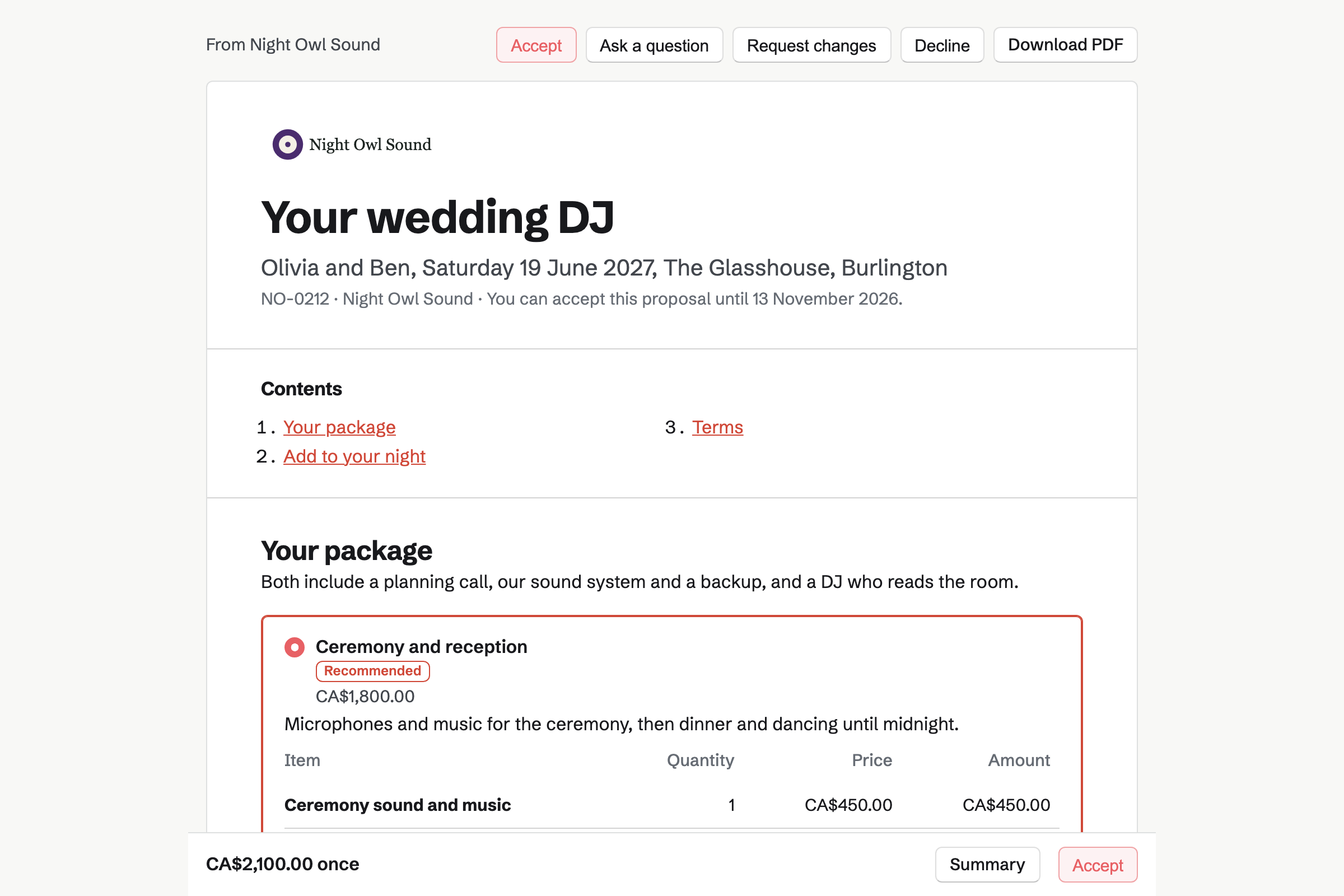
Forms builds your enquiry page, with the date, the venue and the kind of event. You are emailed each one, and mark it Reviewed once you reply.
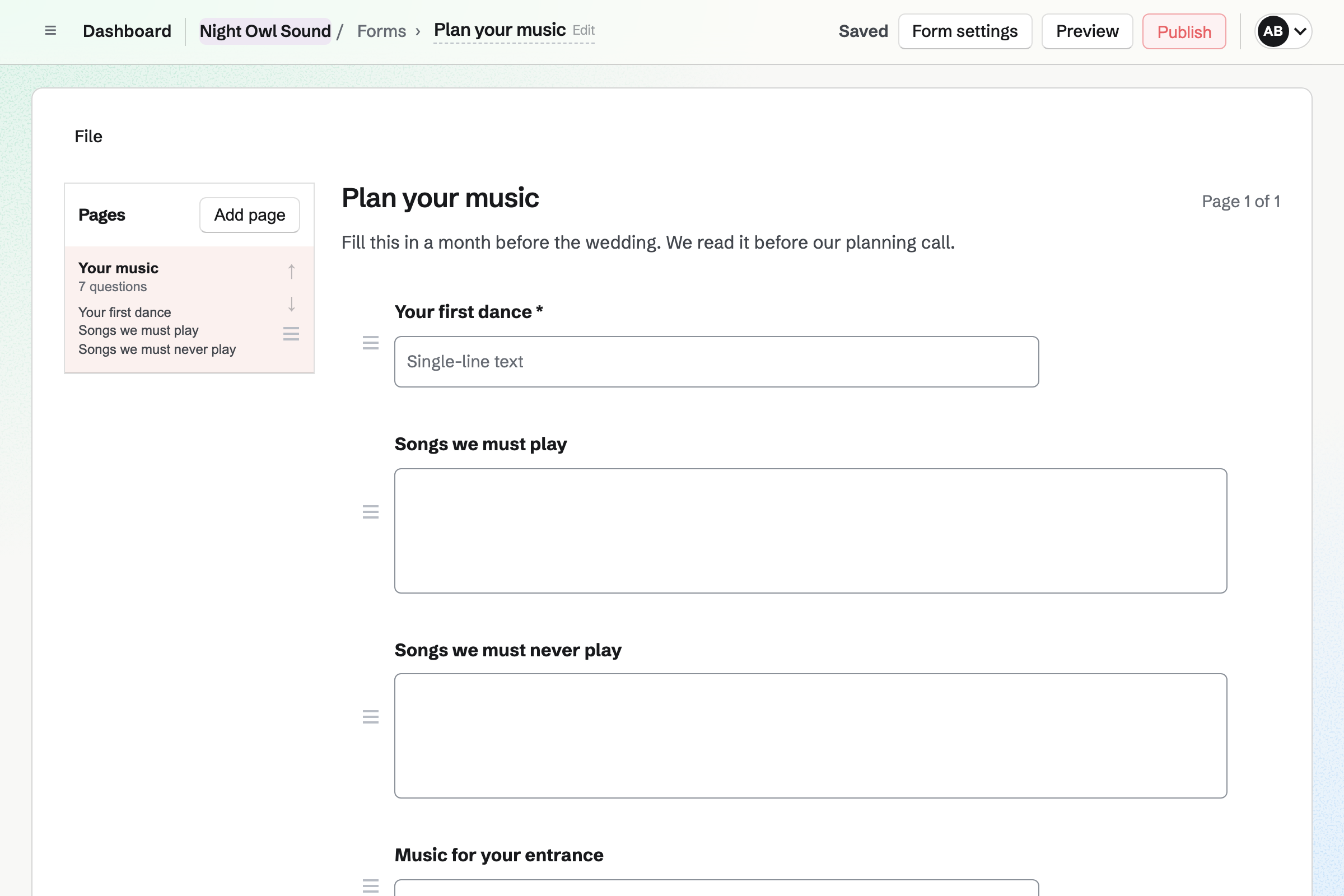
A second form plans the music: the first dance, the must-play list and the do-not-play list. Its answers download as a CSV file.
Proposals turns your packages into a proposal the client signs online. Ceremony and reception, or reception only, can be packages. Uplighting and extra hours are options they add.
The deposit invoice is issued as they sign, and they can pay it by card. You can see each time the proposal is opened.
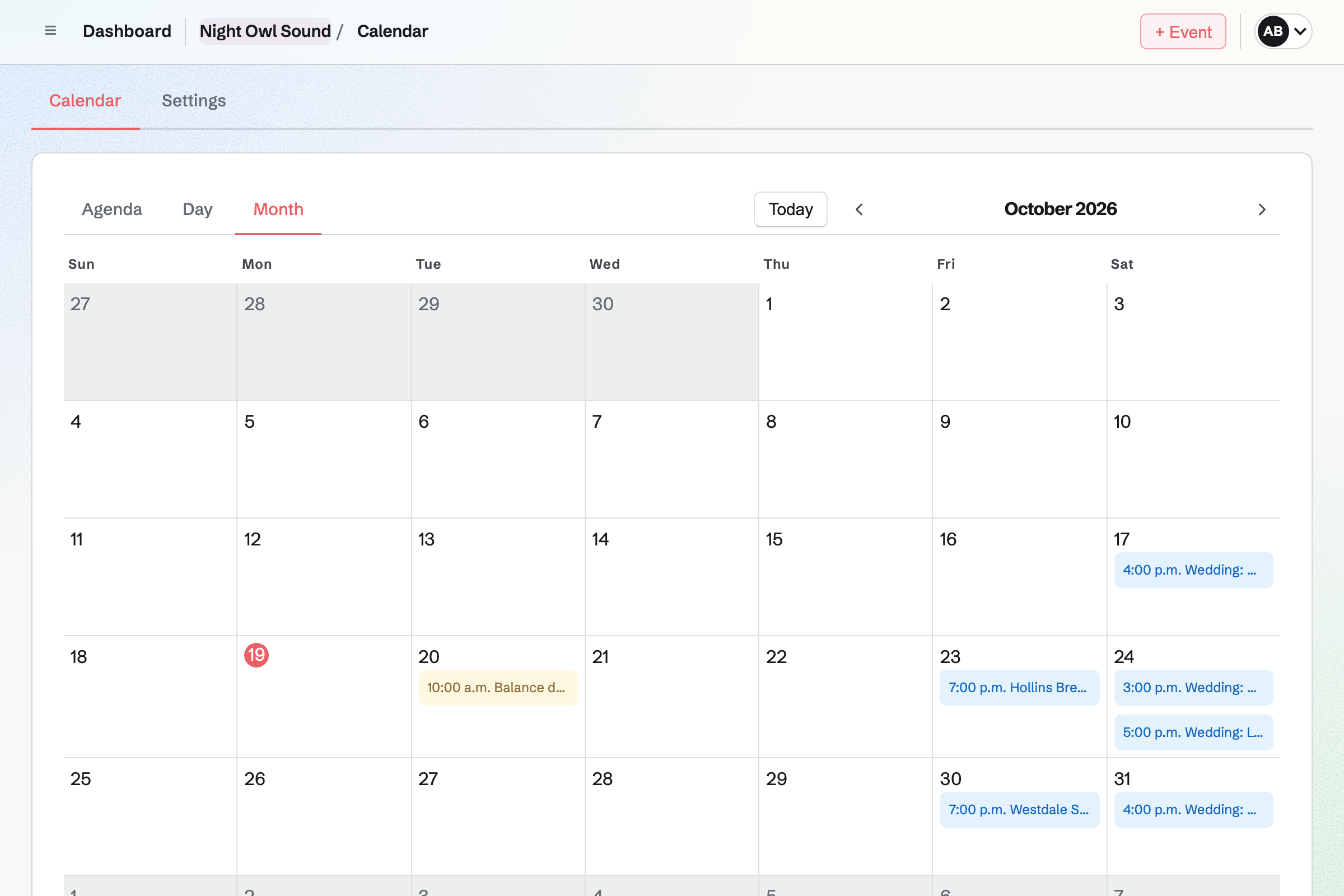
Calendar keeps each booking as an event, with the venue and the times. A team's calendar shows every DJ's or band member's bookings together.
With Google Calendar connected, your bookings can be added to your Google calendar.
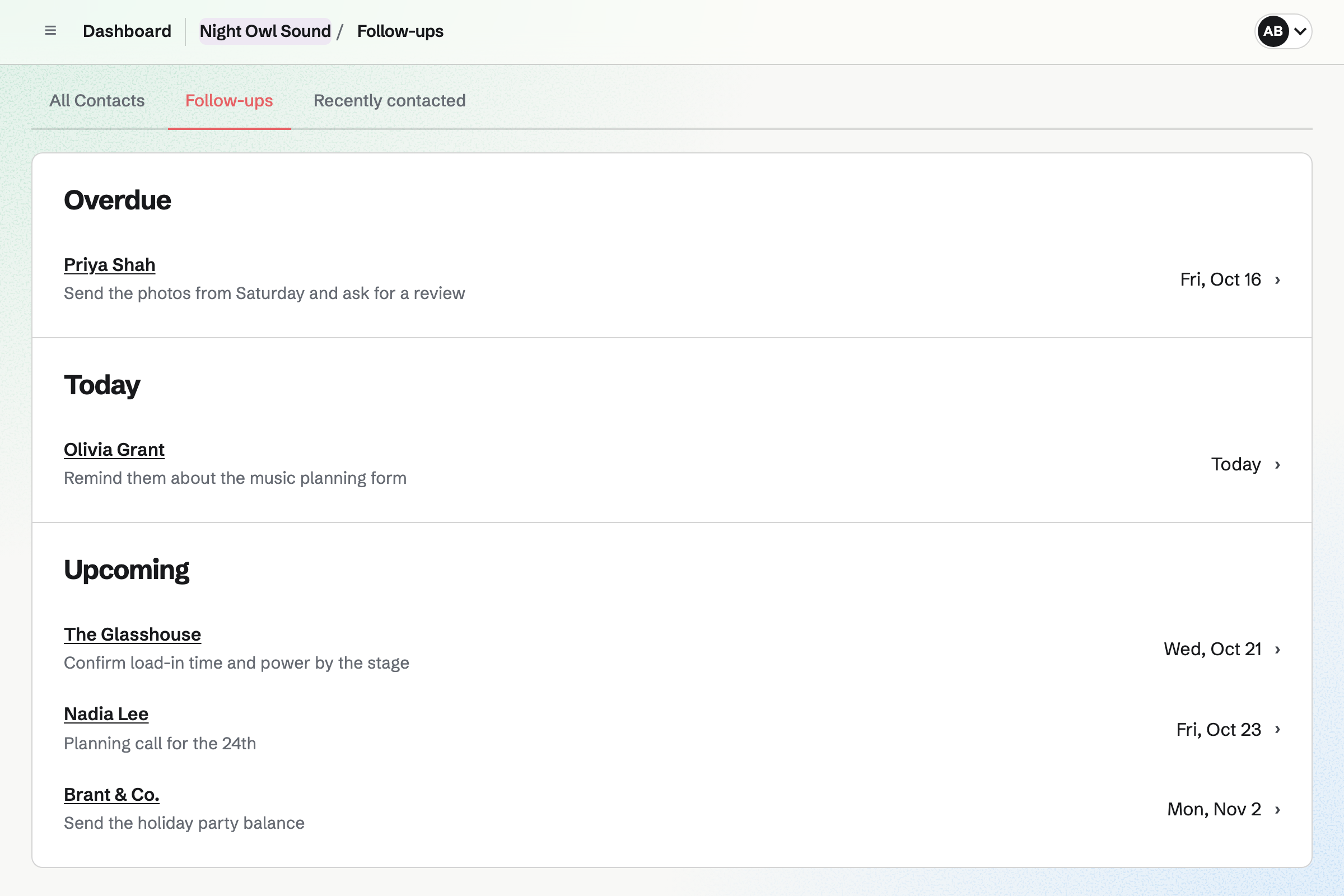
Contacts keeps a page for each client and each venue you play. A pinned note holds the load-in time and where to park at a venue.
A follow-up sets the day to call, such as a month before the wedding. The follow-ups list shows what is due.
Invoicing bills the proposal's final payment when you choose, for whatever is left. An extra hour on the night goes on as a line of its own.
Clients pay by card into your own Stripe account, with no Magpie fee.
Everything about one booking stays on the client's contact.
The couple ask about their date on your enquiry form.
You check your calendar and send the package, and they sign with a deposit.
The booking goes on your calendar, with the venue and times.
A month before, they fill in the music planning form.
You bill the balance two weeks before, and it is paid by card.
You play, and an extra hour goes on a final invoice.
You add the date, the venue and the event, and publish it. Help: Build, publish, and share a form.
You save your packages, options and deposit in a starter. Help: Proposal starters, saved sections and the price list.
You connect it, so your bookings sit beside the rest of your life. Help: Connect Google Calendar.
You connect your Stripe account, so clients can pay by card. Help: Connect Stripe to receive money.
A DJ working alone fits Pro, for your own work in Personal. A company or a band fits the Team plan, one price for up to 25 members.
On the free plan, you can send 5 proposals and create 5 invoices a month. Magpie adds no fee to invoice payments. Stripe's processing fee is taken from each card payment. Prices are on the Pricing page.
A band that writes its own music sells records and merch, and plays gigs.
An event planner runs the whole day, from the venue to the suppliers.
A photographer quotes the day with packages, and delivers the photos.
Yes. Your enquiry form asks for the date, the venue and the kind of event. You are emailed each one, check your calendar and reply.
Yes. Each package has its own lines and price, such as ceremony and reception, or reception only. Uplighting and an extra hour can be options the client adds. You can change every line.
Yes. The proposal's payment schedule takes a deposit when the client signs. Its invoice is issued at once, and they can pay it by card. You bill the balance when you choose.
Yes. A music planning form asks for the first dance, the must-play songs and the do-not-play list. Each answer is kept with the response, and you are emailed when it arrives.
Yes. A team's calendar shows every booking together, with the venue and times. Each DJ can add their own bookings.
In a pinned note on the venue's contact. It can hold the load-in time and where to park. Invoices sent to the venue show in its history.
Yes. You add it as a line on the final invoice, with its price. The client pays by card from the invoice email.
Magpie adds no fee to invoice payments. Stripe's processing fee is taken from each card payment. The rest goes to your own Stripe account.
Create a Magpie account and make your enquiry form.