Photographers
A photographer quotes each shoot with packages and delivers the photos.
Videographers and video editors
A videographer working alone uses Magpie in Personal. A production company and its crew can work in one Magpie team.
Get started free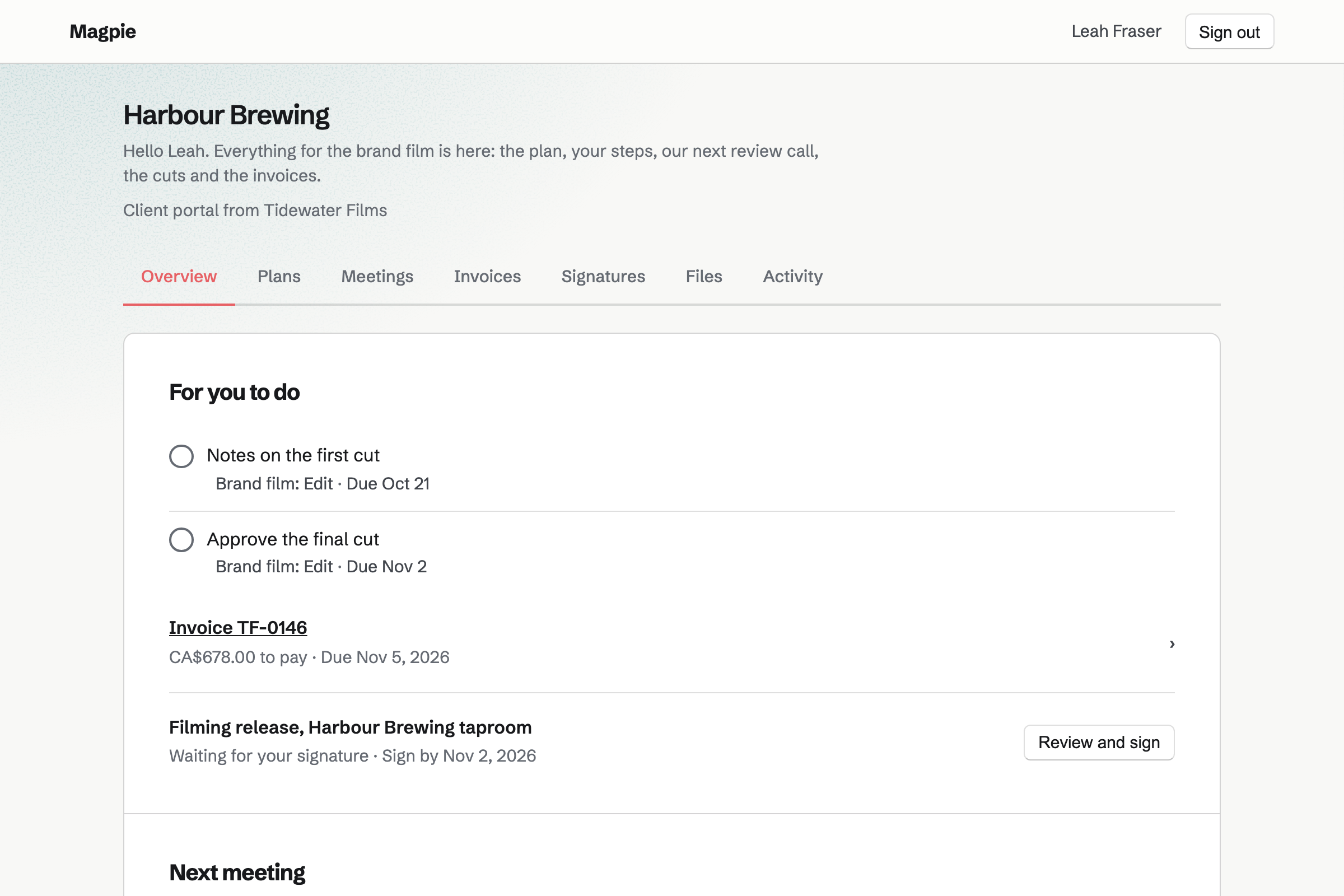
Proposals turns your rates into a proposal the client signs online. Magpie's video production starter has pre-production, filming days, editing and colour, and licensed music. Short versions for social media are an option.
The deposit invoice is issued as they sign. Magpie can also make the project's Time Tracking project and share the proposal in their portal.
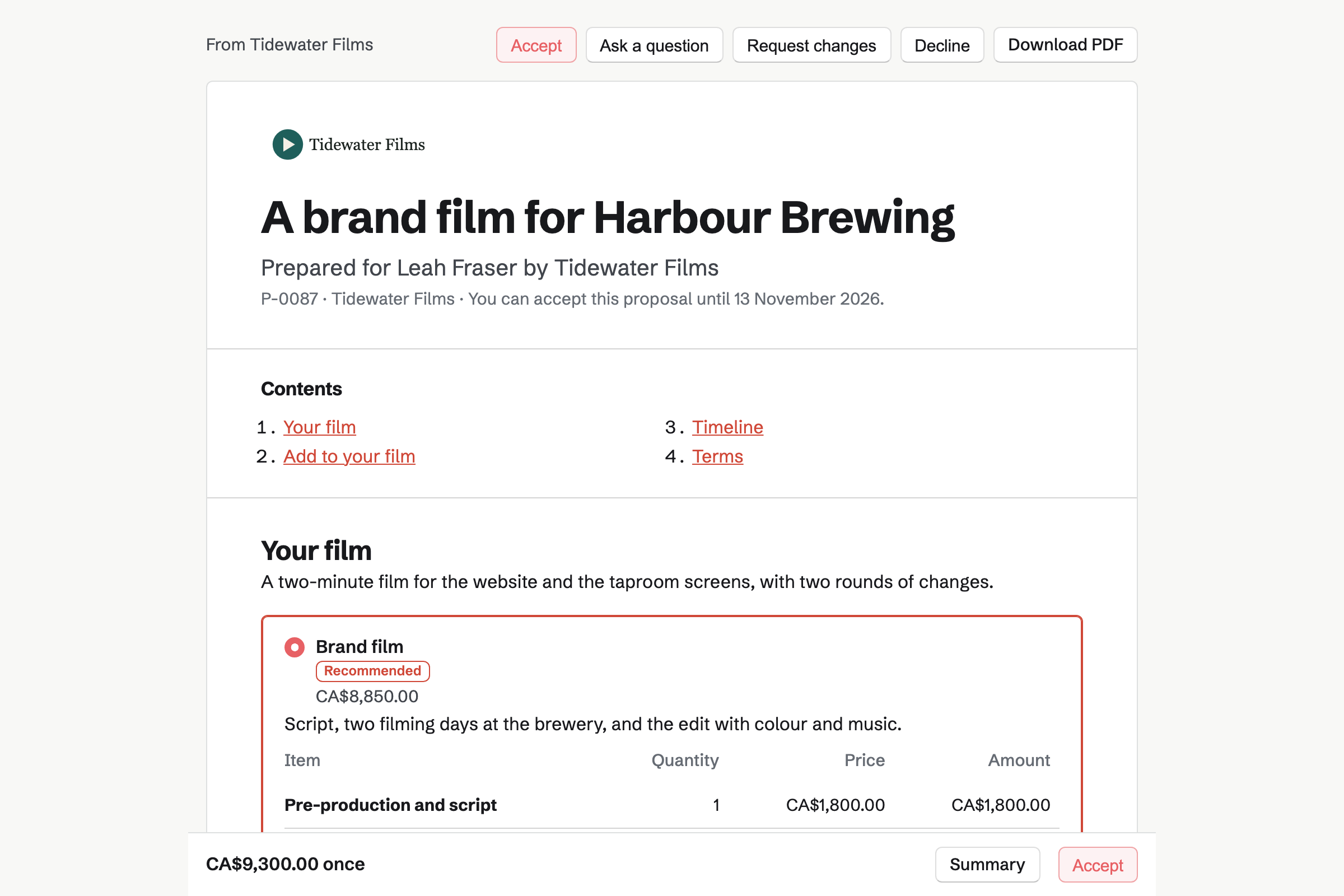
Client Portal gives each client a private page. A plan sets out the stages, from the script to delivery. Steps such as approving the script are for the client, who ticks them.
You share the shot list and rough cuts there, each file up to 500 MB. A review call you share shows on their Overview.
Screen Recorder records your screen with your camera in a corner. You play the cut and explain your choices, then trim it and send its link.
Its analytics show the views, how far viewers watched and the links they clicked. A form on the share page can collect the client's notes.
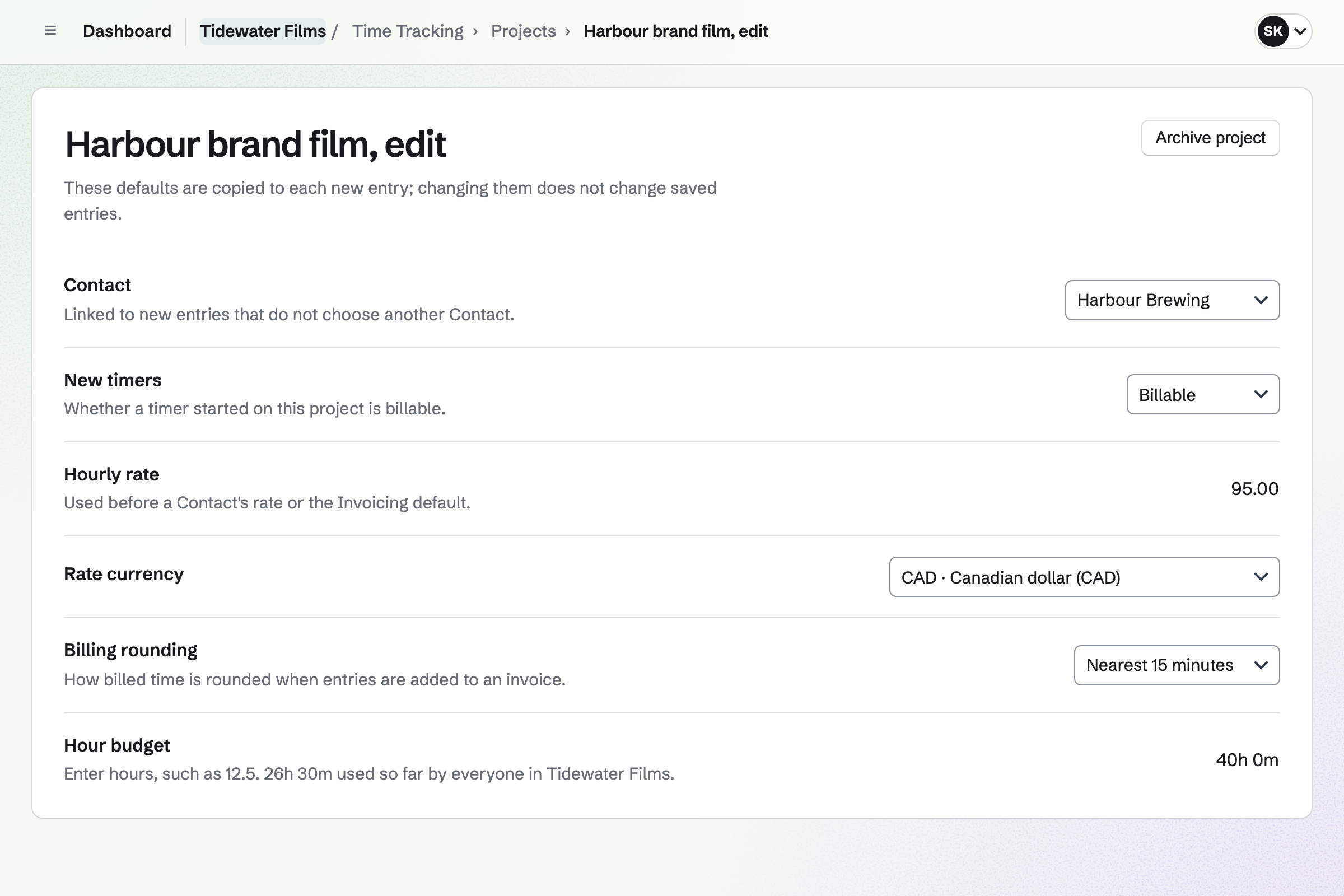
Time Tracking records your hours on each client's project, with a timer or by hand. Each project has a rate and a budget of hours, and shows how much is used.
Hours over the quote go on an invoice with Add unbilled time. Reports total the hours by client, and export as CSV.
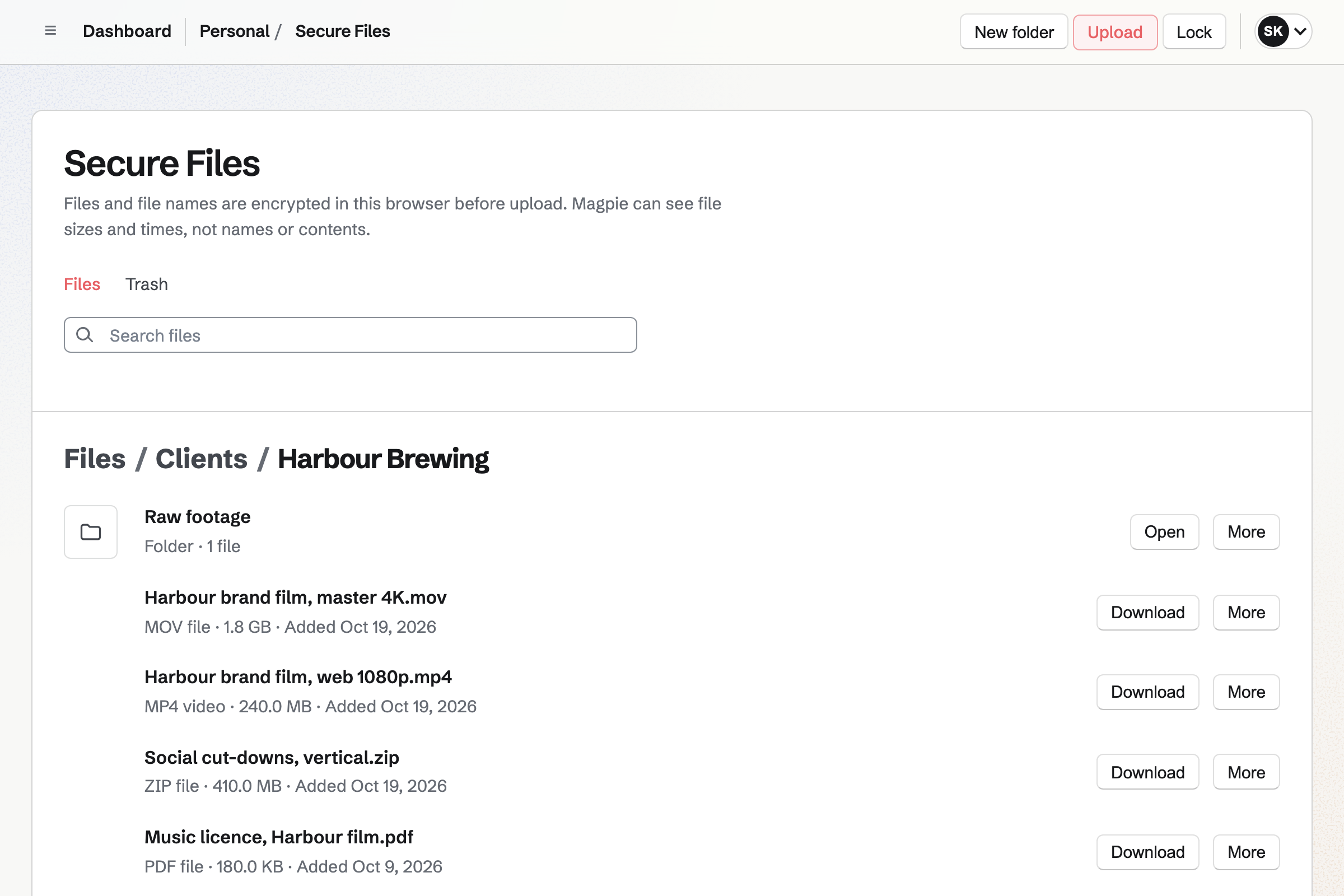
Secure Files is your own encrypted store, with a folder for each project. Each file can be up to 2 GB, encrypted in your browser before it is saved.
A secure link sends one file, such as the 4K master, and expires when you choose. It can need a passphrase, and allow a single download.
Invoicing bills the proposal's final payment when you deliver, for whatever is left. An extra round of changes goes on as a line of its own.
Clients pay by card into your own Stripe account, with no Magpie fee.
The client's portal shows them where the project stands.
The client signs for two filming days and the edit, and pays the deposit.
The proposal is shared in their portal, with the project's plan.
The client approves the script and ticks their step.
You send a recording walking them through the first cut.
The final master goes out on a secure link, with a passphrase.
You bill the rest, with an extra round of changes, and it is paid by card.
You open the video production starter, set your day rate and deposit, and save it. Help: Proposal starters, saved sections and the price list.
You make a starter plan, from the script to delivery. Help: Reuse your process with starter plans.
You set up Password Vault, which Secure Files uses to encrypt. Help: Secure Files.
You add each client's project with its rate and hour budget. Help: Time Tracking projects, rates and tags.
You connect your Stripe account, so clients can pay by card. Help: Connect Stripe to receive money.
A videographer working alone fits Pro, for your own work in Personal. A production company fits the Team plan, one price for up to 25 members.
Recordings run up to 30 minutes on a paid plan, and 3 on the free plan. Secure Files uses your own storage: 1 GB free and 20 GB on Pro.
Magpie adds no fee to invoice payments. Stripe's processing fee is taken from each card payment. Prices are on the Pricing page.
A photographer quotes each shoot with packages and delivers the photos.
A video creator makes and publishes videos of their own.
A podcaster records, publishes and grows a show.
Yes. The video production starter has lines for pre-production, filming days, editing and colour, and licensed music. Short versions for social media are an option the client can add by the number.
Yes. The starter takes 50% when the client signs. Its invoice is issued at once, and they can pay it by card. You bill the rest on delivery.
You share it in the client's portal, up to 500 MB a file. The client downloads it from their Files section, with a record of when it was shared.
Yes. Screen Recorder records your screen and your camera as you play the cut and talk. You trim the recording and send its link. Its analytics show how far viewers watched.
Yes. A form attached to the recording's share page can ask for their notes. They can list the timecodes they want changed. Each response is kept with the form.
From Secure Files, with a secure link for the file. Each file can be up to 2 GB. The link expires when you choose, and can need a passphrase.
Yes. You record them on the client's project, at its rate, against its budget of hours. Add unbilled time puts hours over the quote on an invoice.
Yes. Clients upload files to their portal, video included, up to 500 MB each. Each upload shows who sent it and when.
Magpie adds no fee to invoice payments. Stripe's processing fee is taken from each card payment. The rest goes to your own Stripe account.
Create a Magpie account and set your day rate.