Etsy and handmade sellers
An Etsy seller sells mostly online, with personalised listings and downloads. They also take requests for custom orders.
Market, craft fair and pop-up sellers
You can run the stall and the shop on your own, in one Magpie account. Someone who helps at the stall can join you in a team.
Get started free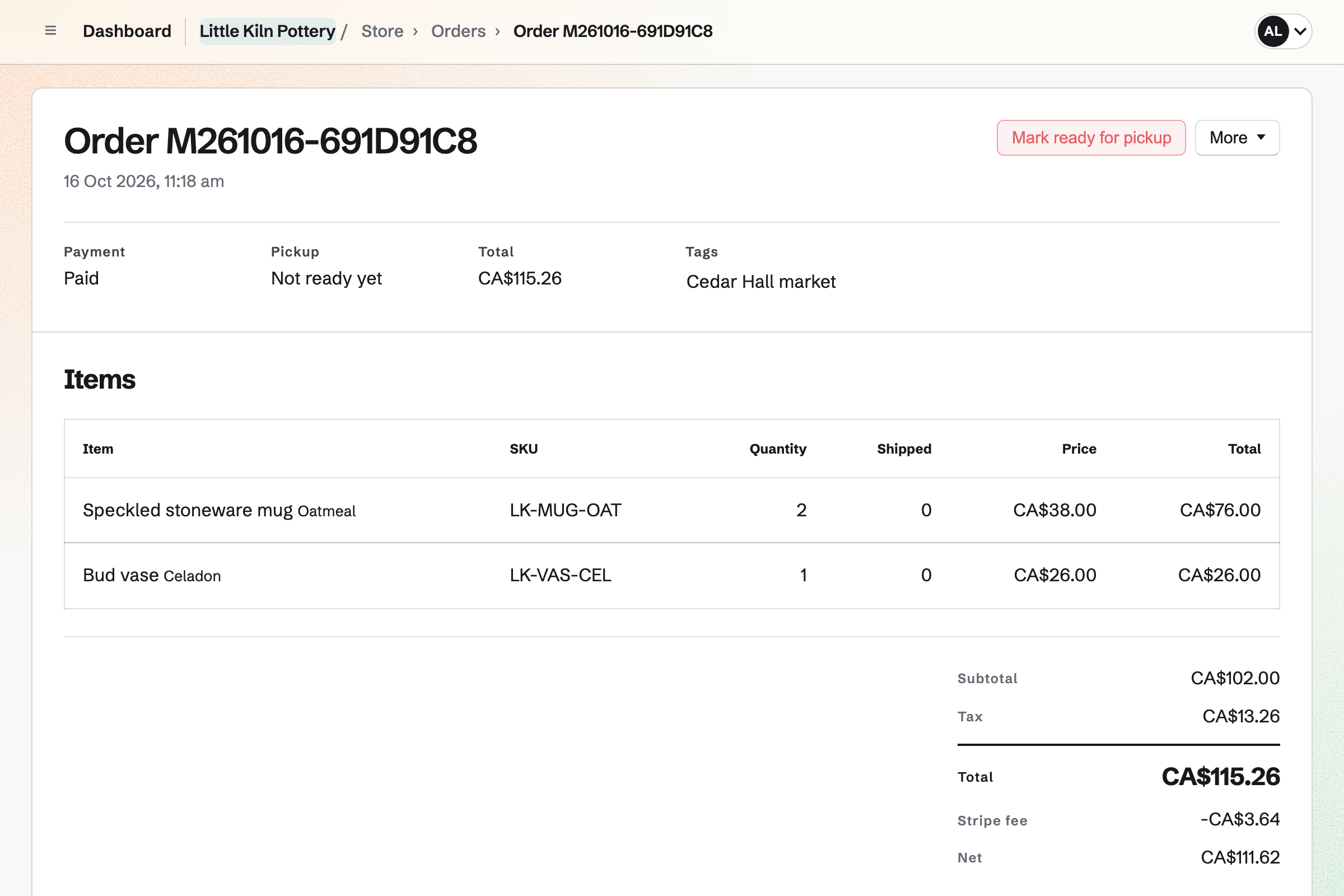
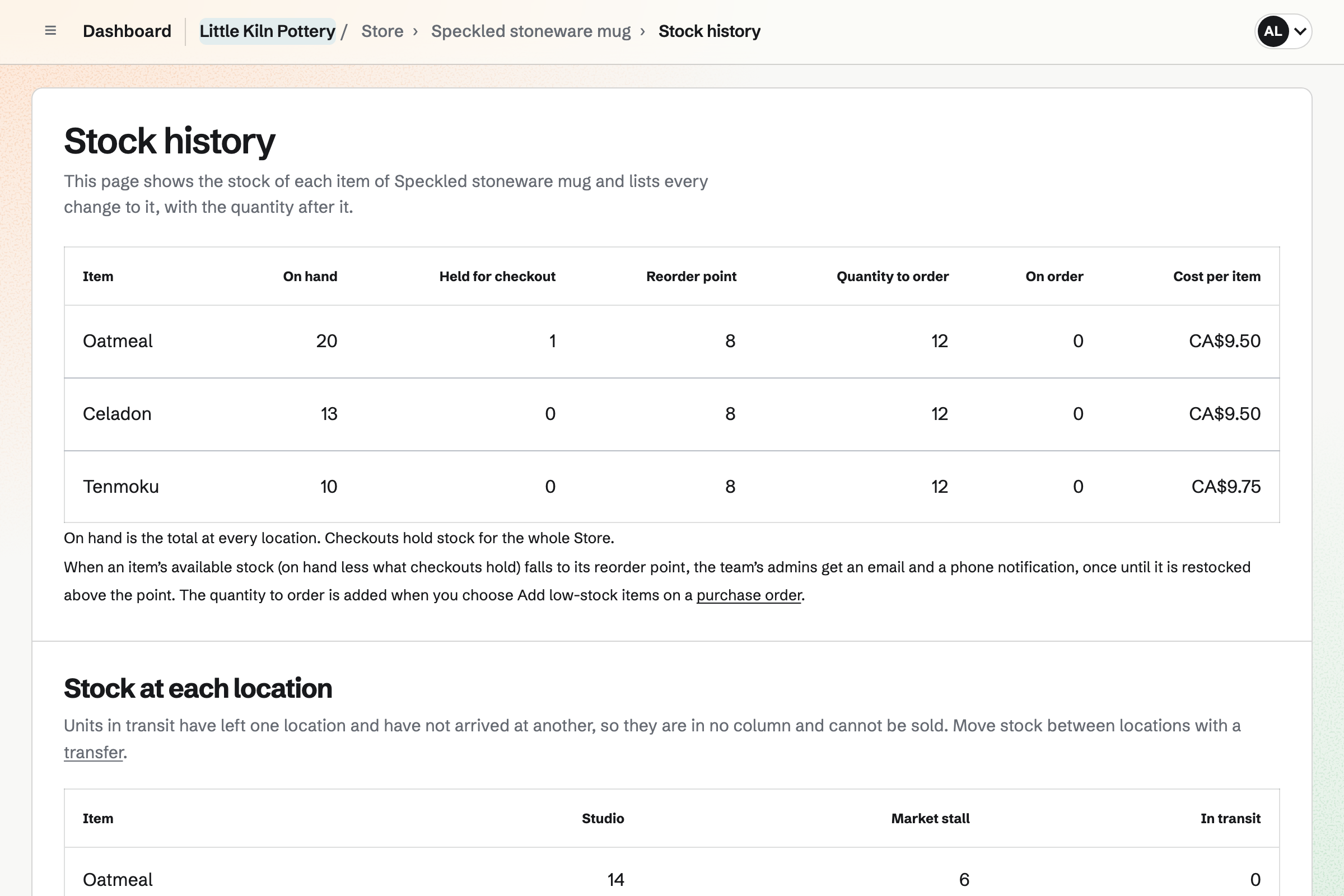
Store is your online shop, and it counts the stall's stock too. The stall is a stock location beside your main one. You move what you take to a market with a transfer. Each product shows what is at home and at the stall.
Between markets, the same products sell online, paid into your own Stripe account. A buyer can choose to collect their order at the stall. You record each cash sale as an order. Pickup orders and cash sales both come out of the stall's stock.
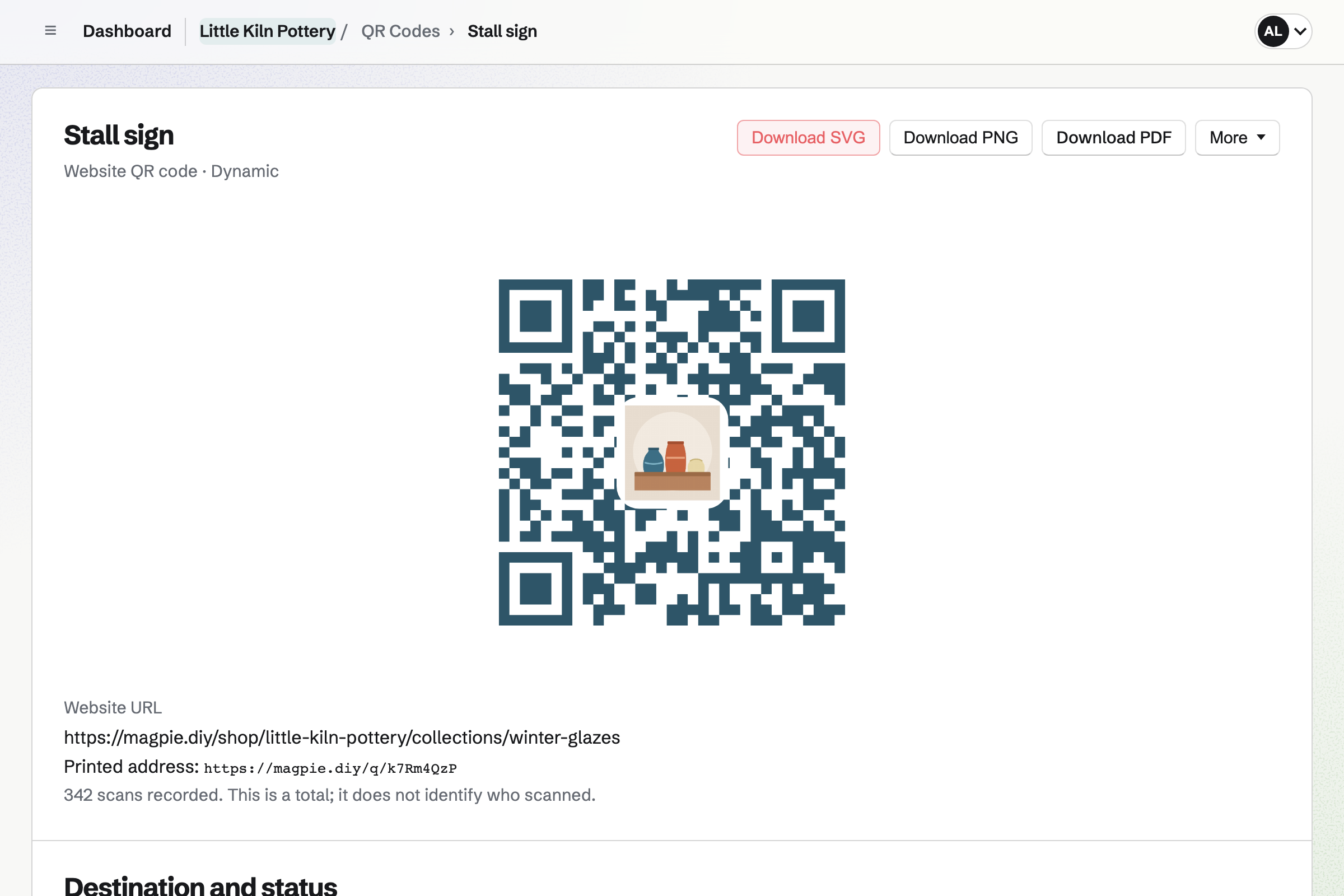
QR Codes makes a code for your sign or card that opens your shop. It can use your colours and logo. Each product also has its own code, which opens checkout with that product. The buyer pays on Stripe's page, on their own phone.
A dynamic code can open a different page after it is printed. You can point it at this season's collection. Each scan is counted, without recording who scanned.
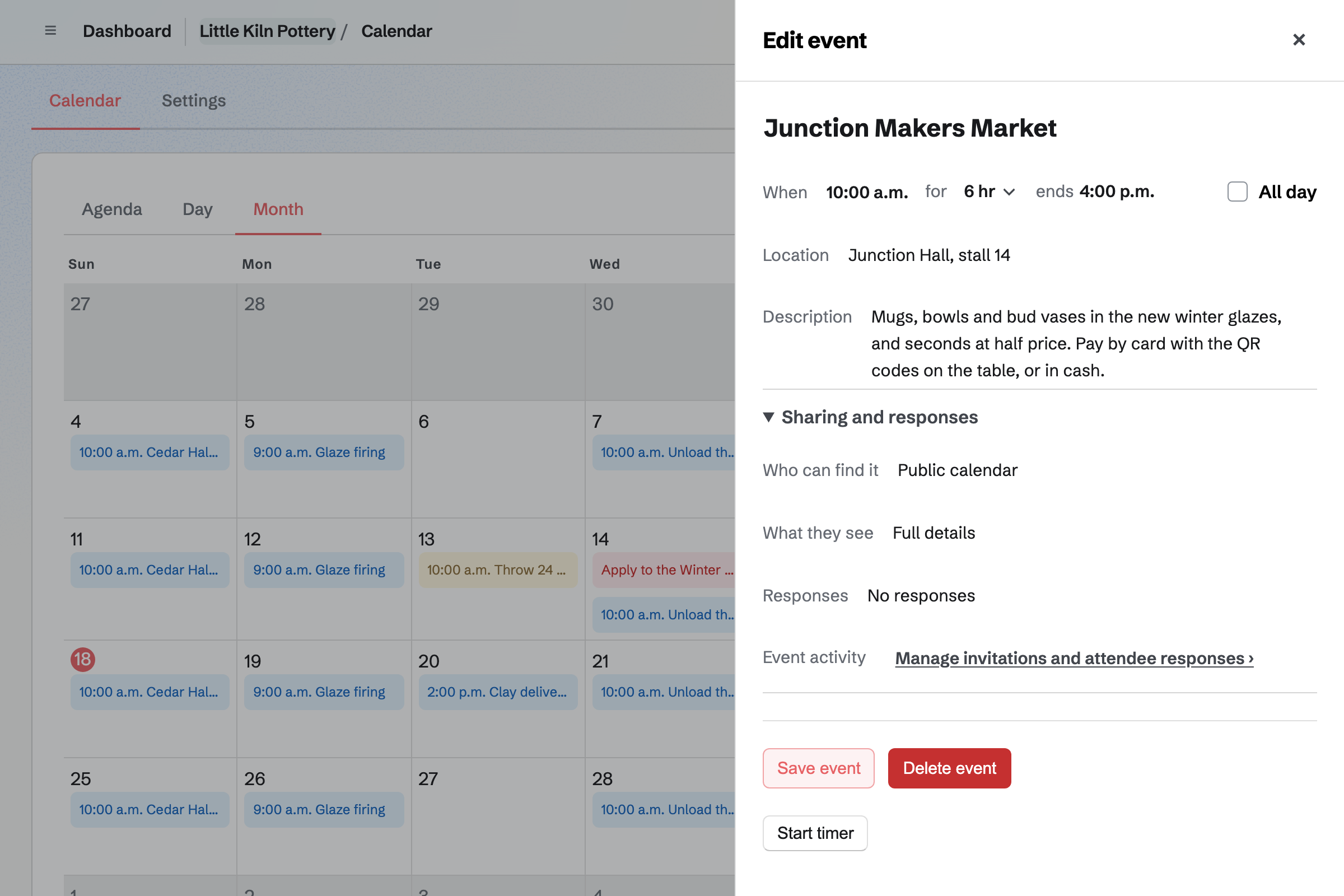
Calendar gives you a public calendar of the markets you will be at. Each market is a public event with its place and hours. Your calendar lists the coming ones.
Each event has a page of its own, with the date, the time and the place. A workshop at the stall can take RSVPs up to a capacity. Its page will say when it is full.
Social Media starts a post about a market from its public event. From a product, you can start one with its name, address and images. Both can go into the queue at your next posting times.
Magpie will publish to Bluesky, Mastodon and LinkedIn at each post's time. For Instagram and X, it will email you a reminder. On a phone, Magpie copies the caption and opens the share sheet with every image.
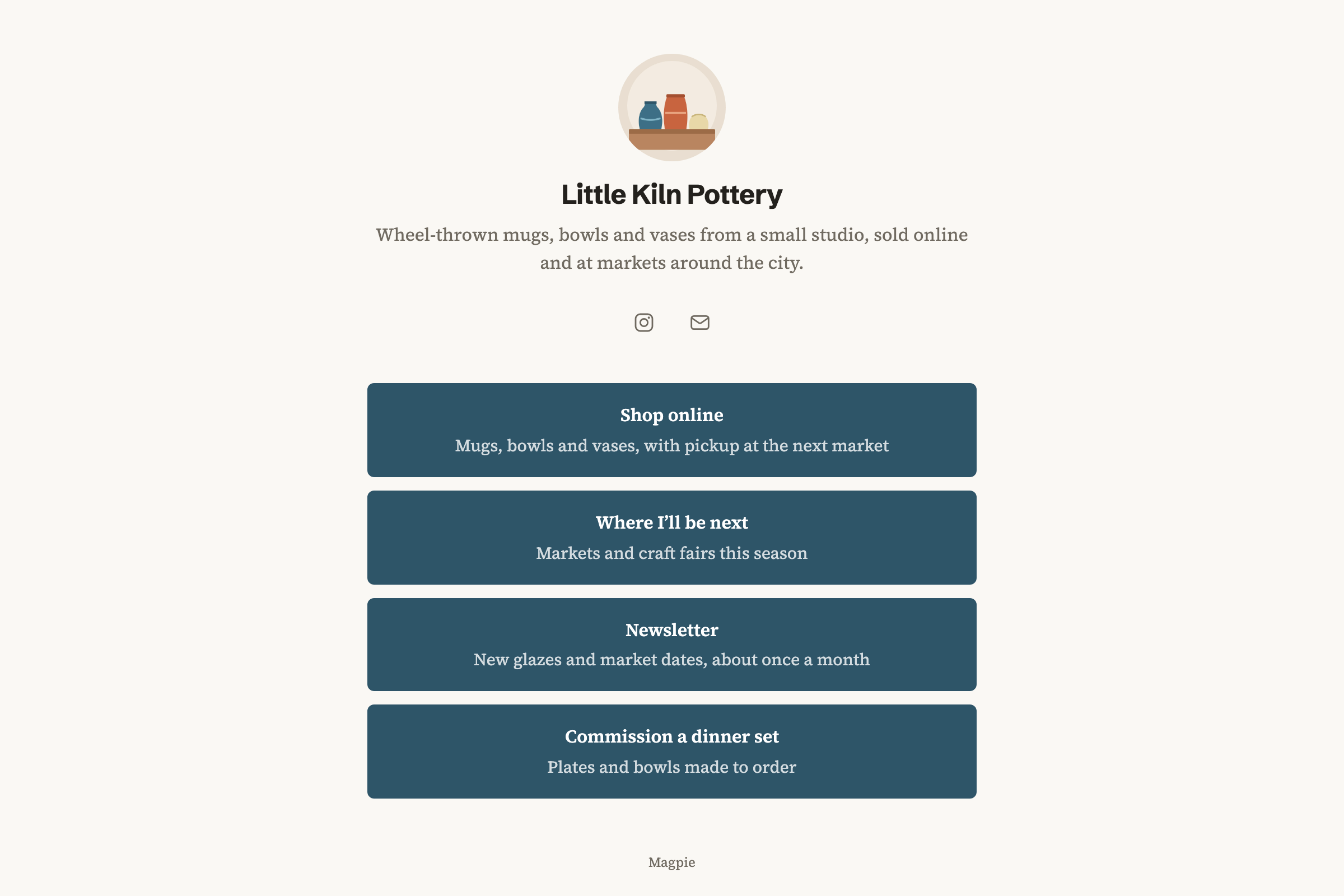
A Link-In-Bio List is a public page of links for your social profile. It can list your shop, your calendar and your newsletter's signup page. You set the order. Its address stays the same while you change the links.
Magpie counts the page's views and the clicks on each link. It does not record who made them. You can print a QR code for the same address.
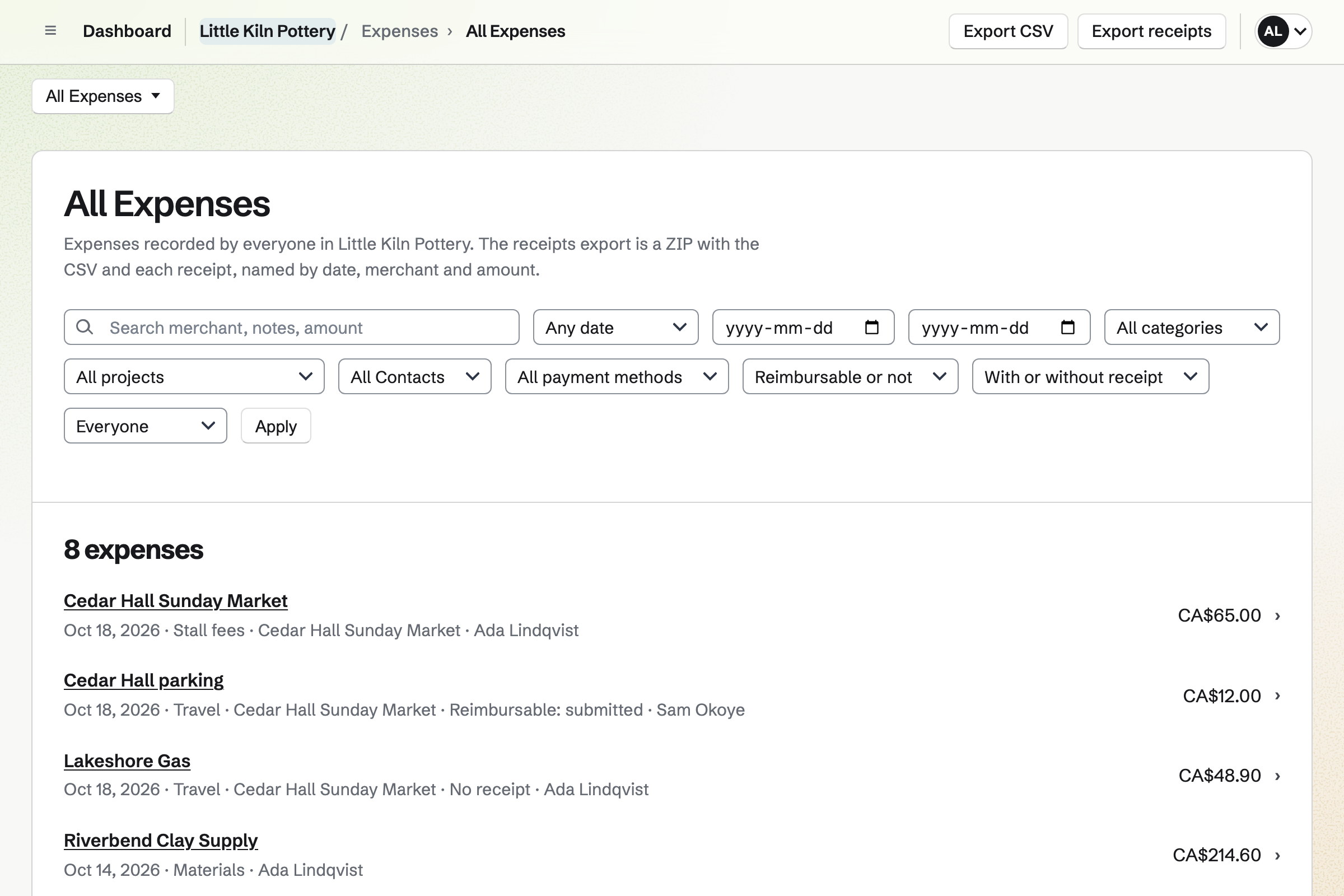
Expenses records each stall fee, the fuel and the parking, with its receipt. On a phone, you can photograph the receipt. You can also upload receipts first and fill them in later.
You can add a category of your own, such as Stall fees. Each expense can have a project, named after its market. Reports total the spending for each market, category and merchant.
You move what you are bringing with a transfer from your main location. While it is in transit, it cannot be sold. You receive it at the stall when you set up.
The code opens checkout with that product. The buyer chooses pickup at the stall and pays on Stripe's page. You will get the new order email.
You mark the order collected, which records that they took it. Its stock came from the stall's location.
You record each cash sale as an order paid in cash. Its stock comes out of the stall's location.
Another transfer moves what did not sell back to your main location.
Card sales arrive in a Stripe payout. The cash waits in Undeposited funds until you record its deposit.
You give the shop a name and a contact email, then add your products. Help: Set up and publish a Store.
The stall becomes a stock location beside your main one. Help: Stock locations and transfers.
You add a local pickup method for the stall, with the market's address and hours. Help: Collections and shipping.
You connect your Stripe account, so buyers can pay by card. Help: Connect Stripe to receive money.
You download each product's QR code, and make one for the whole shop. Help: Buy links, QR codes and buy buttons.
Working alone, you can use Magpie without a team, on the free plan or Pro. Pro raises the storage your product photos count toward, from 1 GB to 20 GB. It raises the number of calendar events from 100 to 5,000.
A stall run with others is a team. A free team has up to 3 members, and the Team plan has up to 25.
Magpie adds no fee to sales from your shop. Stripe's processing fee is taken from each card payment.
An Etsy seller sells mostly online, with personalised listings and downloads. They also take requests for custom orders.
A vintage seller's pieces are one of a kind and second-hand. They sell online, in their own shop and on Poshmark, Depop, eBay or Vinted.
A food truck sells food from the truck or a market stall. It has prep and temperature checks, and a rota for the crew.
A grower sells at farmers markets and has weekly boxes with pickup and delivery dates. People sign up for the season.
Each product has a QR code for the table, which opens checkout on the buyer's phone. They choose pickup at the stall and pay on Stripe's page. You will get an email about the order. You hand the product over and mark it collected. The money goes to your own Stripe account.
You record each cash sale as a new order in your shop. You choose the products, and can change a price if you charged a different one. It is recorded as paid in cash, and its stock comes out at the stall. You can email it to the buyer as an order confirmation.
Each product shows how many are at each location, the stall included. Online buyers can buy a product while any location has it. Stock at the stall stays for sale online, and units in transit do not. A product with Track stock on stops selling once none is left anywhere.
Yes. You add a local pickup method with the market's address and times. Buyers can choose it at checkout. When you mark the order ready, Magpie will email them the address, times and instructions. Its stock comes from the location the pickup method names.
You make each market a public event in Calendar. Your public calendar lists the coming ones. Each has its own page with the date, time, place and a description. Your Link-In-Bio List can link to the calendar. So can a QR code on your card.
Yes, if it is a dynamic code. It holds a Magpie address, and each scan goes on to the address you set. You can change that address after printing, and see each earlier one. You can also turn the code off and on. Each scan adds one to a count, and nothing about who scanned is recorded.
Your shop has its own address, with a home page and a page for each product. It has a cart and checkout, in one of the designs (Starter, Minimal, Bold, Editorial and Boutique), with your logo and colours. A Link-In-Bio List puts the shop, your calendar and anything else on one page. A domain you own can show the shop as well.
Magpie adds no fee to sales from your shop. Stripe's processing fee is taken from each card payment in your Stripe account. Each order shows its fee and net amount. Cash sales you record by hand need no Stripe account.
You record each one in Expenses, with its receipt. You give it a category, such as Stall fees, and a project named after the market. Reports total what you spent for any dates by category, project and merchant. They export as a CSV file, or a ZIP with the receipts.
You can tag each order with the market's name. Your orders list can then show only that tag, or only sales recorded by hand. It can also be narrowed by the date each order was placed. What the list shows exports as a CSV file, with one row for each product sold.
You make a team for the stall, invite them and choose their shop permissions. Ship and edit orders lets them record cash sales and mark pickup orders ready. Manage stock lets them move stock between locations. Refunds and reports are separate permissions. Payouts are for you and the team's other admins only.
Yes. A discount can take a percentage or an amount off, or give buy X get Y. It can cover the whole order, chosen products or chosen collections. You can set its start and end times to the market's hours. It can be a code you put on a sign, or apply to every cart automatically.
Yes. A QR code on a card can open your newsletter's signup page. People can subscribe without signing up first. They type their email address and confirm by email. Buyers who tick the box at checkout will be added when their order is paid.
Yes. Buyers check out as guests on Stripe's page. They will be emailed a private link to their order. A buyer who is signed in to Magpie keeps the order under Your orders. They can reuse a saved address too.
You connect a Stripe account, with the identity, business and bank details Stripe asks for. Stripe pays your balance out to your bank on its own schedule. Your Payments page lists each payout, with the payments, refunds and fees it paid.
Create a Magpie account and set up your shop.