Musicians and bands
A musician sells their own records and merch, and books gigs.
Recording studios and rehearsal spaces
The studio, its engineers and its front desk work in one Magpie team.
Get started free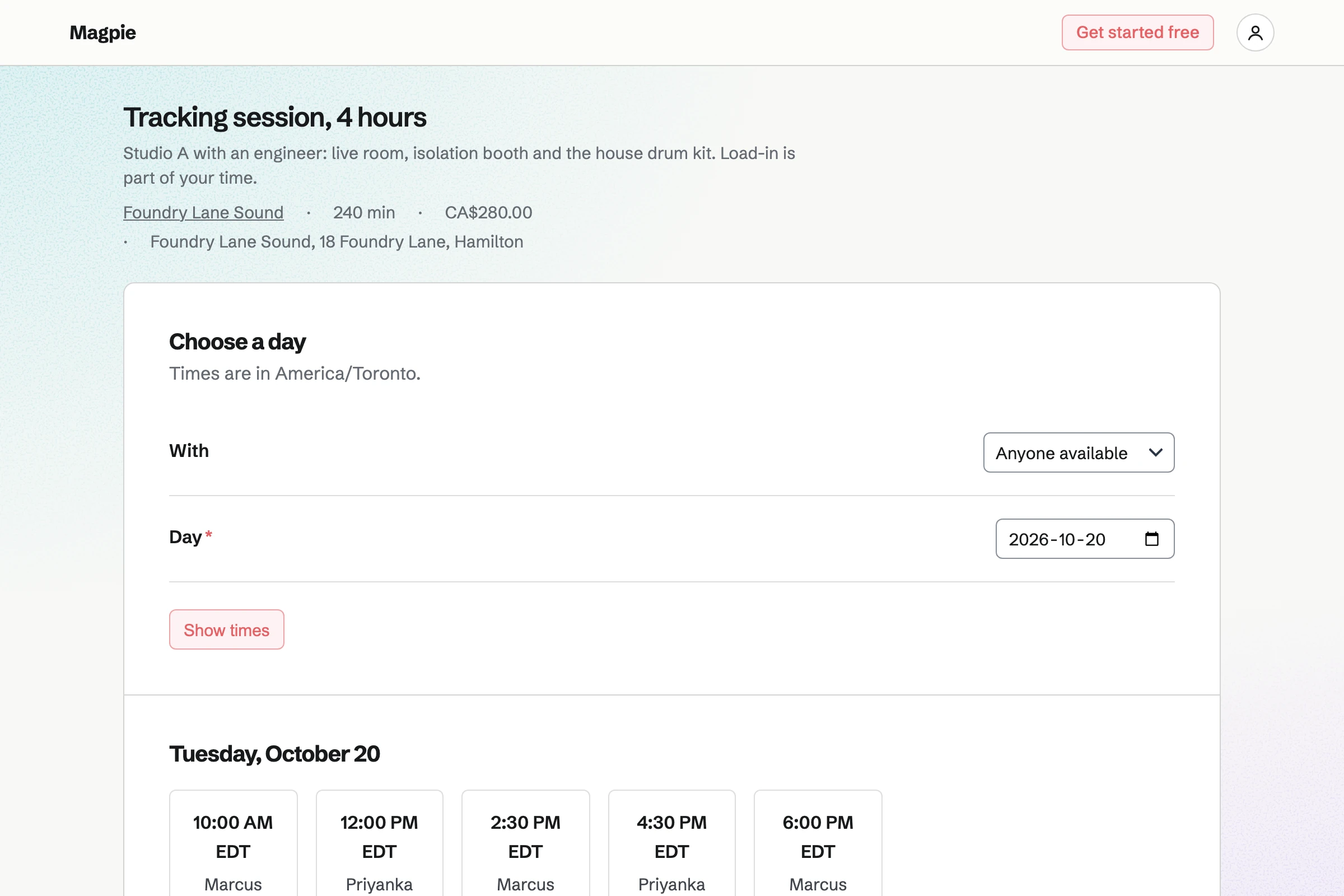
Appointments gives the studio a booking page. Each service has its length and price, such as a four-hour tracking session. The band chooses an engineer, or anyone available, and a free time.
Each session can need its room, kept in Resource Booking, so a room is never double-booked. Buffers keep time free to reset the room between bands.
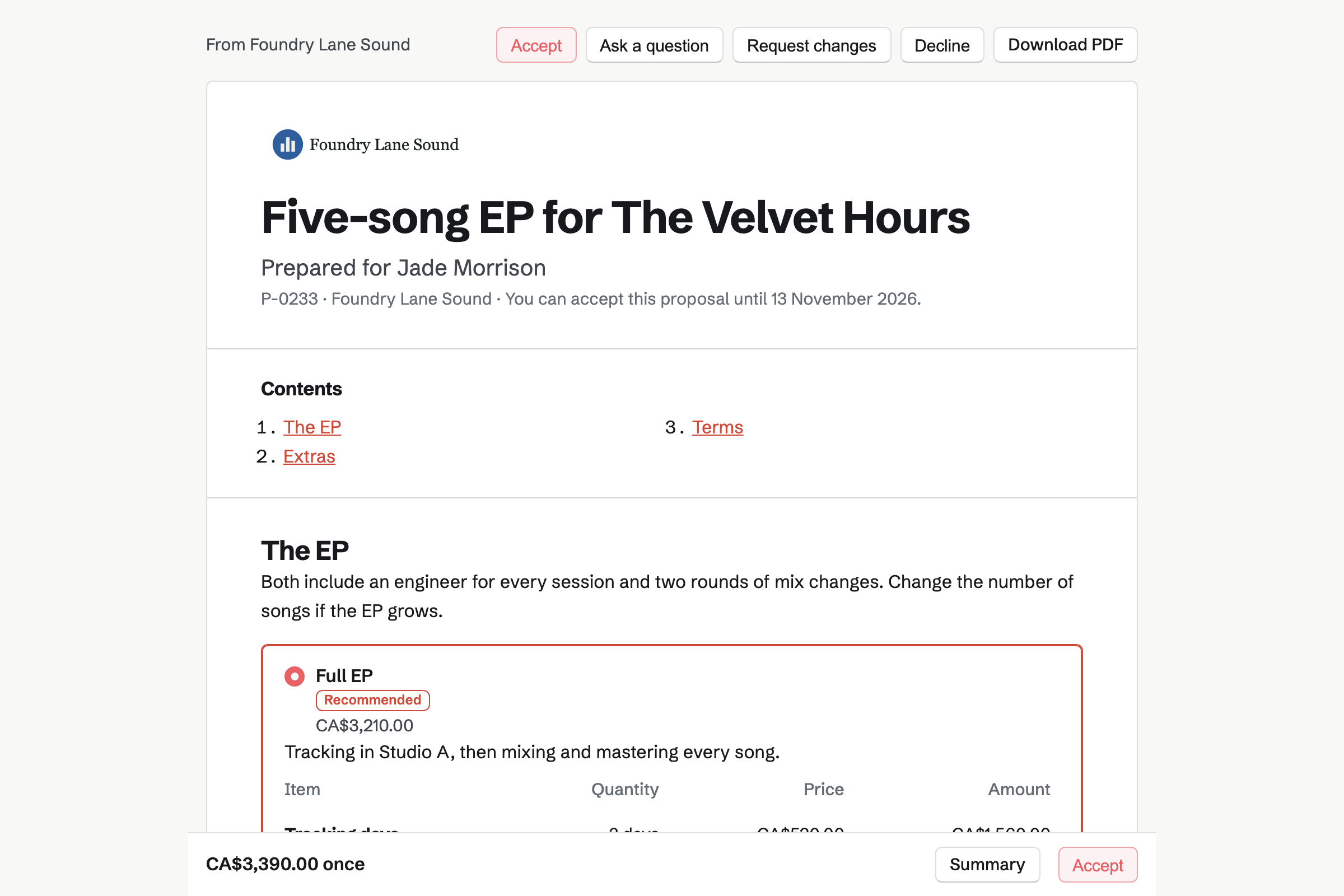
Proposals turns your rates into a proposal the band reads and signs online. Tracking days, mixing by the song and mastering are its lines. The band can change the number of songs.
The payment schedule can take a deposit, a milestone payment and the rest at the end. You can see each time the proposal is opened.
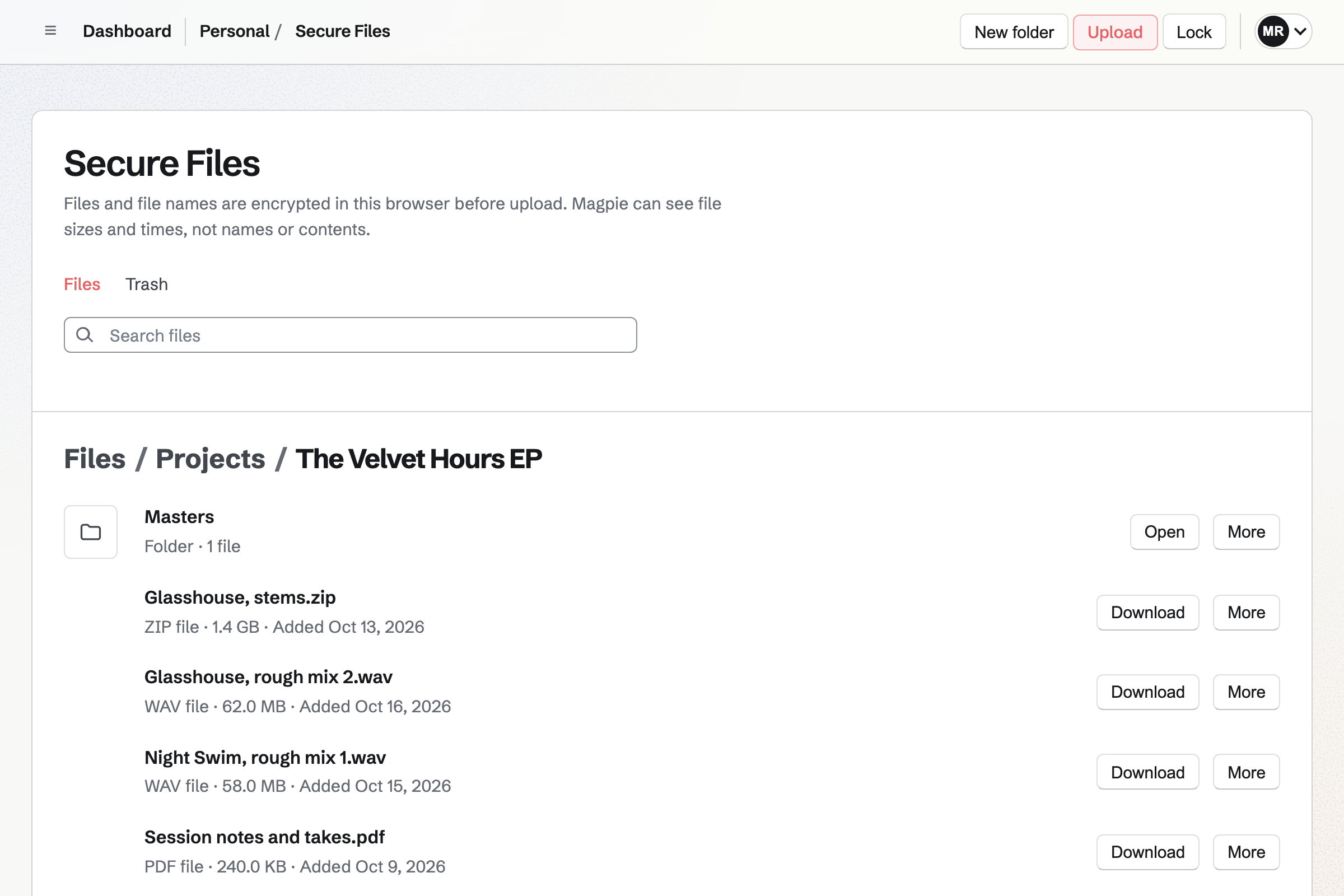
Secure Files is your own encrypted store, with a folder for each project. Each file can be up to 2 GB, encrypted in your browser before it is saved.
A secure link sends one file, such as the final mix, and expires when you choose. It can need a passphrase, and allow a single download.
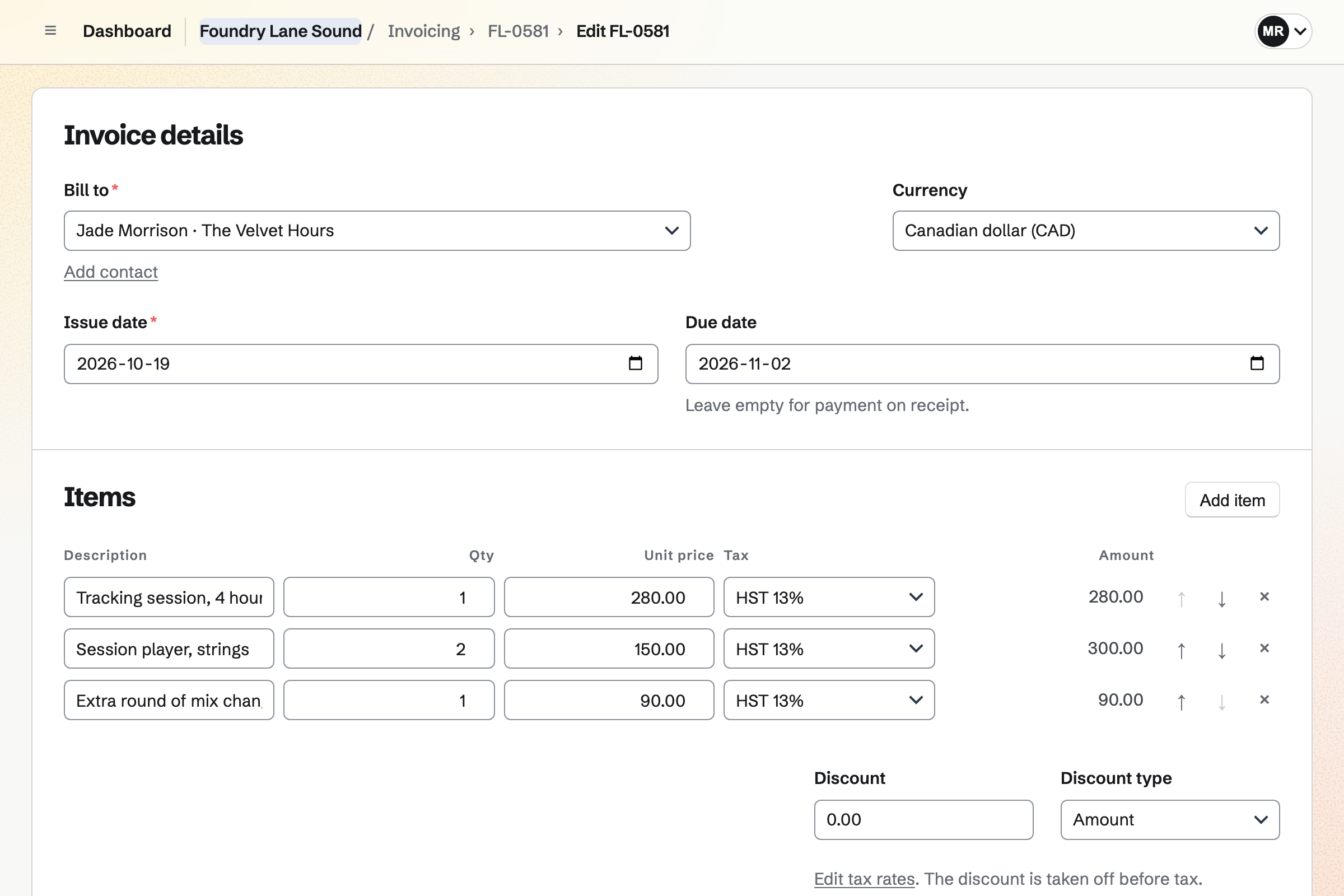
Invoicing bills a session with its hours, and extras such as a session player. A deposit paid on the day is recorded as a part payment.
An engineer's tracked hours go on an invoice with Add unbilled time. Bands pay by card into your own Stripe account, with no Magpie fee.
Contacts keeps a page for each artist, with the band as the company. Their appointments, proposals and invoices appear in its history.
A pinned note holds the engineer they like and the gear they bring. A follow-up sets the day to call, such as when the masters are back.
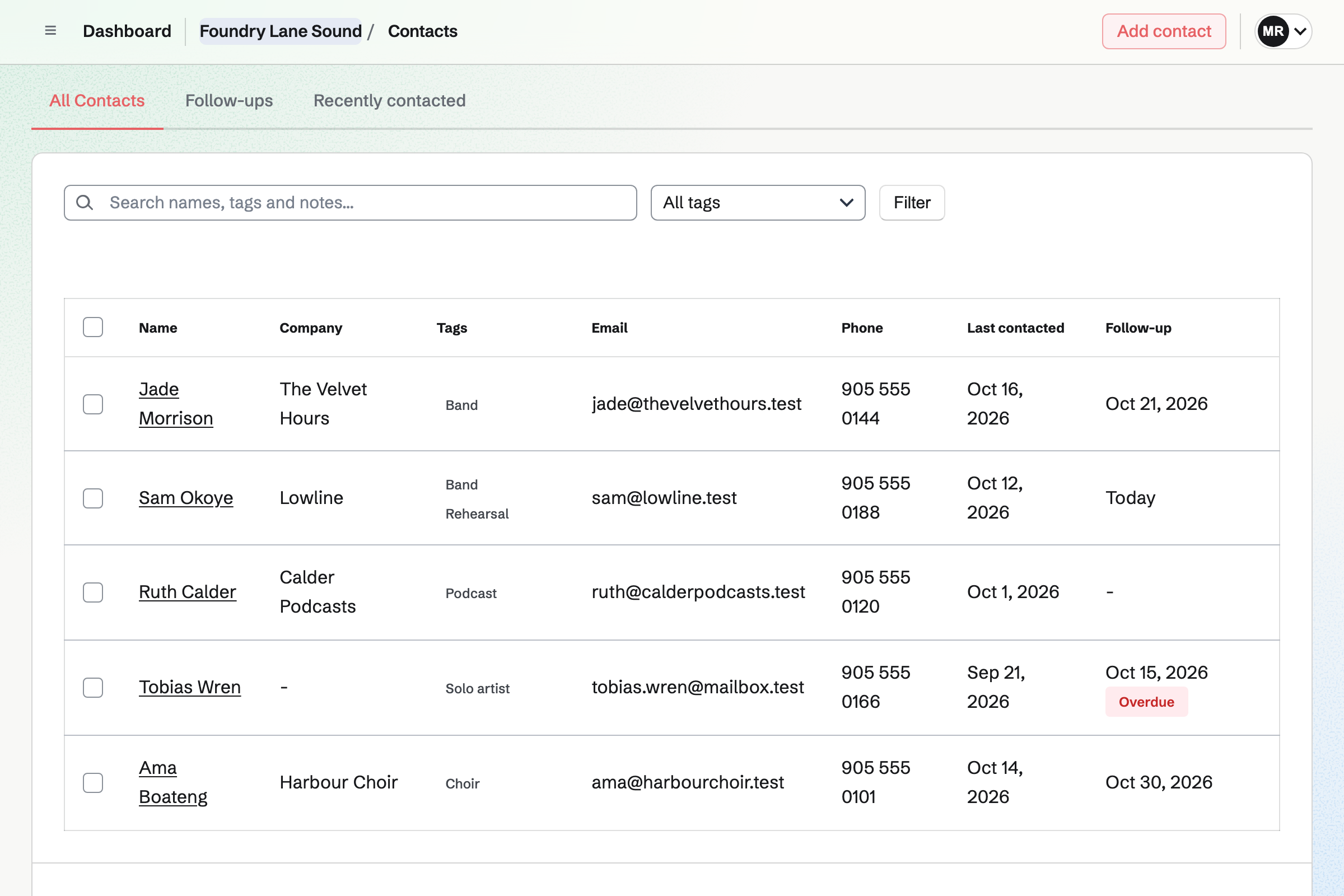
Every session and invoice is on the band's contact.
The band signs for the EP, and pays the deposit by card.
They book tracking sessions, each reserving Studio A.
Rough mixes go to the band by secure link, with a passphrase.
An engineer's extra hours go on an invoice with Add unbilled time.
The final masters go out on a link that expires in 30 days.
You bill the final payment, and the band pays by card.
You add each studio and rehearsal room, with its hours. Help: Add resources and set their hours and rules.
You add your sessions, engineers and the room each one needs. Help: Set up Appointments.
You save your tracking, mixing and mastering rates in a starter. Help: Proposal starters, saved sections and the price list.
You set up Password Vault, which Secure Files uses to encrypt. Help: Secure Files.
You connect your Stripe account, so bands can pay by card. Help: Connect Stripe to receive money.
A studio with staff fits the Team plan, one price for up to 25 members. Bookings are unlimited on every plan.
Secure Files uses each person's own storage: 1 GB on the free plan and 20 GB on Pro. On the free plan, you can send 5 proposals and create 5 invoices a month.
Magpie adds no fee to invoice payments. Stripe's processing fee is taken from each card payment. Prices are on the Pricing page.
A musician sells their own records and merch, and books gigs.
A podcaster records, publishes and grows a show.
A videographer quotes a shoot and delivers the edit.
Yes. Your booking page lists each session with its length and price. The band chooses an engineer, or anyone available, then a free time. They need only a name and an email address.
Yes. A session can need one resource from Resource Booking, such as Studio A. A time is offered only when the room is free too.
Yes. Each is a service of its own, with its own length, price and room. A two-hour rehearsal can need Room 2 while a tracking session needs Studio A.
Yes. The proposal lists tracking days, mixing by the song and mastering. The band can change the number of songs. Its payment schedule takes a deposit on signing, a milestone payment and the rest.
From Secure Files, with a secure link for each file. The link expires in an hour, a day, a week or 30 days. It can need a passphrase you give separately, and allow a single download.
Each file in Secure Files can be up to 2 GB. Files count towards your own storage, which your plan sets.
Yes, through a Client Portal for the project. The band uploads audio, video or any other file kind it allows, up to 500 MB each. Each upload shows who sent it and when.
Yes. Engineers record their hours on the project in Time Tracking, at its rate. Add unbilled time puts them on an invoice as lines. Time on an issued invoice is locked.
Yes. You record a part payment on the session's invoice, with how it was paid. The invoice shows as partly paid until the balance is in.
Magpie adds no fee to invoice payments. Stripe's processing fee is taken from each card payment. The rest goes to the studio's own Stripe account.
Create a Magpie account and add your first room.