Wedding and event planners
An event planner runs the whole day, from the venue to the suppliers.
Wedding officiants and celebrants
An officiant working alone uses Magpie in Personal. A team of celebrants can work in one Magpie team.
Get started free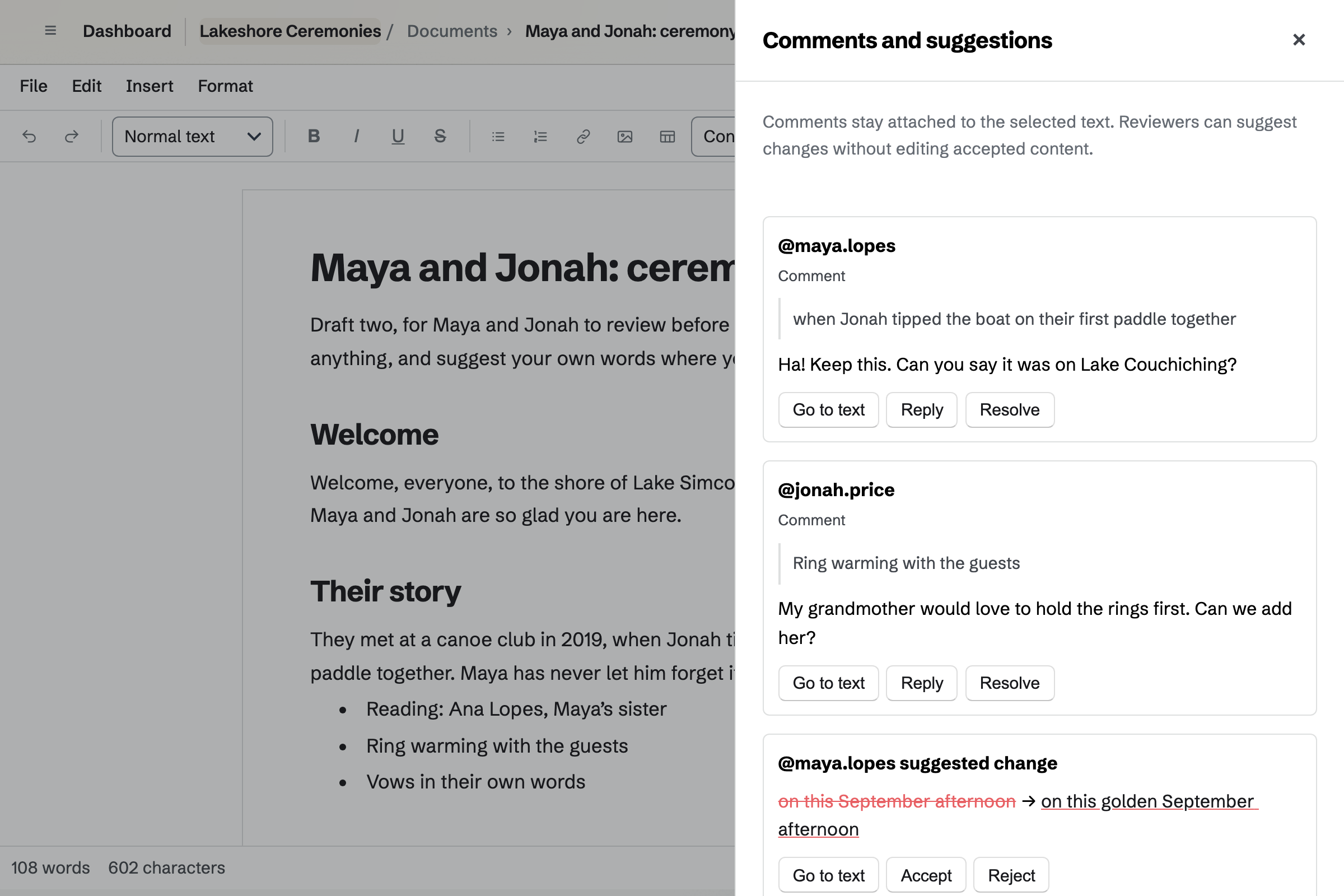
Meetings is your own meeting page. It offers a Meeting Type, such as a 30-minute first call, in the hours you set. Couples choose a time in their own time zone.
Times taken in your calendar, such as a Saturday wedding, are not offered. With Zoom connected, each call gets its own link.
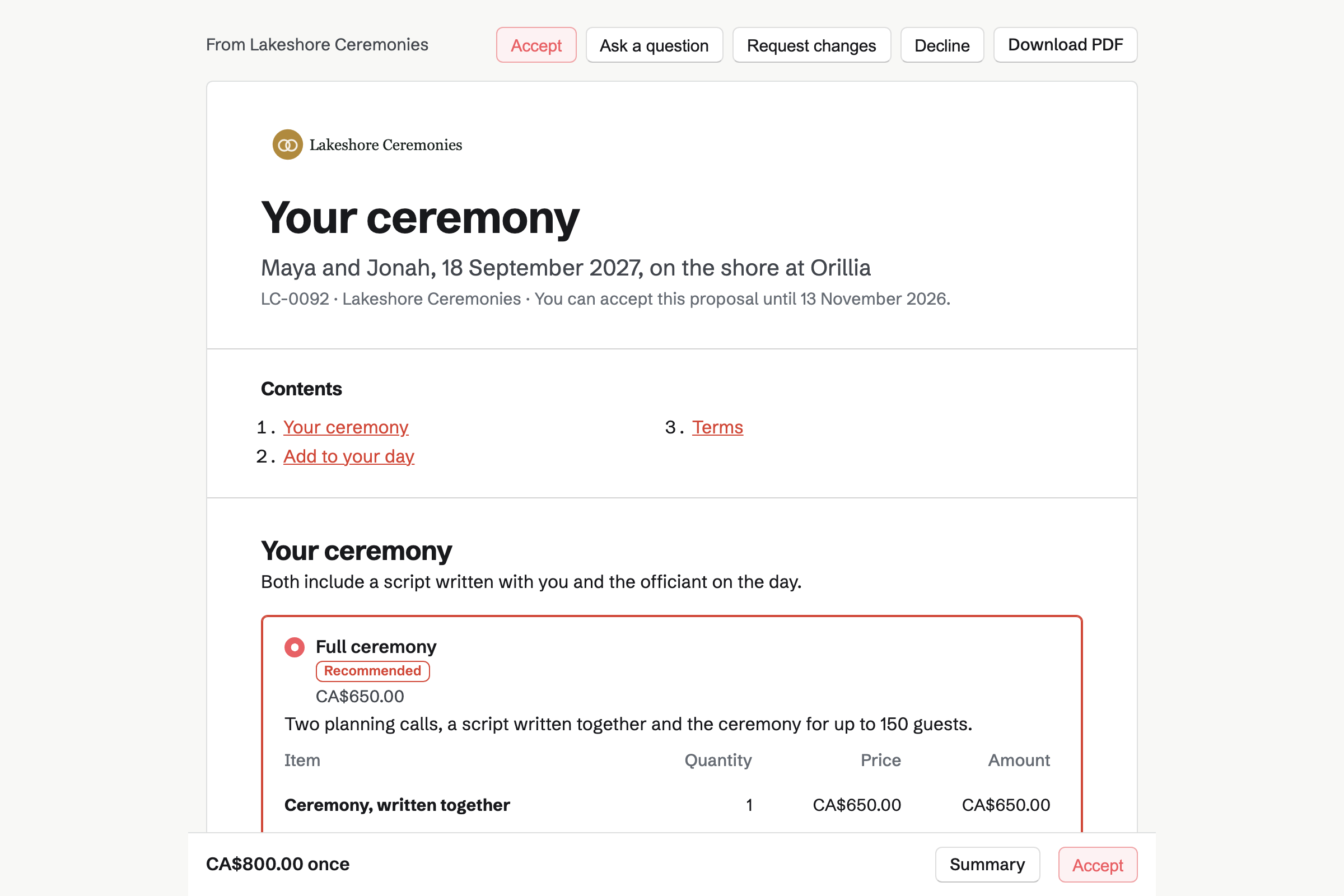
Proposals turns your fees into a proposal the couple reads and signs. An elopement and a full ceremony can be packages, with the rehearsal as an option.
The deposit invoice is issued as they sign, and they can pay it by card. Both of them can sign, and the signed PDF is emailed to you all.
Documents holds the script, from the welcome to the pronouncement. You share it with the couple to review. They comment and suggest new wording, and nothing changes until you accept it.
A named version, such as Final for the rehearsal, can be restored later. Download PDF makes the copy you read from on the day.
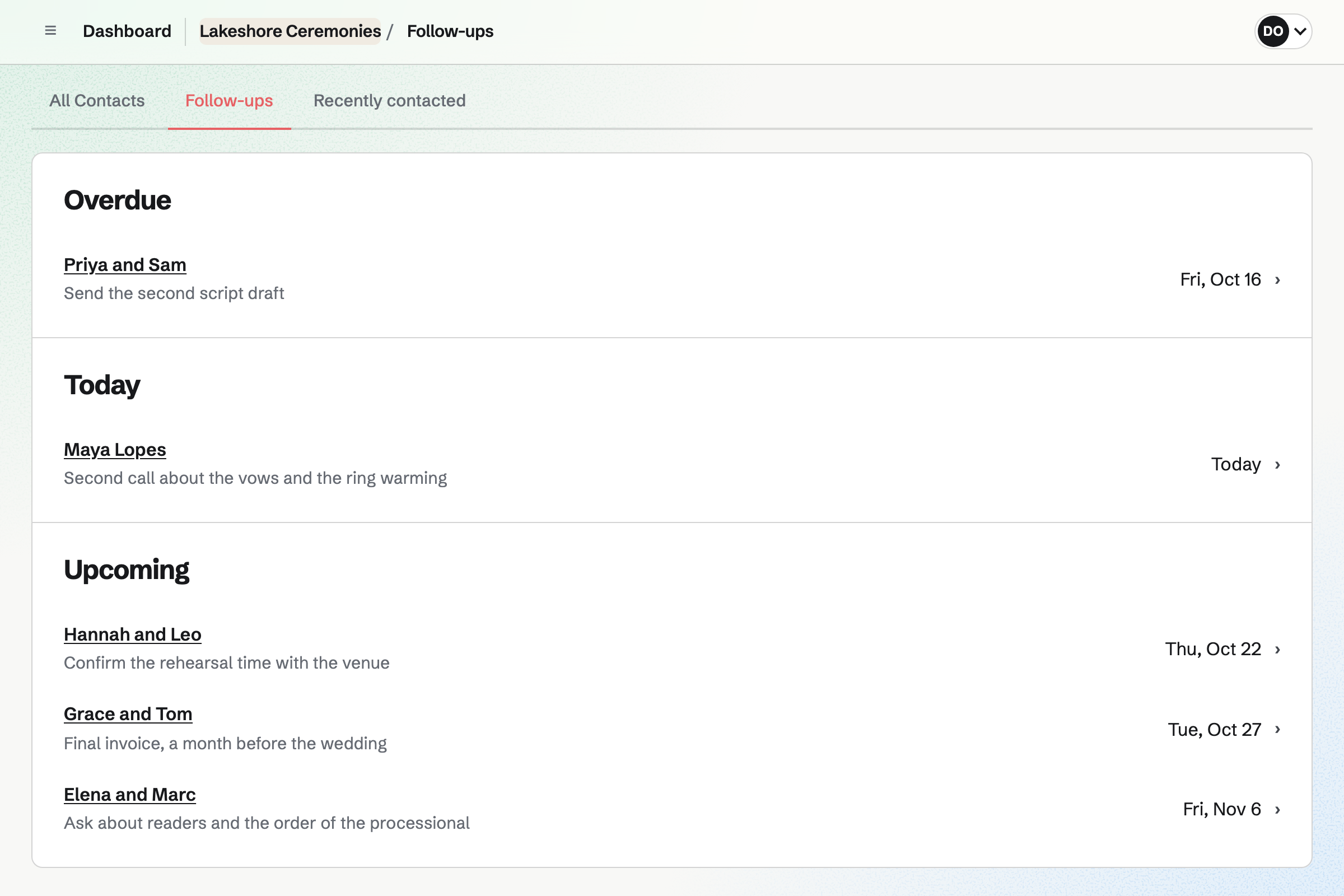
Contacts keeps a page for each couple. A pinned note holds the venue, the readers and how they met. Their proposal, calls and invoices appear in its history.
A follow-up sets the day to call, such as a month before the wedding. The follow-ups list shows what is overdue, due today and coming up.
Invoicing bills the proposal's final payment when you choose, for whatever is left. Travel to a venue further away goes on as a line of its own.
Couples pay by card into your own Stripe account, with no Magpie fee.
Everything about one couple stays on their contact.
The couple book a first call on your meeting page.
They choose their ceremony and sign, with the deposit by card.
You draft the script, and they comment and suggest their own words.
The rehearsal and the wedding go on your calendar.
You save the final version, and download the PDF you read from.
You bill the rest before the day, and it is paid by card.
You set your weekly hours and add a first call. Help: Set up and share your meeting page.
You connect Zoom, so each video call gets its own link. Help: Connect Zoom.
You save your ceremonies, options and deposit in a starter. Help: Proposal starters, saved sections and the price list.
You connect your Stripe account, so couples can pay by card. Help: Connect Stripe to receive money.
An officiant working alone fits Pro, for your own work in Personal. A team of celebrants fits the Team plan, one price for up to 25 members.
On the free plan, you can offer 2 Meeting Types, send 5 proposals and create 5 invoices a month.
Magpie adds no fee to invoice payments. Stripe's processing fee is taken from each card payment. Prices are on the Pricing page.
An event planner runs the whole day, from the venue to the suppliers.
A photographer quotes the day with packages, and delivers the photos.
A DJ plays the reception, from the first dance to the last song.
Yes. Your meeting page lists your Meeting Types, such as a first call. Couples choose one of your free times in their own time zone. Times taken in your calendar or a connected Google Calendar are not offered.
Yes. With Zoom connected, each new meeting gets a Zoom call. The couple's confirmation email has the link, and yours has the link to host it.
Yes. Packages, such as an elopement and a full ceremony, each have their own lines and price. The couple chooses one, and options such as attending the rehearsal. You can change every line.
Yes. Every signer signs, in any order, and the proposal is accepted when the last one does. Magpie emails the signed PDF and a signing certificate to everyone.
Yes. The proposal's payment schedule takes a deposit when the couple signs. Its invoice is issued at once, and they can pay it by card. You bill the rest when you choose.
Yes. You share the script with them as reviewers. They comment on the text and suggest their own wording. You accept or reject each suggestion.
Yes. You save a version under a name, such as Before our second call. Restoring one puts it back as a new change, and later work stays in the history.
Yes. Download PDF makes a PDF of the script as it looks on the page. Print opens your browser's print dialog.
In a pinned note on their contact, near the top of the page. It can hold how they met, the readers and the venue. Their calls, proposal and invoices are listed below it.
Magpie adds no fee to invoice payments. Stripe's processing fee is taken from each card payment. The rest goes to your own Stripe account.
Create a Magpie account and add your first call.