Tutors and music teachers
A tutor books lessons and invoices families alone.
Music, dance and art schools (several teachers)
The school works in one Magpie team, with each teacher as a member. Families book and pay without joining it.
Get started free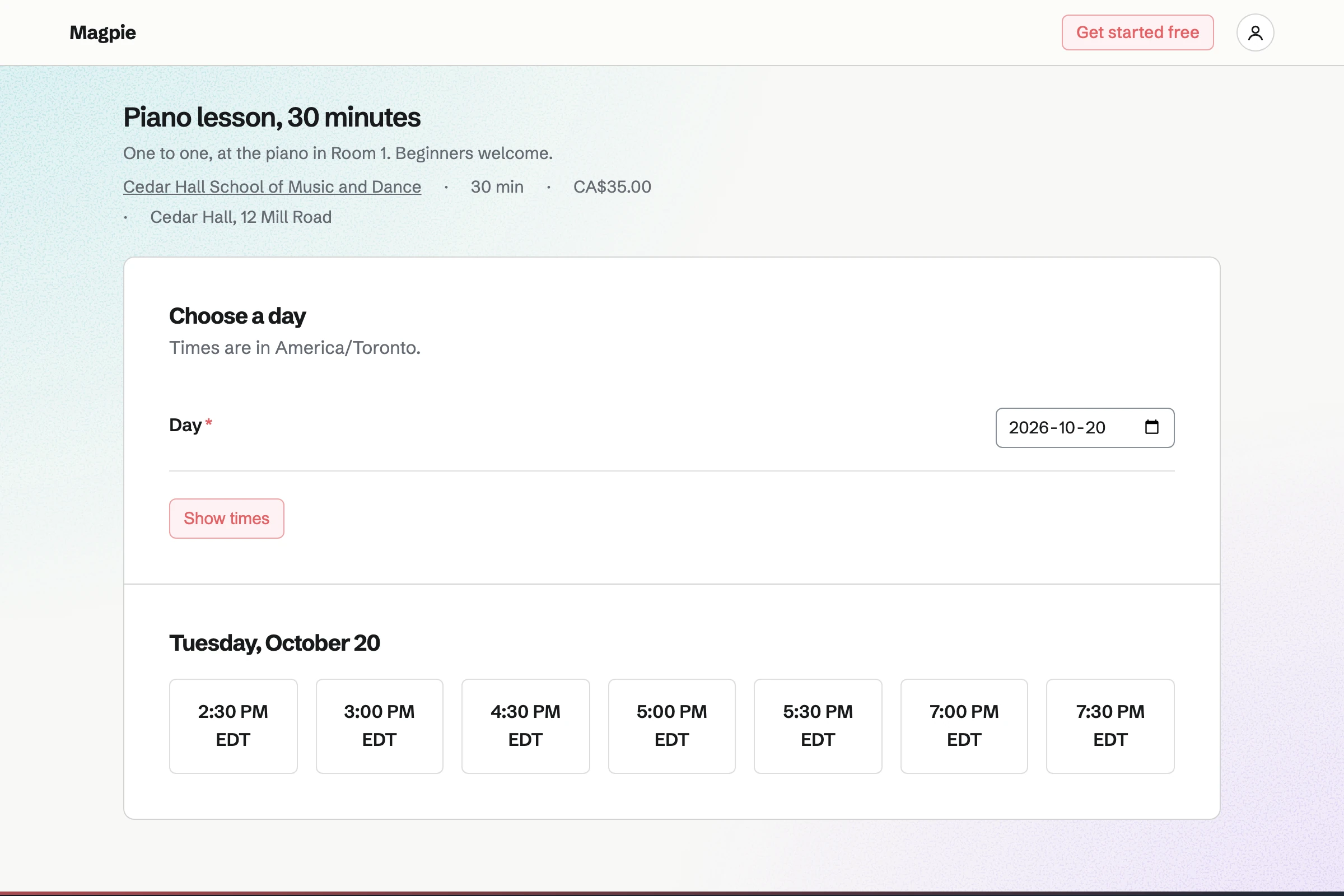
Appointments gives the school a booking page with each lesson, its length and its price. A family picks the lesson, a teacher or anyone free, and a time.
Each teacher's hours are set day by day. A busy Calendar or room closes a slot. Families can move or cancel a lesson themselves.
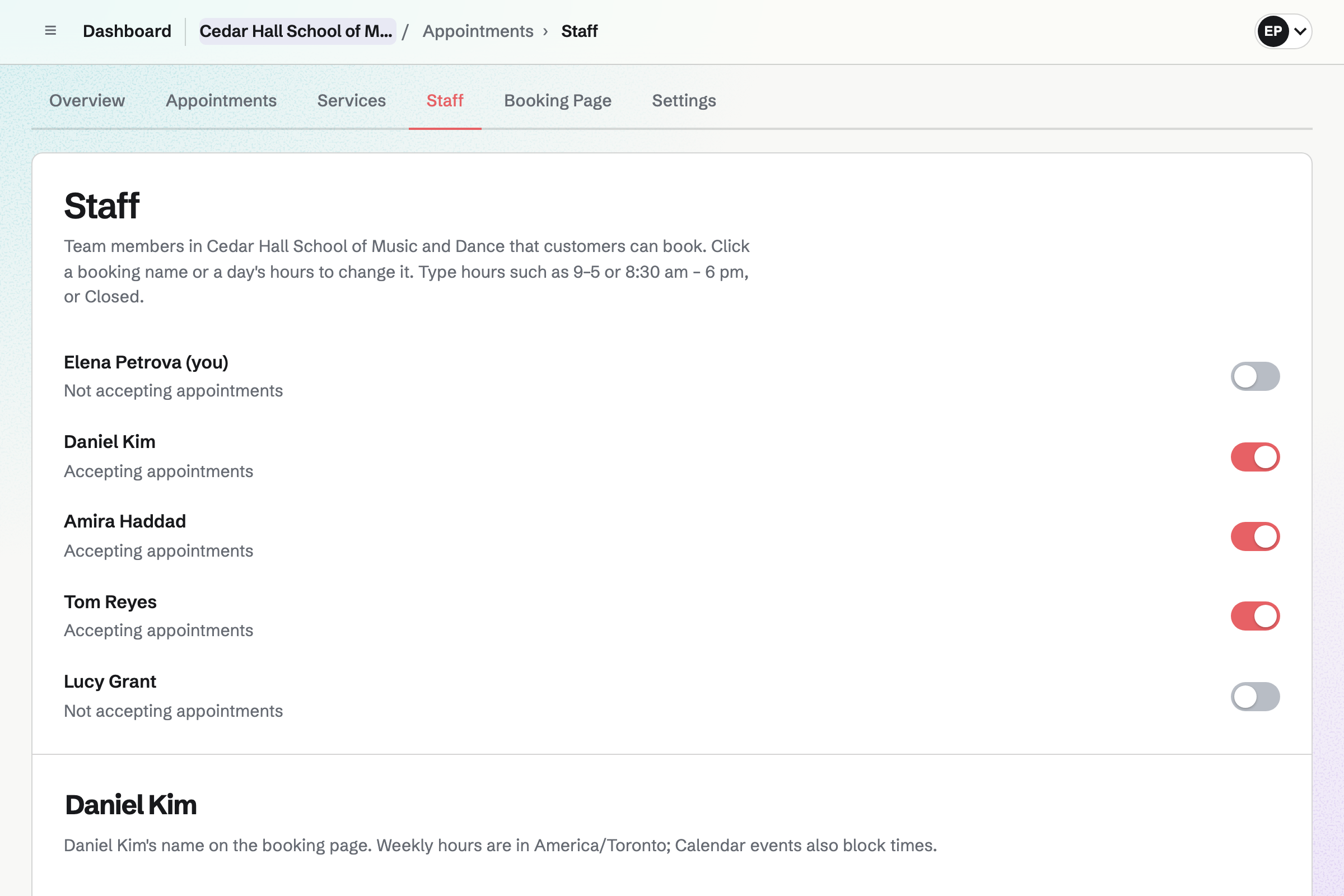
Calendar holds group classes, exam dates and recitals. A recital can be on your public calendar, with RSVPs up to the room's capacity.
You see every response. Each class is its own event, added for each date.
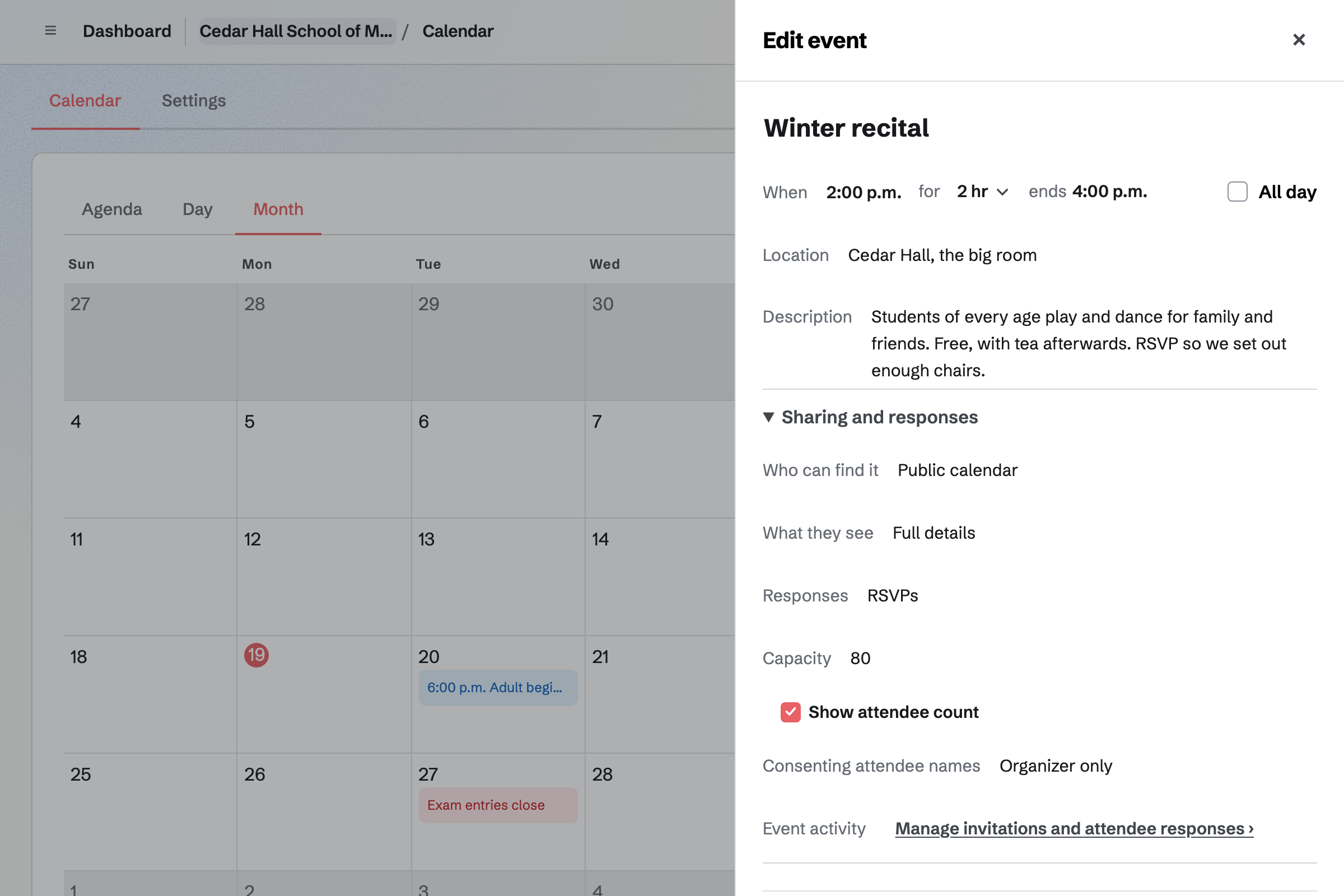
Invoicing sends each family one invoice, with a line for each child's lessons and classes. A recurring invoice repeats a family's lines every month.
Families pay by card from the email, into the school's Stripe account, with no Magpie fee.
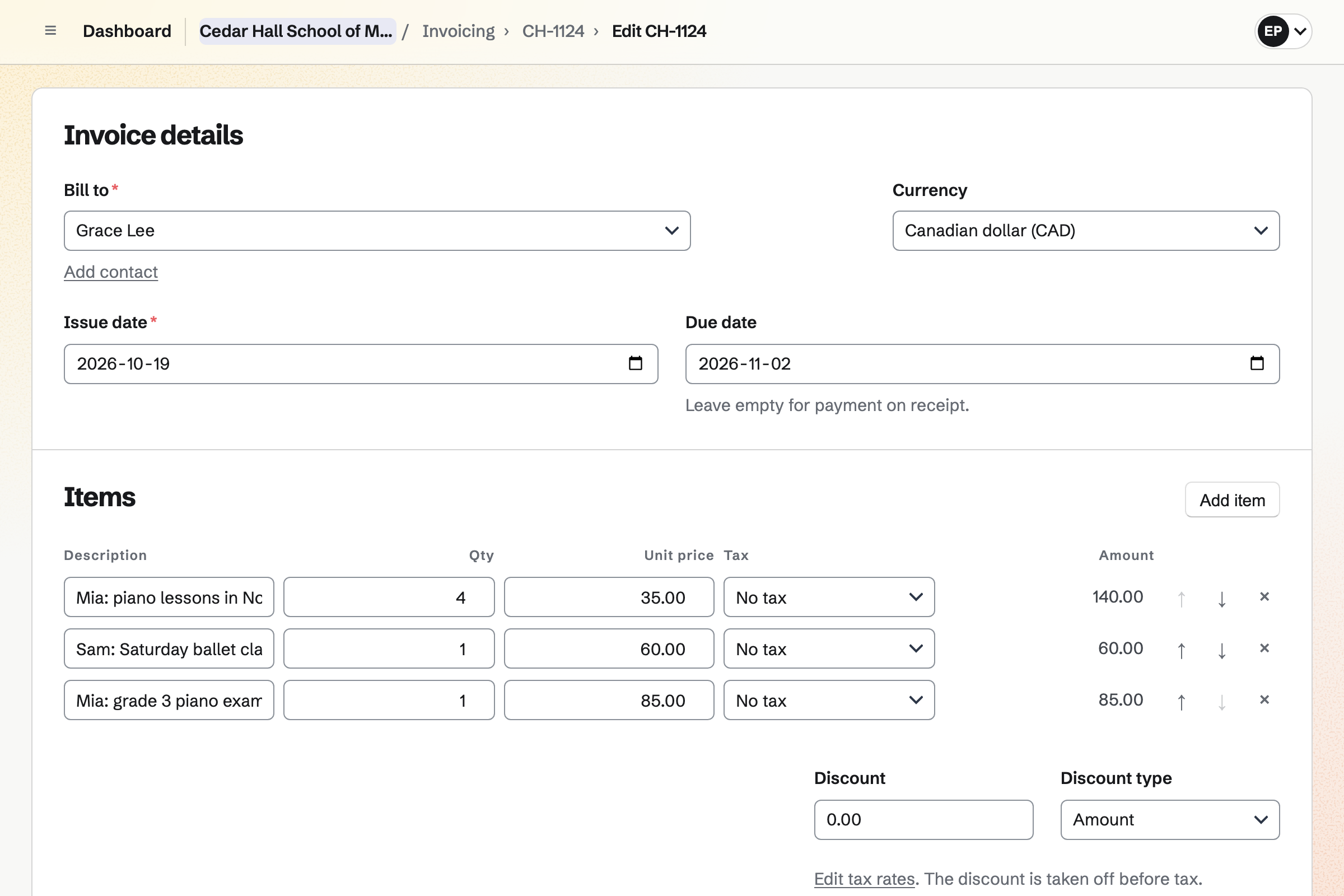
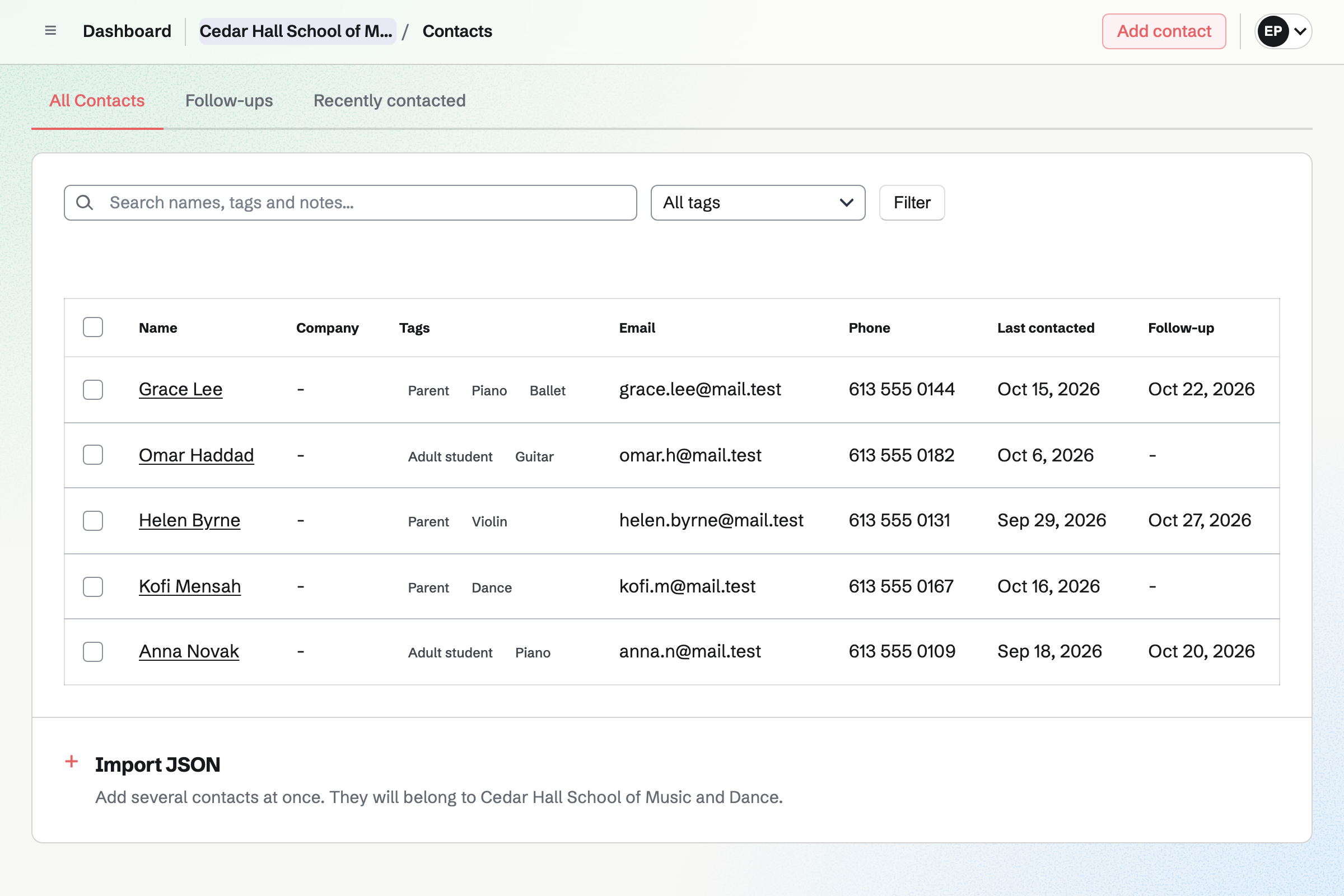
Contacts keeps each parent and adult student with tags, such as their instrument. A booking adds the person as a contact by itself.
A follow-up is a To-do with a date, such as booking an exam. Their invoices and lessons show on their page.
Resource Booking holds each room and instrument with its hours. A lesson can need a room, and the slot closes when the room is taken.
Teachers book the studio for a rehearsal the same way. Other bookings show as Busy.
Flashcards holds decks, such as note names or key signatures, shared by link. Spaced repetition brings each card back when it is due.
Each student's progress is their own. A deck can be imported from a CSV file.
A family books a free trial lesson online.
They book weekly lessons with the teacher they met.
The student practises theory with a shared deck.
Each month's lessons are on the family's invoice.
Family and friends RSVP to the winter recital.
You add each lesson with its length and price. Help: Set up Appointments.
You set each teacher's hours and lessons. Help: Add staff and set appointment hours.
You connect the school's Stripe account for tuition. Help: Connect Stripe to receive money.
You put it on the public calendar with RSVPs. Help: Create public and private calendar events.
A school fits the Team plan, with each teacher a member. Families who book, RSVP or pay are not added to the team.
Magpie adds no fee to tuition payments. Stripe's processing fee is taken from each card payment. Prices are on the Pricing page.
A tutor books lessons and invoices families alone.
A yoga or dance studio runs classes and memberships.
A school or teacher shares lessons, decks and news with parents.
Yes. The booking page lists each lesson, and the family picks a teacher or anyone free. Only times the teacher is free are offered.
Yes. A lesson can need a resource, such as Room 1 with the piano. The time closes when the room is taken.
Yes. Families can reschedule or cancel a lesson themselves. The teacher's calendar changes with it.
Yes. A family's invoice can repeat every month, with a line for each child. Families pay by card from the email.
Yes. The recital can be on your public calendar, with RSVPs up to the hall's capacity. Its page then says it is full.
Yes. A Flashcards deck is shared by link. Spaced repetition brings each card back when it is due.
Yes. Each parent or adult student is a contact, with notes and tags. A follow-up reminds you of the next thing to do.
Yes. Store sells them from the school's own shop, with sizes and stock. Families pay into your Stripe account.
Create a Magpie account and make a team for the school.