Teachers and small schools
A teacher or a small school shares lessons and keeps parents informed.
Childcare providers and after-school clubs
The setting's staff work in one Magpie team. Families use the forms, invoices and newsletter you send.
Get started free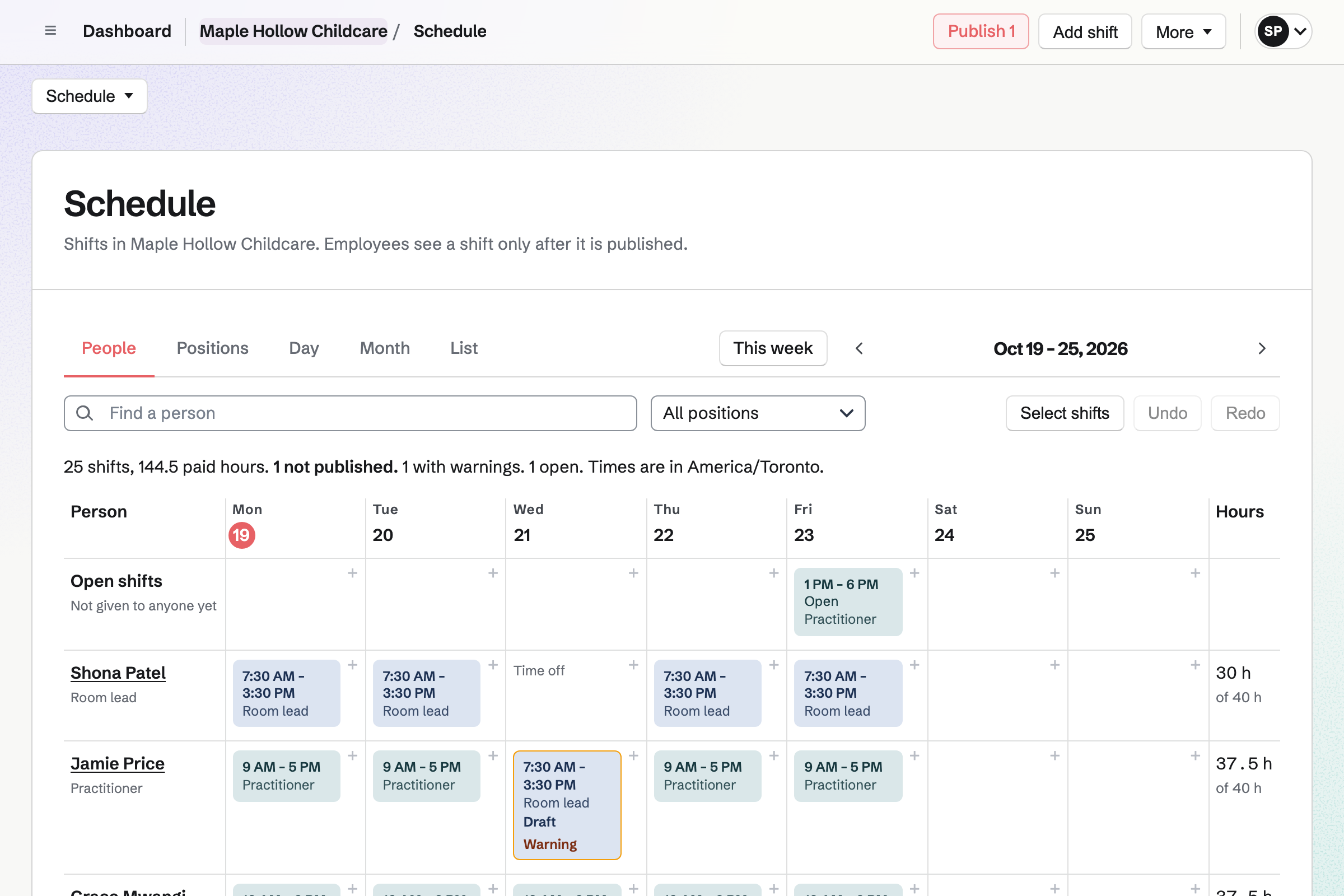
Staff Scheduling plans the rota, with positions such as room lead and practitioner. A position can require a qualification, such as paediatric first aid.
A shift for someone without it, or whose certificate has expired, is blocked or flagged. Each person you invite sees their own shifts.
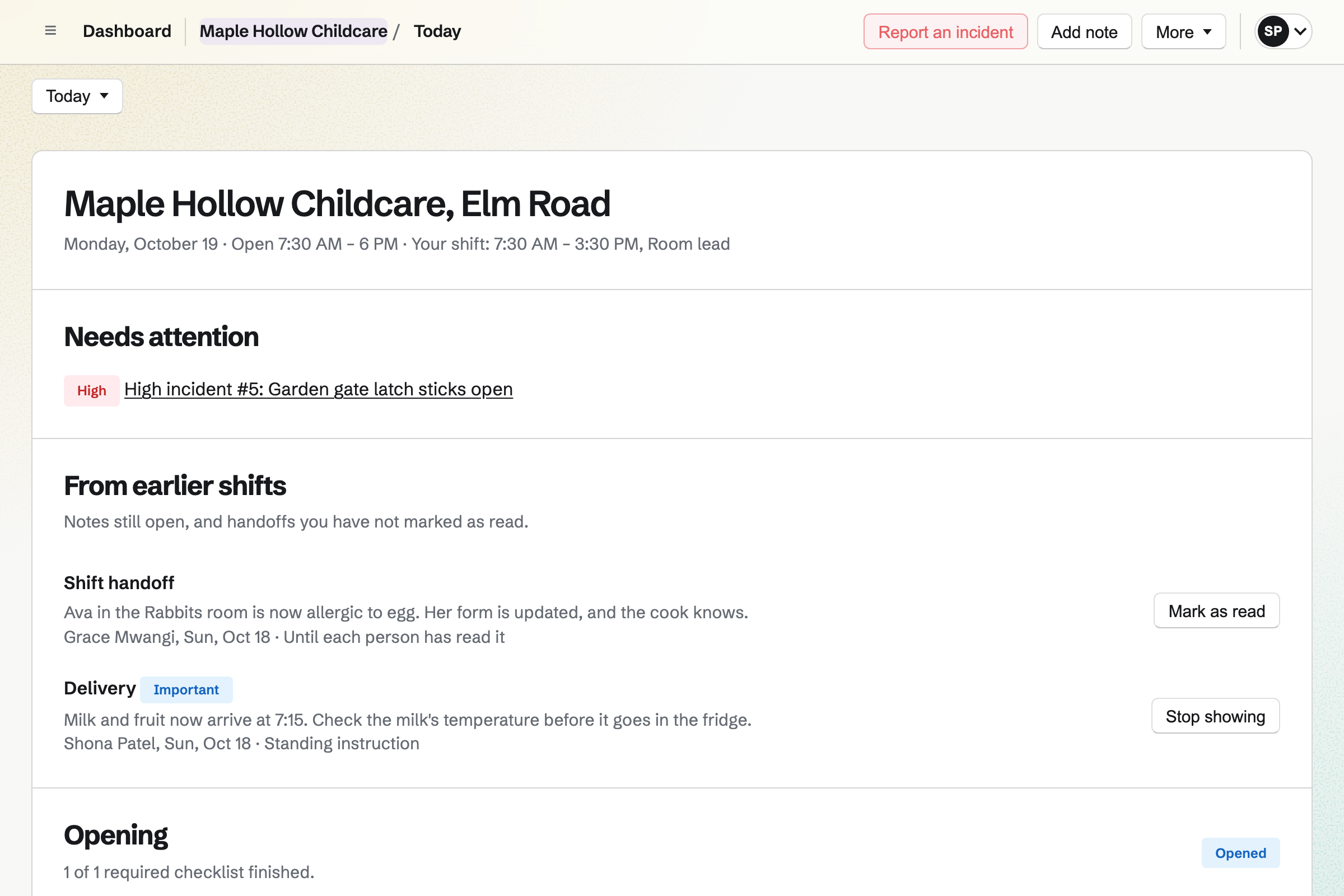
Daily Operations gives the setting its routines, such as an opening check and a garden check. A milk fridge reading outside its range opens an incident.
Notes for the next shift stay on the day's page, such as a child's new allergy. A broken gate latch is reported with what to do.
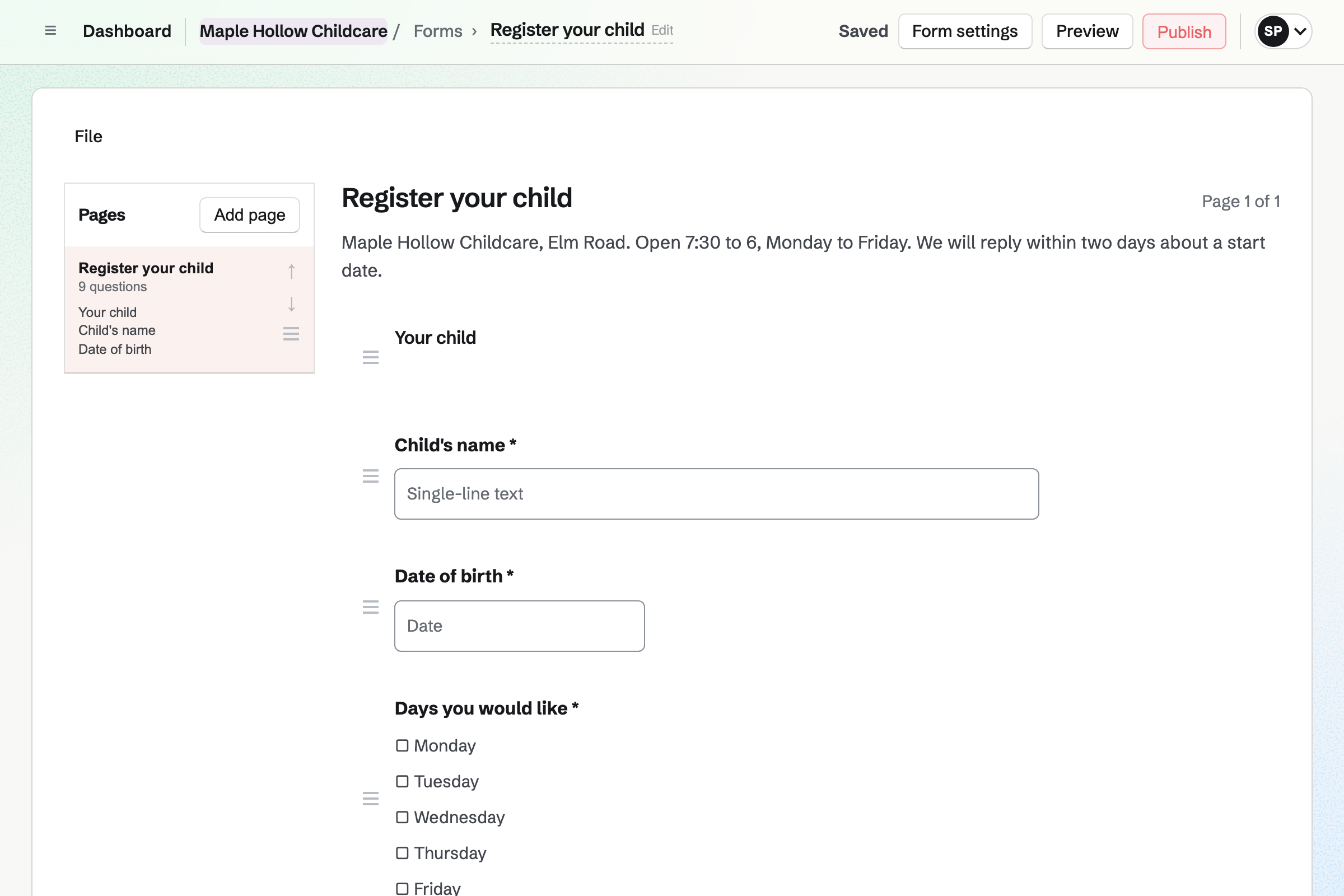
Forms builds a registration form with your questions, such as the days wanted and allergies. Every registration comes into one list.
You get an email for each one. A File question takes a document, such as a care plan, as a PDF or photo.
Contacts keeps each family, with tags such as Waiting list, and notes. Each family's page lists their invoices.
A follow-up becomes a To-do, such as calling about a place in January.
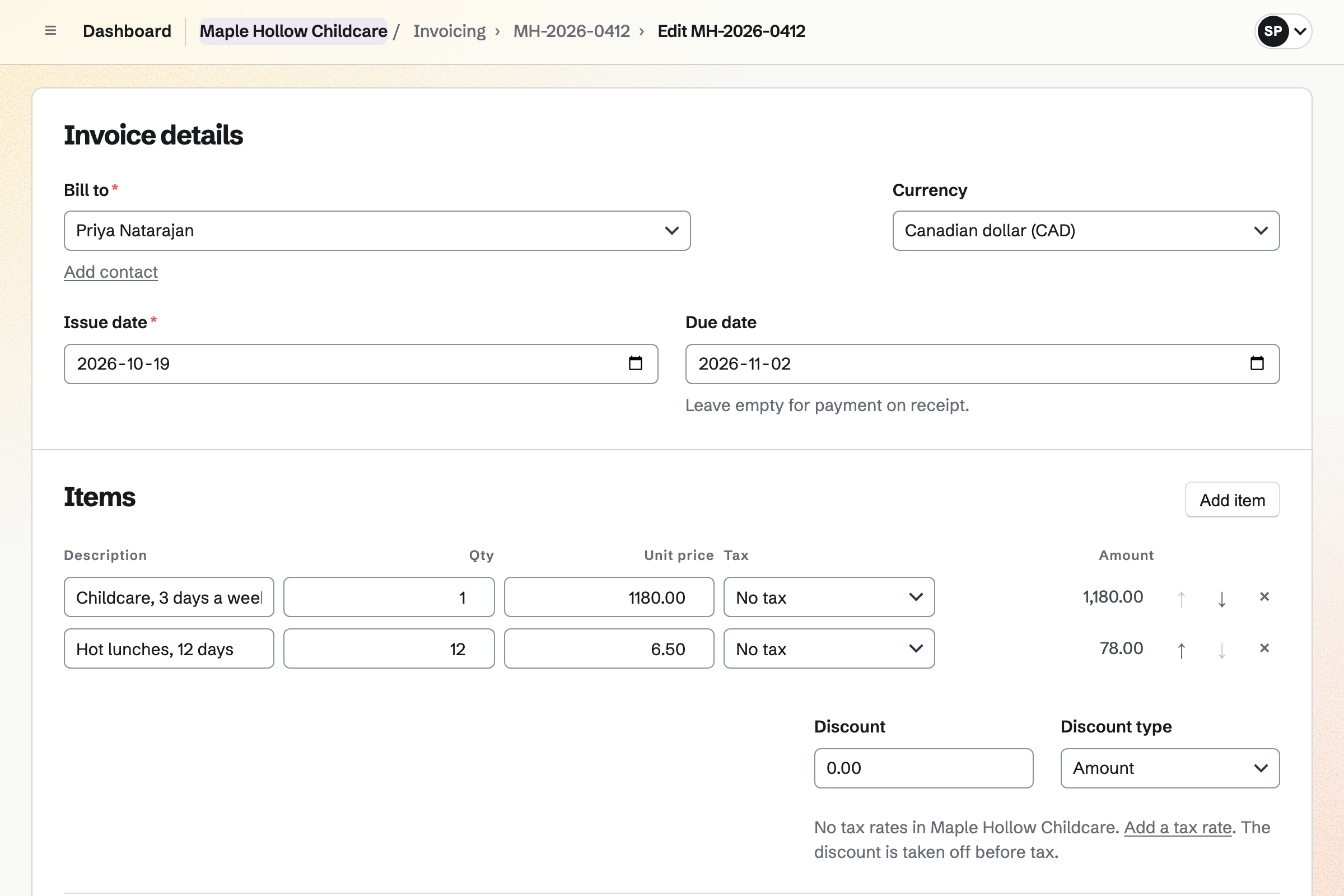
Invoicing bills each family's fees. A recurring invoice is issued and emailed with the same lines each month. Extras, such as a late pick-up, go on an invoice of their own.
Families pay by card from the email, into your Stripe account. Magpie adds no fee to invoice payments.
Newsletter keeps the parents' mailing list, with double opt-in on its sign-up page. A list can be brought in from a CSV file.
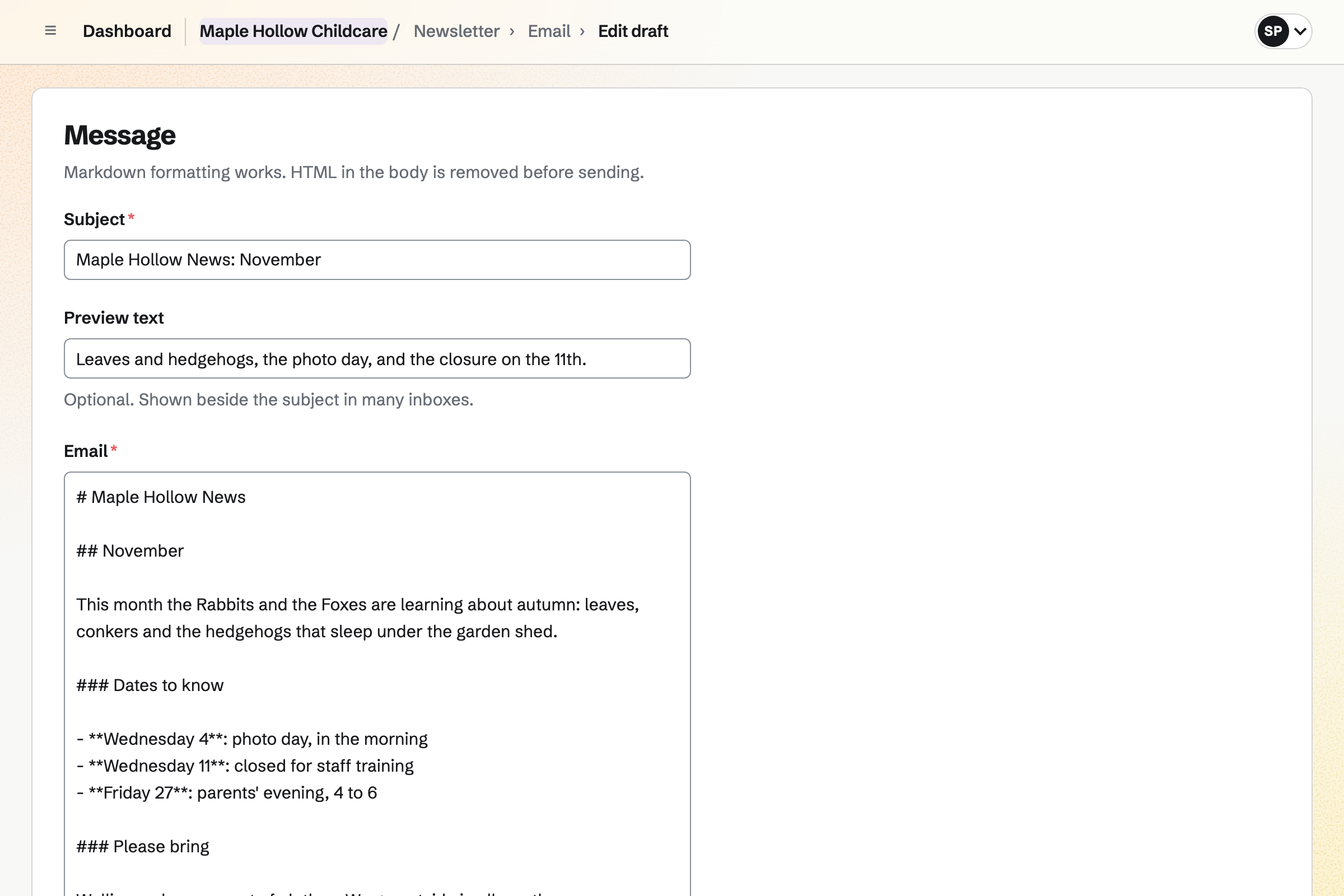
You write each issue, send yourself a test and schedule it. Each issue's page counts the copies delivered.
The family fills in the form, with allergies and the days wanted.
A note and a follow-up go on the family's contact.
Each room's shifts go to staff with the right qualifications.
The opening check, readings and closing are ticked off.
The month's invoice goes out on the same day.
You add paediatric first aid and the rest, and which positions need them. Help: Set up positions, locations and qualifications.
You keep the routines you want, and add your own. Help: Routines and checklists.
You choose its questions. Help: Build, publish, and share a form.
Families can then pay by card. Help: Connect Stripe to receive money.
A setting fits the Team plan, with each member of staff who works shifts a member. Families are not added to it.
Magpie adds no fee to invoice payments. Stripe's processing fee is taken from each card payment. Prices are on the Pricing page.
A teacher or a small school shares lessons and keeps parents informed.
A music or dance school runs classes, terms and recitals.
A nonprofit takes monthly support and runs its programmes.
Yes. A position can require a qualification, such as paediatric first aid. A shift for someone without it can be blocked, or flagged as a warning.
Yes. A qualification recorded on someone's profile can have an expiry date. A shift that ends after it is flagged.
Yes. A registration form asks your questions, such as the days wanted and allergies. You get an email for each registration.
Yes. A recurring invoice is issued and emailed on the same day each month. Families pay by card from the email.
Yes. Temperature checks can be turned on in Daily Operations. Each reading keeps who took it, and one out of range opens an incident.
Yes. A note can stay until each person has read it, or stand as an instruction. Notes show on the day's page.
Yes. Someone proposes a swap, and the colleague accepts or declines. You choose whether a swap also needs your approval.
Yes. Newsletter keeps the parents' list, with double opt-in. You write each issue, send yourself a test and schedule it.
Yes. Hiring gives each job its own page and application form. Every applicant comes into one list, with stages and scorecards.
Create a Magpie account and make a team for the setting.