Wedding and event planners
An event planner runs weddings and parties for clients.
Conference, workshop and festival organizers (small)
The organizing team works in one Magpie team. Attendees, speakers and sponsors use the forms and pages you publish.
Get started free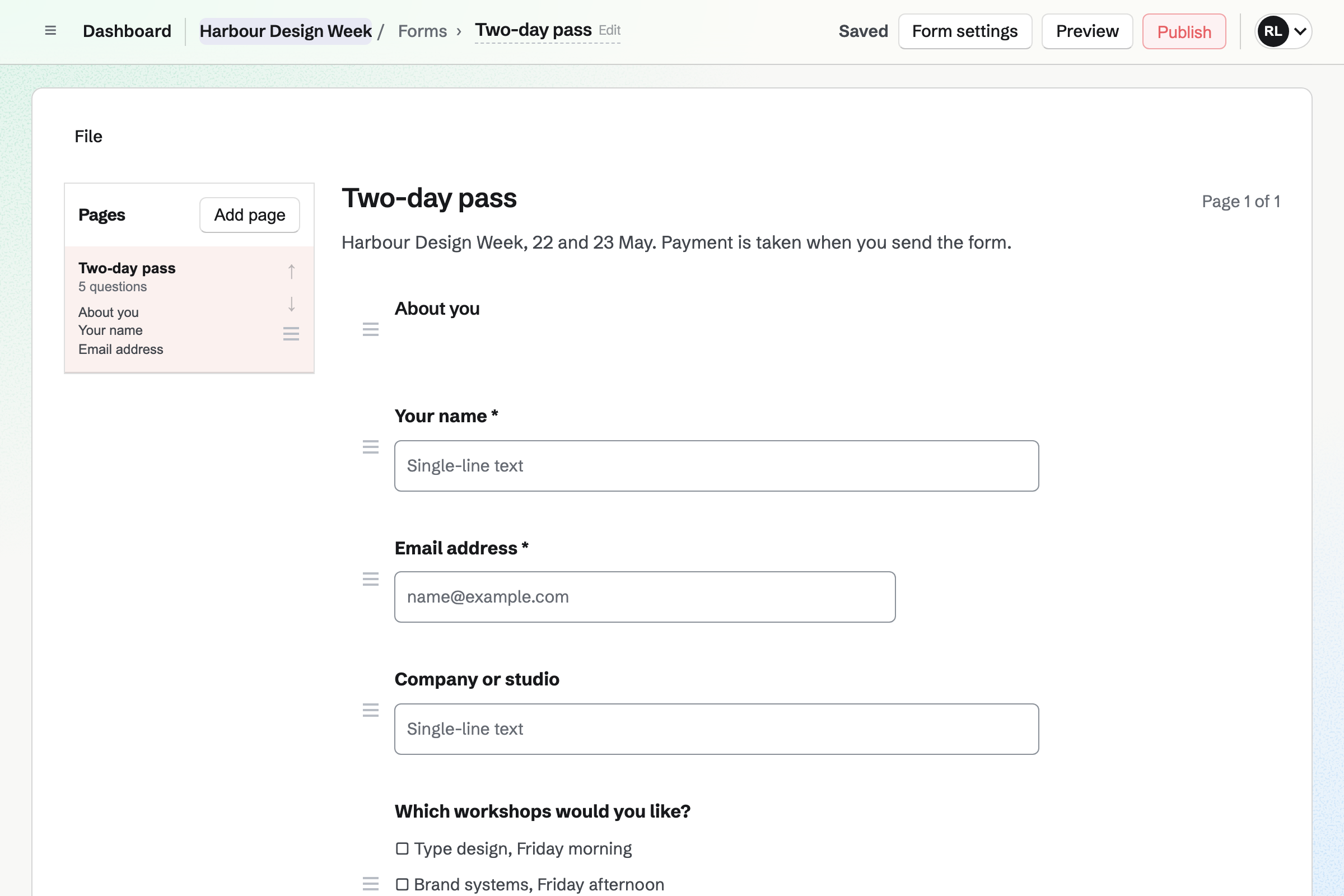
Forms builds the registration form with the questions you choose, such as workshops and dietary needs. A paid form charges one price for every response, so each pass has its own form.
People pay by card through Stripe, into your own account. Every registration comes into one list you can export.
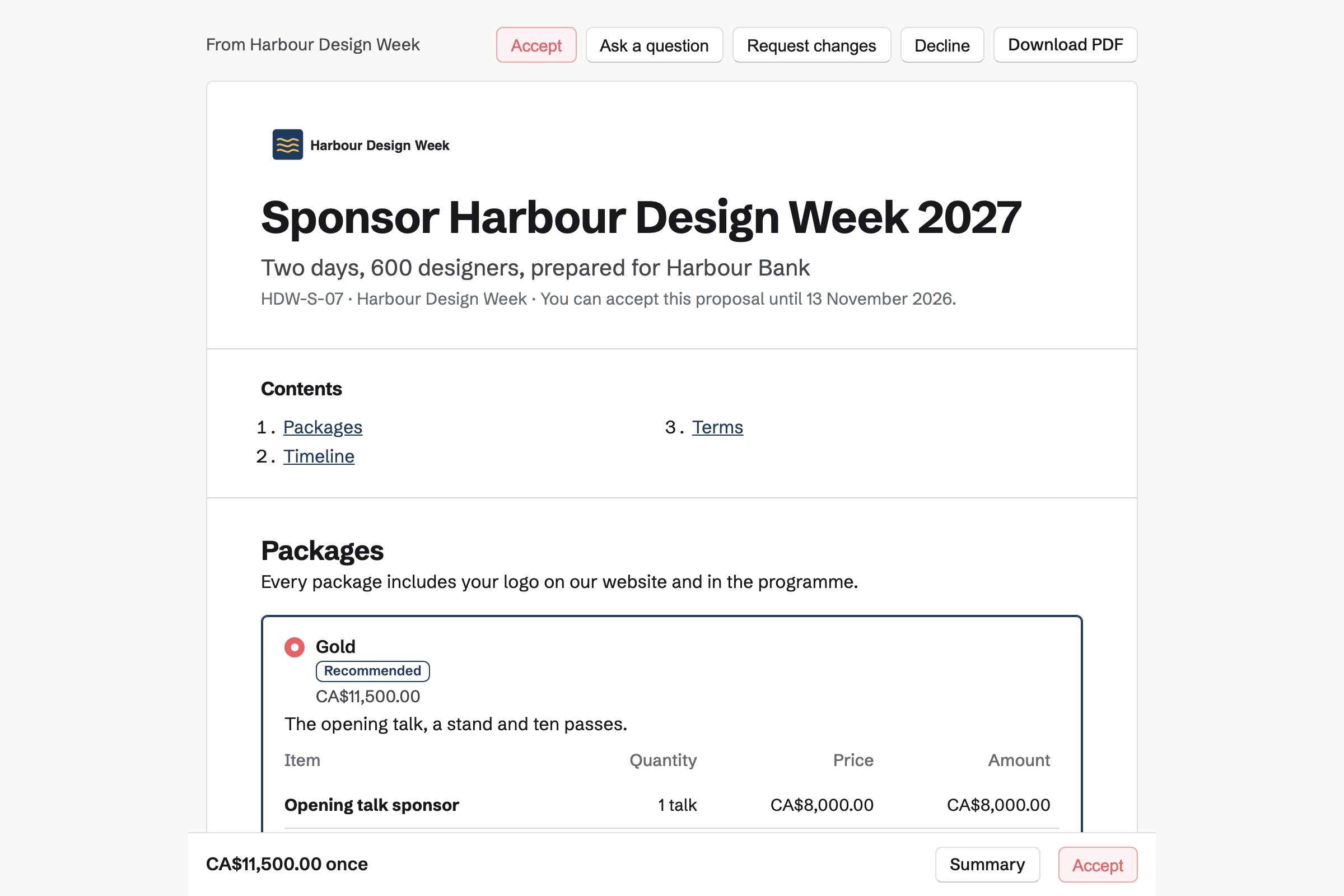
Proposals sends each sponsor their offer, with packages such as Gold, Silver and Community. You can see each time the proposal is opened.
The sponsor signs and pays the first half by card. You bill the second half when you are ready.
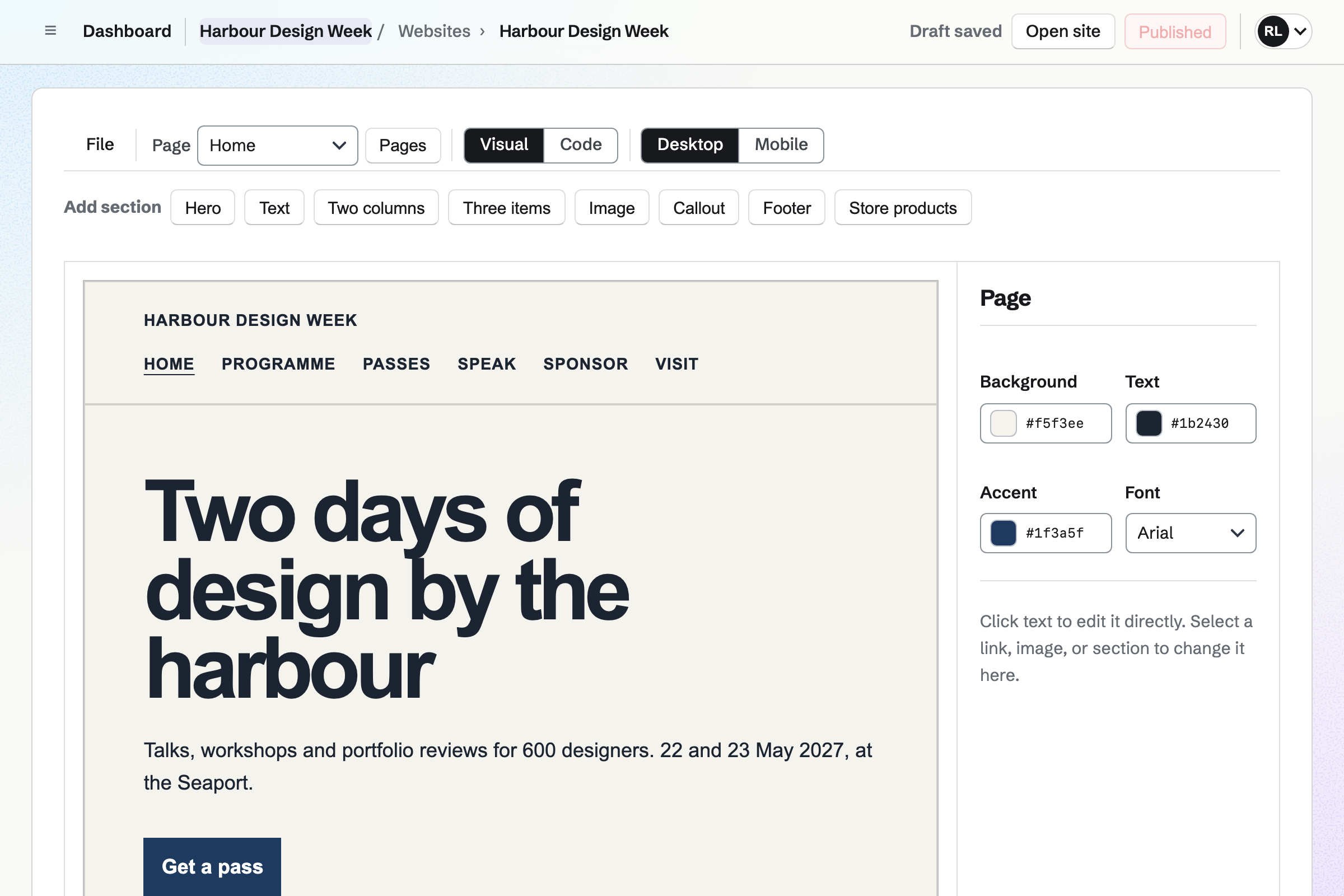
Websites is Magpie's site editor. The site is built from sections, such as the dates and the passes. You change the words by clicking them.
The site can be at your own domain, and a button can open each registration form.
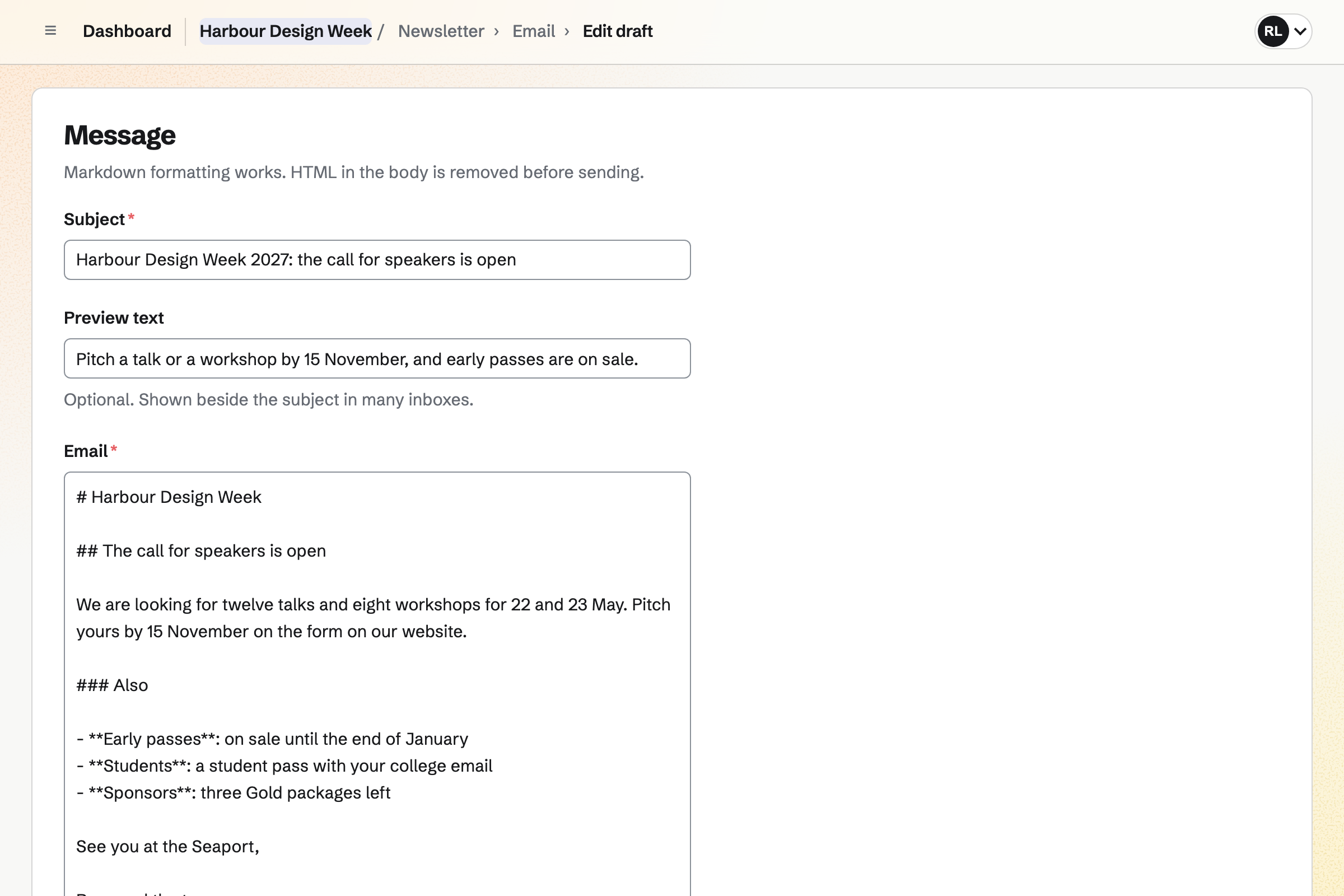
Newsletter keeps your mailing list, with double opt-in on its sign-up page. You write each issue, send yourself a test and schedule it.
A sent issue has a web copy, which can start a social media post. The newsletter's page counts the subscribers and the copies delivered.
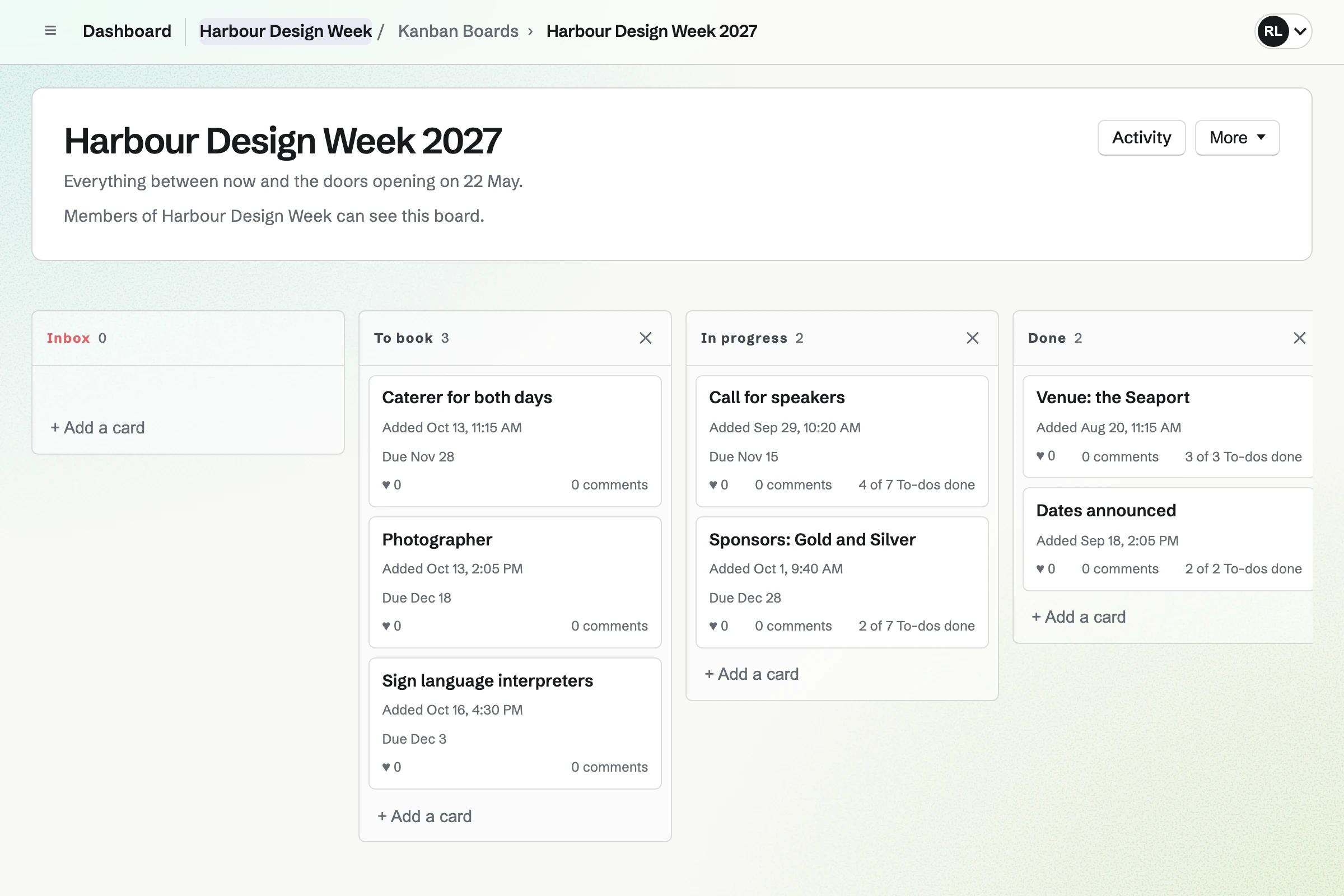
Kanban Boards holds the plan as cards, such as the caterer and the sponsors. Each card has an assignee, a due date and To-dos.
Comments and files stay on the card, so nothing is lost in email.
Calendar holds free events, such as a launch evening or a speakers' dinner. Each one can take RSVPs up to a capacity. Its page then says it is full.
You can invite people by email, or share a link with a set number of uses.
Speakers pitch a talk on a form, announced in the newsletter.
Sponsors choose a package, sign and pay the first half.
People register and pay on each pass's form.
The caterer, the photographer and the rest move across the board.
A QR code on the posters opens the programme.
You connect your Stripe account for passes and sponsors. Help: Connect Stripe to receive money.
You choose its questions and price. Help: Require payment for a Form response.
You start from the starter design. Help: Build and publish a website.
You set out the packages once. Help: Prices, packages and payments in a proposal.
An organizing team fits the Team plan, with each organizer a member. Attendees, speakers and sponsors are not added to it.
Magpie's fee on a paid Form is 1% of each payment. Sponsors' invoice payments carry no Magpie fee. Stripe's processing fee is taken from each card payment. Prices are on the Pricing page.
An event planner runs weddings and parties for clients.
A community group lists events, signs up volunteers and talks on a board.
A nonprofit takes monthly support and runs its programmes.
Yes. A paid form takes the payment as it is sent, through Stripe Checkout. Each form has one price, so each pass has its own form.
Yes. A form can ask any questions you choose, such as workshops and dietary needs. The answers come into one list you can export.
Yes. A sponsorship proposal can offer packages, and the sponsor chooses one as they accept. They sign and pay the first payment by card.
Yes. A form started from Application form takes each pitch, with a File question for slides. Every pitch comes into one list.
Yes. The editor builds pages from sections, such as the passes and the programme. The site can be at your own domain.
Yes. A Calendar event takes RSVPs up to the capacity you set. Its page then says it is full.
Yes. QR Codes makes a code for a published form or the event's site, ready to print.
Create a Magpie account and make a team for the event.